
導入
The Geeni Lighthawk Smart Floodlight Camera is an advanced outdoor surveillance device designed to provide security and illumination. It features Ultra-HD video recording, powerful LED floodlights, motion detection, two-way audio communication, and a built-in siren. This manual provides detailed instructions for the installation, operation, and maintenance of your Geeni Lighthawk camera.
主な特徴
- Ultra-HD 3MP Video & Dual-Band Wi-Fi: Records in 3MP (2304 x 1296) resolution for clear video. Supports both 2.4GHz and 5GHz Wi-Fi networks for stable connectivity.
- 1800-Lumen Lighting: Integrated LED floodlights provide 1800 lumens of brightness, activating automatically upon motion detection.
- Smart Motion Alerts & Siren: Sends instant notifications to your smartphone when motion is detected up to 8 meters away. Features a built-in siren for deterrence.
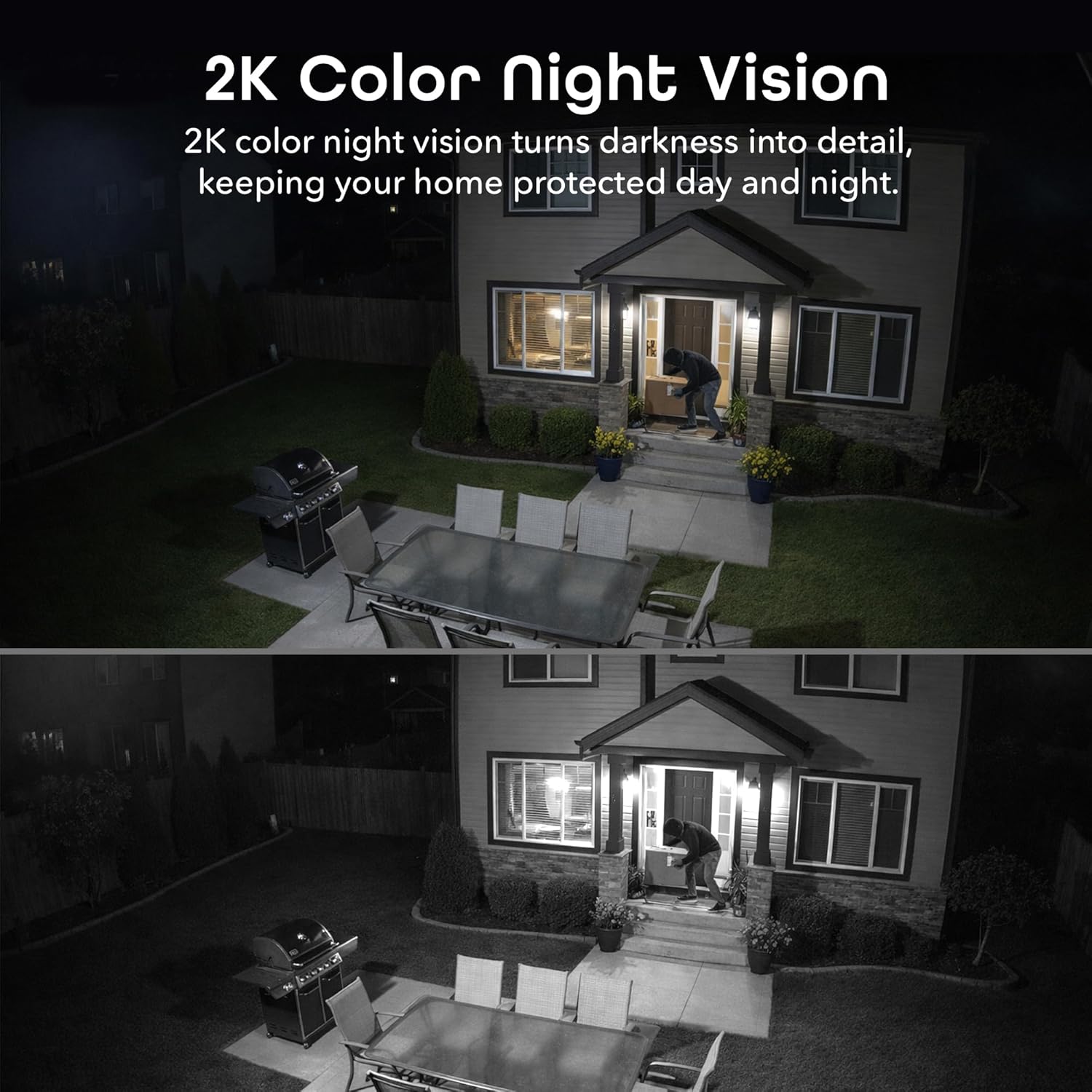
- Two-Way Audio & Night Vision: Enables communication through a built-in microphone and speaker. Offers enhanced night vision for clear visibility up to 8 meters (26ft) in darkness.
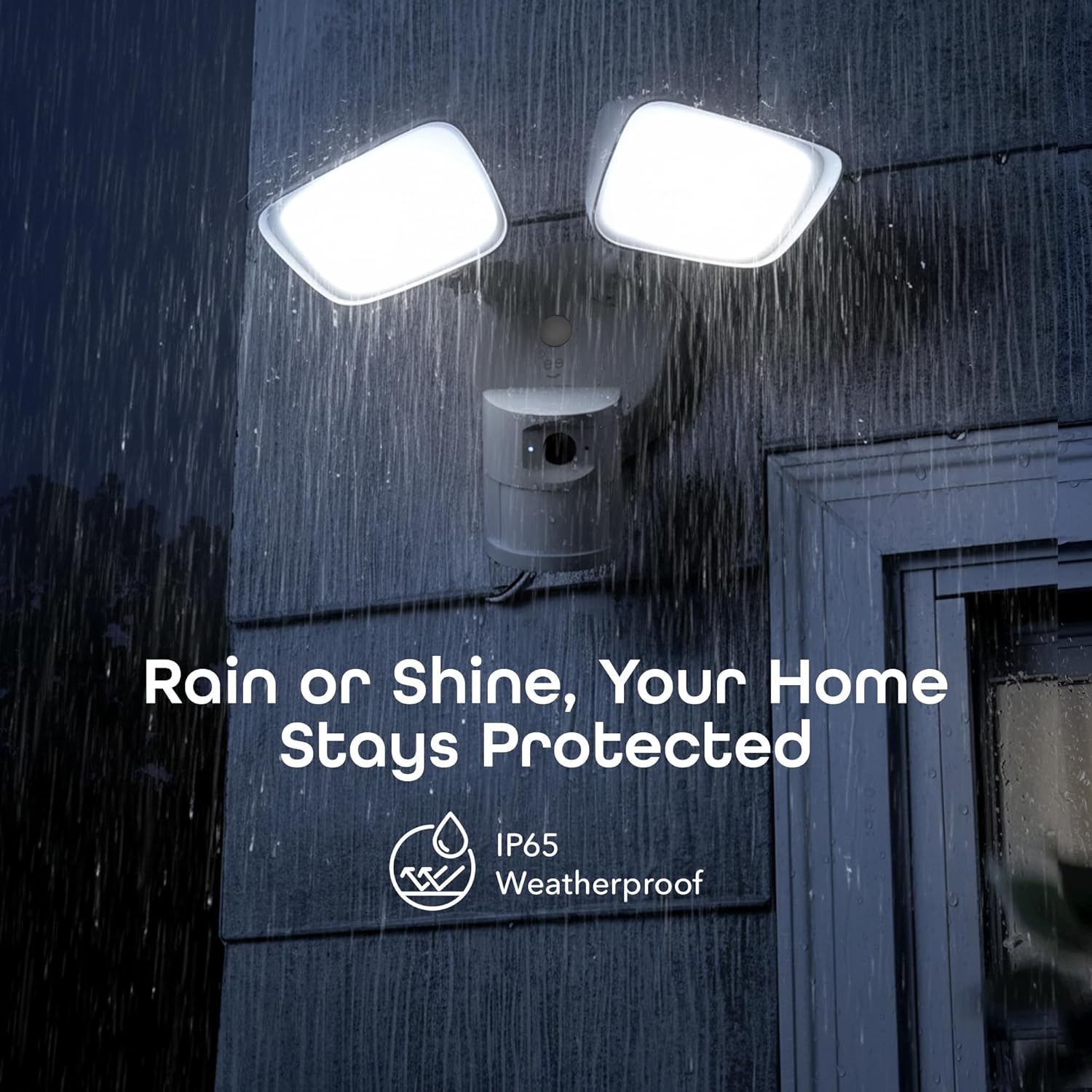
- IP65 Weatherproof & Local Storage: Durable IP65-rated housing protects against dust and heavy rain. Supports local storage via a microSD card up to 256GB (card not included).

含まれるもの
The Geeni Lighthawk Smart Floodlight Camera package typically includes the following items:
- Geeni Lighthawk Smart Floodlight Camera
- 取扱説明書
- 取り付けネジとハードウェア
セットアップガイド
1. 安全第一
- Ensure the power to the installation area is turned off at the circuit breaker before beginning any electrical work.
- 電気配線について不明な点がある場合は、資格のある電気技師に相談してください。
2. インストールの準備
- Choose a suitable outdoor location for your floodlight camera, such as a wall or eave, ensuring it covers the desired surveillance area.
- The camera is hardwired, requiring an existing electrical junction box.
- Gather necessary tools: screwdriver, wire nuts, electrical tape, and a ladder if needed.
3. 物理的な設置
- ブレーカーで電源をオフにします。
- Remove your existing light fixture from the junction box.
- 付属のネジを使用して、取り付けブラケットをジャンクションボックスに取り付けます。
- Connect the camera's wires to your home's electrical wires (typically black to black, white to white, and ground to ground) using wire nuts. Secure connections with electrical tape.
- Mount the floodlight camera to the mounting bracket, ensuring a secure fit.
- Adjust the floodlight heads and camera angle to cover your desired area.
- 回路ブレーカーで電源を復旧します。
4.アプリ接続
- Download the Geeni app from your smartphone's app store.
- アカウントを作成するか、ログインしてください。
- Follow the in-app instructions to add your Geeni Lighthawk camera. This typically involves scanning a QR code on the device or manually selecting it from a list.
- Ensure your Wi-Fi network is active and accessible. The camera supports both 2.4GHz and 5GHz bands for flexible connection.

操作手順
ライブ View 録音
- Open the Geeni app and select your Lighthawk camera to view ライブフィード。
- You can manually initiate video recording or capture screenshots directly from the live view インタフェース。
動きの検出とアラート
- Configure motion detection sensitivity and activity zones within the Geeni app settings.
- 動きが検出されると、スマートフォンですぐにプッシュ通知を受け取ります。
- The 1800-lumen floodlights will automatically activate upon motion detection, illuminating the area.
双方向オーディオ
- Use the two-way audio feature in the app to speak to visitors or deter unwanted guests.
- The built-in microphone and speaker allow for clear communication.

Night Vision and Floodlight Control
- The camera provides enhanced night vision for clear monitoring in low-light conditions.
- The floodlights can be set to activate automatically with motion or controlled manually through the app.
ローカルストレージ
- Insert a microSD card (up to 256GB, not included) into the designated slot for continuous local recording.
- 記録された foo にアクセスするtage directly from the Geeni app without requiring a subscription.

音声コントロール
- The Geeni Lighthawk camera is compatible with voice assistants like Amazon Alexa and Google Assistant.
- Link your Geeni account to your voice assistant app to enable commands such as "Alexa, show me the driveway."

メンテナンス
- クリーニング: カメラのレンズと投光器のカバーを定期的に柔らかくて乾いた布で拭いてください。amp 布で埃やゴミを拭き取ってください。研磨剤入りの洗剤は使用しないでください。
- ファームウェアの更新: Ensure your camera's firmware is up to date through the Geeni app to benefit from the latest features and security enhancements.
- 接続チェック: Regularly check the physical wiring connections and Wi-Fi signal strength to ensure optimal performance.
トラブルシューティング
| 問題 | 考えられる解決策 |
|---|---|
| カメラがWi-Fiに接続できない | Ensure your Wi-Fi password is correct. Verify the camera is within range of your router. Try connecting to both 2.4GHz and 5GHz networks if available. Restart your router and the camera. |
| Motion alerts are inconsistent or delayed | Adjust motion detection sensitivity in the app. Ensure there are no obstructions in the camera's field of view. Check your Wi-Fi signal strength at the camera's location. Ensure app notifications are enabled on your smartphone. |
| ビデオ品質が悪い | Check your Wi-Fi connection speed. Ensure the camera lens is clean and free from smudges or dirt. Verify the camera's resolution settings in the app. |
| Two-way audio is unclear or has delay | Ensure your internet connection is stable. Reduce background noise near the camera and your smartphone. Check the volume settings in the app. |
| 投光器が作動しない | Check motion detection settings and schedules in the app. Ensure the ambient light sensor is not obstructed. Verify power supply to the unit. |
仕様
| 特徴 | 詳細 |
|---|---|
| ブランド | ジーニー |
| モデル名 | GNC-CW100-199 |
| 接続技術 | ワイヤレス(Wi-Fi) |
| ビデオキャプチャ解像度 | 3MP (2304 x 1296), 2K |
| 照明出力 | 1800ルーメン |
| 暗視範囲 | 最大8メートル(26フィート) |
| 動体検知範囲 | 最大8メートル |
| Wi-Fi周波数 | 2.4GHz & 5GHz デュアルバンド |
| 耐候性評価 | IP65 |
| ローカルストレージ | 最大256GBのmicroSDカード(別売) |
| 電源 | Hardwired (No Batteries Required) |
| 対応デバイス | Smart Display, Smartphone, Tablet |
| 取り付けタイプ | 壁掛け |
| アイテムの寸法 | 29 x 15.5 x 22センチメートル |
| 原産国 | 中国 |
保証とサポート
For warranty information and technical support, please refer to the official Geeni website or contact Geeni customer service directly. Keep your purchase receipt for warranty claims. Support resources, including FAQs and troubleshooting guides, are often available online.