1. はじめに
This manual provides essential instructions for the installation, operation, and maintenance of the Generic AMX-MT070IE Touch Panel. This industrial touch screen is designed for integration with various Programmable Logic Controllers (PLCs) and features Ethernet connectivity for reliable communication. Please read this manual thoroughly before using the device to ensure proper functionality and safety.
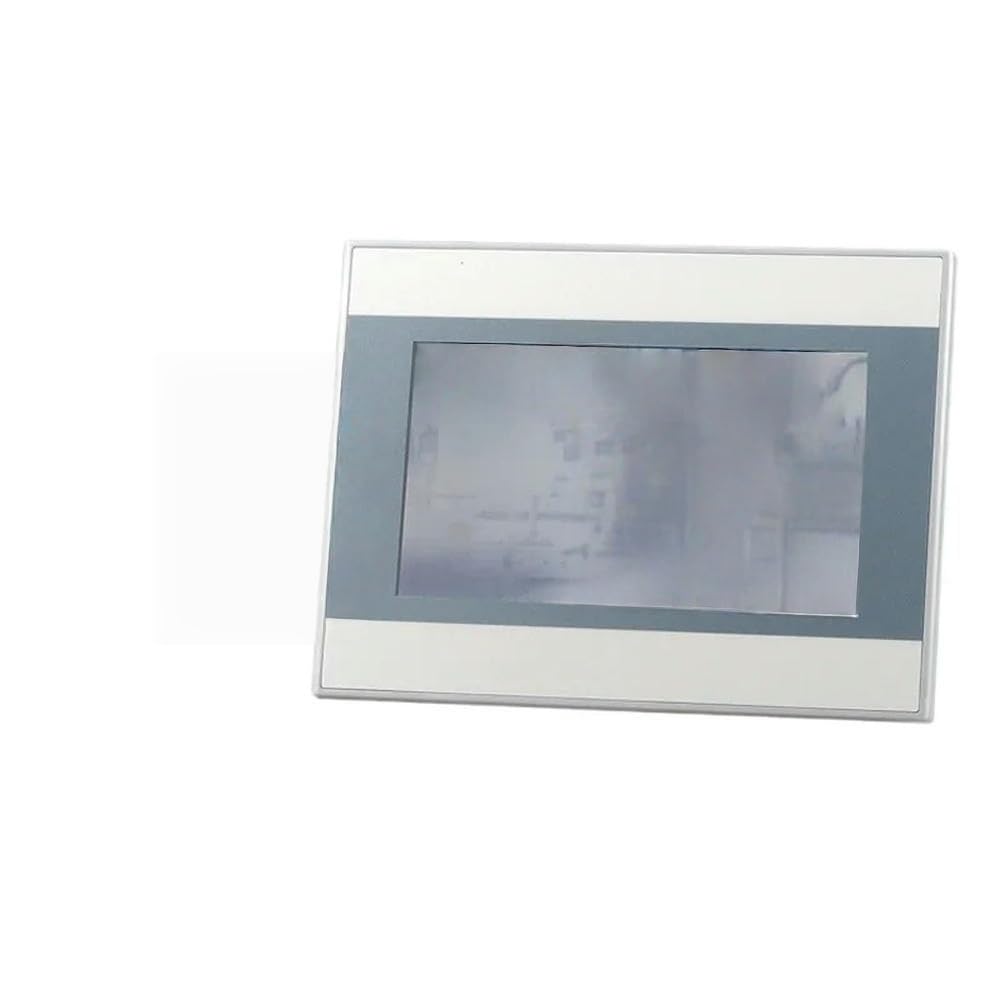
この画像は正面を示しています view of the AMX-MT070IE Touch Panel, highlighting its screen and overall design. The panel is designed for industrial applications, featuring a robust build suitable for various PLC systems.
2. セットアップ
Follow these steps to set up your AMX-MT070IE Touch Panel:
- 開梱: Carefully remove the touch panel from its packaging. Inspect for any visible damage. Report any damage to your supplier immediately.
- 取り付け: Securely mount the touch panel in the desired location using appropriate mounting hardware (not included). Ensure adequate ventilation around the unit.
- 電源接続: Connect the power supply to the designated power input port on the touch panel. Ensure the power source matches the panel's voltag要件。
- イーサネット接続: Connect an Ethernet cable from your network or PLC to the Ethernet port on the touch panel.
- その他の接続: If applicable, connect any other necessary cables (e.g., serial communication, USB) to their respective ports.
- 電源オン: Once all connections are secure, apply power to the touch panel. The device should initiate its boot sequence.
3. 操作手順
The AMX-MT070IE Touch Panel is designed for intuitive operation. Here are general guidelines:
- 初期ブート: Upon powering on, the panel will display a boot screen followed by the configured application interface.
- タッチインターフェイス: Interact with the panel using light touches. Avoid excessive force.
- ナビゲーション: Navigate through menus and screens by tapping on buttons or icons displayed on the screen.
- データ入力: For data input fields, a virtual keyboard may appear. Tap on characters to enter data.
- システム設定: Access system settings (if available in your application) to configure network parameters, display brightness, or other device-specific options. Refer to your application's documentation for details.
4. メンテナンス
Regular maintenance ensures the longevity and optimal performance of your touch panel:
- 画面の掃除: 柔らかく糸くずの出ない布で軽く拭き取ってください。ampened with a non-abrasive, ammonia-free cleaner. Do not spray cleaner directly onto the screen.
- Cのクリーニングasing: cを拭くasin乾燥した、またはわずかにdのgamp 布。刺激の強い化学物質は避けてください。
- 環境条件: 損傷を防ぐために、動作環境が指定された温度と湿度の範囲内であることを確認してください。
- ファームウェアの更新: Periodically check for firmware updates from the manufacturer or your system integrator. Follow update instructions carefully.
- 電源サイクル: If the device becomes unresponsive, perform a controlled power cycle by turning off the power, waiting 10 seconds, and then turning it back on.
5。 トラブルシューティング
If you encounter issues with your AMX-MT070IE Touch Panel, refer to the following common problems and solutions:
| 問題 | 考えられる原因 | 解決 |
|---|---|---|
| パネルの電源が入りません。 | No power supply, faulty cable, or power adapter. | Check power connections. Ensure power adapter is functional. Verify power outlet. |
| タッチスクリーンが反応しません。 | Software freeze, calibration issue, or physical damage. | Perform a power cycle. If issue persists, check for calibration options in system settings or contact support. |
| ネットワーク接続がありません。 | Loose Ethernet cable, incorrect network settings, or network device issue. | Verify Ethernet cable is securely connected. Check network settings on the panel. Test network cable with another device. |
| ディスプレイが暗くなったり、ちらついたりします。 | Brightness settings, power issue, or hardware fault. | Adjust brightness settings. Ensure stable power supply. If problem continues, contact support. |
これらの解決策を試しても問題が解決しない場合は、テクニカル サポートにお問い合わせください。
6. 仕様
Key specifications for the Generic AMX-MT070IE Touch Panel:
- メーカー: ジェネリック
- ASIN: B0G5243CPW
- 商品モデル番号: 7853444981472
- 発売日: 4年2025月XNUMX日
- 接続性: Ethernet (specifics depend on model variant)
- 表示サイズ: Available in 4.3, 7, and 10 inch variants (this model is AMX-MT070IE, typically indicating a 7-inch display)
- 応用: Designed for use with PLCs and industrial control systems.
7. 保証情報
This Generic AMX-MT070IE Touch Panel is covered by a standard manufacturer's warranty against defects in materials and workmanship. The specific duration and terms of the warranty may vary by region and retailer. Please retain your proof of purchase for warranty claims.
For detailed warranty information, refer to the documentation provided at the time of purchase or contact your supplier.
8. テクニカルサポート
For technical assistance, troubleshooting beyond this manual, or warranty inquiries, please contact your product supplier or the manufacturer's support channels.
サポートに連絡する際は、次の情報を用意してください。
- モデル番号: 7853444981472
- この件についての説明
- Steps taken to resolve the issue
- 購入日