
導入
Thank you for choosing the CCYLEZ 2.4G Wireless Keyboard and Mouse Combo. This manual provides essential information for setting up, operating, and maintaining your new wireless peripheral set. Please read these instructions carefully before use to ensure optimal performance and longevity of your product.
パッケージ内容:
- 1 xワイヤレスキーボード
- 1 xワイヤレスマウス
- 1 x USBレシーバー
- ユーザーマニュアル x 1
安全情報
次の安全ガイドラインを遵守してください。
- デバイスを水、湿気、極端な温度から遠ざけてください。
- ご自身でデバイスの分解や修理を試みないでください。修理が必要な場合は、資格のある担当者にご連絡ください。
- Use only AA batteries (not included) of the correct type and insert them with the correct polarity.
- デバイスを長期間使用しない場合は、電池を取り外してください。
- 地域の規制に従ってバッテリーを廃棄してください。
設定
The CCYLEZ 2.4G Wireless Keyboard and Mouse Combo features a plug-and-play design, requiring no complex driver installation.
バッテリーの取り付け:
- キーボードとマウスの両方の下側にある電池ボックスを見つけます。
- 電池ケースのカバーを開きます。
- 正しい極性 (+/-) を確認して、キーボードに AA 電池 1 本、マウスに AA 電池 1 本を挿入します。
- 電池収納部のカバーをしっかりと閉めてください。

図1: Mouse battery compartment and receiver storage.

図2: Keyboard battery compartment.
受信機の接続:
- 通常、マウスの電池ボックス内に保管されている USB レシーバーを見つけます。
- USB レシーバーをコンピューター (PC、ラップトップなど) の使用可能な USB ポートに接続します。
- オペレーティングシステムは必要なドライバーを自動的に検出し、インストールします。この処理には数分かかる場合があります。
- Once recognized, the keyboard and mouse are ready for use.

図3: The shared USB receiver for both keyboard and mouse.
操作手順
2.4Gワイヤレス接続:
The keyboard and mouse utilize stable 2.4G wireless technology, providing a reliable connection up to 10 meters (approximately 33 feet) from the USB receiver. This allows for flexible placement and use without the constraints of wired connections.
インテリジェント スリープ モード:
To conserve battery life, both the keyboard and mouse are equipped with an intelligent sleep mode. If there is no activity for 36 seconds, the devices will enter a low-power standby state. To wake them up, simply move the mouse or press any key on the keyboard. This feature helps to extend battery life and reduces the frequency of battery replacement.
人間工学に基づいたデザイン:
The keyboard features a high-low key layout, designed to conform to the natural shape of your hand. This ergonomic design aims to provide a comfortable typing experience, even during prolonged use.
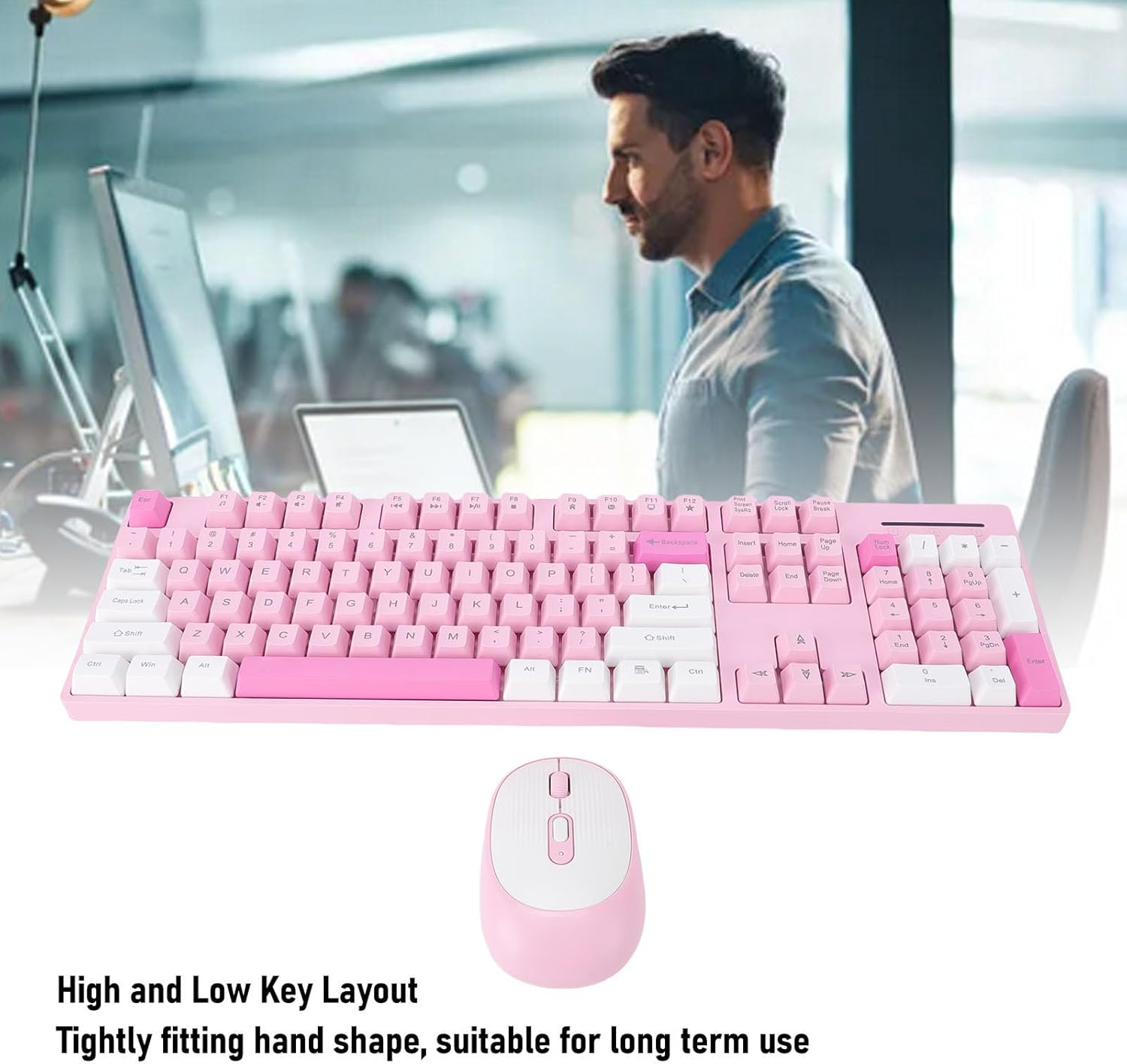
図4: Keyboard with high and low key layout for ergonomic comfort.
調整可能なマウスDPI:
The wireless mouse offers three levels of adjustable DPI (Dots Per Inch) settings: 800, 1200, and 1600. This allows you to customize the mouse sensitivity to suit your preferences for different tasks, such as precise work or faster navigation. To change the DPI, press the DPI button located on the top of the mouse, usually near the scroll wheel. Each press cycles through the available DPI settings.
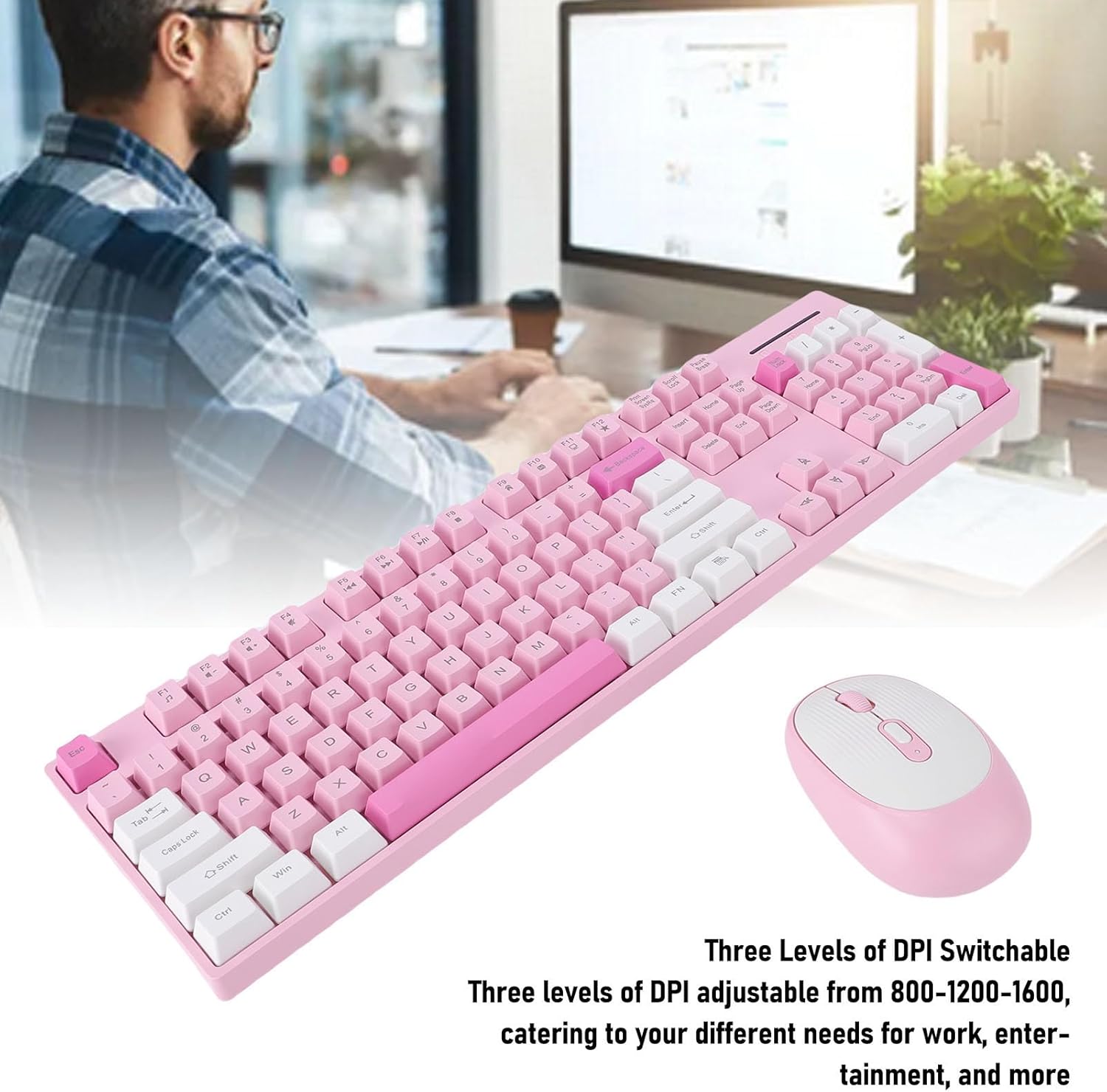
図5: Mouse with adjustable DPI settings.
Durable Key Characters:
The characters on the keyboard keys are engraved, ensuring they are resistant to wear and damage. This design choice helps prevent fading over time, maintaining readability and the aesthetic appeal of the keyboard for long-lasting use.
メンテナンス
To ensure the longevity and optimal performance of your wireless keyboard and mouse, follow these maintenance tips:
- クリーニング: キーボードとマウスの表面は、柔らかく乾いた布で拭いてください。頑固な汚れには、軽く湿らせた布で拭いてください。amp 液体がデバイス内に入らないように、中性洗剤を含ませた布を使用してください。
- ほこりの除去: 圧縮空気を使用して、キーボードのキーの間やマウス センサーの周囲からほこりやゴミを取り除きます。
- バッテリー交換: Replace batteries when performance degrades or when the low battery indicator (if present) illuminates. Always use fresh AA batteries.
- ストレージ: When not in use for extended periods, store the devices in a cool, dry place and remove the batteries to prevent leakage.
トラブルシューティング
If you encounter issues with your CCYLEZ Wireless Keyboard and Mouse Combo, please refer to the following common solutions:
デバイスが応答しない:
- バッテリーを確認してください: Ensure that fresh AA batteries are correctly installed in both the keyboard and mouse.
- 電源オン: Verify that the power switch on the mouse (usually on the underside) is in the 'ON' position. The keyboard typically does not have a separate power switch, relying on battery insertion.
- USBレシーバー: USBレシーバーがコンピューターの正常に動作するUSBポートにしっかりと接続されていることを確認してください。必要に応じて別のUSBポートを試してください。
- 距離: Make sure the keyboard and mouse are within the 10-meter operating range of the USB receiver and that there are no significant obstructions.
- 干渉: Other wireless devices operating on the 2.4GHz frequency might cause interference. Try moving the receiver or the devices away from other wireless equipment.
遅延または断続的な接続:
- バッテリー残量: Low batteries can cause intermittent connection or lag. Replace them with fresh ones.
- USBポート: Try plugging the USB receiver into a different USB port, preferably a direct port on the motherboard (for desktops) or a port on the opposite side of your laptop.
- 環境要因: Large metal objects, walls, or other wireless signals can affect the connection. Try to minimize these factors.
マウスカーソルがジャンプしたり不正確になる:
- 表面: Ensure the mouse is used on a clean, non-reflective, and uniform surface. Avoid glass or highly reflective surfaces.
- センサーの清浄度: マウスの裏側にある光学センサーにほこりやゴミが付着していないか確認し、丁寧に掃除してください。
- DPI設定: Adjust the DPI setting using the DPI button on the mouse to see if a different sensitivity improves accuracy.
仕様
| ブランド | CCYLEZ |
| モデル | タイプ1 |
| 接続モード | ワイヤレス2.4G |
| キーボードキー | 104キー |
| マウスボタン | 4キー |
| マウスのDPI設定 | 800、1200、1600(調整可能) |
| 電池のタイプ | 1 x AA Battery for Keyboard, 1 x AA Battery for Mouse (not included) |
| 材料 | アブソリュート |
| 対応デバイス | PC, Laptop, Computer |
| 特集 | Intelligent Sleep Mode, Ergonomic Design, Engraved Key Characters |
保証とサポート
This CCYLEZ product is covered by a manufacturer warranty for 90 days from the date of purchase. This warranty covers defects in materials and workmanship under normal use.
For warranty claims or technical support, please refer to the contact information provided with your purchase or visit the official CCYLEZ webサイトでご確認ください。保証の有効性を確認するため、購入証明書を保管してください。