
導入
Welcome to the user manual for your new TABWEE T50 11-inch Android Tablet. This guide provides essential information on setting up, operating, maintaining, and troubleshooting your device. The TABWEE T50 combines the latest Android 16 system with Gemini AI for a fast, intelligent, and smooth user experience. It features an Unisoc T7250 Octa-Core processor, 24GB RAM, 128GB ROM (expandable to 2TB), an 8000mAh battery, a 90Hz HD+ display, and 13MP rear and 8MP front cameras.
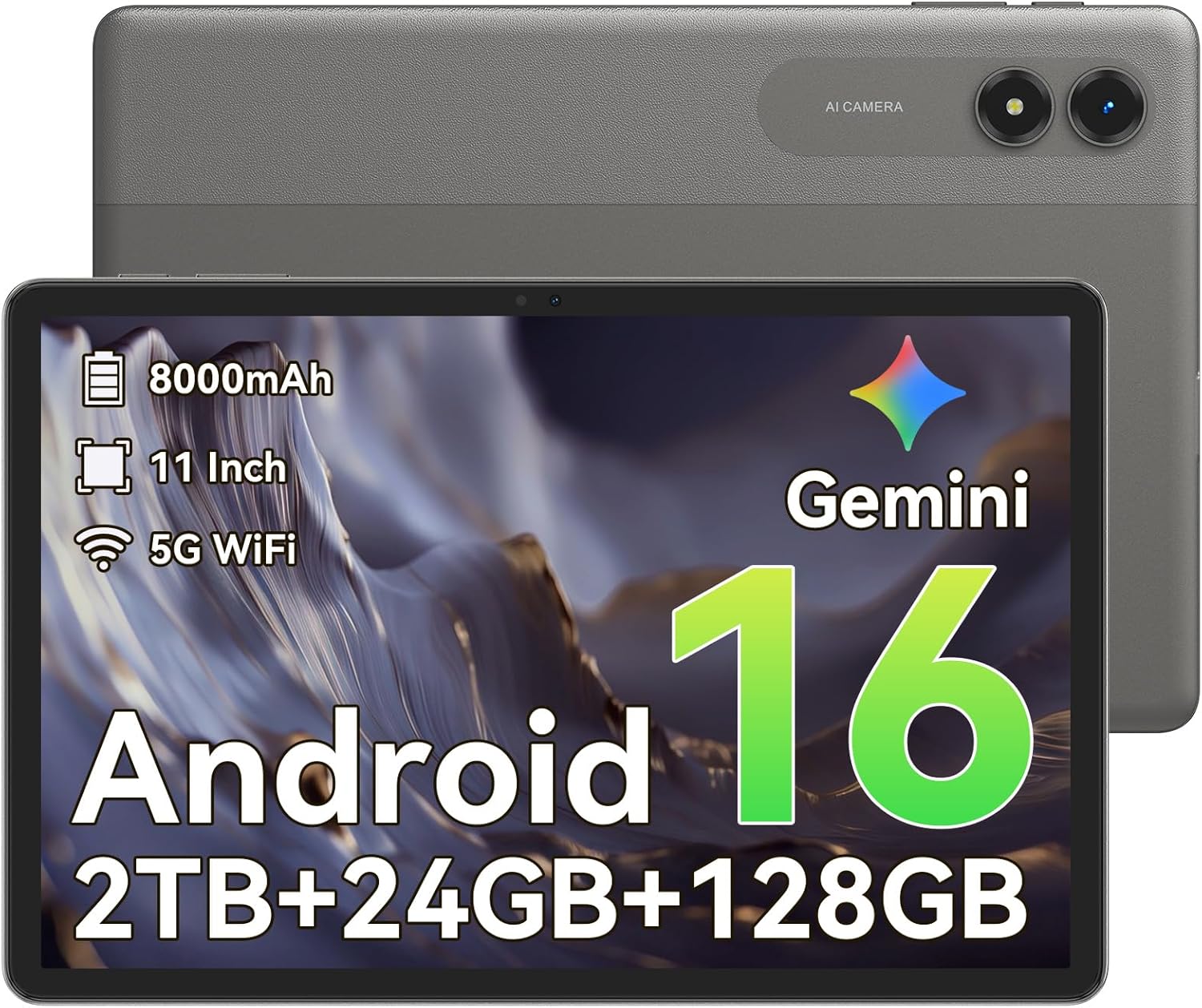
画像: 正面 view of the TABWEE T50 Tablet.
パッケージ内容
パッケージを開封したら、すべてのアイテムが揃っていることを確認してください。
- TABWEE T50タブレット
- USB充電ケーブル
- SIM取り出しツール
- クイックスタートガイド(本書)
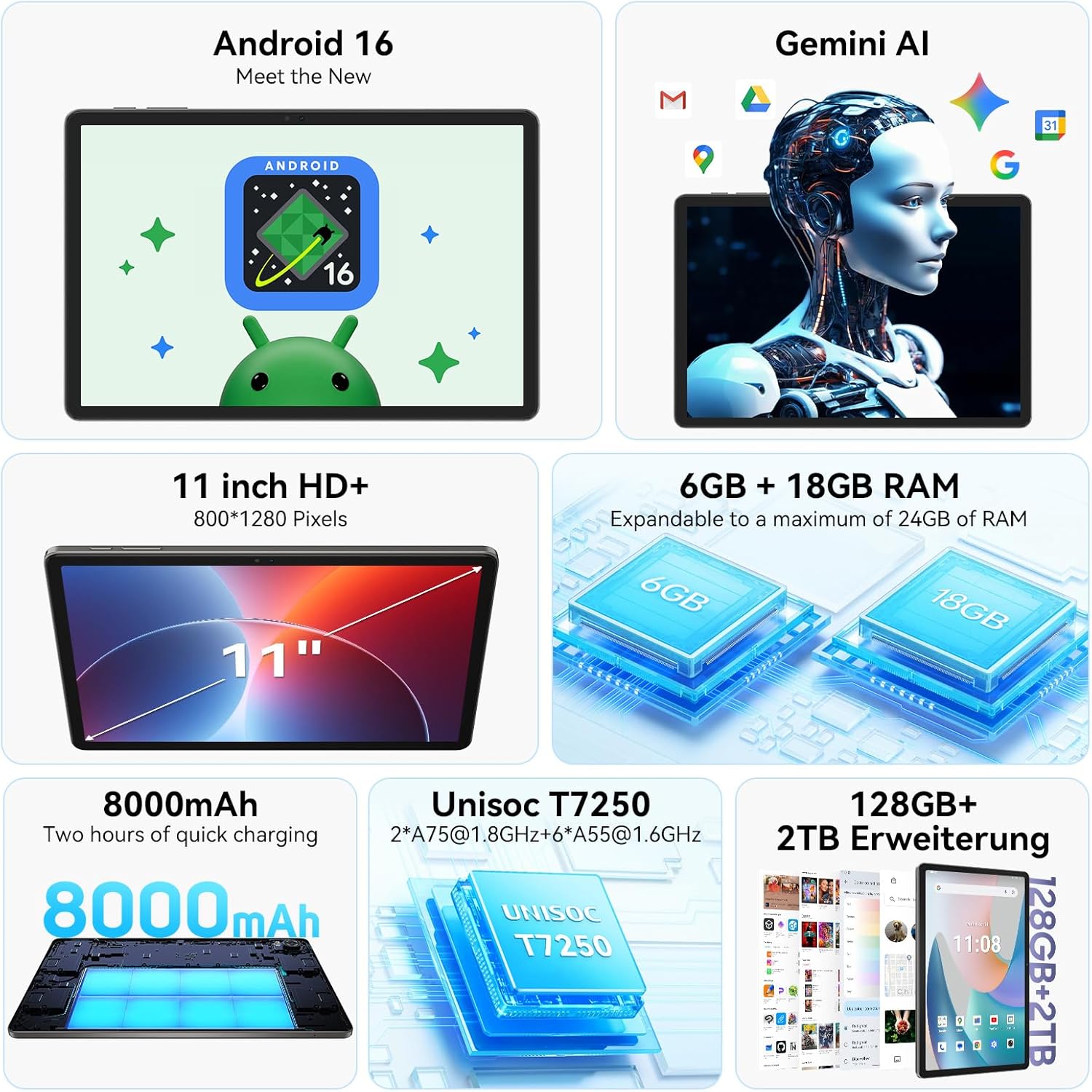
Image: The TABWEE T50 Tablet along with its standard accessories, including a charging cable and SIM ejector tool.
設定
1. 初期充電
Before first use, fully charge your TABWEE T50 Tablet.
- USB充電ケーブルをタブレットの充電ポートに接続します。
- ケーブルのもう一方の端を互換性のある USB 電源アダプター (付属していません) に接続し、電源コンセントに差し込みます。
- Allow the tablet to charge until the battery indicator shows 100%. This may take approximately 5 hours for a full charge.

Image: Illustration of the tablet's 8000mAh battery and charging process.
2. 電源投入と初期設定
Press and hold the power button until the TABWEE logo appears. Follow the on-screen prompts to complete the initial setup:
- 言語を選択します。
- Wi-Fi ネットワークに接続します。
- Google アカウントでサインインするか、新しいアカウントを作成してください。
- Review 利用規約に同意します。
- Set up screen lock (PIN, pattern, password, or facial unlock).
3. MicroSDカードの挿入(オプション)
To expand storage up to 2TB, insert a microSDXC card.
- タブレットの側面にある SIM/microSD カード トレイを見つけます。
- 付属の SIM イジェクタ ツールを使用してトレイを開きます。
- 金色の接点を下に向けて、microSD カードを指定されたスロットに挿入します。
- カチッと音がするまでトレイをタブレットにゆっくりと押し戻します。
操作手順
ディスプレイとナビゲーション
The TABWEE T50 features an 11-inch HD+ IPS display with a 1280x800 resolution and a 90Hz refresh rate for smooth visuals. It includes eye protection features to reduce blue light and minimize eye strain.

Image: The tablet's 11-inch HD+ display showcasing a vibrant mountain landscape.
- タッチスクリーンのジェスチャー: Tap, swipe, pinch-to-zoom, and long-press for various interactions.
- ホーム画面: ウィジェット、アプリのショートカット、壁紙でカスタマイズします。
- 通知パネル: 画面の上から下にスワイプすると、クイック設定と通知にアクセスできます。
ジェミニAI搭載のAndroid 16
Your tablet runs on Android 16, offering enhanced privacy controls, adaptive battery optimization, and an intuitive user interface. Gemini AI provides intelligent assistance for tasks, content creation, and learning.

Image: The tablet displaying the Gemini AI interface with various AI-powered features.
- マルチタスク: Utilize split-screen mode for running multiple applications simultaneously.
- プライバシーコントロール: Manage app permissions and data access through system settings.
- アダプティブバッテリー: The AI-powered battery management optimizes power consumption based on your usage patterns.
カメラ機能
The TABWEE T50 is equipped with an 8MP front camera and a 13MP rear camera.
- ホーム画面またはアプリドロワーからカメラ アプリを開きます。
- カメラアイコンを使用して前面カメラと背面カメラを切り替えます。
- Tap the shutter button to take photos or the video icon to record videos.
- Explore various camera modes and settings for optimal results.

Image: The tablet's screen displaying the camera interface, capturing a selfie.
接続性
The tablet supports WiFi 5G and Bluetooth 5.0 for seamless connectivity.
- Wi-Fi: 利用可能なネットワークに接続するには、[設定] > [ネットワークとインターネット] > [Wi-Fi] に移動します。
- ブルートゥース: Go to Settings > Connected devices > Bluetooth to pair with Bluetooth accessories like headphones or keyboards.
- OTG (オンザゴー): The tablet supports OTG for connecting USB devices or for reverse charging other devices.

Image: Visual representation of the tablet's Bluetooth 5.0 and 5G WiFi connectivity features.

Image: The tablet connected to a smartphone, illustrating its power-sharing capability via OTG.
メンテナンス
- クリーニング: 画面と本体の清掃には、柔らかく糸くずの出ない布をご使用ください。研磨剤や刺激の強い化学薬品の使用は避けてください。
- ソフトウェアアップデート: 最適なパフォーマンスとセキュリティを確保するために、[設定] > [システム] > [システム アップデート] でシステム アップデートを定期的に確認してください。
- バッテリーのケア: To prolong battery life, avoid extreme temperatures and do not let the battery drain completely frequently.
- ストレージ管理: 定期的に不要なものをクリアする files and apps to maintain performance. Go to Settings > Storage to manage your storage.
トラブルシューティング
- タブレットの電源が入らない: Ensure the tablet is sufficiently charged. If it doesn't respond, press and hold the power button for 10-15 seconds to force a restart.
- アプリがクラッシュ/フリーズする: アプリを閉じて再度開いてください。問題が解決しない場合は、アプリのキャッシュをクリアしてください(設定 > アプリ > [アプリ名] > ストレージとキャッシュ > キャッシュをクリア)。
- Wi-Fi 接続の問題: タブレットとWi-Fiルーターを再起動してください。ネットワークを切断して再接続してください。
- パフォーマンスが遅い: Close background apps, clear cache, or consider a factory reset if issues persist (backup data first).
- 画面が反応しない: Restart the tablet. If the problem continues, contact customer support.
仕様
| 特徴 | 詳細 |
|---|---|
| モデル名 | タブウィーT50 |
| オペレーティング·システム | ジェミニAI搭載のAndroid 16 |
| プロセッサ | Unisoc T7250 オクタコア |
| ラム | 24 GB (物理 6 GB + 仮想 18 GB) |
| 内部ストレージ | 128ギガバイト |
| 拡張可能なストレージ | microSDXC経由で最大2TB |
| 表示サイズ | 11インチ HD+ IPS |
| ディスプレイ解像度 | 1280x800ピクセル |
| リフレッシュレート | 90Hz |
| リアカメラ | 13 MP |
| フロントカメラ | 8 MP |
| バッテリー容量 | 8000mAh |
| 電池のタイプ | リチウムポリマー |
| 平均バッテリー寿命 | 最大8時間(ビデオストリーミング) |
| 接続性 | WiFi 5G (802.11ac), Bluetooth 5.0, GPS, OTG |
| 重さ | 640グラム |
| 色 | グレー |
| モデル年 | 2026 |
| 欧州連合 | 721718099727 |

Image: Diagram illustrating the Unisoc T7250 Octa-Core processor architecture.

Image: The tablet displaying its storage and RAM specifications, including 24GB RAM and 128GB ROM with 2TB expansion.
保証とサポート
TABWEE T50タブレットには、 2年間の限定保証. TABWEE also provides 生涯顧客サポート ご質問や問題が発生した場合にサポートいたします。
- 保証範囲: 購入日から 2 年間、製造上の欠陥を保証いたします。
- カスタマーサポート: For technical assistance, troubleshooting, or warranty claims, please contact TABWEE customer service. Refer to the official TABWEE web連絡先の詳細についてはサイト。
- スペアパーツ: EU spare part availability is guaranteed for 2 years.

Image: A badge indicating TABWEE's warranty and lifetime support. Please note that the warranty duration is 2 years as per product specifications.


