
導入
This manual provides essential instructions for the safe and efficient operation, maintenance, and troubleshooting of your Life KRV306 Robot Vacuum Cleaner and Mop. The KRV306 is an intelligent 2-in-1 cleaning device designed to vacuum and mop various floor types, offering convenience and efficiency for daily home cleaning.
1. セットアップ
1.1 開梱
すべての部品をパッケージから慎重に取り出します。付属品がすべて揃っていることを確認してください。
- Life KRV306 Robot Vacuum Cleaner
- 充電ケーブル/アダプター
- ごみ箱
- Mopping Pad (if pre-installed or separate)
- サイドブラシ
- ユーザーマニュアル(このドキュメント)
1.2 初期充電
Before first use, fully charge the robot. Connect the charging cable to the robot and a power outlet. The indicator light will show charging status. A full charge takes approximately 3 to 4 hours.
1.3 サイドブラシの取り付け
Align the side brushes with the corresponding posts on the bottom of the robot and press down until they click into place.
1.4 Installing the Dustbin and Mopping Pad
Insert the dustbin into its designated slot until it is securely in place. If using the mopping function, attach the mopping pad to the bottom of the water tank (if separate) or directly to the robot as per design.
2. 操作手順
2.1 電源のオン/オフ
Press and hold the power button on the robot for a few seconds to turn it on or off. A chime or indicator light will confirm the status.
2.2つのクリーニングモード
The KRV306 offers three optimized cleaning modes:
- 自動モード: The robot cleans in a zigzag pattern, covering large areas efficiently. This is the default mode for general cleaning.
- スポットモード: For concentrated dirt, the robot cleans intensively in a circular pattern. Place the robot directly over the area to be cleaned and select this mode.
- エッジ モード: The robot follows walls and furniture edges to ensure thorough cleaning of corners and baseboards.
To select a cleaning mode, press the appropriate button on the robot or use the remote control (if included).
2.3 クリーニングサイクルの開始
Press the "Start" or "Clean" button on the robot. The robot will begin cleaning in the selected mode. Ensure the floor is free of large obstacles and loose cables.
2.4 一時停止と再開
To pause a cleaning cycle, press the "Start/Pause" button. Press it again to resume cleaning.
2.5 Returning to Charger
When the battery is low, the robot will automatically attempt to return to its charging base. You can also manually send it back by pressing the home/charge button.
3. メンテナンス
定期的なメンテナンスにより、最適なパフォーマンスが確保され、ロボット掃除機の寿命が延びます。
3.1 ゴミ箱を空にする

Image: The Life KRV306 robot vacuum cleaner demonstrating its large dustbin capacity, designed to hold more debris per clean and reduce emptying frequency. The image shows the robot on a wooden floor, actively vacuuming various types of debris including hair, pet hair, confetti, dust, and general debris, with an inset showing the removable dustbin component.
Empty the dustbin after each cleaning cycle or when full. Press the release button to remove the dustbin, open its lid, and discard the collected debris. Clean the filter regularly by tapping it gently to remove dust or rinsing it with water if specified (ensure it's completely dry before reinstallation).
3.2 Cleaning the Mopping Pad
Remove the mopping pad after each use. Rinse it thoroughly with water and mild detergent if necessary. Allow it to air dry completely before reattaching or storing.
3.3 サイドブラシの清掃
Periodically check the side brushes for tangled hair or debris. Remove any obstructions carefully. If brushes are worn or damaged, replace them.
3.4 センサーのクリーニング
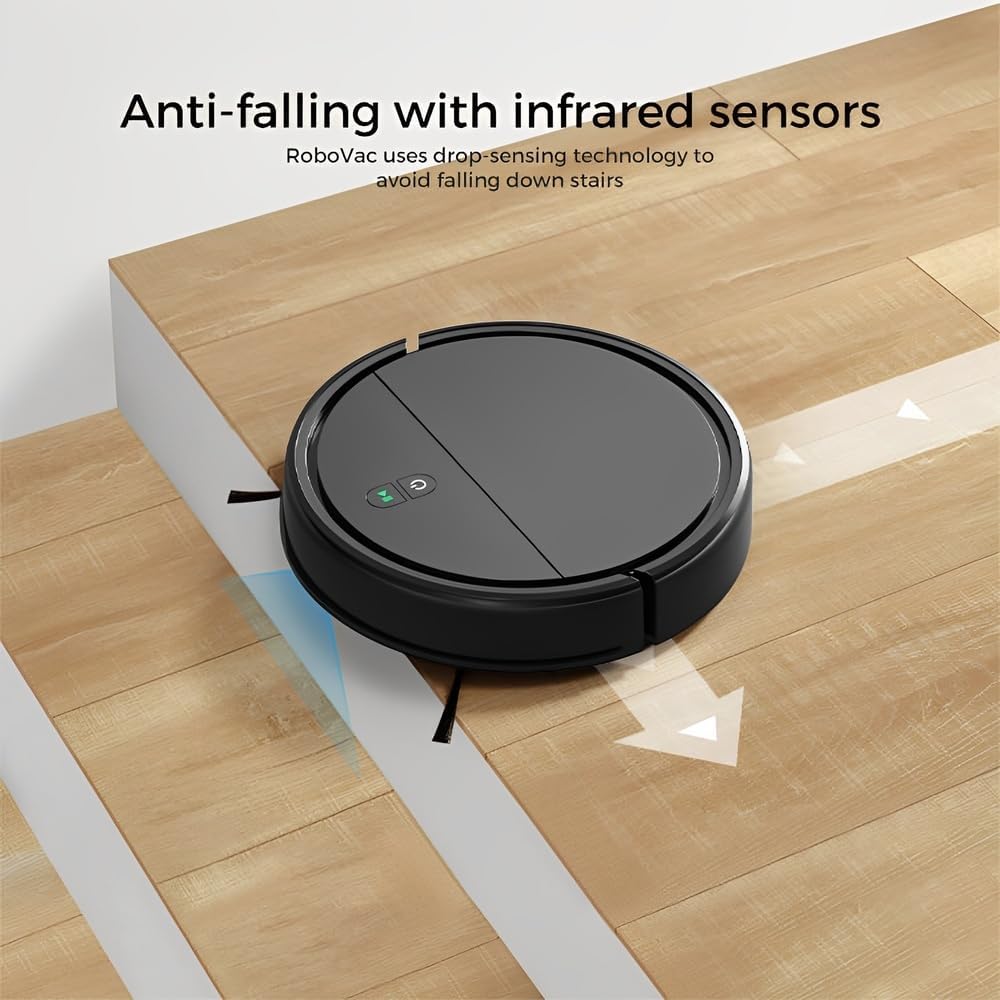
Image: The Life KRV306 robot vacuum cleaner positioned near a set of stairs, illustrating its anti-falling capability. The image highlights the infrared sensors that detect drops, preventing the robot from falling down stairs or off ledges.
Wipe the anti-falling infrared sensors and other sensors on the robot's underside with a clean, dry cloth to ensure they function correctly and prevent navigation issues.
4。 トラブルシューティング
一般的な問題とその解決策については、このセクションを参照してください。
4.1 Robot Not Moving or Getting Stuck
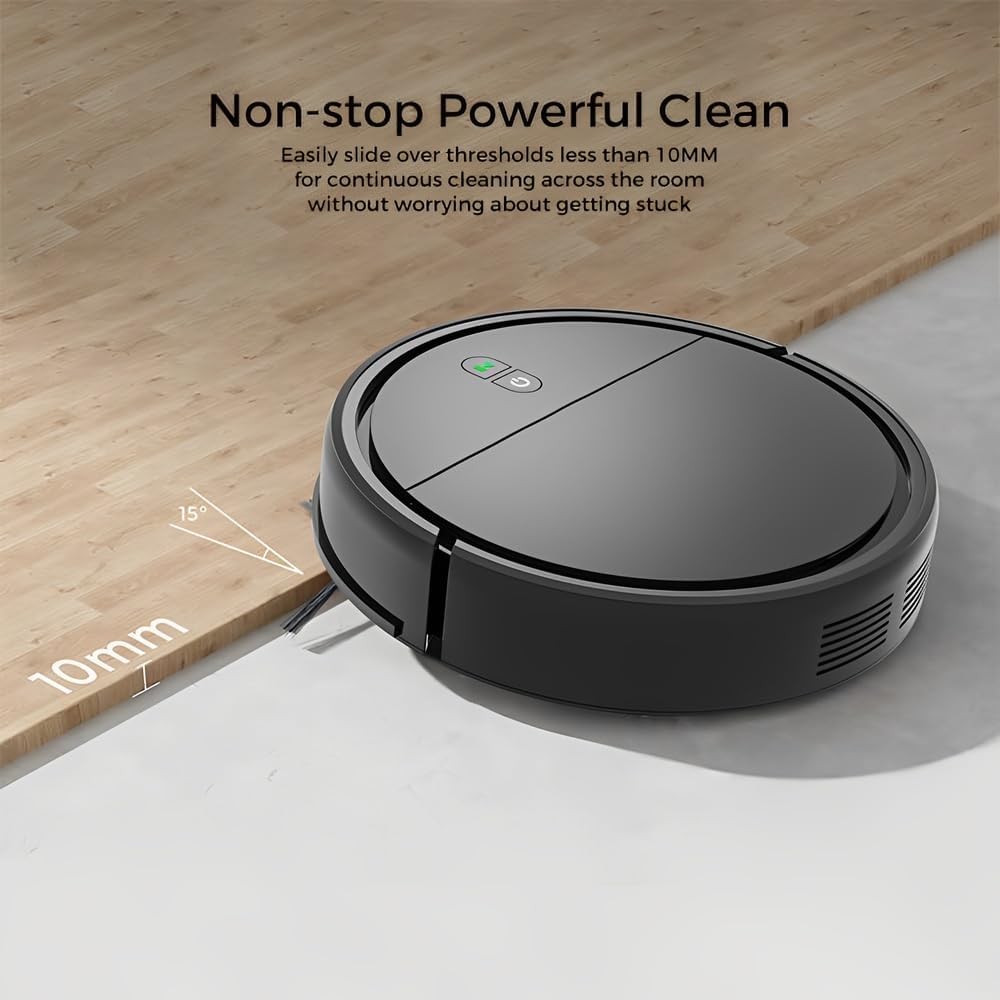
Image: The Life KRV306 robot vacuum cleaner demonstrating its ability to navigate over thresholds up to 10mm high, ensuring continuous cleaning across different rooms without getting stuck. The image shows the robot smoothly transitioning from one floor level to another.
- 障害物の確認: Ensure there are no loose cables, rugs, or small objects obstructing the robot's path. The robot is designed to handle thresholds up to 10mm.
- Clean Wheels and Brushes: Remove any hair or debris tangled around the wheels or side brushes.
- センサー障害: Clean the anti-falling sensors and bumper sensors.
4.2 洗浄性能が低い
- ゴミ箱を空にする: A full dustbin or clogged filter can reduce suction power. Empty the dustbin and clean the filter.
- ブラシを掃除する: Ensure side brushes are free of debris and spinning correctly.
- バッテリー残量: Ensure the robot is fully charged for optimal performance.
4.3 ロボットが充電されない
- 接続を確認してください: Ensure the charging cable is securely connected to both the robot and the power outlet.
- 充電接点を清掃してください: Wipe the charging contacts on both the robot and the charging base with a dry cloth.
4.4 Robot Bumping into Furniture Excessively

Image: The Life KRV306 robot vacuum cleaner demonstrating its collision mechanical bumper. The robot is shown gently encountering a chair leg, indicating its ability to soft-hit obstacles and automatically adjust its path without causing damage to furniture.
- Clean Bumper Sensors: Ensure the bumper area is clean and free from obstructions.
- 照明条件: In very dark environments, obstacle detection might be less effective.
5. 仕様
| 特徴 | 仕様 |
|---|---|
| モデル | KRV306 |
| 機能 | 掃除機がけ、モップがけ |
| 吸引力 | 400 パートタイム |
| 騒音レベル | 最大68dB |
| 電池のタイプ | 1500mAhリチウムイオン |
| 実行時間 | 60~80分 |
| 充電時間 | 3~4時間 |
| 寸法(長さ×幅×高さ) | 29 x 29 x 7.2 cm |
| 製品重量 | 2.1キロ |
| 特集 | Low noise, Compact, Rechargeable, Anti-falling sensors, Collision bumper |
6. 保証情報
The Life KRV306 Robot Vacuum Cleaner and Mop comes with a 90日間の保証 ご購入日から1年間有効です。本保証は、通常の使用における製造上の欠陥および故障を対象としています。誤用、事故、非正規の修理、または通常の摩耗や損耗による損傷は保証の対象外となります。保証請求の際は、購入証明書を保管してください。
7. カスタマーサポート
If you encounter any issues not covered in the troubleshooting section or require further assistance, please contact our customer support. Refer to your purchase documentation or the retailer's web具体的な連絡先の詳細については、サイトをご覧ください。
サポートに連絡する際は、次の情報を用意してください。
- 製品モデル: Life KRV306
- 購入日
- この件についての説明