
1. はじめに
This manual provides essential information for setting up, operating, maintaining, and troubleshooting your HP Pavilion 16-inch 2K Laptop. Please read this guide thoroughly to ensure optimal performance and longevity of your device.
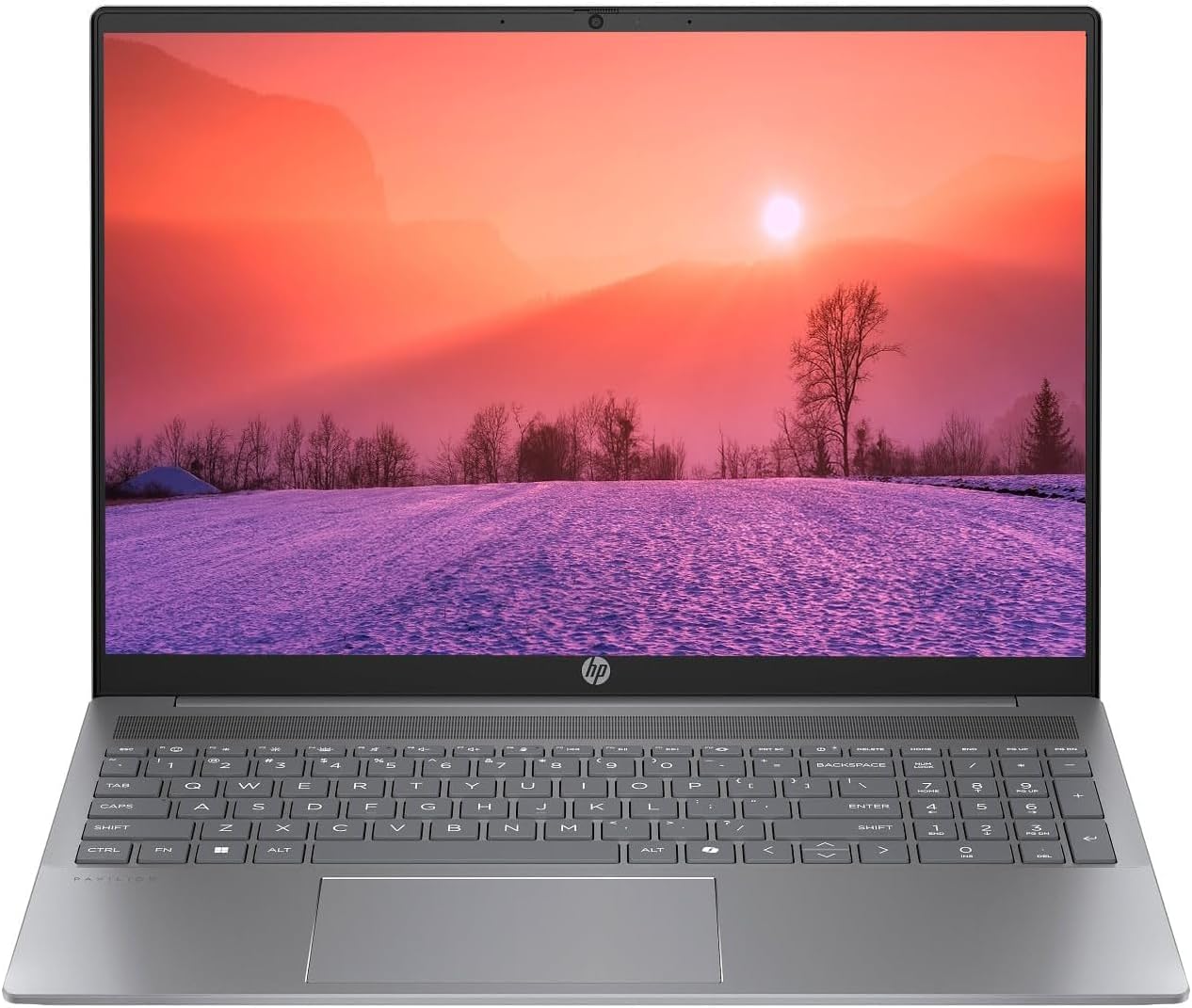
Figure 1.1: HP Pavilion 16-inch Laptop (Angled View)
This image displays the HP Pavilion 16-inch laptop in an open, angled position, highlighting its display and keyboard layout.
2. セットアップ
2.1 開梱と初期検査
Carefully remove the laptop and all accessories from the packaging. Inspect for any signs of damage. If any components are missing or damaged, contact your retailer or HP support immediately.
2.2 電源の接続
- Connect the AC adapter to the power connector on the side of your laptop.
- 電源コードを電源コンセントに差し込みます。
- 特にバッテリーが完全に消耗している場合は、初めて使用する前に少なくとも 30 分間ノートパソコンを充電してください。
2.3 初期起動とWindows 11のセットアップ
Press the power button to turn on your laptop. Follow the on-screen instructions to complete the Windows 11 Home OS setup, including language selection, network connection, and user account creation.
2.4 周辺機器の接続
ノートパソコンには、外部デバイスを接続するためのさまざまなポートが備わっています。
- USB Type-C Ports (2): For data transfer, charging compatible devices, and video output.
- USB Type-A Ports (2): マウス、キーボード、外付けドライブなどの標準 USB デバイスを接続します。
- HDMI Port (1): 外部ディスプレイやプロジェクターに接続します。
- ヘッドフォン/マイクコンボジャック(1) ヘッドフォン、外部スピーカー、またはマイク付きヘッドセットを接続します。
3. 操作手順
3.1 電源のオン/オフとスリープモード
- 電源オン: キーボードデッキにある電源ボタンを押します。
- シャットダウン: Windows の [スタート] ボタンをクリックし、[電源] > [シャットダウン] を選択します。
- スリープモード: ノートパソコンの蓋を閉じるか、[スタート] ボタンをクリックして、[電源] > [スリープ] を選択します。
3.2 キーボードとタッチパッドの使用
このノートパソコンには、フルサイズのキーボードと高精度のタッチパッドが搭載されています。
- バックライト付きキーボード: To activate or adjust the keyboard backlight, use the dedicated function key (usually F5 or F4, look for a keyboard icon).
- タッチパッドのジェスチャ: カスタマイズ可能なタッチパッド ジェスチャ (2 本指スクロール、ピンチ ズームなど) については、Windows 11 の設定を参照してください。
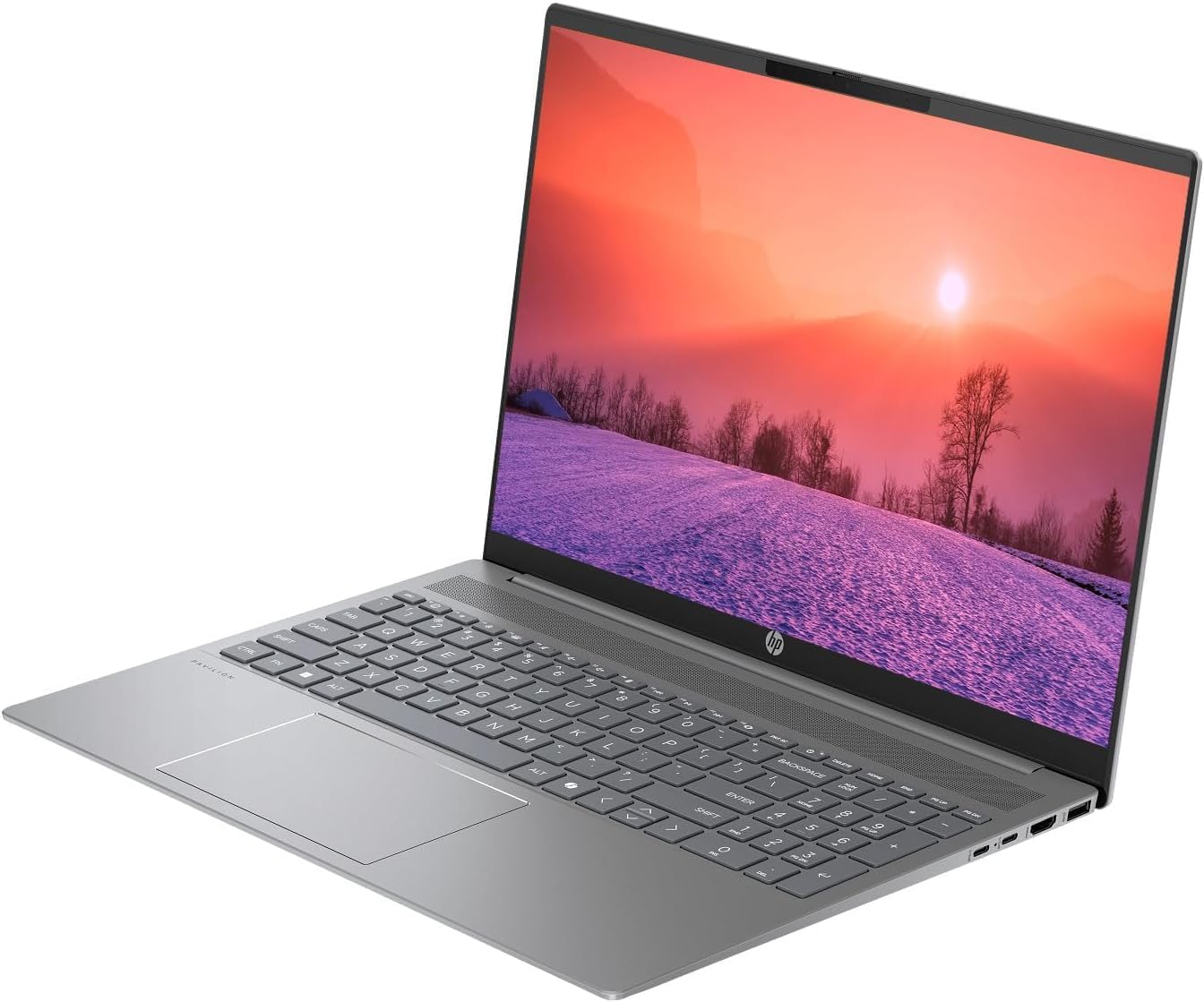
Figure 3.1: HP Pavilion 16-inch Laptop (Front View)
This image shows the HP Pavilion 16-inch laptop from a direct front view, highlighting the screen and keyboard.
3.3 ワイヤレス接続
- Wi-Fi 6: ワイヤレス ネットワークに接続するには、タスクバーの Wi-Fi アイコンをクリックし、ネットワークを選択して、パスワードを入力します。
- ブルートゥース: To pair Bluetooth devices, go to Windows Settings > Bluetooth & devices, and turn on Bluetooth.
3.4を使用して Webカム
統合されたHD webcam can be used for video calls and conferences. Access it through applications like Camera, Microsoft Teams, or Zoom.
4. メンテナンス
4.1 ノートパソコンのクリーニング
- 柔らかく糸くずの出ない布で軽く拭き取ってください。amp水またはディスプレイ用スクリーンクリーナーで拭いてください。
- キーボードとシャーシのお手入れには柔らかい布をご使用ください。刺激の強い化学薬品は使用しないでください。
- 定期的に圧縮空気を使用して通気口のほこりを除去してください。
4.2バッテリーケア
- 頻繁にバッテリーを完全に消耗しないようにしてください。
- 長期間使用しない場合は、ノートパソコンを涼しく乾燥した場所に保管してください。
- For optimal battery health, avoid continuous charging at 100% for prolonged durations.
4.3ソフトウェアアップデート
Regularly check for and install Windows updates to ensure system stability, security, and performance. Go to Windows Settings > Windows Update.
4.4 ストレージ管理
不要なものを定期的に掃除する files and applications to maintain optimal performance of the 512GB SSD. Use Windows built-in tools like Disk Cleanup or Storage Sense.
5。 トラブルシューティング
This section addresses common issues you might encounter with your HP Pavilion laptop.
5.1 ノートパソコンの電源が入らない
- AC アダプターがラップトップと機能している電源コンセントの両方にしっかりと接続されていることを確認します。
- 別のデバイスを接続して、電源コンセントが機能していることを確認します。
- バッテリーが完全に消耗している場合は、電源を入れる前に少なくとも 30 分間充電してください。
5.2 Wi-Fi接続の問題
- Windows 設定で Wi-Fi が有効になっているかどうかを確認します。
- ルーターとモデムを再起動します。
- Wi-Fi ネットワークの範囲内にいることを確認してください。
- ネットワークを忘れて再接続してみてください。
5.3 キーボードのバックライトが機能しない
- Press the dedicated keyboard backlight function key (e.g., F5 or F4) to toggle or adjust the brightness.
- Check Windows Mobility Center settings (search for it in the Start menu) for backlight options.
5.4 パフォーマンスの低下
- バックグラウンドで実行されている不要なアプリケーションを閉じます。
- Windows が最新であることを確認します。
- ディスク クリーンアップを実行し、マルウェアがないか確認します。
- Verify that the laptop is not overheating.
6. 仕様
| 特徴 | 仕様 |
|---|---|
| モデル名 | HP 16インチノートパソコン |
| プロセッサ | AMD Ryzen 5 8540U (Up to 4.89GHz) |
| ラム | 8GB LPDDR5 |
| ストレージ | 512GB SSD |
| 画面 | 16-inch WUXGA 2K (1920 x 1200 pixels) LED |
| グラフィックス | AMD Radeon グラフィックス (専用) |
| オペレーティング·システム | Windows 11 Home OS |
| ポート | 2x USB Type-C, 2x USB Type-A, 1x HDMI, 1x Headphone/Microphone Combo Jack |
| ワイヤレス接続 | Wi-Fi 6(802.11ax)、Bluetooth |
| キーボード | バックライト |
| Webカム | はい |
| 寸法(長さ x 幅 x 厚さ) | 14.17インチ x 9.2インチ x 0.7インチ |
| バッテリー | リチウムイオン、4ワット時 |
| 欧州連合 | 197961359091 |
7. 保証とサポート
7.1 保証情報
This HP Pavilion laptop comes with a 30日間の保証. Please retain your proof of purchase for any warranty claims. The warranty covers manufacturing defects under normal use conditions.
7.2 カスタマーサポート
さらなるサポート、技術サポート、保証に関するお問い合わせは、HPの公式サポートをご覧ください。 website or contact their customer service. You can typically find contact information and support resources by searching for "HP Support" online.