
導入
This manual provides detailed instructions for the installation, operation, and maintenance of your Orbitell M52 1080p Wireless Wi-Fi Video Doorbell Camera. Please read this guide thoroughly before using the device to ensure proper functionality and safety. The Orbitell M52 is designed to enhance your home security with features such as 1080p video, two-way audio, night vision, and smart motion detection.
パッケージ内容
以下にリストされているすべてのアイテムがパッケージに含まれていることを確認してください。
- Orbitell M52 Doorbell Camera
- 取り付けアクセサリ(ネジ、アンカー)
- USB充電ケーブル
- ユーザーマニュアル

Image: The Orbitell M52 doorbell camera shown with icons highlighting its main features: AI Human Detection, Two-way Talk, Night Vision, 2.4GHz Wi-Fi, and Cloud Storage.
主な特徴
- AI-Powered Smart Detection: Advanced AI technology accurately identifies people, filtering out vehicles and animals to reduce false alerts.
- 安全なクラウドストレージ: Protect your recordings with AES-128 encrypted cloud storage. A 30-day free trial is available for recording, reviewing, and sharing. Cloud subscribers also benefit from pre-capture functionality.
- Reliable 2.4GHz Wi-Fi Connection: Optimized for stable, uninterrupted performance on 2.4GHz networks only. Not compatible with 5GHz Wi-Fi.
- 優れた夜間視力: Equipped with four powerful infrared LEDs and an advanced image sensor for sharp, detailed footage in total darkness.
- Instant Two-Way Audio: 内蔵マイクとスピーカーを使用して訪問者と明瞭にコミュニケーションをとることができます。
- インスタントモーションアラート: Receive real-time notifications on your smartphone when motion is detected or the doorbell is pressed.
- 広角 View カバレッジ: 広範囲を捉える view of your doorstep and surroundings.
- 耐候性設計: IP65-rated build ensures durability against rain, snow, and extreme temperatures (14°F to 140°F).
- 楽な充電: Rechargeable via the included USB cable with a standard DC 5V 1A or 5V 2A adapter (not included).
セットアップガイド
1. ドアベルの充電
Before initial use, fully charge the doorbell camera. Remove the insulation strip from the battery compartment. Connect the included USB cable to the doorbell and a standard DC 5V 1A or 5V 2A USB power adapter (not included). The charging indicator light will show the charging status. Ensure the device is fully charged before proceeding with installation.
2. アプリのインストールとアカウント作成
Download the official Orbitell app from your smartphone's app store (available for Android and iOS). Follow the in-app instructions to create an account and log in.
3.Wi-Fiへの接続
Ensure your Wi-Fi network is 2.4GHz. The Orbitell M52 is not compatible with 5GHz Wi-Fi networks. In the app, select "Add Device" and follow the prompts to connect your doorbell camera to your home Wi-Fi network. Keep the doorbell close to your Wi-Fi router during the initial setup process.
4. ドアベルの取り付け
Choose a suitable location near your door for optimal viewing. Use the provided mounting accessories (screws and anchors) to securely attach the doorbell to the wall or door frame. Ensure the camera has a clear, unobstructed view 監視したいエリアの
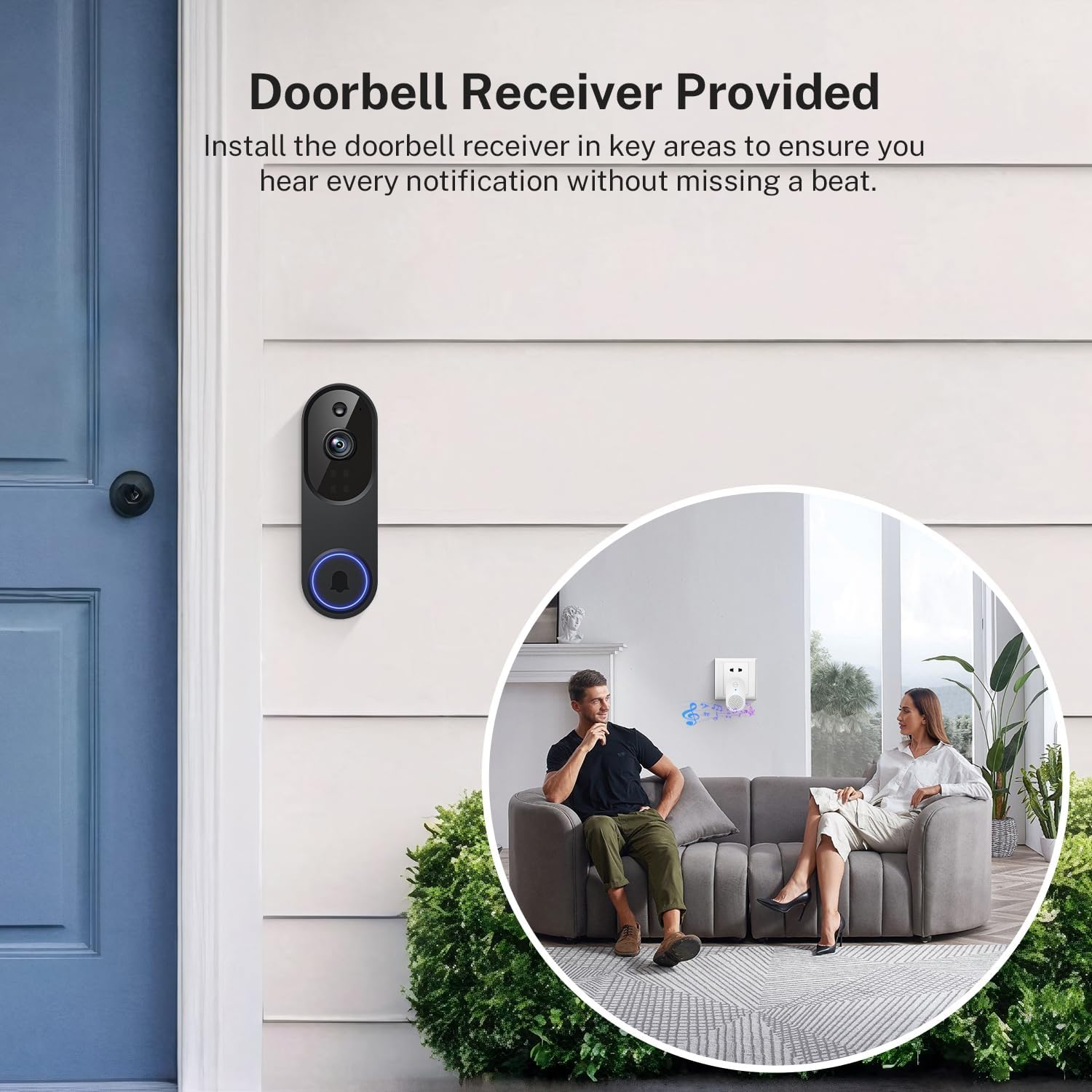
Image: The Orbitell M52 doorbell camera mounted on an exterior wall next to a door. An interior view shows a couple on a sofa with a doorbell receiver plugged into a wall outlet, indicating the chime functionality.
操作手順
ライブ View および双方向オーディオ
Open the Orbitell app to access the live video feed from your doorbell camera. To speak with a visitor, tap the microphone icon in the app. Your voice will be transmitted through the doorbell's speaker, and you will hear the visitor's response through your phone's speaker.

Image: A person at a doorstep holding a package, while another person interacts with them remotely via the doorbell camera and a smartphone app, demonstrating two-way communication.
動きの検出とアラート
The doorbell camera uses AI to detect human motion and sends instant notifications to your smartphone. You can adjust motion detection sensitivity and set activity zones within the app to minimize unwanted alerts.

Image: A graphic illustrating the doorbell's Smart AI Human Detection, showing a person being detected and triggering a notification, while a small dog is ignored, preventing false alarms.
ナイトビジョン
ドアベルは暗い場所では自動的にナイトビジョンモードに切り替わり、鮮明な白黒ビデオ映像を提供します。tage using its infrared LEDs.

Image: A split image showing the same house scene in daylight (Day Vision) and at night (Night Vision), demonstrating the clarity of the doorbell camera's infrared night vision.
クラウドストレージ
Recordings are stored securely in the cloud with AES-128 encryption. Access your video history, review events, and share clips through the app. A 30-day free trial is available, and cloud subscription plans are sold separately for continued service, including pre-capture functionality.
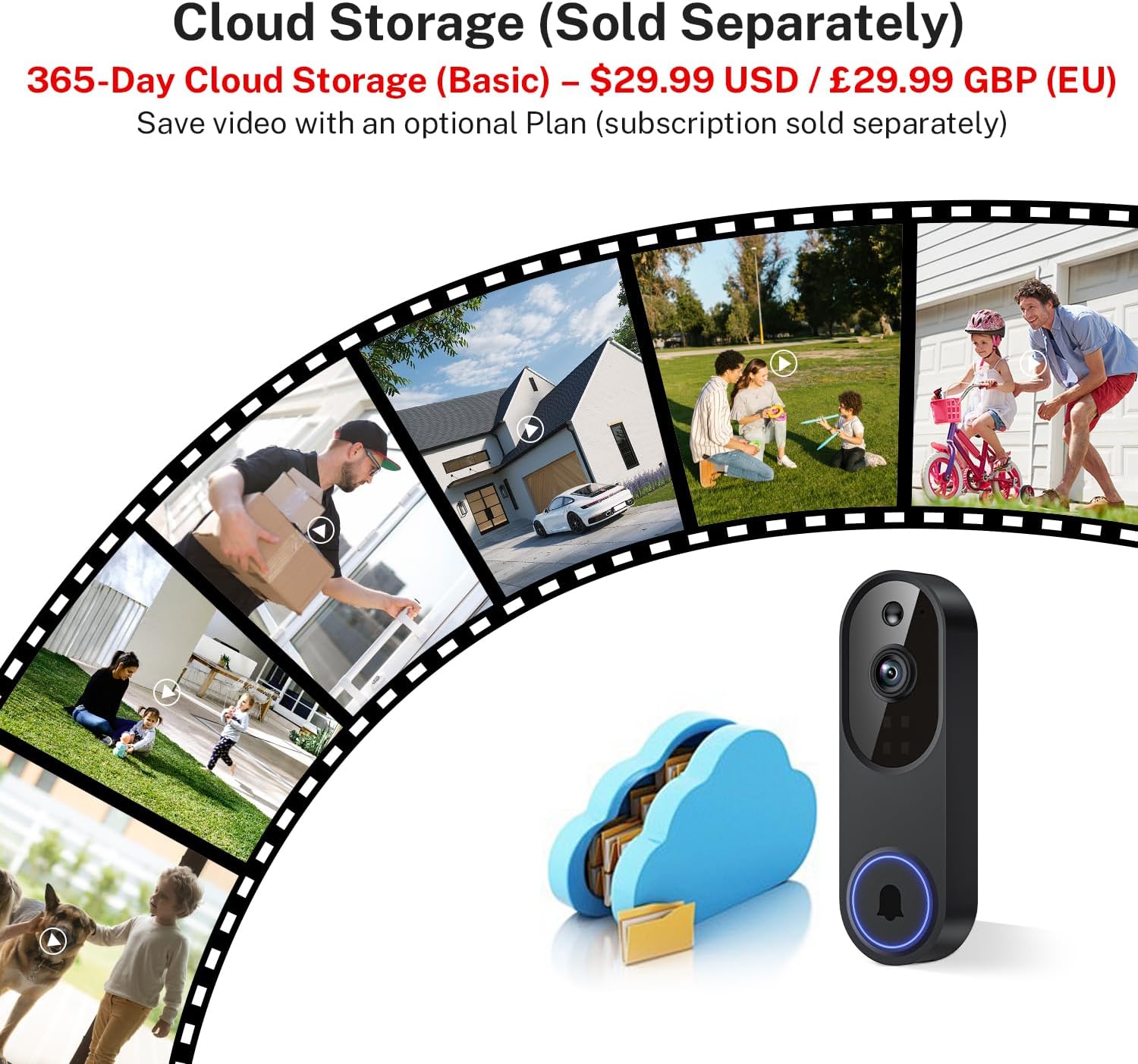
Image: A visual representation of cloud storage for the doorbell camera, showing various life moments captured and stored securely in a cloud icon.
メンテナンス
クリーニング
カメラのレンズとドアベルの外側を定期的に柔らかくて乾いた布で拭いてください。amp 布で埃や汚れを拭き取ってください。デバイスを損傷する可能性のある、刺激の強い化学薬品や研磨剤の使用は避けてください。
バッテリー管理
The doorbell is battery-powered. Monitor the battery level through the app. When the battery is low, recharge it using the provided USB cable and a compatible 5V USB power adapter. Frequent live view access or motion events can affect battery life.
耐候性
The Orbitell M52 has an IP65 weather-resistant rating, designed to withstand various outdoor conditions including rain, snow, and dust. It operates within a temperature range of 14°F to 140°F (-10°C to 60°C). While robust, avoid submerging the device in water or exposing it to extreme impacts.

Image: The Orbitell M52 doorbell camera mounted on a house wall, with icons representing its resistance to shine (sun), snow, rain, and dust, highlighting its weather-resistant design.
トラブルシューティング
- デバイスが Wi-Fi に接続していない:
- Wi-Fiネットワークが2.4GHzであることを確認してください。デバイスは5GHz Wi-Fiをサポートしていません。
- Check your Wi-Fi signal strength at the doorbell's location. Move the router closer or use a Wi-Fi extender if necessary.
- Restart your Wi-Fi router and the doorbell camera.
- 正しい Wi-Fi パスワードを入力したことを確認してください。
- Poor Video Quality or Freezing:
- A weak Wi-Fi signal can cause video issues. Improve signal strength as mentioned above.
- インターネット接続が安定しており、十分な帯域幅があることを確認してください。
- Close other applications on your smartphone that might be consuming bandwidth.
- バッテリーの消耗が早い:
- Frequent motion detection events or extensive use of live view can reduce battery life. Adjust motion sensitivity settings.
- ドアベルが完全に充電されていることを確認してください。
- Operating in extremely cold temperatures can also affect battery performance.
- モーションアラートなし:
- Check motion detection settings in the app to ensure it is enabled and sensitivity is appropriate.
- スマートフォンでアプリの通知が有効になっていることを確認します。
- Ensure the doorbell has a clear view そして妨げられません。
- 双方向オーディオの問題:
- スマートフォンの音量設定を確認してください。
- Ensure there is no obstruction blocking the doorbell's microphone or speaker.
- A stable Wi-Fi connection is crucial for clear audio.
仕様
| モデル名 | M52 |
| ビデオキャプチャ解像度 | 1080p |
| 接続技術 | 2.4G Wi-Fi, Wireless (Not compatible with 5GHz Wi-Fi) |
| 電源 | バッテリー駆動(5200mAh) |
| 屋内/屋外での使用 | Outdoor (IP65 Weather-Resistant) |
| 特集 | 2-Way Audio, Motion Sensor (AI Human Detection), Night Vision |
| 対応デバイス | スマートフォン(Android、iOS) |
| 取り付けタイプ | ドアマウント |
| 製品寸法(長さ x 幅 x 高さ) | 1.34 x 1.77 x 5.4 インチ (3.4 x 4.5 x 13.7 cm) |
| アイテム重量 | 6.2オンス(0.39ポンド) |
| 動作温度 | 14°F ~ 140°F (-10°C ~ 60°C) |

Image: A detailed diagram showing the dimensions of the Orbitell M52 doorbell camera, with measurements in inches and centimeters.
保証とサポート
For warranty information and technical support, please refer to the documentation included with your purchase or visit the official Orbitell webサイトでご確認ください。保証請求の際は購入証明として領収書を保管してください。