
1. はじめに
The XIXIMENG SF3000 is a versatile retro handheld game console designed for entertainment on the go or at home. It comes pre-loaded with over 20,000 classic games across more than 14 mainstream emulators. Featuring a 4.5-inch IPS screen, HD TV output, and a 3000mAh battery, it offers extended gameplay and multimedia capabilities including video, music, and e-book playback. The console also supports emergency phone charging and external device connectivity via its OTG function.

図1: 以上view of SF3000 core functions, including 20,000+ games, 2-player support, OTG function, and video playback.
2. セットアップ
2.1 パッケージ内容
- SF3000 Handheld Game Console
- USB充電ケーブル
- Type-Cアダプター
- ユーザーマニュアル
2.2 初期充電
Before first use, fully charge the console. Connect the provided USB charging cable to the console's DC/OTG port and a compatible USB power adapter (not included) or computer USB port. The charging indicator will illuminate. A full charge typically takes 3-4 hours and provides 5-7 hours of gameplay.
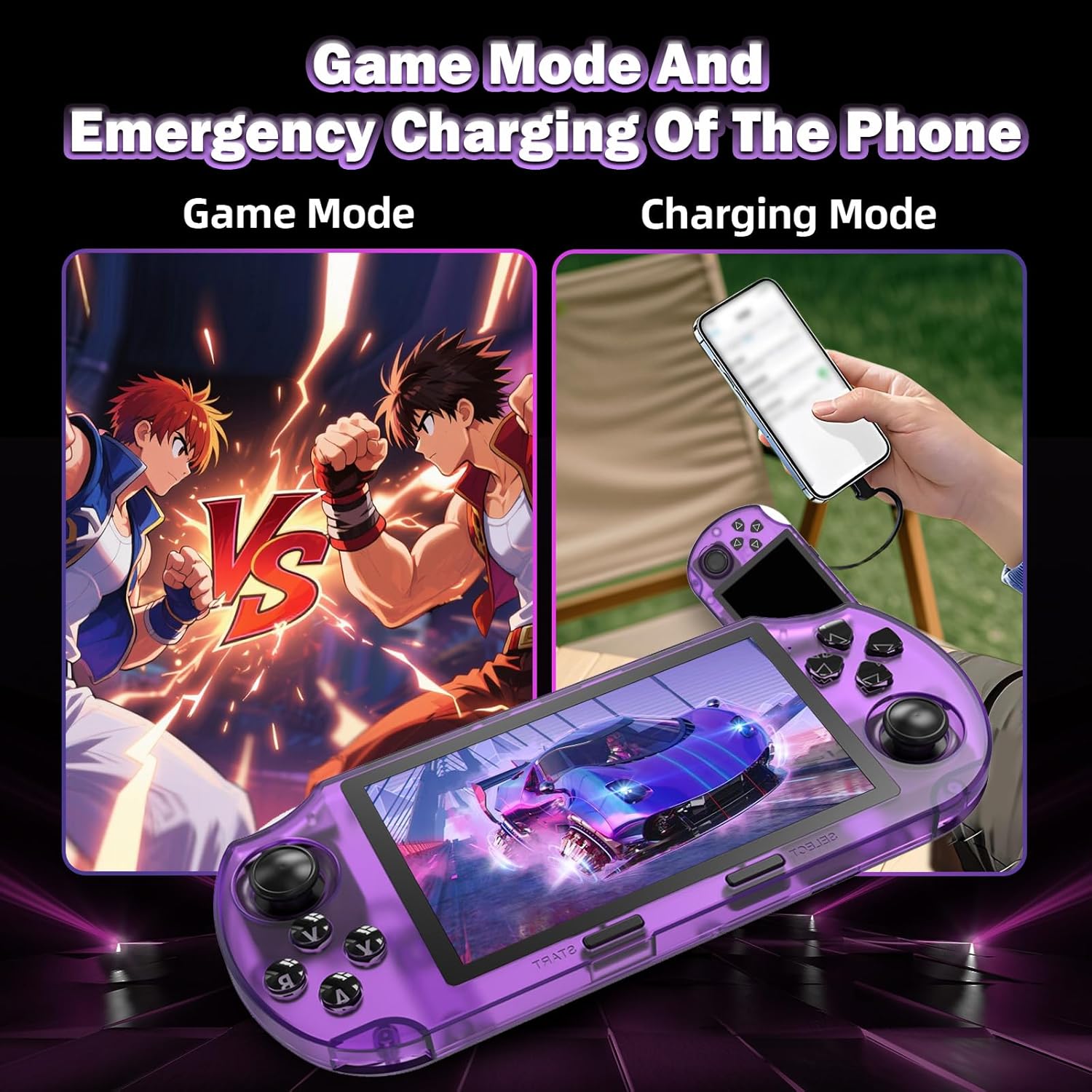
図2: Illustration of the 3000mAh battery and the console's emergency phone charging capability.
2.3 電源のオン/オフ
- 電源を入れるには: オン/オフ スイッチを「ON」の位置に切り替えます。
- 電源を切るには: オン/オフ スイッチを「OFF」の位置に切り替えます。
2.4 コントロールとポートview
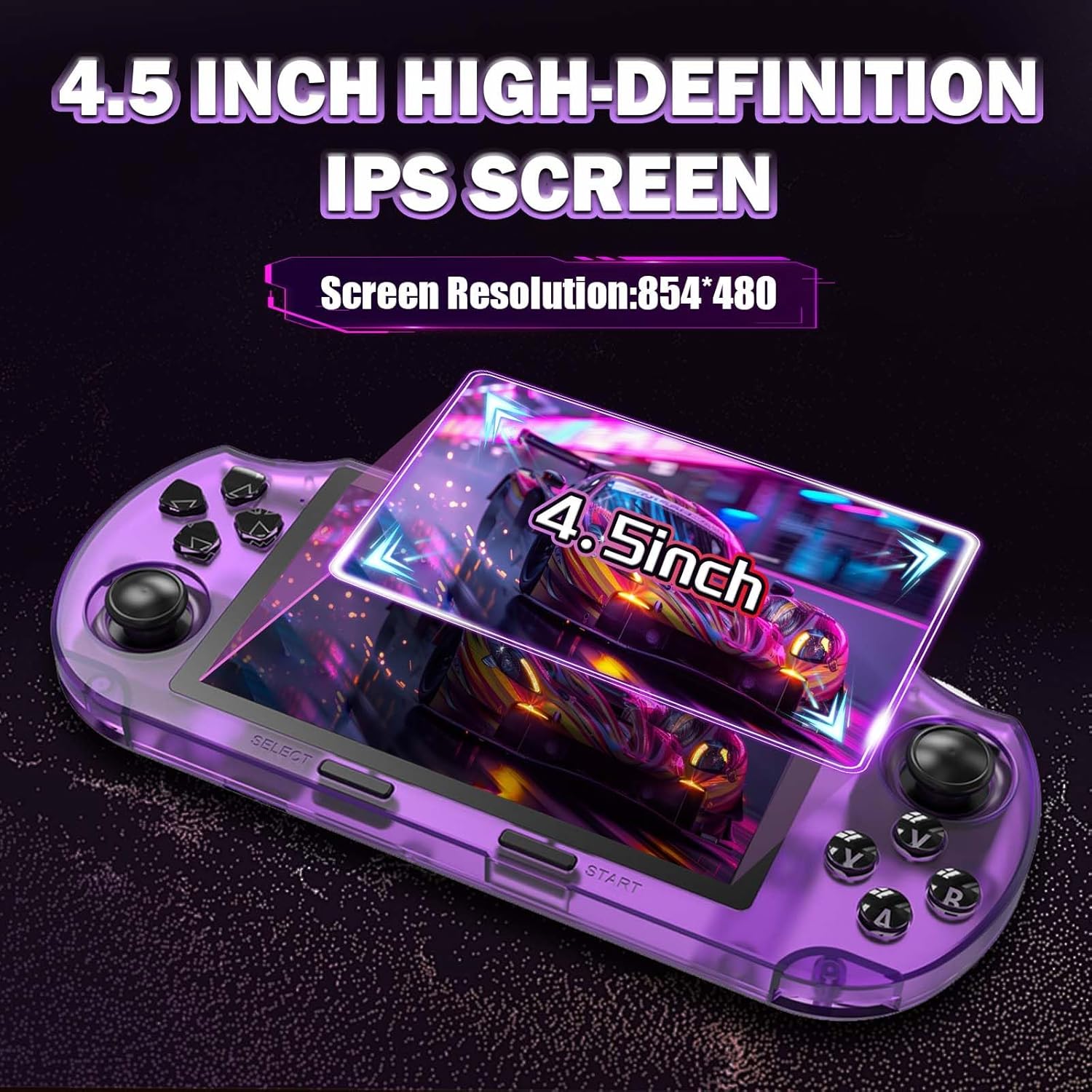
図3: 詳細 view of the SF3000 console's buttons, joysticks, and ports including ON/OFF switch, TF card slot, DC/OTG port, earphone port, and extended keys.
- 方向キー: メニューナビゲーションとゲーム内の移動に使用します。
- ファンクションキー(A、B、X、Y): ゲーム内のアクション用。
- 選択/開始: For menu selections and in-game functions.
- Extended Keys (L, R): Additional in-game controls.
- オン/オフスイッチ: デバイスの電源をオンまたはオフにします。
- TFソケット: TF(MicroSD)カードを挿入します。
- DC/OTG Port: For charging and connecting external devices (e.g., USB flash drives, joysticks).
- イヤホンポート: ヘッドホン接続用。
- ボリュームキー: オーディオ出力を調整します。
3. 操作手順
3.1 メニューの操作
使用 方向キー そして Function Keys (A, B) to navigate through the main menu and select options. The 始める button often confirms selections, while 選択 may be used for back or secondary functions.
3.2 ゲームをプレイする
- メイン メニューから、目的のエミュレーターまたはゲーム カテゴリを選択します。
- Browse the list of games and select one to start.
- ゲームの進行状況の保存/読み込み: During gameplay, press and hold 選択 + 開始 simultaneously to access the in-game menu. From this menu, you can save your current game state or load a previously saved state.
3.3 音量と明るさの調整
専用を使う ボリュームキー to increase or decrease the audio output. Brightness can typically be adjusted through the system settings menu, accessible from the main interface.
3.4 HD TV Output
Connect the console to a television or monitor using an HD cable (not included) via the HD output port. This allows you to display game visuals on a larger screen for an enhanced experience. The console supports both handheld and desktop modes when connected to a TV.

図4: The SF3000 connected to a TV for large-screen gaming, illustrating both desktop and handheld play modes.
3.5 マルチメディア機能
The SF3000 supports various multimedia functions:
- プレイバック: Play high-definition videos.
- 音楽再生: 音声を聞く files.
- 電子書籍の読書: View digital books.
- Photo Album Browsing: View 画像。
Access these features from the main menu and navigate to your media files stored on the TF card or connected USB storage.
3.6 Emergency Phone Charging
The console can function as a power bank to provide emergency charging for mobile phones. Connect your phone to the console's DC/OTG port using an appropriate cable.

図5: The SF3000 console demonstrating its dual functionality as a gaming device and an emergency phone charger.
3.7 OTG Function and Two-Player Mode
The OTG (On-The-Go) function allows you to connect external devices such as USB flash drives for expanded storage or external joysticks for two-player gaming. Connect compatible devices to the DC/OTG port using the provided Type-C adapter if necessary.
3.8 Foldable Back Stand
The console features an integrated foldable stand on its back. Unfold the stand to prop up the console for hands-free viewing during video playback or when using external controllers. Fold it back for handheld gaming and portability.
4. メンテナンス
4.1 クリーニング
Wipe the console with a soft, dry cloth. Do not use liquid cleaners or abrasive materials, as they may damage the screen or casing.
4.2バッテリーケア
To prolong battery life, avoid fully discharging the console frequently. Charge the device regularly, even if not in use for extended periods.
4.3 システムアップデート
重要な注意: The gaming console with built-in games does not support users to change, update, or refresh the system independently. Attempting to do so may cause irreversible damage and void any potential support.
5。 トラブルシューティング
- コンソールの電源が入らない: Ensure the battery is charged. Connect the console to a power source and try again. Verify the ON/OFF switch is in the 'ON' position.
- Charging error or device not charging: Check the USB cable and adapter for damage. Ensure the DC/OTG port is clean and free of debris. Try a different charging cable or power source.
- Games are lagging or freezing: Ensure the console is sufficiently charged. Close any background applications if applicable. If using an external TF card, ensure it is properly inserted and not corrupted.
- テレビに表示されない: Verify the HD cable is securely connected to both the console and the TV. Ensure the TV input source is correctly selected.
- サウンドの問題: Check the volume level using the Volume Key. Ensure headphones are properly connected if in use.
- External devices not recognized (OTG): Ensure the external device is compatible and properly connected to the DC/OTG port, possibly using the Type-C adapter.
ここで説明されていない問題が継続的に発生する場合は、サポート セクションを参照してください。
6. 仕様
| 特徴 | 詳細 |
|---|---|
| モデル番号 | SF3000 |
| 画面サイズ | 4.5 Inches IPS Full-View HDスクリーン |
| 画面解像度 | 854×480 |
| プロセッサ | Dual-Core (1.2G main frequency) |
| メモリ | 2G DDR3 |
| ストレージ容量 | 64 GB(TFカード経由) |
| バッテリー容量 | 3000mAh |
| バッテリー寿命 | 5-7 hours (continuous gameplay) |
| エミュレータ | 14+ mainstream emulators |
| 接続性 | HD TV Output, OTG Function (USB-C) |
| 寸法 | 7.87 x 3.43 x 1.5 inches (20Cm x 8.7Cm x 3.8Cm) |
| 重さ | 9.92オンス |
| 色 | 紫 |
7. 保証情報
For detailed warranty information regarding your XIXIMENG SF3000 Retro Handheld Game Console, please refer to the product packaging or contact customer support directly. Warranty terms may vary based on region and retailer.
8. サポート
Should you encounter any problems during the use of your SF3000 console, or if you have questions not addressed in this manual, please do not hesitate to contact XIXIMENG customer support. We are committed to providing prompt assistance to resolve any issues you may experience.
連絡先: Please reach out to XIXIMENG customer support via the retailer's platform where you purchased the product or through the official XIXIMENG website for the fastest service.