
製品終了view
The EWEADN C98 Wired Keyboard and Mouse Combo is designed for comfortable and efficient use with various computer systems. This set includes a wired keyboard with a detachable wrist rest, RGB backlighting, double-shot keycaps, and a multimedia knob, along with a wired mouse featuring adjustable DPI settings.
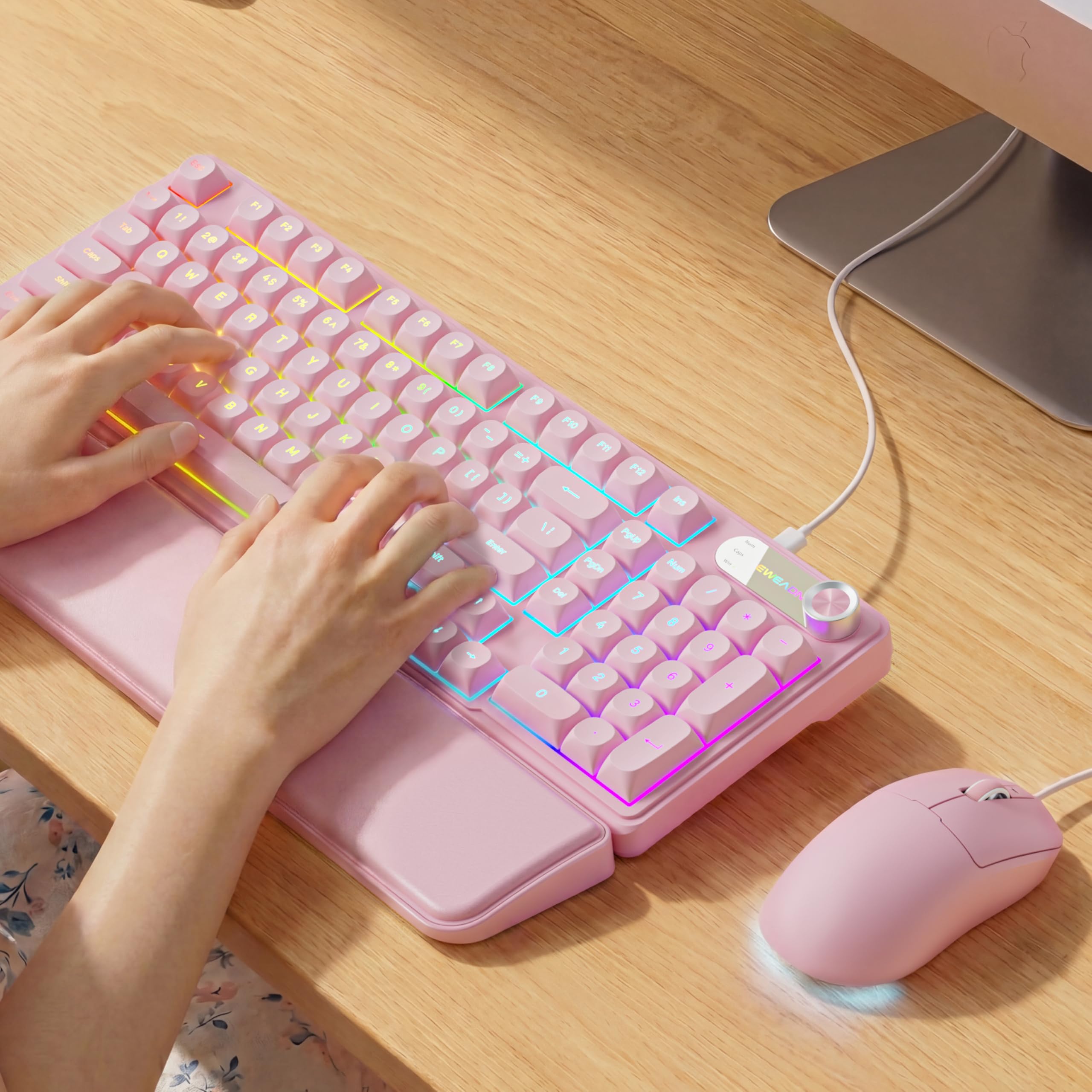
Image: EWEADN C98 Wired Keyboard and Mouse Combo in Pink. This image displays the full keyboard and mouse set, highlighting its ergonomic design and color.
パッケージ内容
パッケージにすべてのアイテムが揃っていることを確認します。
- EWEADN C98 Wired Keyboard
- 有線マウス
- 取り外し可能なリストレスト
- USBケーブル(一体型)
- ユーザーマニュアル(このドキュメント)
セットアップ手順
Follow these steps to set up your EWEADN C98 Keyboard and Mouse Combo:
- キーボードを接続します: Locate an available USB-A port on your computer (Laptop, PC, Desktop, Gaming Console). Insert the USB-A connector from the keyboard into the port.
- マウスを接続します: The mouse is typically connected via the same USB cable as the keyboard or has its own integrated USB-A connector. Insert the mouse's USB-A connector into another available USB-A port on your computer.
- リストレストを取り付けます。 Align the detachable wrist rest with the front edge of the keyboard and gently attach it.
- システム認識: Your operating system (Windows, Linux, macOS) should automatically detect and install the necessary drivers. No additional software installation is typically required for basic functionality.
- Mac Compatibility Note: For macOS devices, a USB-A to Type-C adapter is required if your Mac only has Type-C ports. This adapter is not included with the product.

Image: Close-up of the keyboard's USB connection and the detachable wrist rest. This illustrates how the keyboard connects and the wrist rest attaches for ergonomic support.

Image: Diagram showing dual-system compatibility. The image indicates how to switch between Windows (FN + A) and Mac (FN + S) layouts for optimal functionality.
操作手順
キーボード機能
- RGBバックライト: The keyboard features 12 active RGB lighting modes.
- スイッチライトの色: プレス FN + イン to cycle through different lighting colors.
- 明るさを調整: プレス FN + PGUP 明るさを増し、 FN + PGDN 明るさを下げます。
- マルチメディアノブ: The 2-in-1 rotary knob provides quick control over media and lighting.
- 音量コントロール: ノブを回してシステムの音量を調整します。
- ミュート機能: Press the knob once to mute/unmute audio.
- スイッチモード: Press and hold the knob for 3 seconds to switch between volume control mode and lighting adjustment mode. In lighting mode, rotate to adjust brightness or press to switch light effects.
- 人間工学に基づいたデザイン: The keyboard includes a detachable PU leather wrist rest for comfortable typing posture and foldable stands to adjust the typing angle (up to 8 degrees).
- 静かなタイピング: The membrane keys are designed for low-noise operation, suitable for quiet environments.
- ダブルショットキーキャップ: Characters are injection molded for durability and fade resistance, allowing backlighting to shine through clearly.

Image: Illustration of RGB backlight controls. This image shows the FN + INS and FN + PGUP/PGDN key combinations for adjusting keyboard lighting.

Image: Diagram detailing the 2-in-1 multimedia knob functions. It shows how to adjust volume, mute, and switch between lighting and volume modes.
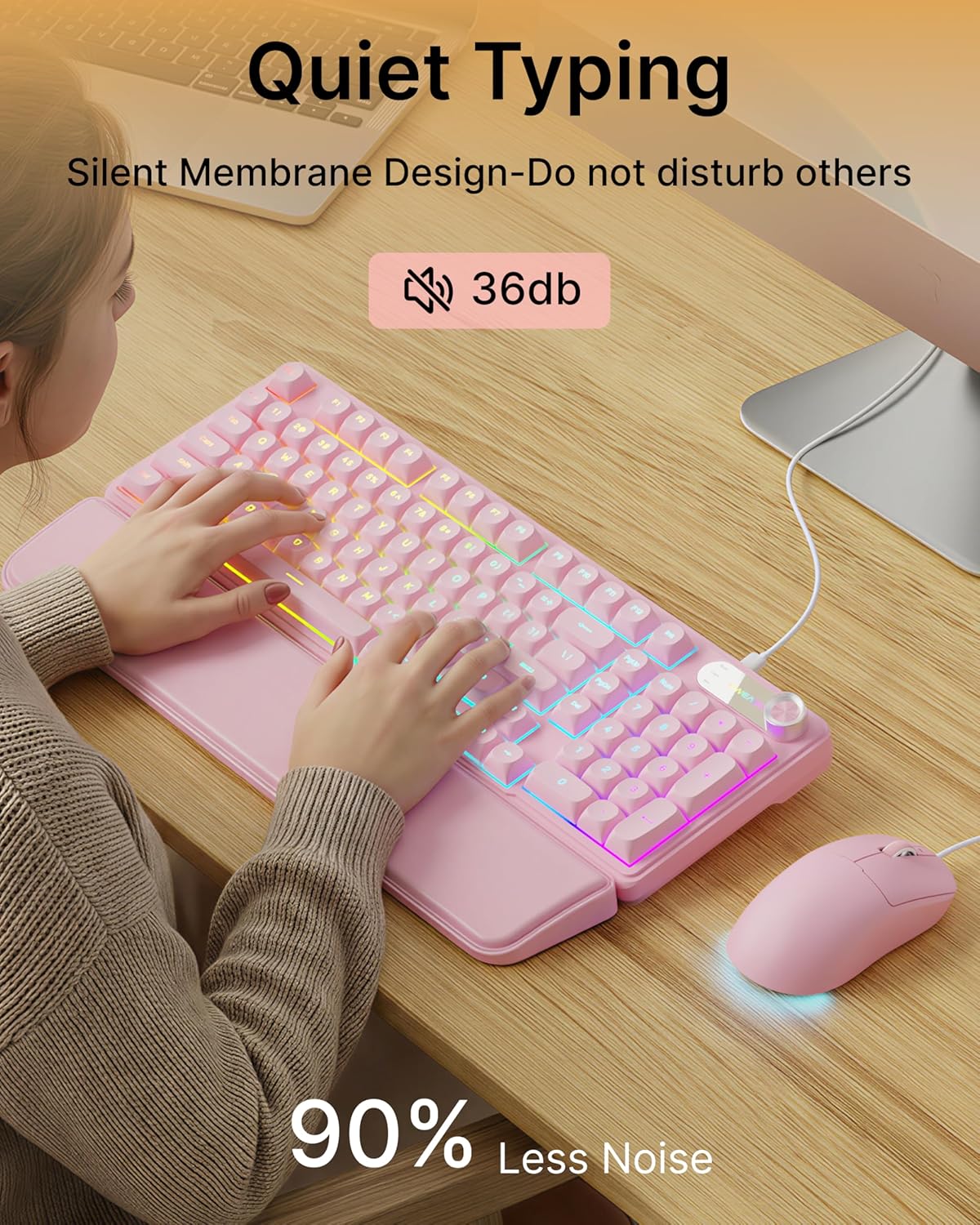
Image: Visual representation of the quiet typing feature. This image highlights the low noise level (36dB) of the keyboard during use.
マウス機能
- 調整可能なDPI: The mouse offers 4 adjustable DPI levels for precision control.
- DPI levels typically range from 800 to 4800.
- Press the DPI button (usually located behind the scroll wheel) to cycle through the available sensitivity settings.
- 静かなクリック: The mouse buttons are designed for quiet operation.
- 人間工学に基づいたデザイン: Designed for a comfortable palm grip.

Image: Diagram illustrating the 4-level DPI adjustment for the mouse. It shows the different DPI settings (800, 1600, 3200, 4800) and the ergonomic palm grip design.
メンテナンス
To ensure the longevity and optimal performance of your EWEADN C98 Keyboard and Mouse Combo, follow these simple maintenance guidelines:
- クリーニング: キーボードとマウスの表面は、柔らかく乾いた布で拭いてください。頑固な汚れには、軽く拭き取ってください。amp布に水または低刺激性の非研磨性洗剤を含ませて拭いてください。過度の湿気は避けてください。
- ほこりの除去: 圧縮空気を使用して、キーキャップ間のほこりやゴミを取り除きます。
- 液体を避ける: While the product has some water resistance, avoid spilling liquids directly onto the keyboard or mouse. If a spill occurs, disconnect immediately and allow to dry completely before reconnecting.
- ストレージ: Store the combo in a clean, dry environment away from extreme temperatures.
トラブルシューティング
If you encounter issues with your EWEADN C98 Keyboard and Mouse Combo, refer to the following common solutions:
- キーボードまたはマウスが応答しない:
- Ensure the USB-A connector(s) are securely plugged into your computer's USB port(s).
- Try plugging the USB connector(s) into a different USB port on your computer.
- コンピュータを再起動します。
- USB ハブを使用している場合は、コンピューターに直接接続してみてください。
- バックライトが機能しない:
- キーボードが正しく接続されていることを確認してください。
- プレス FN + PGUP multiple times to increase brightness, as it might be set to the lowest level.
- プレス FN + イン to cycle through lighting modes, ensuring a mode with backlighting is selected.
- Multimedia Knob Not Functioning:
- キーボードが正しく接続されていることを確認してください。
- Press and hold the knob for 3 seconds to switch between volume and lighting modes. Verify you are in the desired mode.
- マウスカーソルの動きが不安定または遅い:
- Clean the mouse sensor on the underside with a soft cloth.
- マウスを適切な表面 (マウス パッドなど) で使用していることを確認してください。
- DPIボタンを押して感度を調整します。
- Mac 互換性: If using with a Mac and experiencing connection issues, confirm you are using a USB-A to Type-C adapter if your Mac lacks standard USB-A ports.
仕様
| ブランド | イウィードン |
| モデル番号 | C98 |
| 接続技術 | USB-A(有線) |
| 対応デバイス | Laptop, PC, Desktop, Windows, Linux, Gaming Consoles |
| キーボードの説明 | Membrane, 98-key layout |
| 特集 | RGB Backlit, Ergonomic, Detachable Wrist Rest, Multimedia Knob, Double-Shot Keycaps, Quiet Typing |
| キーボードバックライトカラーのサポート | RGB(12モード) |
| マウスのDPIレベル | 4 adjustable levels (up to 4800 DPI) |
| 材料 | Plastic (Keyboard), PU Leather (Wrist Rest) |
| 耐水性レベル | Waterproof (general resistance, not submersible) |
| 色 | ピンク |

Image: Detailed dimensions of the EWEADN C98 keyboard, mouse, and wrist rest. This image provides measurements in inches for each component.
保証とサポート
Specific warranty details are not provided in the product information. For warranty claims or technical support, please refer to the retailer's return policy or contact EWEADN customer service directly through their official channels. Typically, products purchased through Amazon.sg may be subject to a 30-day return policy.