
1. はじめに
Thank you for choosing the Baseus Mini Power Bank E0028P. This compact and powerful portable charger is designed to provide fast and efficient charging for a wide range of devices, including smartphones, tablets, and even laptops. With its 10000mAh capacity, 67W fast charging capability, built-in dual USB-C cables, and digital display, it is an ideal companion for travel and daily use.
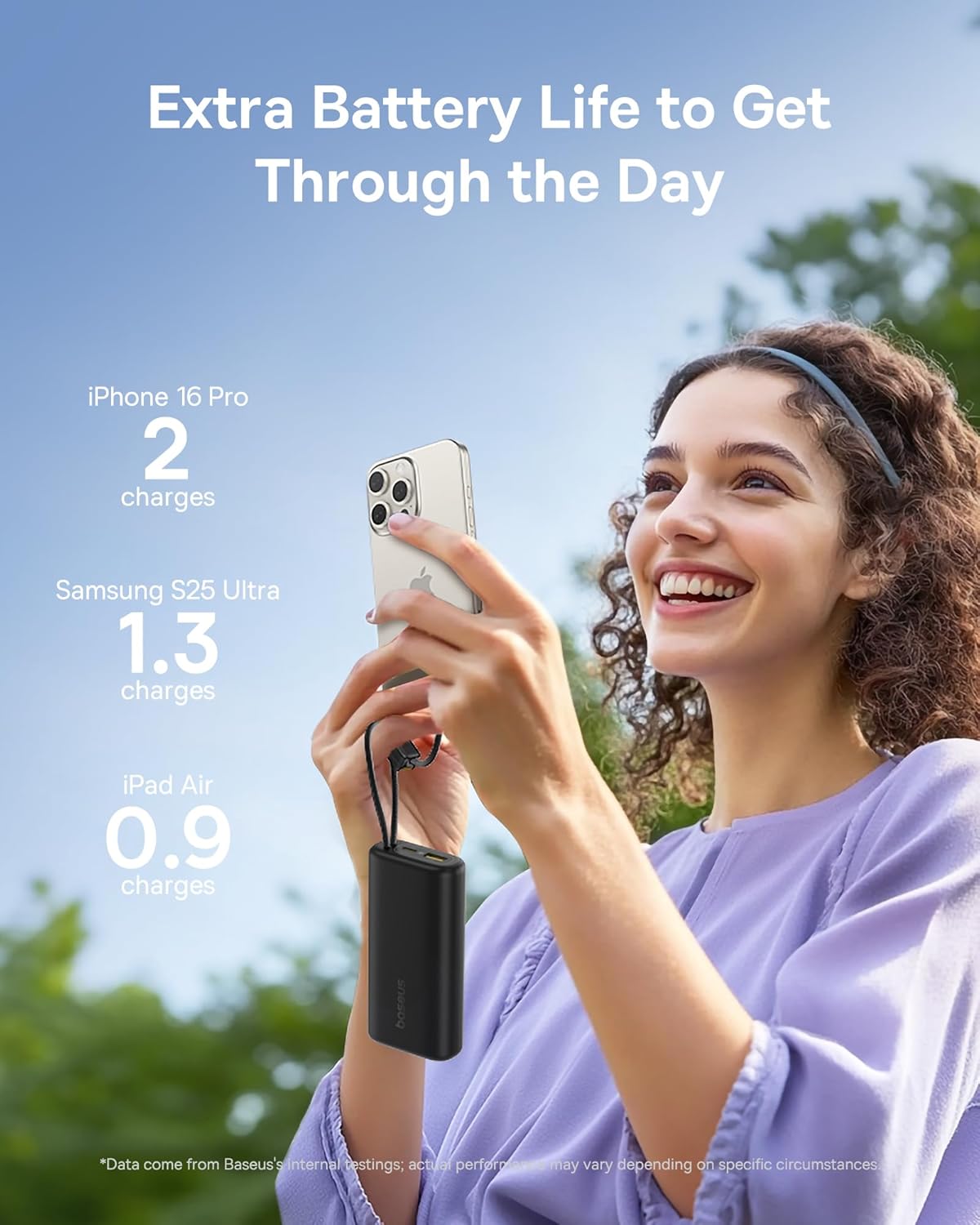
Image 1: The Baseus Mini Power Bank E0028P, a compact and portable charging solution.
2 製品の特徴
- 67W急速充電: Delivers up to 67W power output, capable of fast charging compatible smartphones and laptops.
- 10000mAhの大容量: Provides sufficient power for multiple charges of most smartphones and partial charges for tablets or small laptops.
- 内蔵デュアル USB-C ケーブル: Features two integrated USB-C braided cables for convenient charging without needing to carry extra cables. These cables also serve as a carrying strap.
- デジタルディスプレイ: An intelligent digital display provides real-time battery level information, allowing you to monitor the power bank's status at a glance.
- 複数デバイスの充電: Equipped with two built-in USB-C cables, one additional USB-C port, and one USB-A port, allowing simultaneous charging of up to four devices.
- コンパクトでポータブルなデザイン: Designed to be small and lightweight, easily fitting into pockets or small bags, making it ideal for travel.
- パススルー充電: Supports charging devices while the power bank itself is being recharged.
- 航空会社承認: Complies with airline regulations for portable power banks, suitable for carry-on luggage.

Image 2: The power bank's 10000mAh capacity can provide multiple charges for your devices.

Image 3: Experience 67W rapid charging for quick power delivery to your devices.
3. セットアップ
3.1 パワーバンクの初期充電
Before first use, it is recommended to fully charge your Baseus Mini Power Bank. This ensures optimal performance and battery longevity.
- Connect one of the built-in USB-C cables or an external USB-C cable to the power bank's input port.
- ケーブルのもう一方の端を互換性のある USB 壁充電器 (別売) に接続します。
- デジタルディスプレイに充電の進行状況が表示されます。ディスプレイに100%と表示されたら、パワーバンクは完全に充電されています。
3.2 充電用デバイスの接続
The power bank offers multiple ways to connect your devices:
- 内蔵USB-Cケーブルの使用: Extend the built-in USB-C cables from their storage slots. Plug one end into your device's USB-C port.
- 外部ケーブルの使用: For devices requiring USB-A or an additional USB-C connection, plug your own charging cable into the available USB-A or USB-C output ports on the power bank.
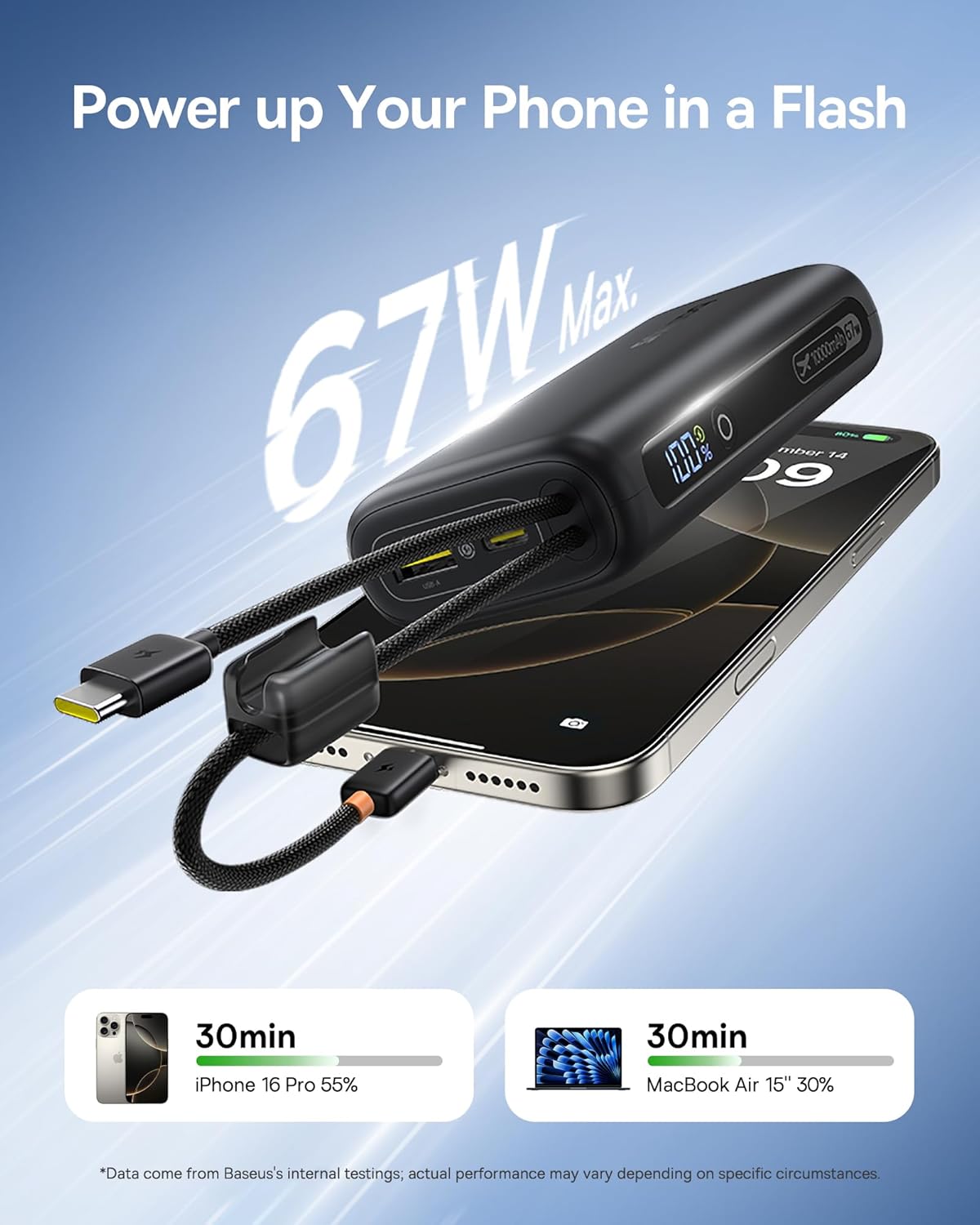
Image 4: The power bank features two convenient built-in USB-C cables.
4. 操作手順
4.1 デバイスの充電
- Connect your device(s) to the power bank using either the built-in USB-C cables or external cables plugged into the USB-A/USB-C output ports.
- Press the power button on the side of the power bank to initiate charging. The digital display will illuminate, showing the remaining battery percentage.
- デバイスは自動的に充電を開始するはずです。
4.2 バッテリー残量の確認
The integrated digital display provides an accurate percentage of the power bank's remaining charge. Simply press the power button once to activate the display.

Image 5: The digital display provides real-time battery status.
4.3 パワーバンクの充電
When the power bank's battery level is low, recharge it using a USB wall adapter and a USB-C cable (either built-in or external). The digital display will indicate charging status.
4.4 パススルー充電
The Baseus Mini Power Bank supports pass-through charging, meaning you can charge your devices while the power bank itself is connected to a power source and recharging. This allows for continuous power delivery.

Image 6: Illustrates the pass-through charging capability, allowing simultaneous charging of the power bank and connected devices.
4.5 複数のデバイスの充電
Utilize the built-in USB-C cables, the additional USB-C port, and the USB-A port to charge up to four devices simultaneously. The power bank intelligently distributes power to connected devices.

Image 7: The power bank can charge up to four devices concurrently.
5. メンテナンス
5.1 クリーニング
To clean the power bank, gently wipe its surface with a soft, dry cloth. Avoid using harsh chemicals, abrasive cleaners, or getting moisture into the ports.
5.2 ストレージ
Store the power bank in a cool, dry place away from direct sunlight, extreme temperatures, and humidity. For long-term storage, ensure the power bank is charged to approximately 50-75% to preserve battery health.
5.3バッテリーケア
To maximize the lifespan of your power bank's battery:
- バッテリーを頻繁に完全に放電することは避けてください。
- パワーバンクを極端な高温や低温にさらさないでください。
- Recharge the power bank at least once every three months if not in regular use.
6。 トラブルシューティング
| 問題 | 考えられる原因 | 解決 |
|---|---|---|
| デバイスが充電されない | Power bank battery is empty; Cable is faulty or not properly connected; Device is incompatible. | Recharge the power bank; Check cable connections and try a different cable; Verify device compatibility. |
| 充電が遅い | Device not supporting fast charging; Multiple devices connected; Cable quality. | Ensure your device supports 67W fast charging; Disconnect other devices; Use high-quality cables. |
| デジタル表示が動作しない | パワーバンクがオフになっています。故障です。 | Press the power button to activate the display; If issue persists, contact customer support. |
| パワーバンクが充電されない | Charging adapter is faulty; Cable is faulty; Power bank is already full. | Try a different wall adapter; Check cable connections and try a different cable; Check digital display for 100%. |
7. 仕様
| モデル番号 | E0028P |
| バッテリー容量 | 10000mAh |
| 最大出力 | 67W |
| 製品寸法 | 4.33 x 0.98 x 2.16インチ |
| アイテム重量 | 7.4オンス |
| コネクタの種類 | 2x Built-in USB-C, 1x USB-C Port, 1x USB-A Port |
| 特集 | Mini Design, 67W Laptop-Grade Fast Charging, Built-in Dual USB-C Cables, Digital Display, Pass-through Charging |
| メーカー | 深セン Baseus テクノロジー株式会社 |
8. 安全情報
製品の損傷やご自身の怪我を防ぐために、以下の安全ガイドラインを読んで従ってください。
- 装置を分解、改造、修理しないでください。
- 火、水、極端な温度にさらさないでください。
- パワーバンクを落としたり、強い衝撃を与えたりしないでください。
- お子様の手の届かない場所に保管してください。
- 互換性のある充電ケーブルとアダプターのみを使用してください。
- パワーバンクが膨張したり、過熱したり、異臭がする場合は、直ちに使用を中止してください。
9. 製品ビデオ
ビデオ1: 公式製品ビデオショーasing the built-in cables and pocket-size power of the Baseus Mini Power Bank.
10. 保証とサポート
Baseus products are manufactured by Shenzhen Baseus Technology Co., Ltd. For warranty information, technical support, or customer service inquiries, please refer to the official Baseus web公式サイトをご覧いただくか、カスタマーサポートまでお問い合わせください。保証請求のために購入時のレシートを保管してください。