
導入
The Jabra Evolve3 75 is an on-ear wireless Bluetooth headset designed for modern work environments. It features advanced active noise cancellation, AI-powered voice call technology, and a lightweight, comfortable design. This manual provides detailed instructions for setting up, operating, maintaining, and troubleshooting your headset.
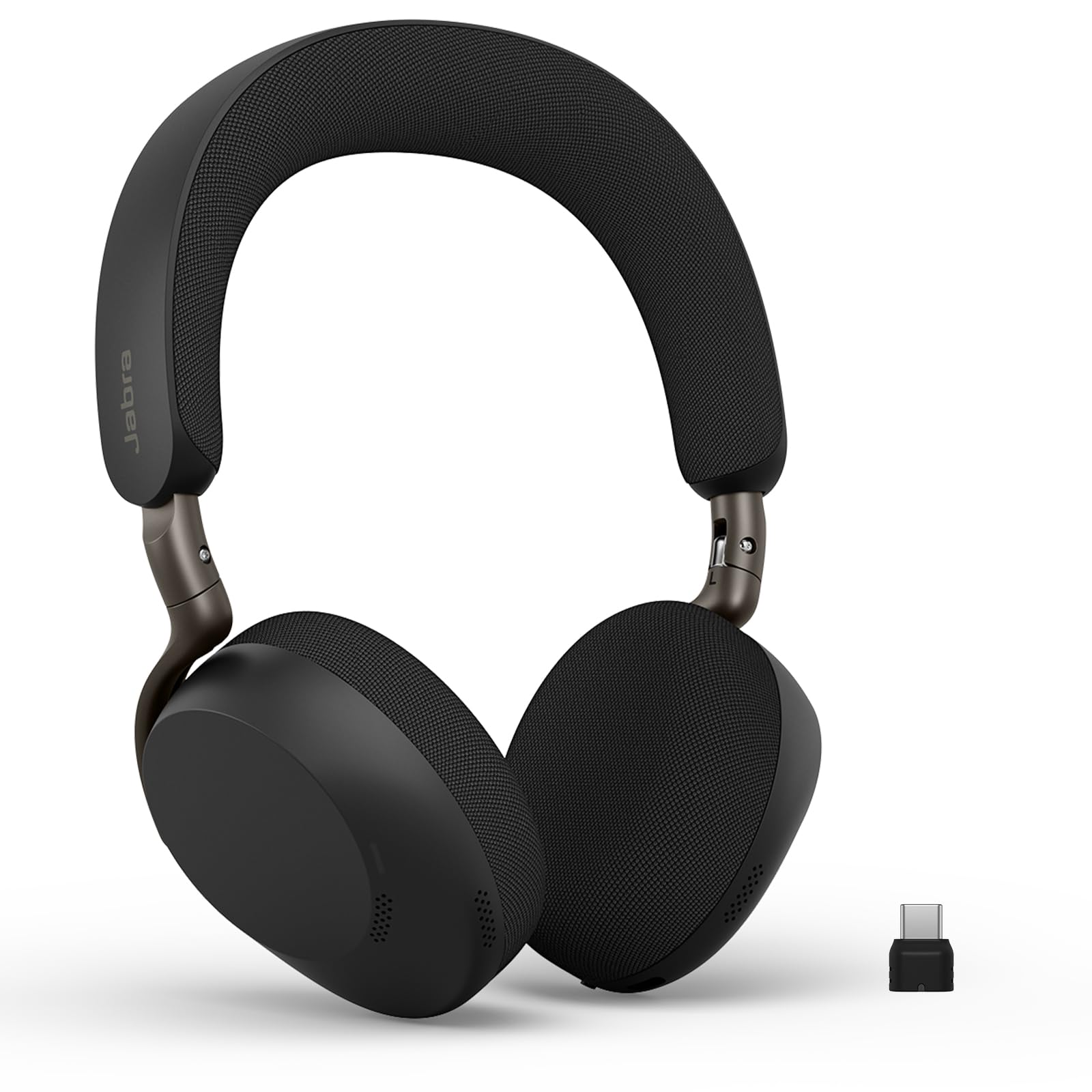
Image: Jabra Evolve3 75 Wireless Headset, showcasin洗練されたデザイン。
箱の中身
Your Jabra Evolve3 75 package includes the following items:
- Jabra Evolve3 75 Headset
- 保護ケース
- USB-C-USB-C充電ケーブル
- USB-C Dongle (Link390c)
- 安全情報と宣言

Image: All components included in the Jabra Evolve3 75 package, neatly arranged.
設定
1. ヘッドセットの充電
Before first use, fully charge your headset. The Jabra Evolve3 75 offers two charging methods:
- USB-C ケーブル: Connect the provided USB-C to USB-C cable to the headset's USB-C port and to a power source.
- ワイヤレス充電(該当する場合): Place the right ear cup onto a compatible wireless charging pad. Note that not all SKUs include a wireless charger.
A 5-minute rapid charge provides up to 5 hours of power. A full charge offers up to 22 hours of talk time or 110 hours of music playback.

Image: Jabra Evolve3 75 headset on a charging stand, illustrating its battery life and rapid charge capability.
2. デバイスへの接続
Your headset can connect to your devices via Bluetooth or the included USB-C dongle.
- Bluetoothのペアリング: Slide the Power/Bluetooth pairing switch to the Bluetooth position and hold until the LED indicator flashes blue. Select 'Jabra Evolve3 75' from your device's Bluetooth menu.
- USB-C ドングル: Plug the USB-C dongle (Jabra Link390c) into your computer's USB-C port. The headset will automatically connect to the dongle. This provides enhanced connectivity and mute status synchronization with online meeting applications.
The headset supports Fast Pair for quick connection and dual connectivity, allowing simultaneous connection to your laptop and phone.
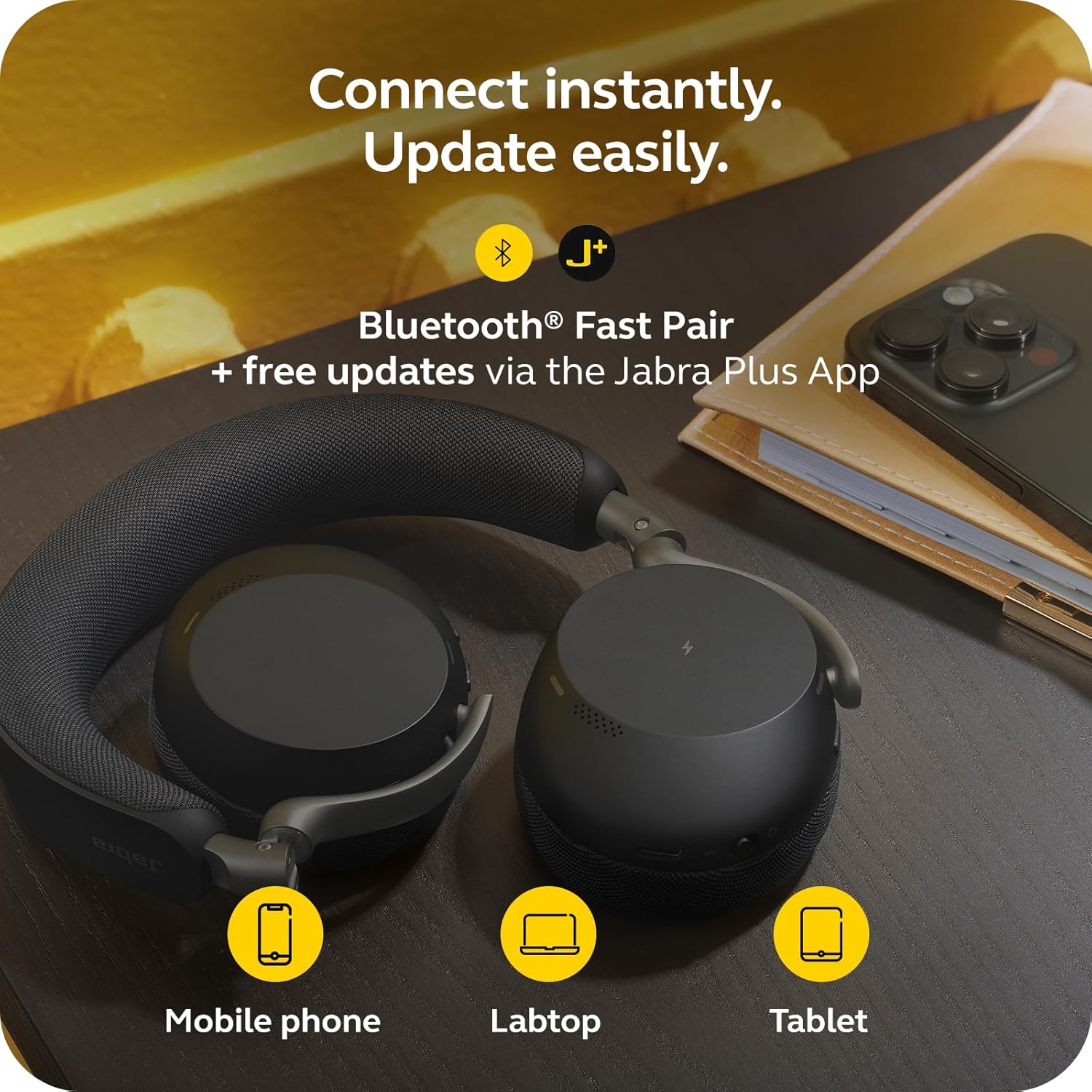
Image: Jabra Evolve3 75 headset alongside a mobile phone, laptop, and tablet, demonstrating its versatile connectivity options and the Jabra Plus App.
3. Jabra Plus App
Download the Jabra Plus App for mobile or Jabra Direct for desktop to manage settings, personalize your sound, and receive firmware updates to keep your headset current and optimized.
ヘッドセットの操作
コントロールオーバーview
The Jabra Evolve3 75 features intuitive physical buttons for easy control. Refer to the diagram below for button locations and functions.

Image: A collage highlighting key features of the Jabra Evolve3 75, including ClearVoice, ANC, fast charge, and 360° busylight.
- Power On/Off & Bluetooth Pairing: Slide switch on the right ear cup.
- 音量を上げる/下げる: Buttons on the right ear cup.
- 音楽の再生/一時停止: 多機能ボタンを1回押します。
- 通話の応答/終了: 多機能ボタンを1回押します。
- 通話を拒否: 多機能ボタンを2回押します。
- マイクのミュート/ミュート解除: Dedicated button on the left ear cup.
- 音声アシスタント: Press the dedicated button to activate your device's voice assistant.
- ANC/HearThrough Toggle: Button on the left ear cup to cycle between Active Noise Cancellation, HearThrough, and Off modes.
主な特徴
- Jabra ClearVoice™: AI-powered technology isolates your speech and reduces background noise for clear communication.
- Jabra Advanced ANC™: Dynamically adjusts to your surroundings to block distractions and maintain focus.
- Enhanced Spatial Sound: Provides a more immersive audio experience for calls and music.
- 360° Busylight: Integrated light indicates when you are on a call or busy, minimizing interruptions.
ビデオ: 公式製品終了view of the Jabra Evolve3 75, highlighting its key features and benefits for modern work environments.
メンテナンス
Proper maintenance ensures the longevity and optimal performance of your Jabra Evolve3 75 headset.
- クリーニング: Gently wipe the ear cushions and headband with a soft, dry cloth. For deeper cleaning, use a slightly damp cloth with mild soap, ensuring no moisture enters the speaker grilles or ports.
- バッテリーのケア: The headset features a replaceable battery. To maximize battery life, avoid extreme temperatures and store the headset with a partial charge if not used for extended periods.
- ストレージ: Store the headset in its protective case when not in use to prevent damage.
トラブルシューティング
If you encounter issues with your Jabra Evolve3 75, try the following solutions:
- 電源なし: Ensure the headset is fully charged using the USB-C cable or wireless charging pad.
- ペアリングできません: Make sure the headset is in Bluetooth pairing mode (flashing blue LED). Turn off and on your device's Bluetooth, then try pairing again. For PC, ensure the USB-C dongle is properly connected.
- 音質が悪い: Check the connection. If using Bluetooth, try moving closer to your device. If using the dongle, ensure it's securely plugged in. Update firmware via the Jabra Plus App.
- マイクの問題: Ensure the microphone is not muted. Check your device's audio settings to confirm the Jabra Evolve3 75 is selected as the input device.
- アクティブノイズキャンセレーションが機能しない: Ensure ANC is enabled via the dedicated button or Jabra Plus App. Adjust the headset fit for optimal seal.
For further assistance, consult the Jabra Plus App or visit the official Jabra support webサイト。
仕様
| 特徴 | 仕様 |
|---|---|
| ブランド | ジャブラ |
| モデル名 | 進化3 75 |
| モデル番号 | 37599-989-899 |
| 耳の位置 | 耳に |
| 接続技術 | ワイヤレス(Bluetooth 5.3) |
| Bluetooth範囲 | 100フィート |
| 騒音制御 | アクティブノイズキャンセリング |
| バッテリー寿命(通話時間) | 最大22時間 |
| バッテリー寿命(音楽) | 最大110時間 |
| バッテリー充電時間 | 180 minutes |
| アイテム重量 | 180グラム |
| オーディオドライバーのサイズ | 32ミリメートル |
| 保証 | 2年メーカー |
保証とサポート
保証情報
The Jabra Evolve3 75 headset comes with a 2年間のメーカー保証保証請求のために購入証明書を保管してください。
カスタマーサポート
For technical support, product registration, or to access FAQs and additional resources, please:
- Visit the official Jabra support webサイト: www.jabra.com/サポート
- Use the Jabra Plus App for personalized assistance and device management.