
導入
The Redmi Buds 8 Lite are advanced wireless earbuds designed to deliver an immersive audio experience with hybrid active noise cancellation, powerful sound, and extended battery life. This manual provides essential information for setting up, operating, and maintaining your earbuds.
箱の中身
- Redmi Buds 8 Lite イヤホン(左右)
- 充電ケース
- USB Type-C充電ケーブル
- シリコン製イヤーチップ(各種サイズ)
- ユーザーマニュアル

Image: Redmi Buds 8 Lite earbuds in their open charging case, showcasin洗練された黒のデザイン。
設定
1. イヤホンとケースの充電
Before first use, fully charge the earbuds and the charging case. Place the earbuds into the charging case and connect the USB Type-C cable to the charging port on the case and a power source. The indicator light on the case will show charging status.
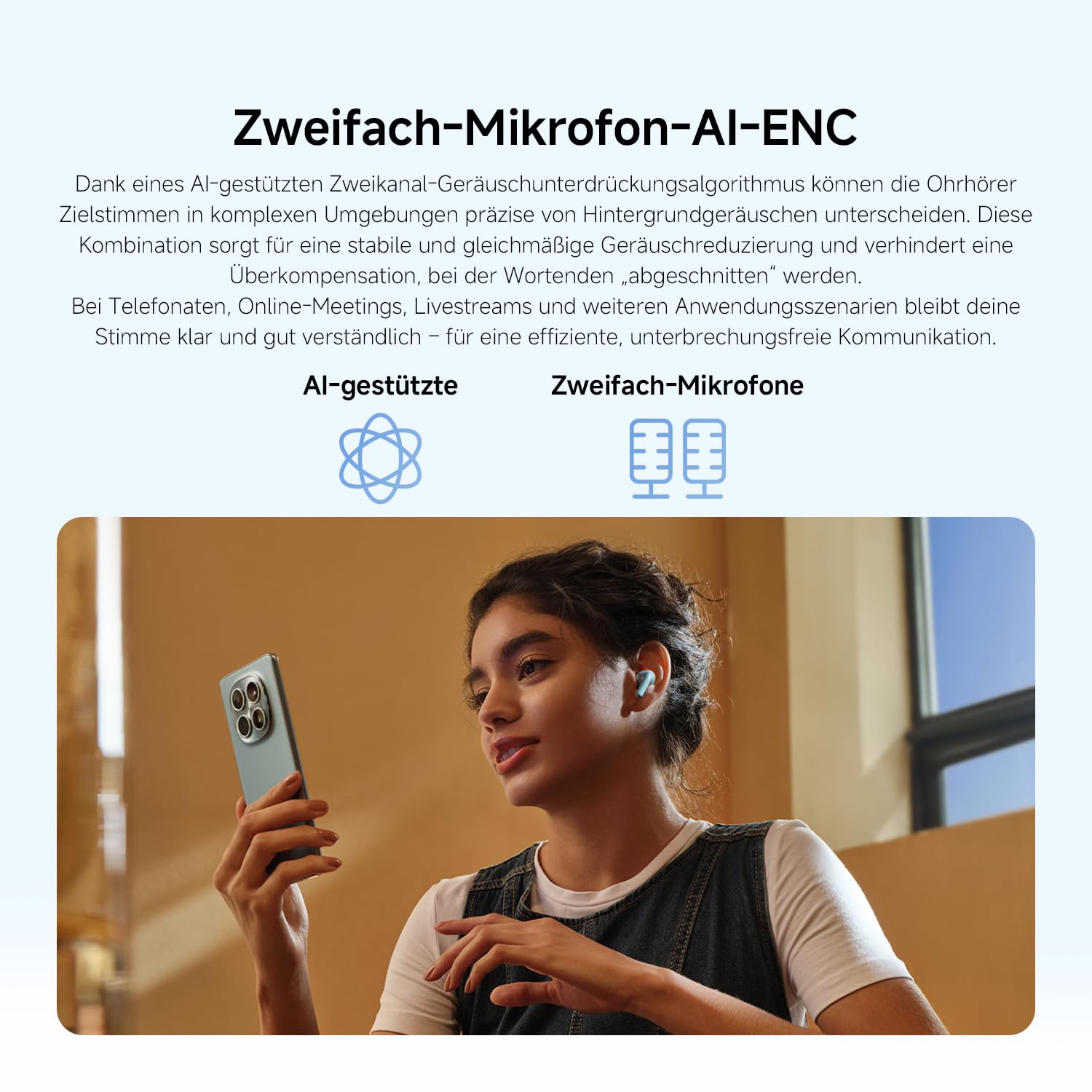
Image: The Redmi Buds 8 Lite charging case with earbuds, illustrating the extended battery life of up to 36 hours with the case.
2. 初期ペアリング
- 充電ケースを開けると、イヤホンは自動的にペアリングモードになります。
- デバイス(スマートフォン、タブレットなど)で Bluetooth を有効にします。
- 検索する "Redmi Buds 8 Lite" in the list of available Bluetooth devices and select it to connect.
- For Android devices, Google Fast Pair will simplify the connection process by displaying a pop-up notification.
イヤホンの操作
タッチコントロール
The Redmi Buds 8 Lite feature intuitive touch controls on each earbud. The functions can be customized via the Xiaomi Earbuds app.
- 再生/一時停止: どちらかのイヤホンを 1 回タップします。
- 次のトラック: 右のイヤホンをダブルタップします。
- 前のトラック: 左のイヤホンをダブルタップします。
- 通話の応答/終了: どちらかのイヤホンを 1 回タップします。
- 通話を拒否: どちらかのイヤホンを長押しします。
- 音声アシスタントを有効にする: どちらかのイヤホンをトリプルタップします。
- ANC/透明モードを切り替える: どちらかのイヤホンを長押しします(カスタマイズ可能)。
アクティブノイズキャンセル(ANC)
The earbuds feature 42dB Hybrid Active Noise Cancellation to reduce ambient noise, allowing for a more focused listening experience. You can switch between ANC, Transparency, and Standard modes using the touch controls or the Xiaomi Earbuds app.
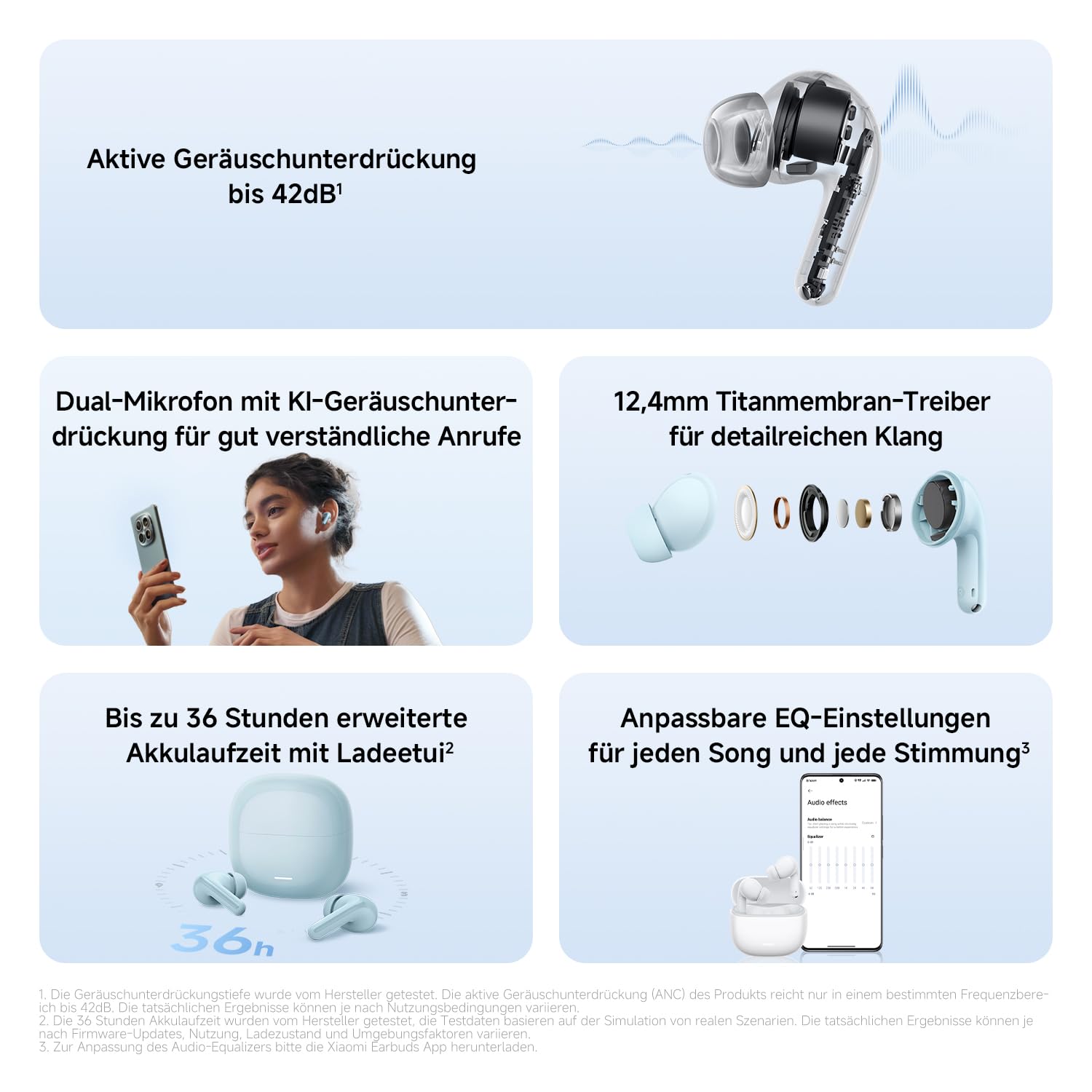
画像: 詳細な view of the Redmi Buds 8 Lite earbud highlighting its active noise cancellation capability of up to 42dB.
Crystal-Clear Calls with AI Dual-Microphone
Equipped with an AI dual-microphone system, the earbuds effectively reduce background noise and wind interference during calls, ensuring your voice is transmitted clearly.
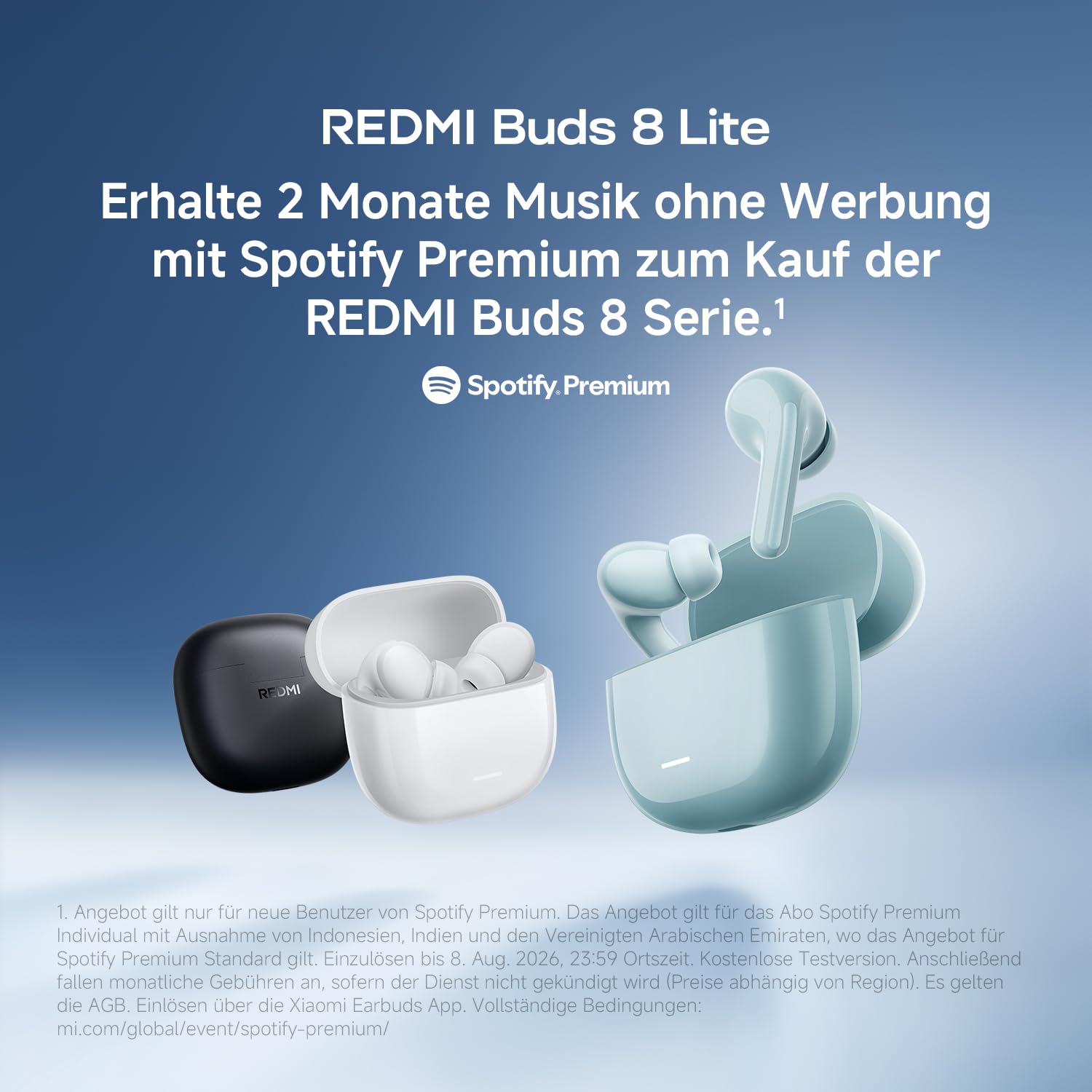
Image: A user wearing Redmi Buds 8 Lite earbuds while on a call, demonstrating the effectiveness of the AI dual-microphone system for clear communication.
Xiaomi イヤホン アプリ
Download the Xiaomi Earbuds app to unlock full customization options, including personalized EQ settings, firmware updates, and touch control adjustments.
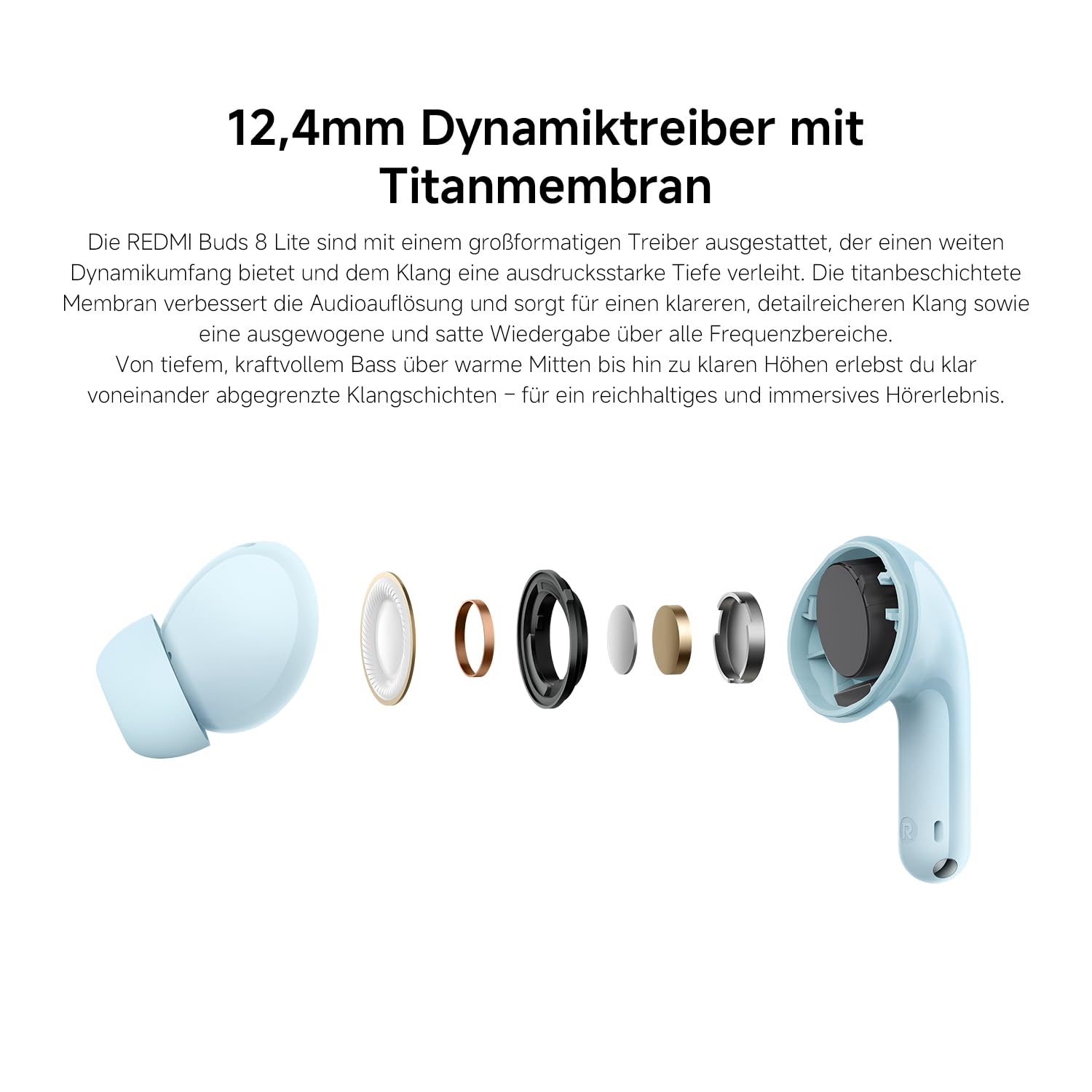
Image: A smartphone screen displaying the Xiaomi Earbuds app interface with various customizable EQ settings for audio personalization.
主な特徴
- 42dB Hybrid Active Noise Cancellation: Provides deep quiet by blocking out ambient noise for immersive sound.
- Powerful 12.4mm Dynamic Driver: Delivers rich, detailed sound with strong bass and clear treble.
- AI Dual-Microphone System: Ensures crystal-clear calls by reducing background noise and wind interference.
- 8/36-Hour Ultra-Long Battery: 1 回の充電で最大 8 時間、充電ケースを使用すると合計 36 時間使用できます。
- 超高速充電: Get 2 hours of music from just a 10-minute charge.
- カスタマイズ可能なサウンド: Fine-tune audio via the Xiaomi Earbuds app with EQ settings.
- Bluetooth 5.4接続: 安定した効率的なワイヤレス接続を提供します。
- IP54防水性能: Protects against splashes and sweat, suitable for workouts and outdoor activities.
- Google ファストペア: Enables quick and seamless pairing with Android devices.
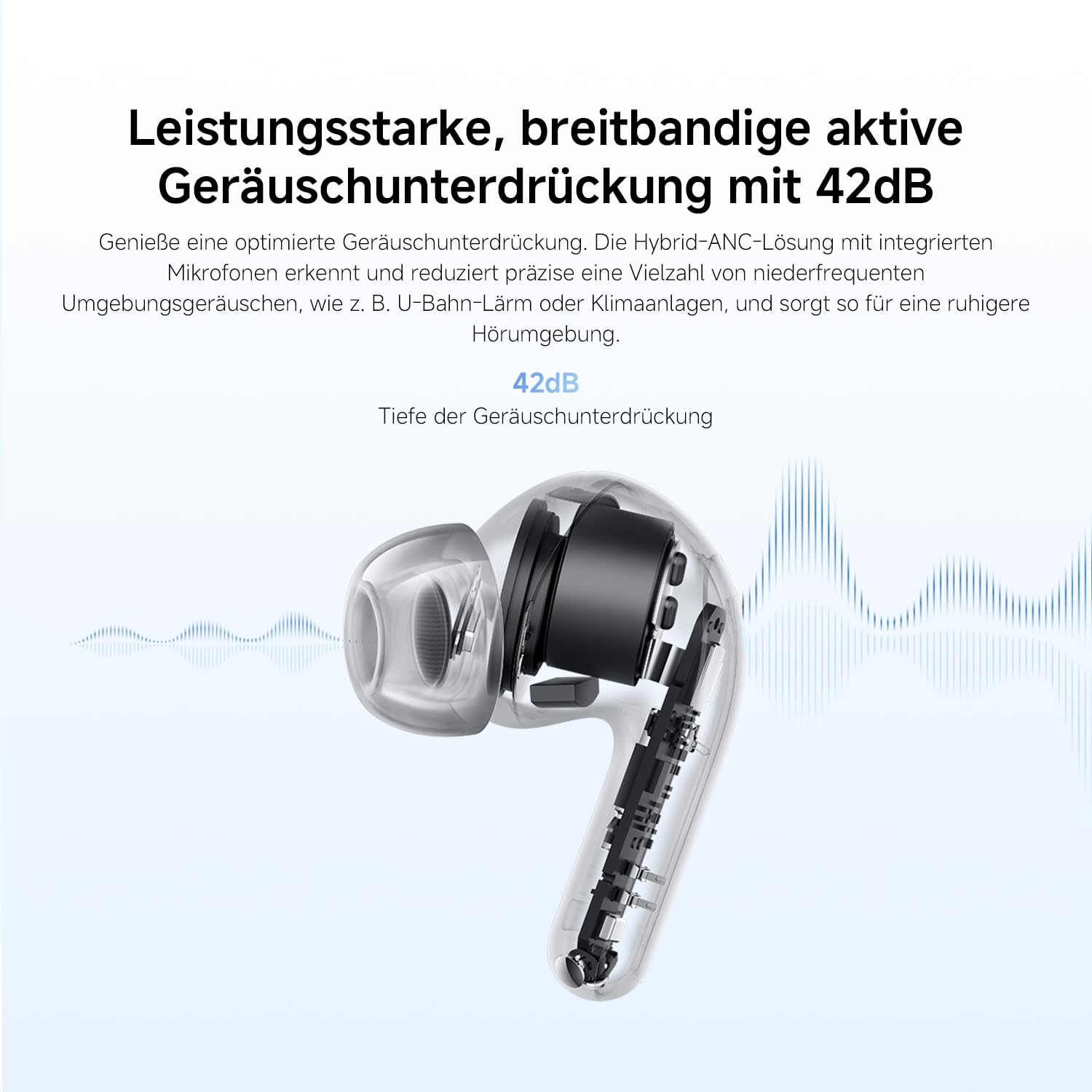
Image: An exploded diagram of the Redmi Buds 8 Lite earbud, highlighting its 12.4mm dynamic driver for detailed audio.
メンテナンス
To ensure the longevity and optimal performance of your Redmi Buds 8 Lite, follow these maintenance guidelines:
- クリーニング: イヤホンと充電ケースは、柔らかく乾いた糸くずの出ない布で定期的に拭いてください。刺激の強い化学薬品や研磨剤は使用しないでください。
- イヤーチップ: シリコン製のイヤーチップは定期的に取り外し、水と中性洗剤で洗ってください。再び取り付ける前に、完全に乾いていることを確認してください。
- 耐水性: The earbuds are IP54 water-resistant, meaning they are protected against splashes and sweat. Do not submerge them in water or expose them to heavy rain. Dry them thoroughly if they get wet.
- ストレージ: 使用しないときは、ほこりや損傷から保護するために、イヤホンを充電ケースに保管してください。
トラブルシューティング
If you encounter any issues with your Redmi Buds 8 Lite, refer to the following common solutions:
- イヤホンがペアリングされない: 両方のイヤホンが充電ケースに入っていることを確認してから、蓋を開けてペアリングモードを開始してください。デバイスのBluetooth設定を確認し、再接続をお試しください。
- 片方のイヤホンから音が出ない: Place both earbuds back into the case, close the lid, wait a few seconds, then open it again. This often re-syncs them.
- 充電に関する問題: 充電ケーブルがケースと電源の両方にしっかりと接続されていることを確認してください。イヤホンとケース内部の充電端子を清掃してください。
- 音質が悪い: Ensure the ear tips provide a snug fit to your ear canal. Try different sized ear tips for better seal. Check for any debris blocking the earbud speakers.
- タッチコントロールが反応しない: Ensure your fingers are clean and dry. A firmware update via the Xiaomi Earbuds app might resolve the issue.
- 工場出荷時設定へのリセット: If problems persist, perform a factory reset (refer to the Xiaomi Earbuds app or official support for specific instructions).
仕様
| 特徴 | 仕様 |
|---|---|
| ブランド | 小米 |
| モデル名 | redmi buds 8 lite |
| モデル番号 | BHR08OMGL |
| 色 | 黒 |
| 耳の位置 | 耳に装着 |
| フォームファクター | 耳に装着 |
| インピーダンス | 32オーム |
| 接続技術 | 無線 |
| ワイヤレステクノロジー | ブルートゥース |
| Bluetoothバージョン | 5.4 |
| Bluetooth範囲 | 10メートル |
| コントロールタイプ | タッチコントロール |
| 制御方法 | アプリ |
| バッテリーの平均寿命 | 38時間(充電ケース使用時) |
| バッテリー充電時間 | 1時間 |
| 騒音制御 | Hybrid Noise Cancellation (42 dB) |
| 周波数範囲 | 20 Hz - 20,000 Hz |
| オーディオドライバータイプ | ダイナミックドライバー(12.4mm) |
| 耐水性レベル | 防水(IP54) |
| アイテム重量 | 39グラム |
保証とサポート
The Redmi Buds 8 Lite are covered by a 1年間のメーカー保証 ご購入日から1年間有効です。本保証は、通常の使用における材料および製造上の欠陥を対象とします。誤用、事故、不正な改造、または通常の摩耗や損耗による損傷は保証の対象外となります。
For warranty claims, technical support, or further assistance, please visit the official XIAOMI support webご購入いただいたサイトをご覧いただくか、カスタマーサービスまでお問い合わせください。保証の有効性を確認するため、購入証明書を保管してください。
公式XIAOMIサポート: https://www.mi.com/global/support