
1. はじめに
Thank you for choosing the Baseus Bass BP1 NC Hybrid Active Noise Cancelling Wireless Earbuds. This manual provides essential information for setting up, operating, and maintaining your earbuds to ensure optimal performance and longevity. Please read it thoroughly before use.
2. 箱の中身
パッケージにすべてのアイテムが含まれていることを確認します。
- Baseus Bass BP1 NC Wireless Earbuds
- ワイヤレス充電ケース
- イヤーチップ(S/M/Lサイズ)
- ユーザーマニュアル

Image: Contents of the Baseus Bass BP1 NC Earbuds package.
3.製品オーバーview
Familiarize yourself with the components of your Baseus Bass BP1 NC earbuds and charging case.
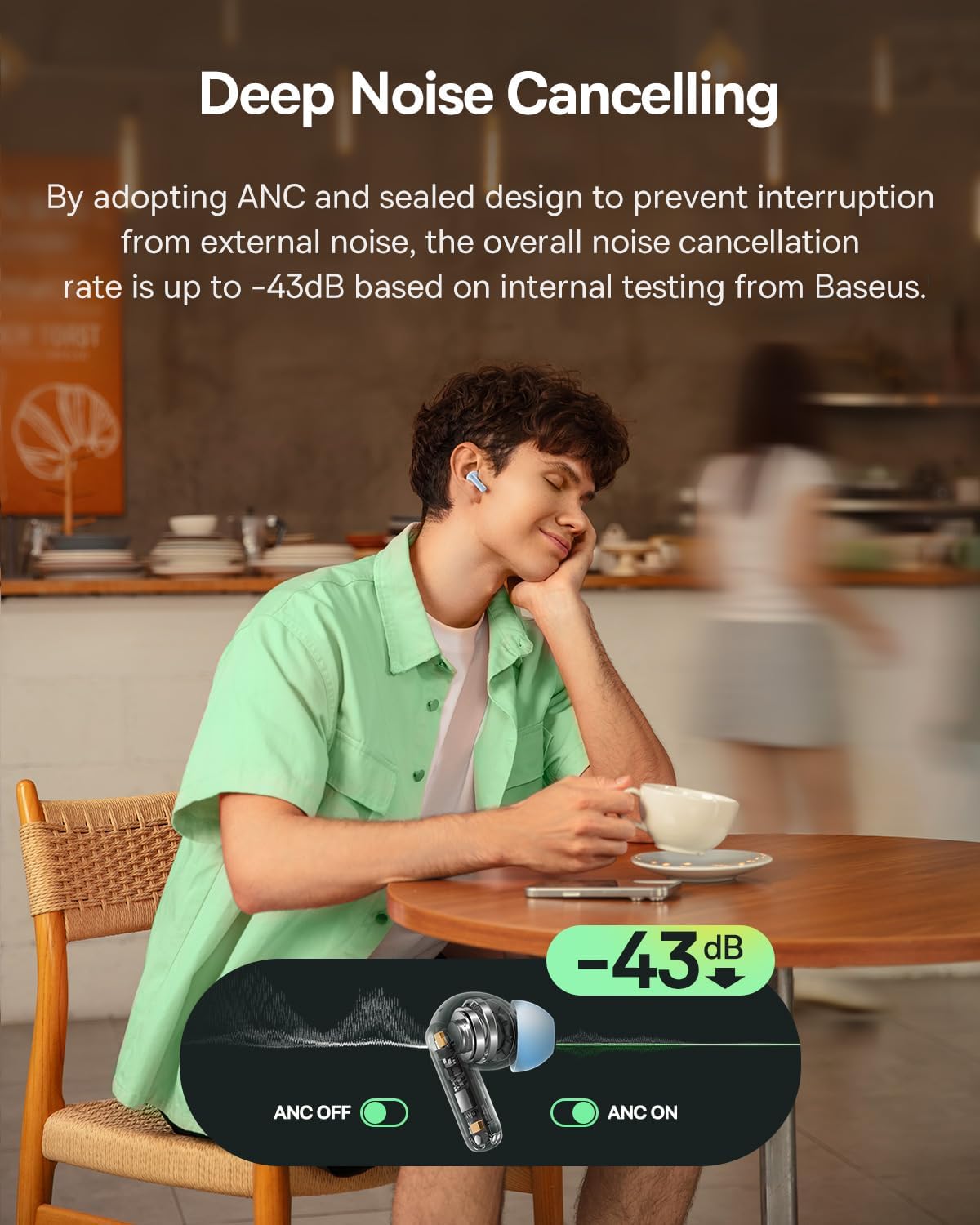
Image: Baseus Bass BP1 NC Earbuds and Charging Case.
画像: 詳細 view of a single earbud.
4. セットアップ
4.1 イヤホンとケースの充電
Before first use, fully charge the earbuds and charging case. Place the earbuds into the charging case. Connect the charging case to a power source using a USB-C cable. The indicator lights on the case will show the charging status.
10 分間の充電で約 2 時間の再生が可能です。

画像: バッテリー寿命と充電情報。
4.2Bluetoothペアリング
- 充電ケースを開けると、イヤホンは自動的にペアリングモードになり、点滅するライトで表示されます。
- デバイス(スマートフォン、タブレットなど)で Bluetooth を有効にします。
- 検索する "Baseus Bass BP1 NC" in the list of available Bluetooth devices and select it to connect.
- Once connected, the indicator light on the earbuds will turn off or show a steady light, depending on the model.
The earbuds feature Bluetooth 6.0 for lower latency, more stable connectivity, and increased transmission range.

Image: Bluetooth 6.0 technology overview.
4.3 イヤホンの装着
For optimal sound quality and noise cancellation, ensure a proper fit. Choose the eartips that provide a snug seal in your ear canal. Insert the earbuds gently and twist them slightly until they feel secure and comfortable.

Image: Earbuds properly fitted in ear.
5. 操作手順
5.1 電源オン/オフ
- 電源オン: 充電ケースを開けると、イヤフォンの電源が自動的にオンになります。
- 電源を切る: イヤホンを充電ケースに戻し、蓋を閉めます。自動的に電源がオフになり、充電が開始されます。
5.2 タッチコントロール
The Baseus Bass BP1 NC earbuds feature intuitive touch controls on each earbud. The 'Pinch Area' on the stem of the earbud is where touch gestures are registered.

画像: タッチコントロール機能。
| アクション | 関数 |
|---|---|
| ダブルタップ(×2) | 音楽の再生/一時停止、通話の応答/終了 |
| トリプルタップ(x3) | Play Previous Track (Left earbud); Play Next Track (Right earbud) |
| 押し続ける(2秒) | Reject calls; Switch Noise Reduction / Transparency Mode |
5.3 アクティブノイズキャンセリング(ANC)と透過モード
The earbuds feature Hybrid ANC technology, reducing external noise by up to -43dB. You can switch between ANC On, ANC Off, and Transparency modes by pressing and holding the touch area for 2 seconds.
- ANCオン: 周囲のノイズを遮断し、臨場感あふれるリスニング体験を実現します。
- ANC オフ: ノイズキャンセルなしの標準オーディオモード。
- 透明モード: オーディオを楽しみながら周囲の音も聞くことができ、混雑した環境での注意力向上に役立ちます。

Image: Deep Noise Cancelling feature in action.
5.4 通話管理
The 4-Mic AI ENC technology ensures clear calls by isolating your voice from background noise.

Image: 4-Mic AI ENC for clear calls.
5.5 Customizable Audio Performance (EQ)
Utilize the Baseus app to personalize your listening experience with 24 customizable EQ settings. This allows you to tailor the sound profile to your preferences for various music genres or content types.

Image: Baseus app EQ customization interface.
5.6 低遅延ゲーム
The earbuds offer a low latency of 58ms, providing a synchronized audio-visual experience ideal for gaming.
Video: Demonstrating the low latency feature for gaming.
6. メンテナンス
6.1 クリーニング
- イヤホン、特にイヤーチップと充電接点を、柔らかく乾いた糸くずの出ない布で定期的に清掃してください。
- イヤーチップを取り外し、必要に応じて中性洗剤と水で洗ってください。再び装着する前に、完全に乾いていることを確認してください。
- 研磨剤や溶剤は使用しないでください。
6.2 ストレージ
使用していないときは、ほこりや損傷から保護し、充電を保つために、イヤホンを常に充電ケースに保管してください。
6.3 耐水性
The earbuds are IP55 water-resistant, protecting them from sweat, splashes, and light rain. Do not submerge them in water or expose them to strong jets of water.

Image: IP55 Water & Dust Resistant feature.
7。 トラブルシューティング
問題が発生した場合は、次の一般的な問題と解決策を参照してください。
| 問題 | 考えられる解決策 |
|---|---|
| イヤホンがペアリングされない | イヤホンが充電されていることを確認してください。デバイスのBluetoothをオフにしてからオンにしてください。イヤホンをケースに戻し、閉じてから再び開いてペアリングモードに切り替えてください。 |
| XNUMXつのイヤフォンから音が出ない | Check if both earbuds are charged. Try resetting the earbuds (refer to manufacturer's specific reset instructions if available). Re-pair with your device. |
| 音質が悪い / 低音が弱い | Ensure eartips provide a snug seal. Try different sized eartips. Check EQ settings in the Baseus app. |
| ANCは効果がない | Ensure earbuds are properly seated in your ears. Verify ANC mode is active via touch control or the Baseus app. |
| イヤホンが充電されない | Clean charging contacts on both earbuds and case. Ensure charging cable is securely connected and power source is active. |
8. 仕様
Detailed technical specifications for the Baseus Bass BP1 NC Earbuds:
- モデル名: Baseus Bass BP1 NC
- 騒音制御: Adaptive Noise Cancellation (Hybrid ANC up to -43dB)
- オーディオ ドライバーの種類: ダイナミックドライバ
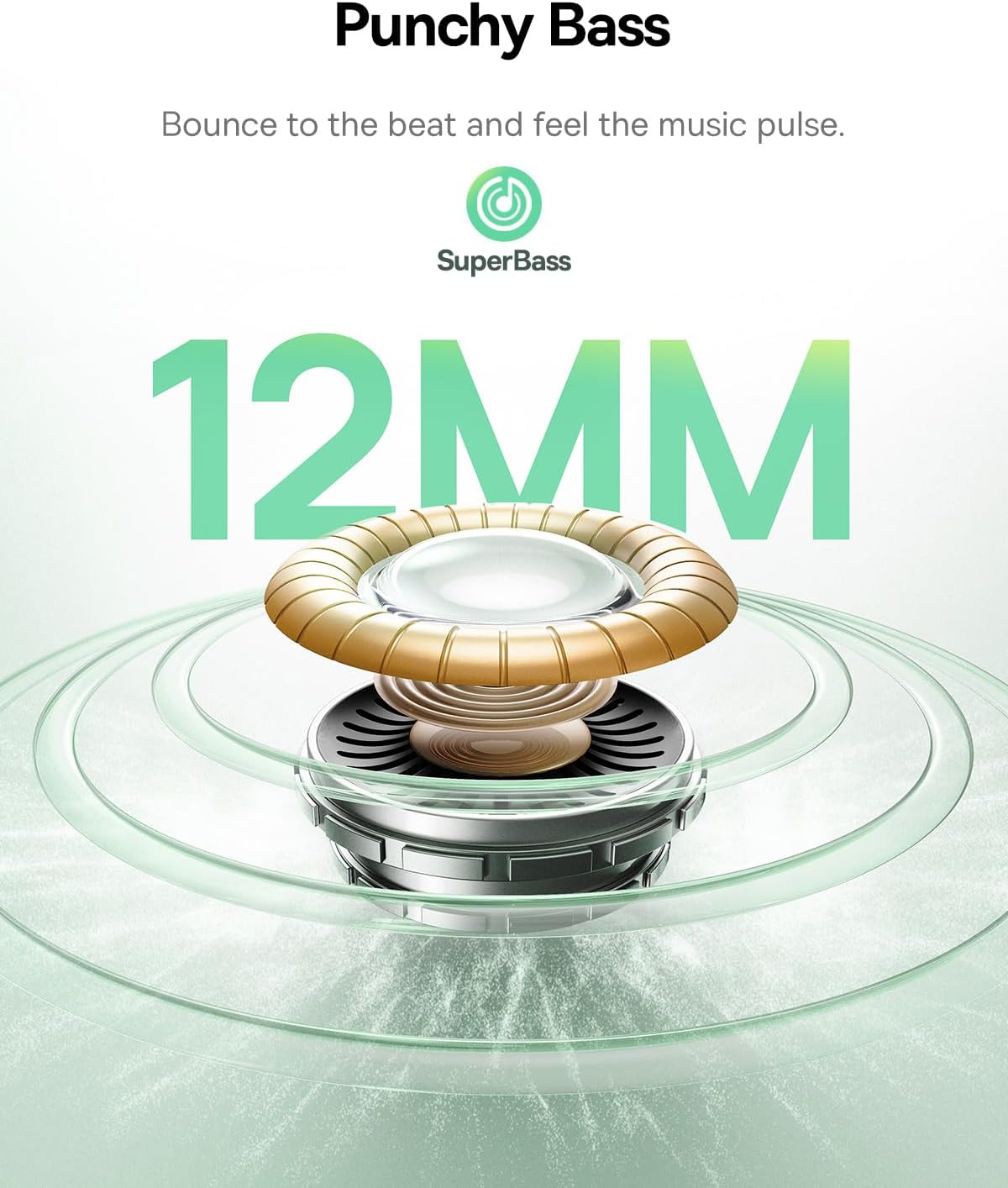
- オーディオ ドライバー サイズ: 12ミリメートル
- 周波数応答: 20 kHz
- インピーダンス: 16オーム
- 接続技術: 無線
- ワイヤレス通信技術: ブルートゥース
- Bluetoothバージョン: 6.0
- Bluetooth範囲: 10メートル
- オーディオ遅延: 58ミリ秒
- バッテリー寿命(イヤホン): 最大7時間(ANCオフ)
- 合計再生時間(充電ケース付き): 最大41時間(ANCオフ)
- Charging Time (Rapid Charge): 10分で2時間のプレイ時間
- 耐水性レベル: IP55(防水)
- コントロールタイプ: タッチコントロール
- マイク: 4-Mic AI ENC
- カスタマイズ可能なEQ: 24 settings via Baseus App
- 材料: アクリロニトリルブタジエンスチレン(ABS)、ポリカーボネート(PC)
- Item Weight (per earbud): 4.1グラム(約0.145オンス)
- 製品寸法: 1.2 x 0.8 x 0.9インチ
- キャリングケース寸法: 5.7 x 4.9 x 2.8 センチメートル
- 国際コード: 810196183469
9. 安全情報
- 製品を分解したり改造したりしないでください。
- 極端な温度、直射日光、火気を避けて保管してください。
- Avoid exposing the product to water beyond its IP55 rating.
- 聴覚障害を防ぐため、イヤホンを長時間にわたって過度に大きな音量で使用しないでください。
- お子様やペットの手の届かない場所に保管してください。
10. 保証とサポート
Baseus products are covered by a limited warranty. For specific warranty terms, registration, or technical support, please refer to the warranty card included in your package or visit the official Baseus webサイトでご確認ください。保証請求のために購入証明書を保管してください。