
1. はじめに
The Redragon GS821 Soundbar is a versatile audio system designed to enhance your entertainment experience. It features dual powerful drivers and dual diaphragms for high-fidelity stereo sound, rich bass, and clear dialogue. With multiple connectivity options including HDMI ARC, Optical, Bluetooth 5.3, AUX, and USB, it integrates seamlessly with various devices such as TVs, PCs, projectors, and smartphones. The soundbar also offers three specialized equalizer modes to optimize audio for movies, music, and dialogue.
This manual provides detailed instructions for setting up, operating, and maintaining your Redragon GS821 Soundbar. Please read it thoroughly before use to ensure proper functionality and to maximize your audio experience.
2. パッケージ内容
以下にリストされているすべてのアイテムがパッケージに含まれていることを確認してください。
- Redragon GS821 Soundbar
- リモートコントロール
- 電源アダプター
- 3.5mmオーディオケーブル
- 壁取り付けキット(ネジとアンカー)
- ユーザーマニュアル(このドキュメント)
3.製品オーバーview
3.1 前面と側面 View
The soundbar features a sleek, compact design suitable for various placements.

The Redragon GS821 Soundbar, a compact audio device designed for TV and PC use.
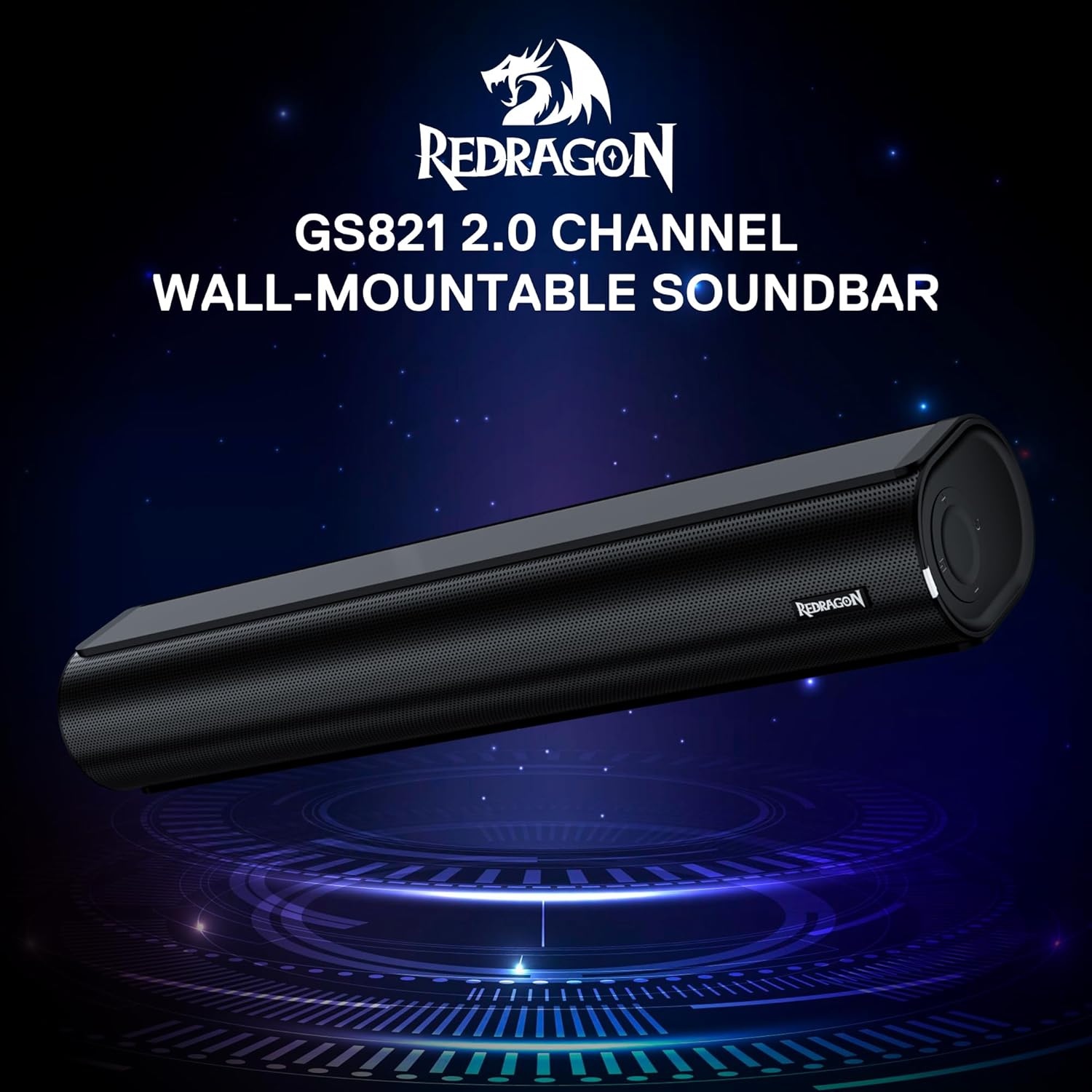
The Redragon GS821 Soundbar showing its compact dimensions: 15.9 inches wide, 4 inches deep, and 2.8 inches high.

爆発した view illustrating the dual 45mm sound units and internal components of the Redragon GS821 Soundbar, designed for Hi-Fi stereo sound.
3.2 背面パネルと接続
The rear panel provides various ports for connecting to your devices.
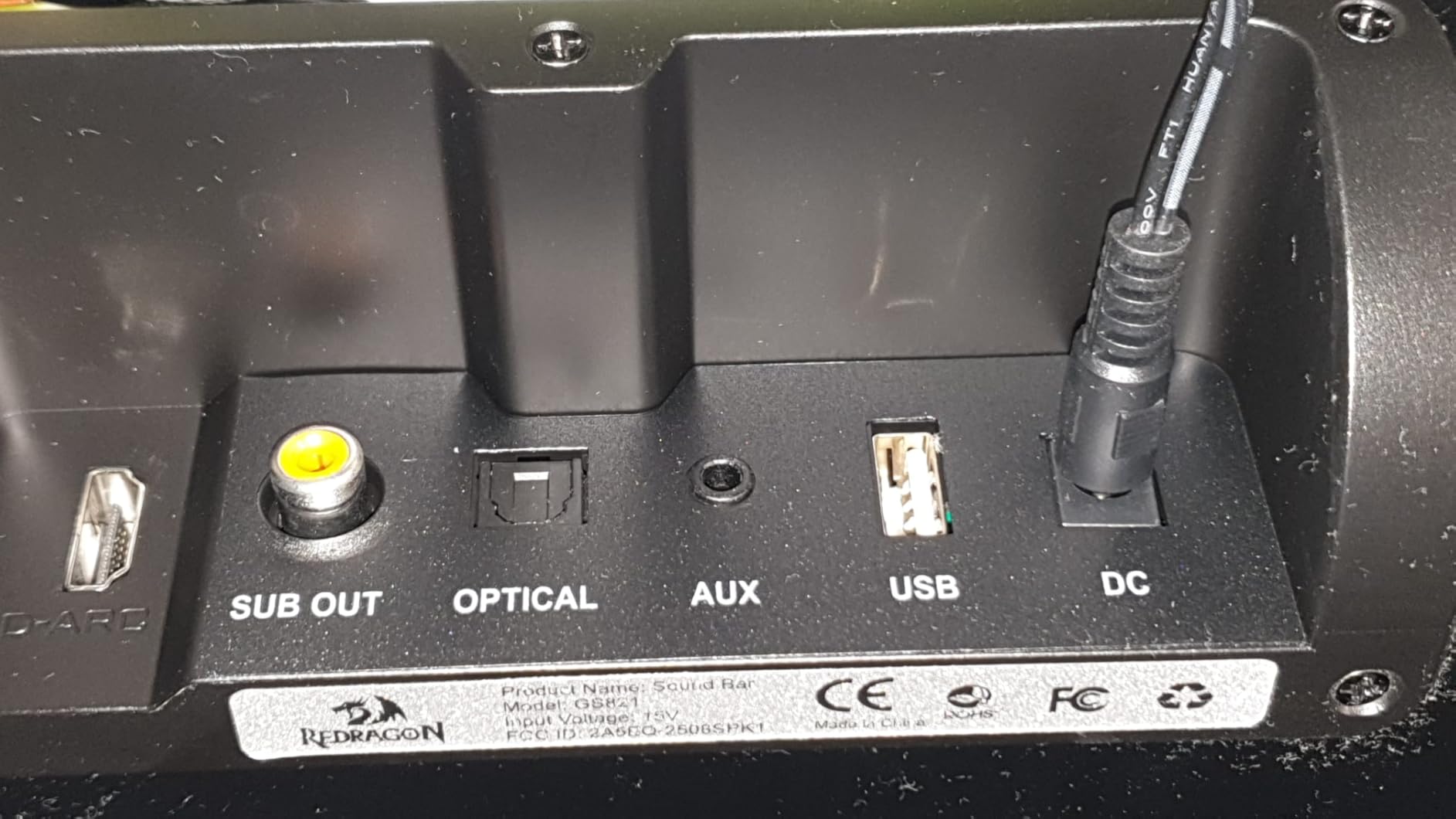
The rear panel of the Redragon GS821 Soundbar, featuring various input ports including HDMI ARC, Optical, AUX, and USB for versatile connectivity.
3.3 Controls and Remote
The soundbar can be controlled via its side buttons or the included remote control.

The included remote control for the Redragon GS821 Soundbar, alongside the manual control buttons located on the side of the soundbar for easy access.
4. セットアップ
4.1 配置
The Redragon GS821 Soundbar can be placed on a tabletop or mounted on a wall.
- 卓上の配置: Position the soundbar on a flat, stable surface directly in front of your TV or monitor. Ensure it does not block any sensors or the screen.
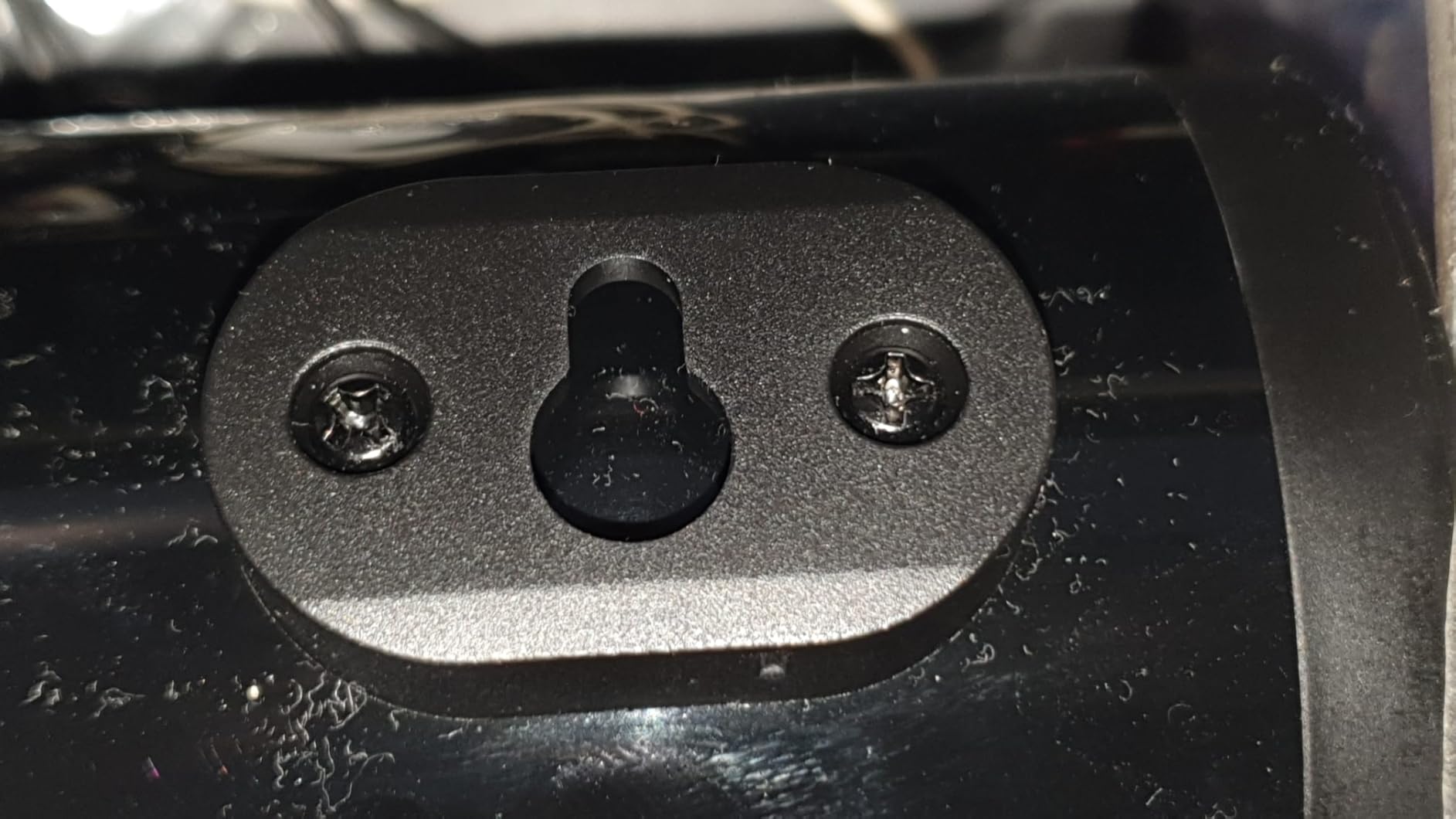
- 壁掛け: Use the provided wall mounting kit. Mark the desired positions on the wall, drill pilot holes, insert anchors, and secure the soundbar using the screws. Ensure the soundbar is level and securely fastened.
4.2電源接続
- 電源アダプターをサウンドバーの DC IN ポートに接続します。
- 電源アダプタを壁のコンセントに差し込みます。
4.3オーディオ接続
Choose one of the following methods to connect the soundbar to your audio source:
- HDMI ARC: Connect an HDMI cable from the soundbar's HDMI ARC port to your TV's HDMI ARC port. Ensure your TV's HDMI ARC function is enabled in its settings.
- 光学: Connect an optical cable from the soundbar's OPTICAL port to your TV's or device's optical output port.
- 補助(3.5mm): Use the provided 3.5mm audio cable to connect the soundbar's AUX port to the headphone jack or audio output of your device.
- USB: オーディオを含む USB フラッシュ ドライブを挿入します files into the USB port. The soundbar will automatically detect and play compatible audio files.
- ブルートゥース: For wireless connection, refer to section 5.3 Bluetooth Pairing.
5. 操作手順
5.1 電源オン/オフ
- サウンドバーまたはリモコンの電源ボタンを押して、ユニットの電源をオンまたはオフにします。
5.2入力の選択
Cycle through input modes using the 'M' button on the soundbar or the 'Input' button on the remote control. The LED indicator will change color to show the active input:
A guide to the LED indicator colors on the Redragon GS821 Soundbar, showing which color corresponds to each input mode (Standby, BT, ARC, Optical, AUX, USB).
- 赤: 待機する
- 青: Bluetooth(BT)
- シアン: HDMI ARC
- 白: 光学
- 黄: 補助
- 紫: USB
5.3Bluetoothペアリング
Bluetooth 経由でデバイスを接続するには:

A visual representation of the advanced Bluetooth 5.3 technology integrated into the Redragon GS821 Soundbar, ensuring ultra-low latency for perfect audio synchronization.
- Switch the soundbar to Bluetooth mode (Blue LED). The soundbar will enter pairing mode automatically.
- デバイス(スマートフォン、タブレットなど)で Bluetooth を有効にし、利用可能なデバイスを検索します。
- Select "Redragon GS821" from the list to pair.
- ペアリングされると、LED インジケーターの点滅が停止し、青色に点灯します。
5.4つのEQモード
The soundbar offers three specialized EQ modes to optimize your listening experience. Press the EQ button on the remote control to cycle through them:

An illustration of the three specialized sound modes available on the Redragon GS821 Soundbar: Music, Movie, and Dialogue, each optimized for different audio experiences.
- 映画モード: Enhances surround sound effects for cinematic immersion.
- 音楽モード: Boosts bass and high frequencies for a rich, full-bodied audio experience.
- 対話モード: Isolates and clarifies human voices, ideal for news, podcasts, or talk shows.
5.5 ボリュームコントロール
Adjust the volume using the volume buttons on the soundbar or the remote control.
- プレス + 音量を上げる。
- プレス - 音量を下げる。
- を押す ミュート button on the remote to mute/unmute the sound.
6. メンテナンス
- クリーニング: サウンドバーの表面を拭く際は、柔らかく乾いた布をご使用ください。液体クリーナーや研磨剤は使用しないでください。
- ストレージ: 長期間使用しない場合は、サウンドバーを直射日光や極端な温度を避け、涼しく乾燥した場所に保管してください。
- 障害物を避けてください: Ensure the speaker grilles are not obstructed to maintain optimal sound quality.
7。 トラブルシューティング
| 問題 | 解決 |
|---|---|
| 電源なし | 電源アダプターがサウンドバーと機能している電源コンセントにしっかりと接続されていることを確認します。 |
| 音が出ない | Check the input source selection. Ensure the volume is not muted and is turned up. Verify audio cables are correctly connected. If using HDMI ARC, ensure the TV's ARC function is enabled. |
| Bluetoothペアリングの問題 | Ensure the soundbar is in Bluetooth mode. Turn off and on Bluetooth on your device. Move your device closer to the soundbar. Forget the device from your Bluetooth list and try pairing again. |
| リモコンが動作しない | Check the battery in the remote control and replace if necessary. Ensure there are no obstructions between the remote and the soundbar. |
| 音質が悪い / 歪み | Adjust the volume level. Try different EQ modes. Ensure the audio source is of good quality. Check cable connections for any damage. |
8. 仕様
| 特徴 | 価値 |
|---|---|
| ブランド | レッドドラゴン |
| モデル番号 | GS821 |
| スピーカー最大出力 | 20ワット |
| 周波数応答 | 20000Hz |
| 接続技術 | Bluetooth (BT 5.3), HDMI ARC, Optical, USB, 3.5mm AUX |
| オーディオ出力モード | ステレオ |
| 取り付けタイプ | 卓上マウント、壁掛け可能 |
| 色 | 黒 |
| 商品の寸法(奥行き x 幅 x 高さ) | 奥行き2.8インチ x 幅15.9インチ x 高さ4インチ |
| 信号対ノイズ比 | 80デシベル |
| 対応デバイス | Desktop, Laptop, Projector, Tablet, Television |
9. 保証情報
The Redragon GS821 Soundbar comes with a 1年間保証 from the date of purchase. This warranty covers manufacturing defects and workmanship under normal use. It does not cover damage caused by misuse, accidents, unauthorized modifications, or external factors. Please retain your proof of purchase for warranty claims.
10. カスタマーサポート
If you encounter any issues or have questions regarding your Redragon GS821 Soundbar that are not addressed in this manual, please contact Redragon customer support. Refer to the official Redragon web最新の連絡先情報については、当社のサイトまたは製品パッケージをご覧ください。
オンライン サポートと FAQ については、次の Web サイトをご覧ください。 www.redragonzone.com