
1. はじめに
Thank you for choosing the Candy Smart Pro Inverter CRO EH9N4TBE-S dryer. This appliance is designed to provide efficient and convenient drying for your laundry. Featuring an inverter motor, it offers high energy efficiency and low noise levels. With Wi-Fi + BLE connectivity and the hOn app, you can access over 40 additional programs and monitor drying cycles and energy consumption.
Please read this manual carefully before using the appliance to ensure safe and optimal operation. Keep this manual for future reference.
2. 安全情報
火災、感電、または怪我のリスクを軽減するために、電気製品を使用するときは常に基本的な安全上の注意事項に従ってください。
- アプライアンスが適切に接地されていることを確認してください。
- お子様が乾燥機で遊んだり、操作したりしないでください。
- 可燃性物質(例:食用油、ガソリン)で汚れたものは絶対に乾燥させないでください。
- 火災の危険を防ぎ、乾燥効率を維持するために、洗濯のたびに糸くずフィルターを掃除してください。
- 乾燥機の通気口を塞がないでください。
- 清掃やメンテナンスを行う前に、機器のプラグを抜いてください。
- Do not install the dryer in an area where it may be exposed to water or extreme temperatures.
3. セットアップとインストール
乾燥機を安全かつ効率的に操作するには、適切な設置が不可欠です。
3.1 開梱
- すべての梱包材と輸送用ボルトを取り外します。
- Inspect the dryer for any damage incurred during transit.
3.2 配置
Place the dryer on a firm, level floor. Ensure there is adequate space around the appliance for ventilation. The dimensions of the dryer are approximately 85 cm (Height) x 59.6 cm (Width) x 58.5 cm (Depth).
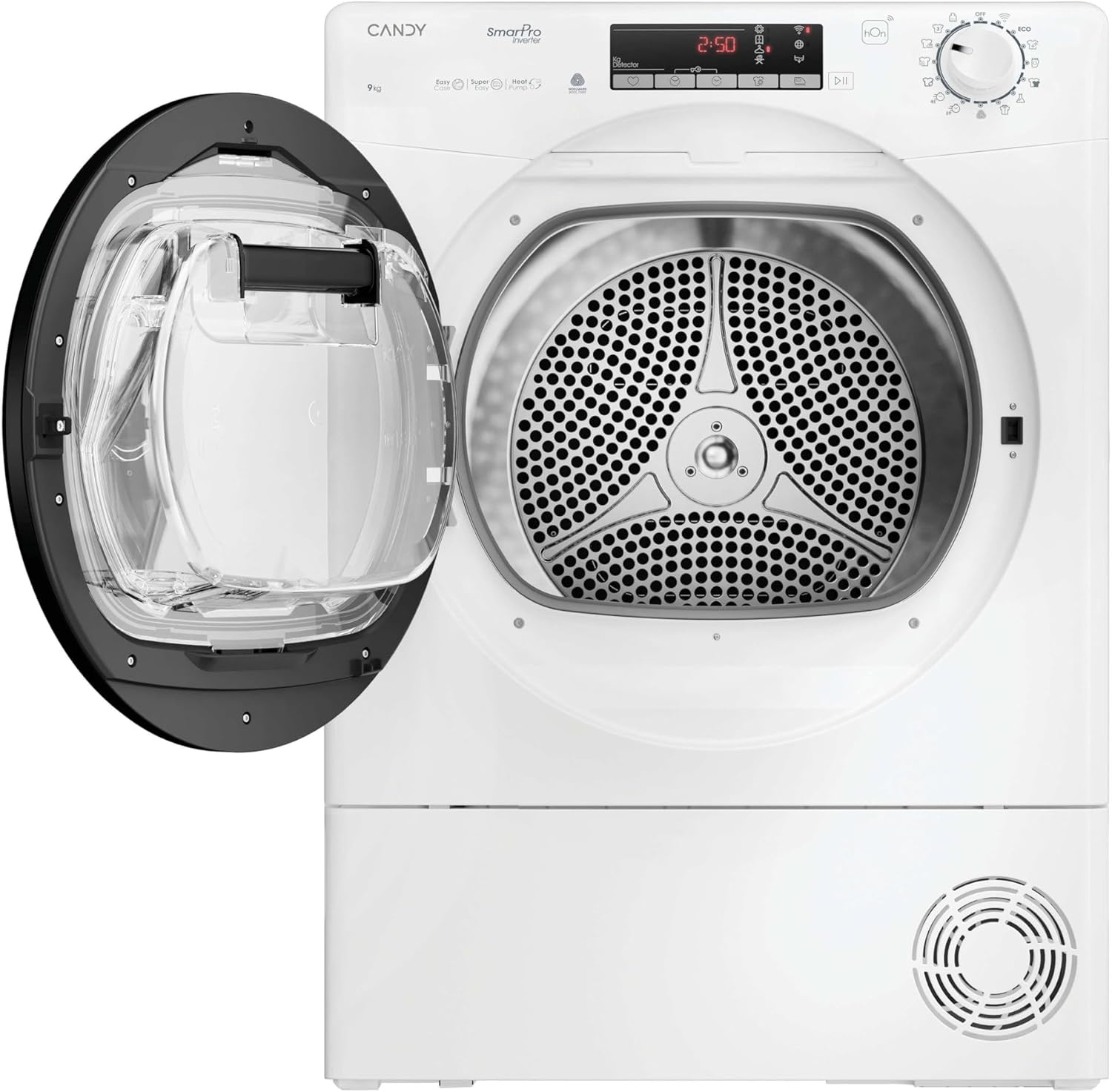
Image: The dryer positioned in a laundry area, demonstrating typical installation space requirements.
3.3レベリング
乾燥機の底にある脚を調整して、完全に水平になるようにしてください。水平にすることで、運転中の振動や騒音を軽減できます。
3.4 電気接続
Connect the dryer to a properly grounded electrical outlet. Refer to the rating label on the appliance for specific power requirements.
3.5 Drain Hose (if applicable)
If your model includes a direct drain option, connect the drain hose to a suitable drain point to avoid manually emptying the water container.
4. 操作手順
This section guides you through the daily use of your Candy Smart Pro Inverter dryer.
4.1コントロールパネルオーバーview
The control panel features a program selector dial, a display, and various function buttons.
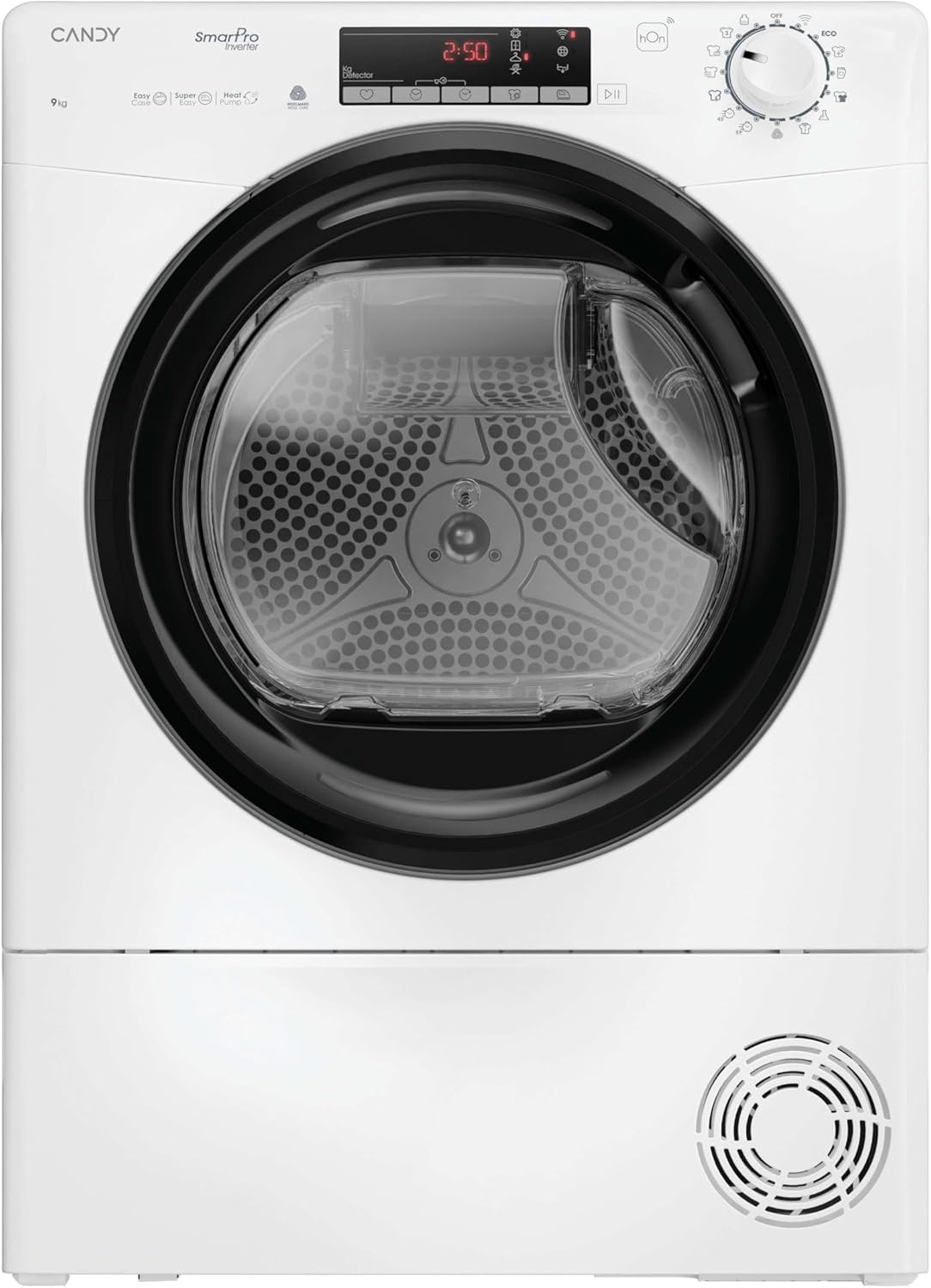
画像: 正面 view of the dryer, highlighting the control panel with its display and buttons.
4.2 洗濯物の投入
- 乾燥機のドアを開きます。
- Load laundry into the drum, ensuring not to overload the appliance. The maximum capacity is 9 KG.
- ドアをしっかり閉めてください。

Image: The dryer door open, revealing the empty drum ready for loading.
4.3 プログラムの選択
Turn the program selector dial to choose the desired drying program. The dryer offers 14 standard programs, with over 40 additional programs accessible via the hOn app.
- Certified Wool Program: A dedicated cycle for wool garments. It preserves fabrics and respects fibers, leaving clothes ready to wear. This program is Woolmark certified.
- Relax Cycle: A warm cycle that reduces crease formation in just 12 minutes, ideal for refreshing clothes.
- 4 Drying Levels: Select the desired dryness level:
- アイロンドライ: 服を少し残しますdamp アイロンがけを簡単にします。
- ハンガードライ: Suitable for items that will be hung to finish drying.
- 食器棚ドライ: Clothes are dry enough to be put away.
- エクストラドライ: For very dry items, such as towels or thick fabrics.
4.4つの特別な機能
- イージーアイロン機能: A sensor detects the correct humidity level, and a special drum movement reduces creases and tangles, potentially cutting ironing time by half.
- hOnアプリの接続性: Connect your dryer to the hOn app via Wi-Fi + BLE to access additional programs, monitor drying cycles, and track energy consumption from your smartphone.
4.5 サイクルの開始
プログラムと必要なオプションを選択した後、「スタート/一時停止」ボタンを押して乾燥サイクルを開始します。
5. メンテナンス
Regular maintenance ensures the longevity and optimal performance of your dryer.
5.1 糸くずフィルターの掃除
The lint filter should be cleaned after every drying cycle. Pull out the filter, remove any accumulated lint, and rinse it under running water if necessary. Ensure it is completely dry before reinserting.
5.2 水容器を空にする
As a heat pump dryer, water extracted from the laundry is collected in a container. This container must be emptied after each cycle. Pull out the container, empty the water, and reinsert it securely.

Image: The dryer with the door open, showing laundry inside and the water collection tank, which needs to be emptied.
5.3 コンデンサーの清掃
The condenser should be cleaned periodically (e.g., every few months) to maintain drying efficiency. Refer to the full instruction manual for detailed steps on how to access and clean the condenser unit.
5.4 外装の清掃
乾燥機の外側を柔らかい布で拭いてください。amp 布で拭いてください。研磨剤や溶剤は使用しないでください。
6。 トラブルシューティング
カスタマー サービスに連絡する前に、次の一般的な問題と解決策を確認してください。
| 問題 | 考えられる原因 | 解決 |
|---|---|---|
| 乾燥機が始動しない | 電源コードが抜かれ、ドアが閉まらず、プログラムが選択されていません。 | 電源接続を確認し、ドアがラッチされていることを確認し、プログラムを選択して「スタート」を押します。 |
| 衣類がきちんと乾かない | Lint filter clogged, water container full, wrong program selected, overloaded. | Clean lint filter, empty water container, select appropriate program, reduce load size. |
| 過度の騒音 | Dryer not level, foreign objects in drum. | Adjust leveling feet, check drum for loose items. |
| 水漏れ | Water container not properly inserted, drain hose loose. | Ensure water container is fully pushed in, check drain hose connection. |
7. 仕様
Key technical specifications for the Candy Smart Pro Inverter CRO EH9N4TBE-S dryer:
- ブランド: あめ
- モデル: CRO EH9N4TBE-S
- フォームファクター: フロントロード
- 積載位置: フロントロード
- 容量: 9キログラム
- 色: 白
- 寸法(高さx幅x奥行き): 85 x 59.6 x 58.5 cm
- エネルギー効率クラス: B
- 騒音レベル: 63デシベル
- エネルギー消費量(100サイクルあたり): 92kWh

Image: The EU Energy Label for the CRO EH9N4TBE-S model, detailing its energy efficiency and consumption.
For detailed product information and the official EPREL database entry, please visit: https://eprel.ec.europa.eu/qr/2397550
8. 保証とサポート
Your Candy Smart Pro Inverter dryer comes with a manufacturer's warranty. Please refer to the warranty card included with your appliance for specific terms and conditions, including the duration of coverage.
For technical assistance, spare parts, or to schedule a service appointment, please contact Candy customer support. You can find more information and support resources on the official Candy service webサイト:
https://go.he.services/service-hcs-candy
When contacting support, please have your appliance model number (CRO EH9N4TBE-S) and serial number ready.


