
1. はじめに
Thank you for choosing the Goshyda USB Noise Cancelling Microphone. This device is designed for high-fidelity audio capture with intelligent noise reduction, suitable for various computer and laptop applications. This manual provides essential information for setup, operation, and maintenance to ensure optimal performance.
1.1 箱の中身
- 1 x Goshyda USB Noise Cancelling Microphone
- USBケーブル1本
- ユーザーマニュアル x 1

Image 1.1: The Goshyda USB Noise Cancelling Microphone and its included USB cable.
2 製品の特徴
The Goshyda USB Noise Cancelling Microphone offers advanced features for superior audio performance:
- 360°全方向サウンドピックアップ: Captures sound from all directions with a pickup distance of up to 3 meters (9.8 ft).
- Intelligent AI Noise Reduction: Built-in DSP chip isolates environmental noise for clear voice capture.
- 192kHz 南ampリンレート: Dual-channel design provides high-fidelity sound reproduction, four times denser than regular microphones.
- コンパクトでポータブルなデザイン: Features magnetic absorption for easy storage and transport.
- プラグアンドプレイ接続: Simple USB connection for immediate use with compatible devices.
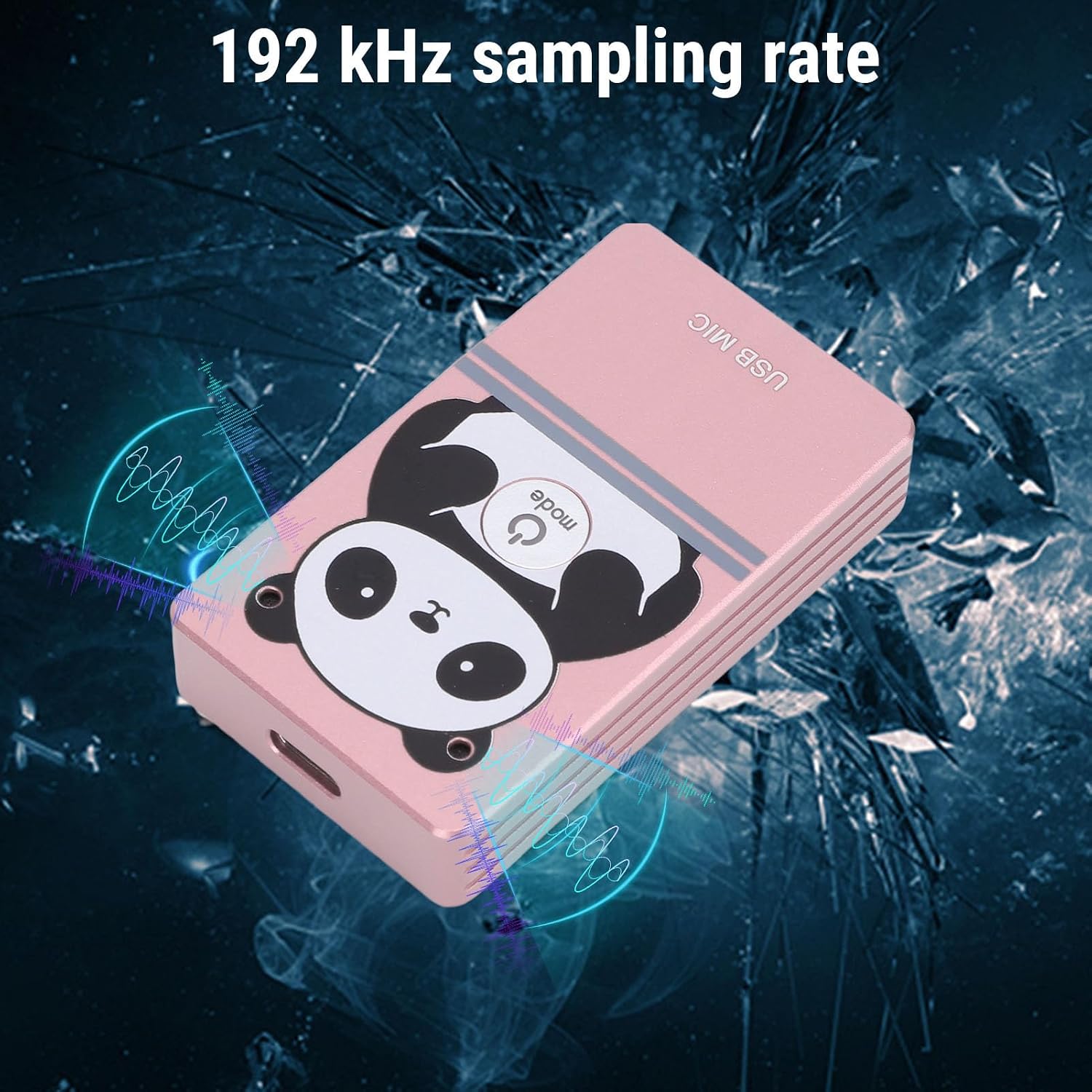
Image 2.1: The microphone's compact design with magnetic absorption for easy portability and storage.

Image 2.2: The microphone's compact and flexible design makes it suitable for travel, business trips, and live streaming.

Image 2.3: The microphone features 360-degree omnidirectional sound pickup for comprehensive audio capture.

Image 2.4: The microphone supports a 192 kHz sampling rate for high-fidelity audio recording.
3. セットアップ
3.1 システム要件
The microphone is compatible with the following operating systems:
- ウィンドウズ
- macOS (OS X)
- リナックス
- アンドロイド
3.2 接続
- Locate an available USB port on your computer, laptop, or compatible Android device.
- Connect the provided USB cable to the microphone and then to the USB port on your device.
- The device should automatically recognize the microphone as a USB audio input device. No driver installation is typically required.
- Verify the microphone is detected in your device's sound settings.
4. 操作手順
4.1 基本操作
Once connected, the microphone is ready for use. It functions as a standard USB audio input device. You can select it as your primary microphone in communication applications (e.g., video conferencing software, voice chat) or recording software.
4.2 ノイズキャンセリング
The microphone features an intelligent AI noise reduction mode. This function is automatically active to filter out ambient noise, ensuring your voice is clear and distinct during calls or recordings.
4.3 Sound Pickup
Position the microphone centrally within your desired pickup area. Its 360° omnidirectional design allows it to capture sound effectively from all directions within a 3-meter radius. For optimal voice clarity, ensure the microphone is not obstructed.

Image 4.1: The microphone's effective sound pickup in a typical desktop environment.

Image 4.2: Application scenarios include collaborative work, consultations, online teaching, live streaming, karaoke, and game voiceovers.
5. メンテナンス
- 柔らかく乾いた布で拭いて、マイクを清潔に保ってください。
- マイクを極端な温度、湿度、直射日光にさらさないでください。
- Do not attempt to disassemble the microphone, as this may void any potential warranty and cause damage.
- Store the microphone in a safe place when not in use, utilizing its magnetic absorption feature for secure placement on metal surfaces.
6。 トラブルシューティング
| 問題 | 考えられる原因 | 解決 |
|---|---|---|
| マイクが検出されません | Loose USB connection, faulty USB port, incorrect system settings. | Ensure USB cable is securely connected. Try a different USB port. Check your device's sound settings to ensure the microphone is selected as the input device. |
| Low or no sound output | Microphone volume too low, application settings, distance from microphone. | Adjust microphone volume in your device's sound settings. Check microphone input levels in your application. Ensure you are within the 3-meter pickup range. |
| 音質が悪い、または歪んでいる | High background noise, incorrect placement, software issues. | Ensure the AI noise reduction is functioning. Avoid placing the microphone near noisy sources. Update audio drivers if necessary. |
7. 仕様
| 特徴 | 詳細 |
|---|---|
| モデル番号 | Goshydagn0bfcogim-13 |
| 材料 | アルミニウム合金 |
| ノイズリダクションモード | AI(人工知能) |
| 周波数範囲 | 20Hz-40kHz |
| ピックアップ距離 | 約3メートル(9.8フィート) |
| サウンドピックアップ | 360°全方向 |
| Sampリンレート | 192kHz (Dual Channel) |
| 接続技術 | USB2.0 について |
| 互換性のあるシステム | Windows、macOS、Linux、Android |
| 特集 | Adjustable, Magnetic Absorption |
| アイテム重量 | 5.1オンス |
| パッケージ寸法 | 6.3 x 3.54 x 1.97インチ |
8. 保証とサポート
保証情報およびテクニカルサポートについては、ご購入時に付属の説明書をご参照いただくか、販売元に直接お問い合わせください。保証請求の際は、購入時のレシートを保管してください。