
導入
Thank you for choosing the 1MORE Piston P20 Type-C Wired Earphones. This manual provides detailed instructions for setting up, operating, maintaining, and troubleshooting your earphones to ensure optimal performance and longevity. Please read this manual thoroughly before using the product.
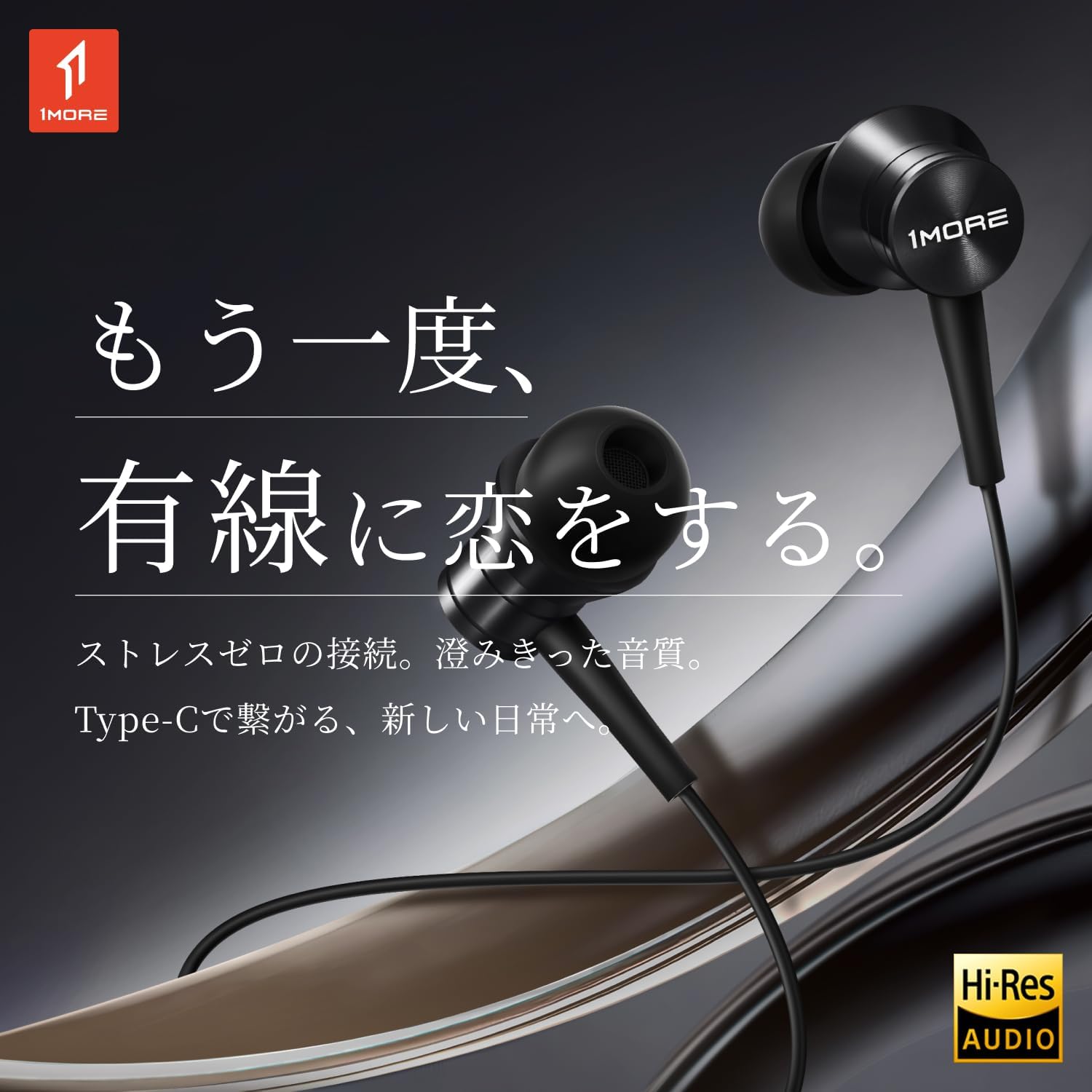
Image: The 1MORE Piston P20 Type-C Wired Earphones, showcasing their sleek black design and the Hi-Res Audio certification logo.
パッケージ内容
パッケージにすべてのアイテムが含まれていることを確認します。
- 1MORE Piston P20 Type-C Wired Earphones
- イヤーチップ(各種サイズ)
設定
デバイスへの接続
The 1MORE Piston P20 earphones feature a Type-C connector for direct digital audio transmission. No additional setup or pairing is required.
- Locate the Type-C port on your smartphone, tablet, or other compatible device.
- Insert the Type-C connector of the earphones firmly into the device's port.
- The earphones are ready for use once connected.

Image: A hand connecting the Type-C earphones to a smartphone, illustrating the simple plug-and-play setup.
イヤホンの装着
The earphones are designed for a comfortable and secure fit:
- Identify the left (L) and right (R) earpieces. These markings are located on the inner side of each earbud.
- Gently insert each earbud into the corresponding ear canal. The 45° angled nozzle and two-stage angle design are engineered for an ergonomic fit.
- Adjust the earpieces until they feel secure and comfortable. Proper fit helps optimize sound quality and noise isolation.
画像: クローズアップ view of an earphone, highlighting the clear 'L' marking for proper left ear placement.

Image: Two individuals wearing the 1MORE Piston P20 earphones, demonstrating the ergonomic and comfortable fit.
操作手順
インラインリモートコントロール機能
The earphones are equipped with an intuitive inline remote control for easy management of audio playback and calls.
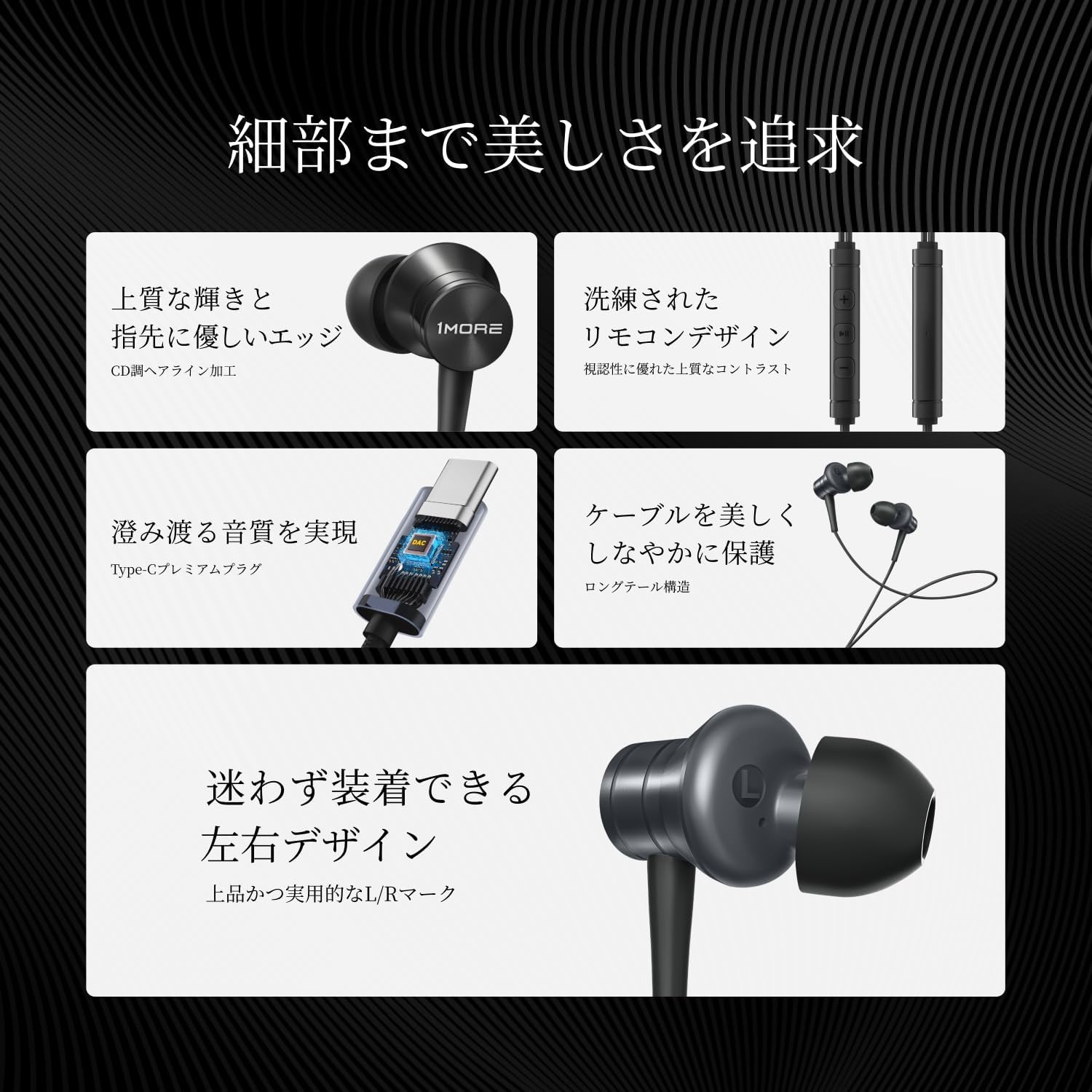
画像: 詳細な view of the inline remote control, showing the volume and multi-function buttons.
| 関数 | アクション |
|---|---|
| 音楽の再生/一時停止 | センターボタンをXNUMX回押します。 |
| 音量を上げる | 「+」ボタンを押します。 |
| 音量を下げる | 「-」ボタンを押します。 |
| 次のトラック | センターボタンをXNUMX回押します。 |
| 前のトラック | 中央のボタンを3回押します。 |
| 通話の応答/終了 | 通話中に中央のボタンを1回押します。 |
| 通話を拒否 | 中央のボタンを押し続けます。 |
| 音声アシスタントを有効にする | Press and hold the center button (functionality may vary by device). |
| マイクをミュート | 「-」ボタンを長押しします。 |
マイクの使用
The integrated AI ENC (Environmental Noise Cancellation) MEMS microphone ensures clear voice capture during calls and recordings, minimizing ambient noise.

Image: A person engaged in a phone call using the earphones, demonstrating the microphone's position for clear communication.

Image: A diagram illustrating the AI ENC technology, showing how environmental noise is suppressed for clearer voice transmission.
メンテナンス
イヤホンのクリーニング
定期的な清掃は衛生と音質の維持に役立ちます。
- Gently remove the ear tips from the earbuds.
- Clean the ear tips with a mild soap solution and water, then rinse thoroughly and allow them to dry completely before reattaching.
- Use a soft, dry cloth to wipe the earbud surfaces and cable. Avoid using harsh chemicals or abrasive materials.
- Ensure no moisture enters the earbud nozzles or the Type-C connector.
ケーブルケア
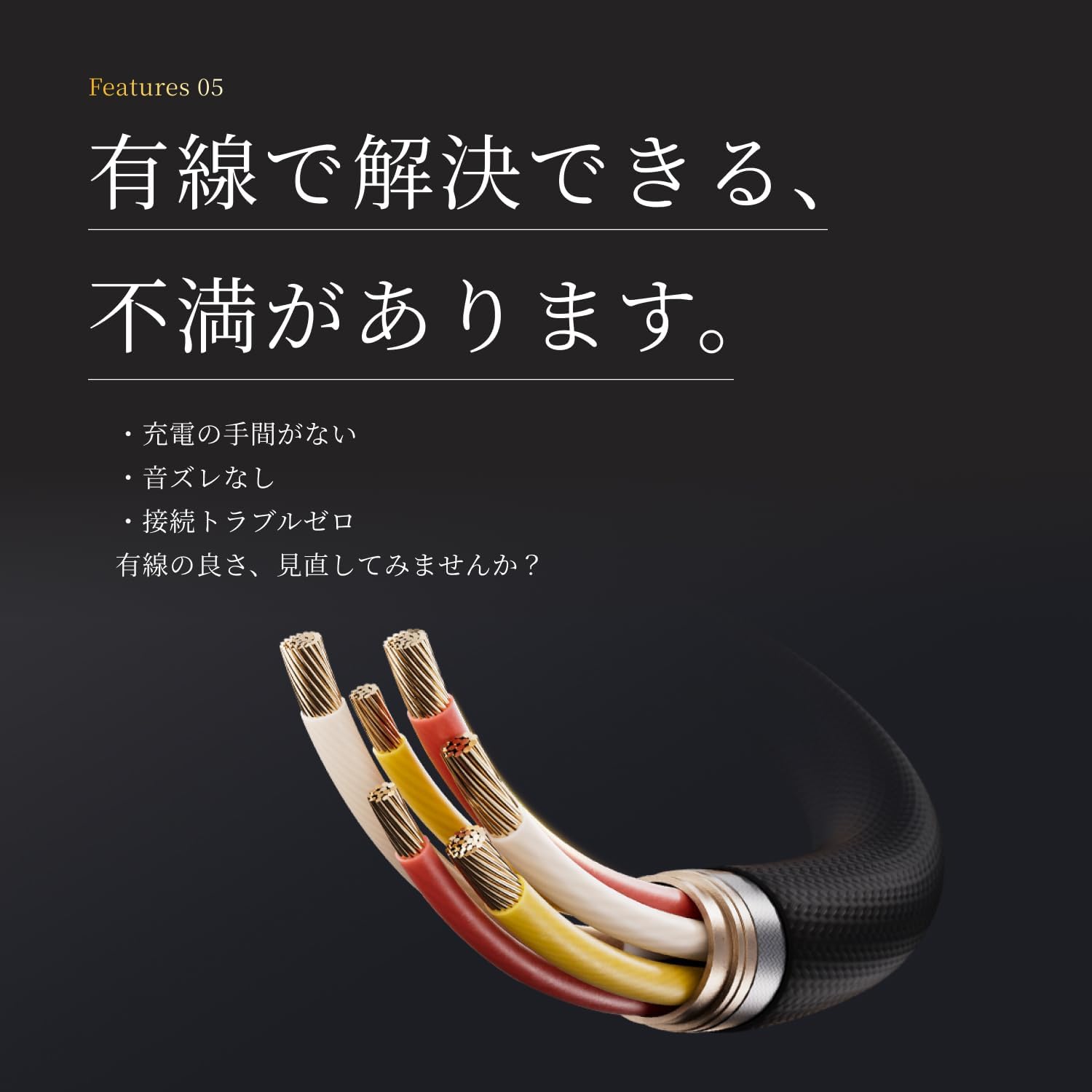
The earphones feature a tension-reinforced fiber and braided cable cover for durability. To prolong the cable's life:
- ケーブルを急激に曲げたり、過度に引っ張ったりしないでください。
- Store the earphones neatly to prevent tangling.
- Do not expose the cable to extreme temperatures or direct sunlight for extended periods.

Image: A close-up of the earphone cable, highlighting its durable braided construction designed to resist wear and tear.
トラブルシューティング
イヤホンに問題が発生した場合は、次の一般的な問題と解決策を参照してください。
| 問題 | 考えられる解決策 |
|---|---|
| イヤホンから音が出ません。 |
|
| 音質が悪い、または歪みがあります。 |
|
| マイクが機能していないか不明瞭です。 |
|
| Inline remote not responding. |
|
仕様
Detailed technical specifications for the 1MORE Piston P20 Type-C Wired Earphones:
| 特徴 | 詳細 |
|---|---|
| モデル | P20 |
| 接続タイプ | Type-C(有線) |
| 着用スタイル | インイヤー |
| ドライバ | 10mm DLC (Diamond-Like Carbon) Diaphragm Dynamic Driver |
| 周波数応答 | 20Hz – 40,000Hz |
| インピーダンス | 32Ω |
| 感度 | 100デシベル |
| 定格出力 | 5mW |
| ケーブル長さ | 1.25メートル |
| 重さ | 19グラム |
| マイクロフォン | AI ENC MEMS Microphone |
| DACチップ | 統合された |
| ハイレゾオーディオ | 認定 |
| 原産国 | 中国 |
保証とサポート
メーカー保証
The 1MORE Piston P20 Type-C Wired Earphones come with a 1年間のメーカー保証 ご購入日から1年間有効です。本保証は、通常の使用における材料および製造上の欠陥を対象とします。誤用、事故、不正な改造、または通常の摩耗や損耗による損傷は保証の対象外となります。
カスタマーサポート
For technical assistance, warranty claims, or general inquiries, please contact 1MORE customer support through their official website or the retailer from whom you purchased the product. Please have your proof of purchase and product model number (P20) ready when contacting support.
For more information, visit the official 1MORE webサイト: www.1more.com