
1.製品オーバーview
The My Little Pony Wireless Mechanical Keyboard is designed for both gaming and productivity, featuring a 101-key layout with custom linear switches. It offers versatile connectivity options and dynamic RGB lighting. This manual provides detailed instructions for setup, operation, and maintenance.

画像1.1: 以上view of the My Little Pony Wireless Mechanical Keyboard, highlighting its design and key layout.
2. パッケージ内容
パッケージにすべてのアイテムが揃っていることを確認します。
- My Little Pony Wireless Mechanical Keyboard
- USB-Cケーブル
- 2.4GHz USB-A Dongle (stored within the keyboard)
- Keycap Puller (for hot-swapping switches)
- Switch Puller (for hot-swapping switches)
- Spare Switches (typically 2-3)
- ユーザーマニュアル(このドキュメント)
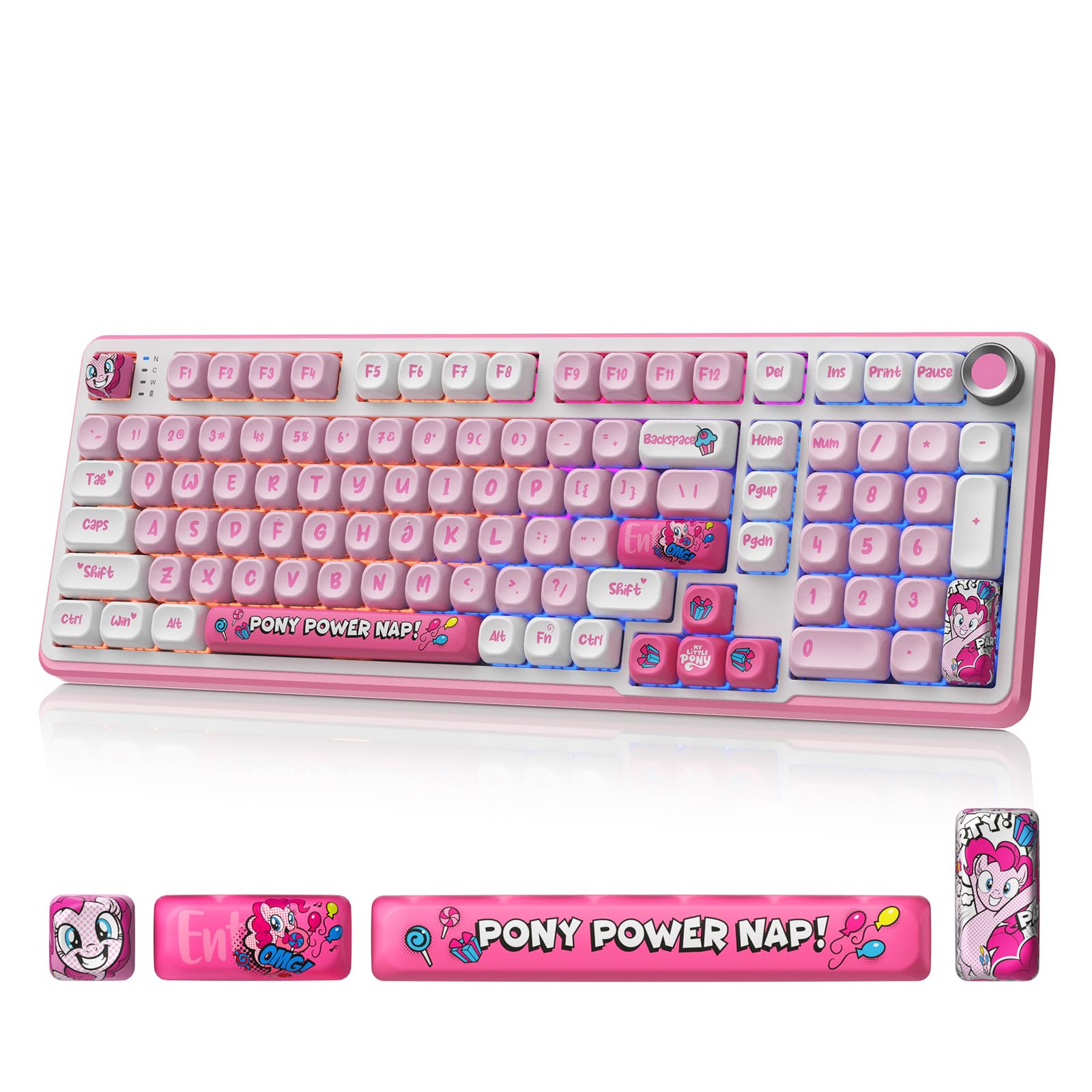
Image 2.1: The My Little Pony Wireless Mechanical Keyboard with included accessories like the USB cable and switch puller.
3. セットアップと接続
The keyboard supports three connection modes: Bluetooth 5.0, 2.4GHz wireless, and USB-C wired. It is compatible with Windows, macOS, iOS, Android, and Linux operating systems.
3.1. 有線接続(USB-C)
- キーボード上の USB-C ポートを見つけます。
- 付属の USB-C ケーブルをキーボードに接続し、もう一方の端をコンピューターの USB ポートに接続します。
- The keyboard will automatically be recognized and ready for use. This mode also charges the keyboard's internal battery.
3.2. 2.4GHzワイヤレス接続
- Locate the 2.4GHz USB-A dongle, typically stored in a compartment on the underside of the keyboard.
- ドングルをコンピューターの使用可能な USB-A ポートに挿入します。
- Switch the keyboard's connectivity mode to 2.4GHz using the dedicated switch (usually labeled "2.4G" or similar).
- キーボードは自動的に接続されるはずです。
3.3. Bluetooth 5.0接続
- Switch the keyboard's connectivity mode to Bluetooth (usually labeled "BT" or with a Bluetooth icon).
- On your device (PC, tablet, phone), open Bluetooth settings and search for new devices.
- Select "My Little Pony Keyboard" (or similar name) from the list of available devices.
- 画面上の指示に従ってペアリングプロセスを完了します。
- キーボードには最大4つのBluetooth Proを保存できますfiles, allowing quick switching between devices using a dedicated button.
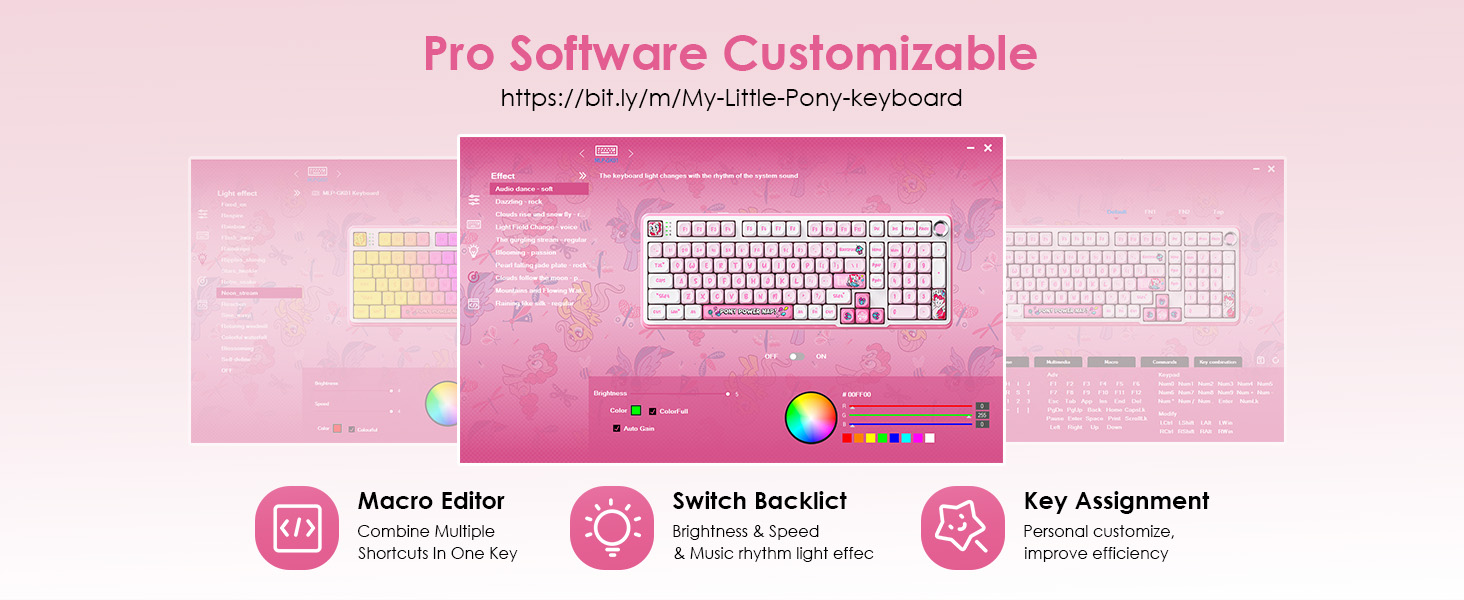
Image 3.1: Illustration of the keyboard's triple-mode connectivity, including Bluetooth, 2.4GHz, and USB-C options.
Video 3.1: A short video demonstrating the My Little Pony Wireless Mechanical Keyboard, including its physical features and connectivity options.
4. 操作手順
4.1. RGB照明制御
The keyboard features over 16 preset RGB lighting modes. These modes can be adjusted for brightness, speed, and color. Some modes react to typing or music. Refer to the quick guide for specific key combinations to cycle through modes and adjust settings.
- モードの変更: Use the designated function key combination (e.g., Fn + specific key) to cycle through lighting effects.
- 明るさ/速度の調整: The integrated knob can adjust brightness or volume, depending on the selected mode.
- カスタマイズ: Advanced per-key RGB customization is available via the driver software.
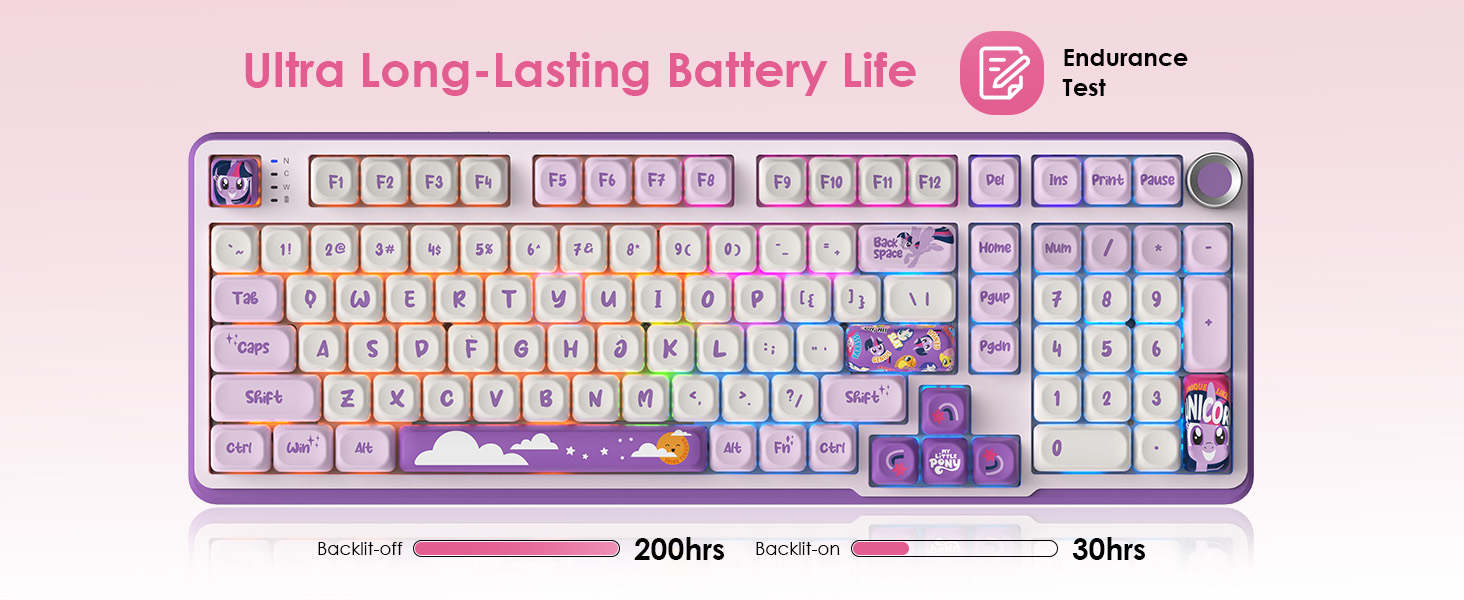
Image 4.1: The keyboard displaying its vibrant 16.8 million color RGB lighting, which can be customized.
4.2. Knob Control
The integrated knob on the keyboard provides quick access to multimedia controls. It can be used to adjust volume, switch tracks, or modify RGB lighting brightness, depending on the active function.
4.3. Macro Functions
The keyboard supports one-touch macros for enhanced productivity and gaming. Complex commands or shortcuts can be assigned to any key using the driver software. A dedicated macro column on the left side of the keyboard provides quick access to these programmed functions.
To access the driver software for macro programming and advanced customization, visit: https://bit.ly/m/My-Little-Pony-keyboard

Image 4.2: The software interface for customizing macros, RGB lighting, and key assignments.
5. メンテナンス
5.1. 清掃
Regular cleaning helps maintain the keyboard's performance and appearance. Use a soft, dry cloth to wipe the surface. For deeper cleaning, use a keycap puller to remove keycaps and a brush or compressed air to clear debris from between the switches.
5.2. ホットスワップ可能なスイッチ
The keyboard features hot-swappable switches, allowing you to change them without soldering. This enables customization of typing feel and sound. Use the provided switch puller to carefully remove existing switches and insert new compatible 3-pin or 5-pin mechanical switches.
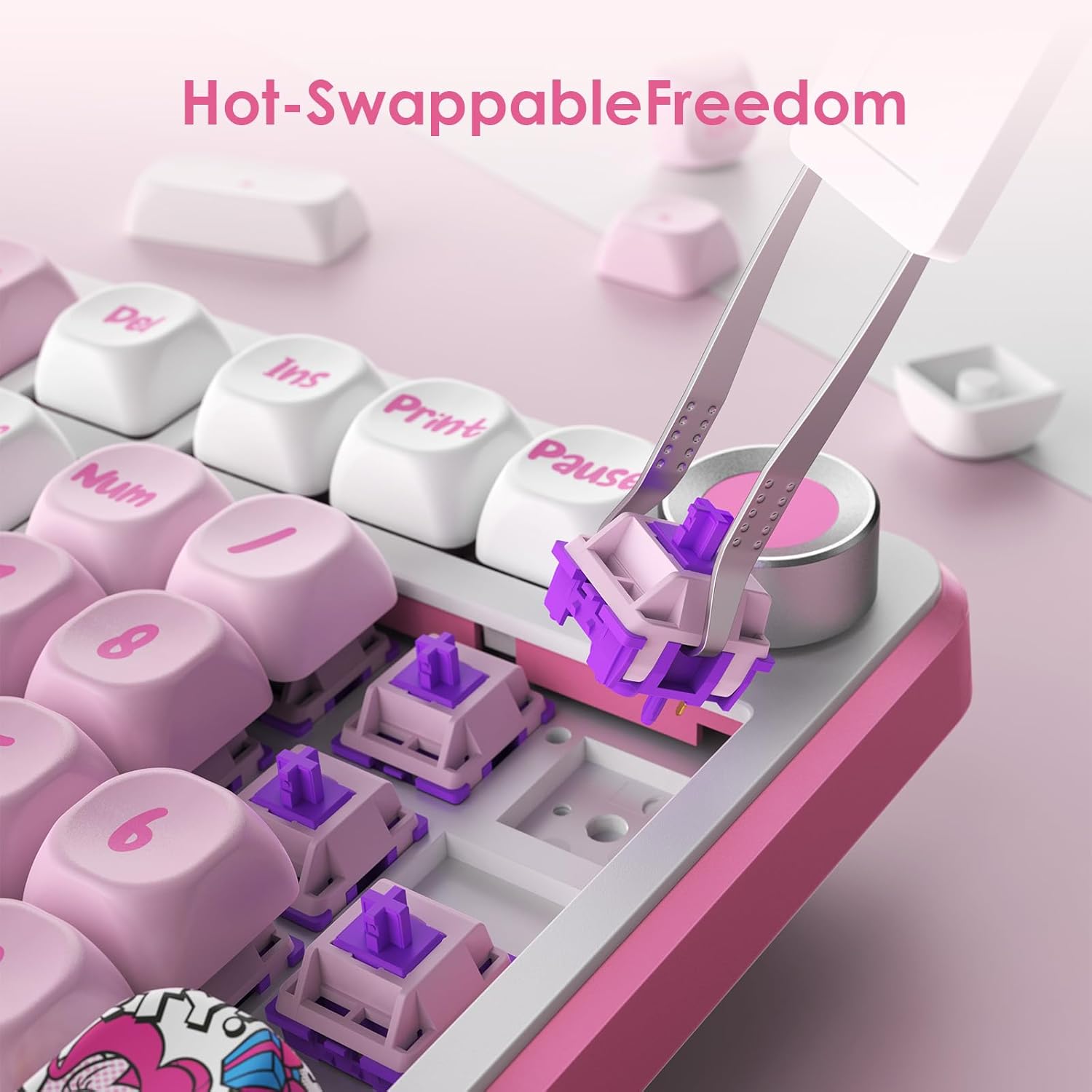
画像5.1: クローズアップ view demonstrating the hot-swappable switch feature, allowing for easy switch replacement.

Image 5.2: The keyboard's hot-swappable design, illustrating how switches can be easily changed.
6。 トラブルシューティング
キーボードで問題が発生した場合は、次の一般的な解決策を参照してください。
- キーボードが応答しない:
- キーボードが充電されていること、または USB-C 経由で接続されていることを確認します。
- Check the connection mode switch (Bluetooth, 2.4GHz, or Wired).
- ワイヤレス接続の場合、ドングルが正しく挿入されていること、または Bluetooth がペアリングされていることを確認してください。
- コンピュータまたはデバイスを再起動してみてください。
- RGB 照明が機能しない:
- キーボードの電源がオンになっていることを確認してください。
- Check if the lighting is turned off via a function key combination.
- Adjust brightness using the knob or function keys.
- キーが登録されない:
- Remove the keycap and switch to check for debris.
- If a switch is faulty, replace it with a spare hot-swappable switch.
- 接続の問題:
- For Bluetooth, try unpairing and re-pairing the keyboard.
- 2.4GHz の場合は、ドングルに別の USB ポートを試してください。
- 強力な干渉源が近くにないことを確認してください。
7. 仕様
| 特徴 | 詳細 |
|---|---|
| モデル | B0FP553BRP |
| キー | 101つのキー |
| スイッチタイプ | Custom Linear Switches (Hot-Swappable) |
| 接続性 | Bluetooth 5.0、2.4GHzワイヤレス、USB-C有線 |
| RGB照明 | 16+ Modes, Per-key customization via software |
| バッテリー容量 | 4000mAh |
| 互換性 | Gaming Console, Laptop, PC (Windows, macOS, iOS, Android, Linux) |
| 材料 | ポリブチレンテレフタレート(キーキャップ) |
| 重さ | 3.14ポンド |
| 寸法 | 17.6 x 7.72 x 2.05インチ |
8. 保証とサポート
保証情報および技術サポートについては、メーカーの公式ウェブサイトをご覧ください。 webご購入の際は、ウェブサイトをご覧いただくか、カスタマーサービスまでお問い合わせください。保証請求の際は、購入証明としてレシートを保管してください。
一般的な返品ポリシー: 返金/交換の場合は 30 日間。