
1.製品オーバーview
The AJAZZ AJ139 V2 MC is a versatile tri-mode gaming mouse designed for precision and responsiveness. It features a PAW3311 sensor for accurate tracking, a 1000Hz return rate for smooth performance, and a long-lasting 500mAh battery. Its compact and lightweight design makes it suitable for extended use and portability.
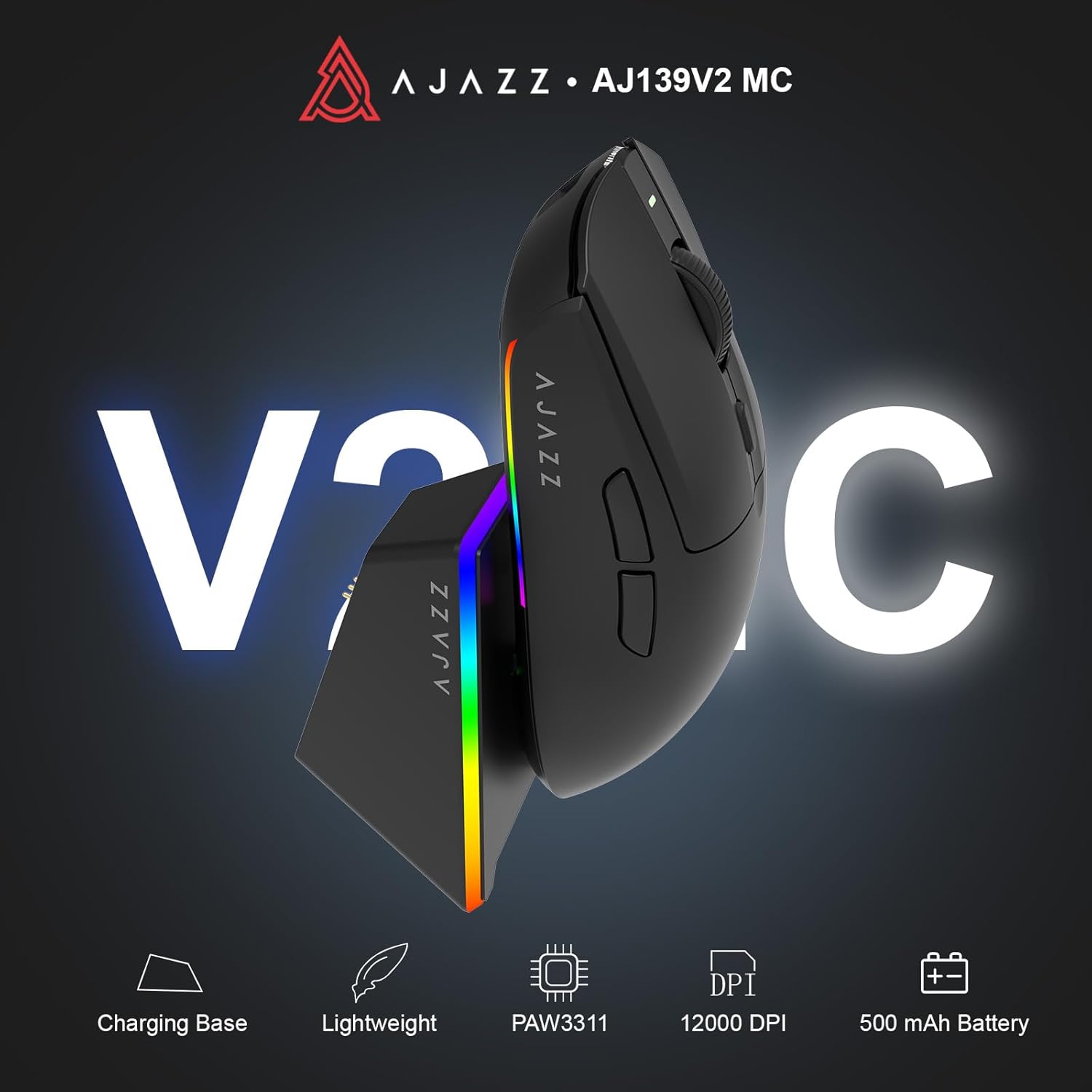
Figure 1.1: AJAZZ AJ139 V2 MC Gaming Mouse and Charging Dock.
ビデオ1.1: オーバーview of the AJAZZ AJ139 V2 MC Gaming Mouse, highlighting its features and design.
2. パッケージ内容
パッケージにすべてのアイテムが揃っていることを確認します。
- AJAZZ AJ139 V2 MC ゲーミングマウス
- 充電ドック
- USB-C充電ケーブル
- 2.4G USBレシーバー(ドングル)
- ユーザーマニュアル
3. 主な特徴
- PAW3311 Sensor Technology: Equipped with the PAW3311 sensor, this mouse ensures precise tracking and accurate cursor control for optimal performance.
- High 1000Hz Return Rate: Experience smooth and responsive performance with a 1000Hz return rate, enhancing your gaming or work experience.
- 長持ちする500mAhバッテリー: The integrated 500mAh battery provides extended power, ensuring uninterrupted use for prolonged periods.
- トライモード接続: Supports versatile connectivity options including Wired, 2.4G Wireless, and Bluetooth, adapting to various devices and setups.
- コンパクトで軽量なデザイン: Weighing approximately 66 grams, the mouse features a compact design for easy portability and comfortable use during long sessions.
- カスタマイズ可能なRGB照明: Features integrated RGB lighting for personalized aesthetics.
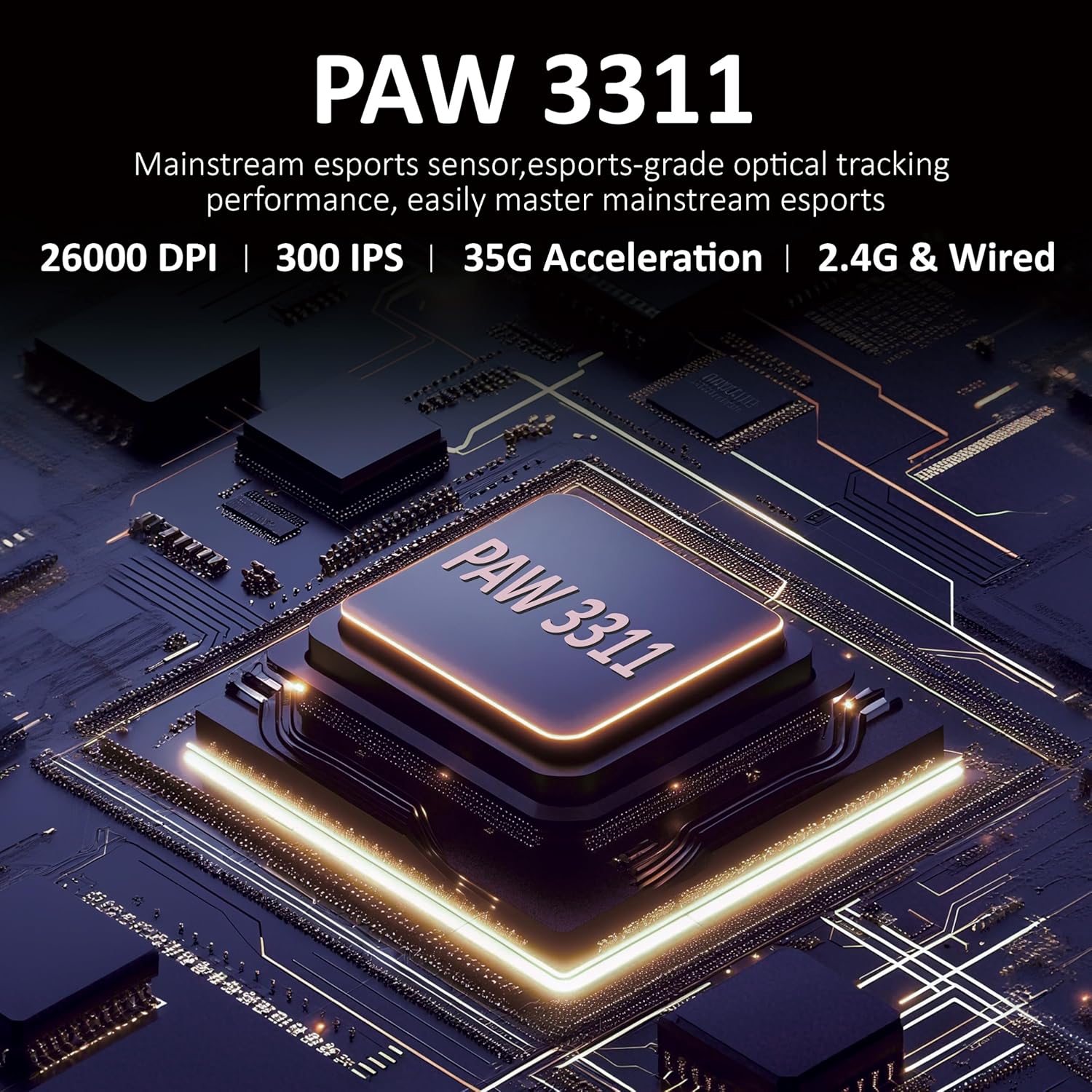
図3.1:詳細 view of the PAW3311 sensor technology.
Video 3.1: Demonstration of the mouse's 500mAh battery life.
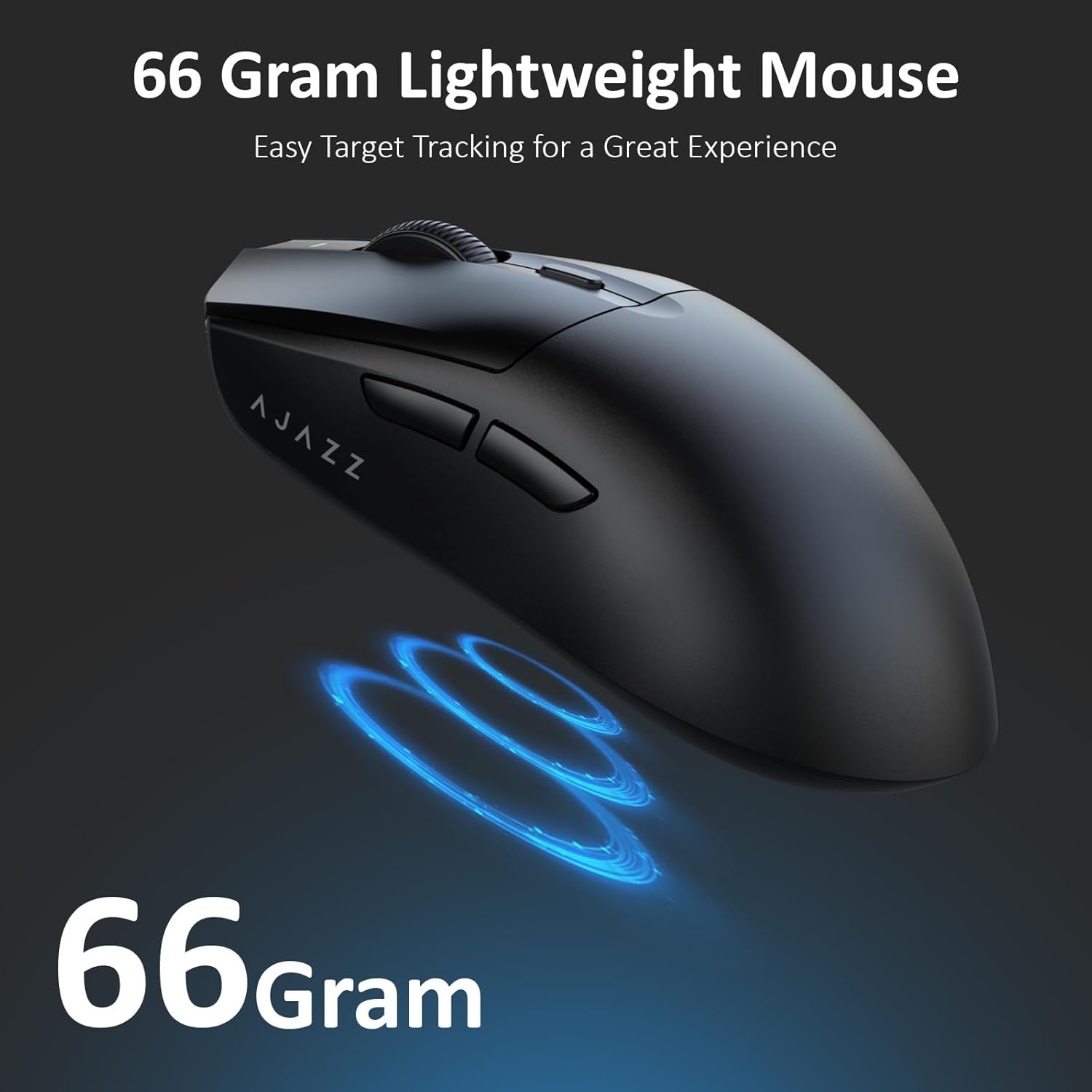
Figure 3.2: The lightweight design of the AJAZZ AJ139 V2 MC mouse.
4.セットアップガイド
4.1. マウスの接続
The AJAZZ AJ139 V2 MC offers three connection modes:
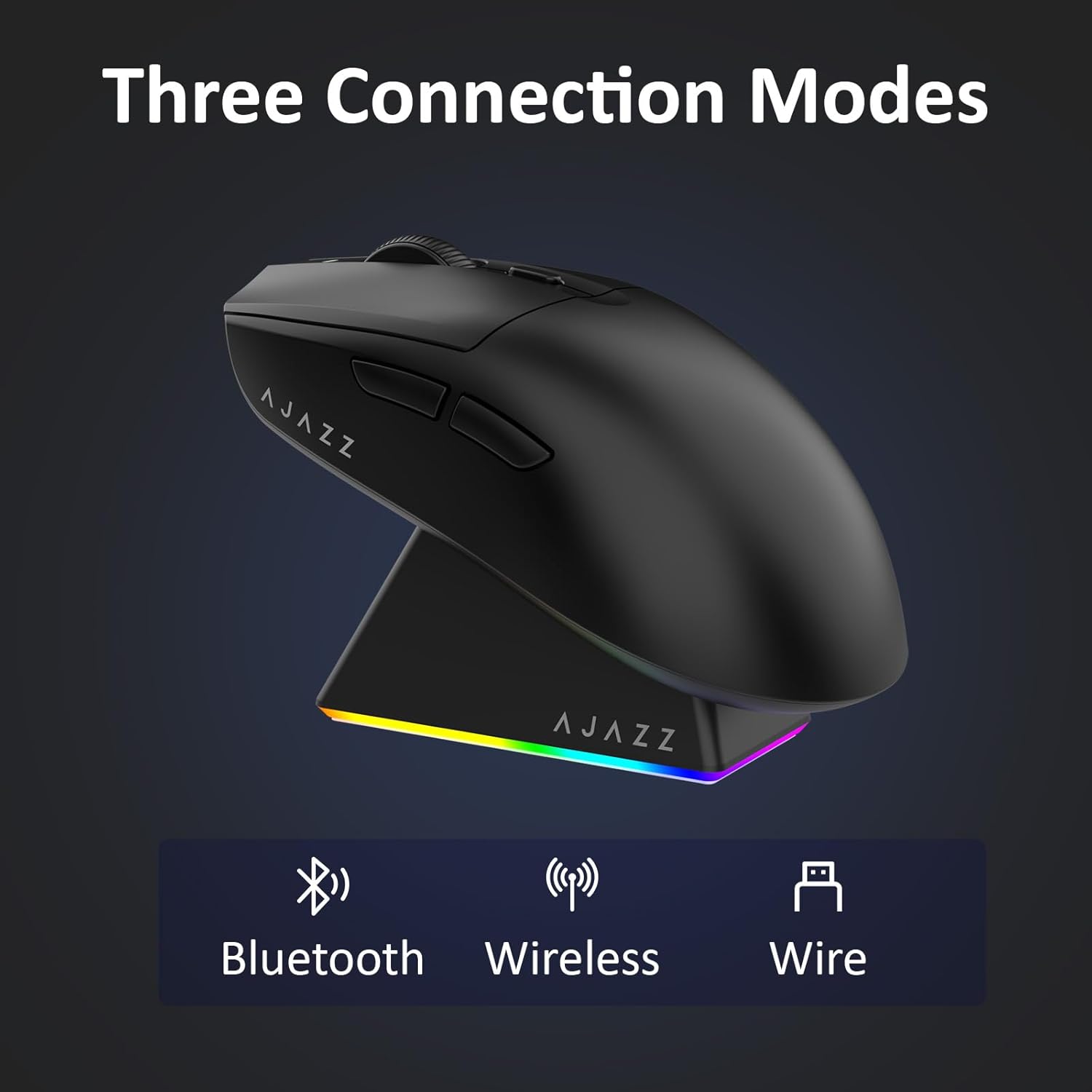
図 4.1: 3 つの接続モードの視覚的な表現。
- 2.4Gワイヤレスモード:
- マウスの下側の収納部に収納されている 2.4G USB レシーバーを見つけます。
- USBレシーバーをコンピューターの使用可能なUSBポートに接続します。
- Slide the switch on the bottom of the mouse to the '2.4G' position. The mouse will automatically connect.
- Bluetoothモード:
- マウスの底面にあるスイッチを「BT」の位置にスライドします。
- デバイスで Bluetooth 設定を開き、新しいデバイスを検索します。
- Select 'AJAZZ AJ139 V2 MC' from the list to pair.
- 有線モード:
- Connect the USB-C charging cable to the mouse and the other end to your computer's USB port.
- マウスは有線デバイスとして機能し、同時に充電されます。
4.2. マウスの充電
The mouse can be charged using the included charging dock or directly via the USB-C cable.
- 充電ドックの使用:
- Connect the USB-C charging cable to the charging dock and then to a power source (e.g., computer USB port, USB wall adapter).
- Place the mouse onto the charging dock, aligning the magnetic contacts. The RGB lighting on the dock and mouse will indicate charging status.
- USB-C直接充電:
- Connect the USB-C charging cable directly to the mouse and a power source.
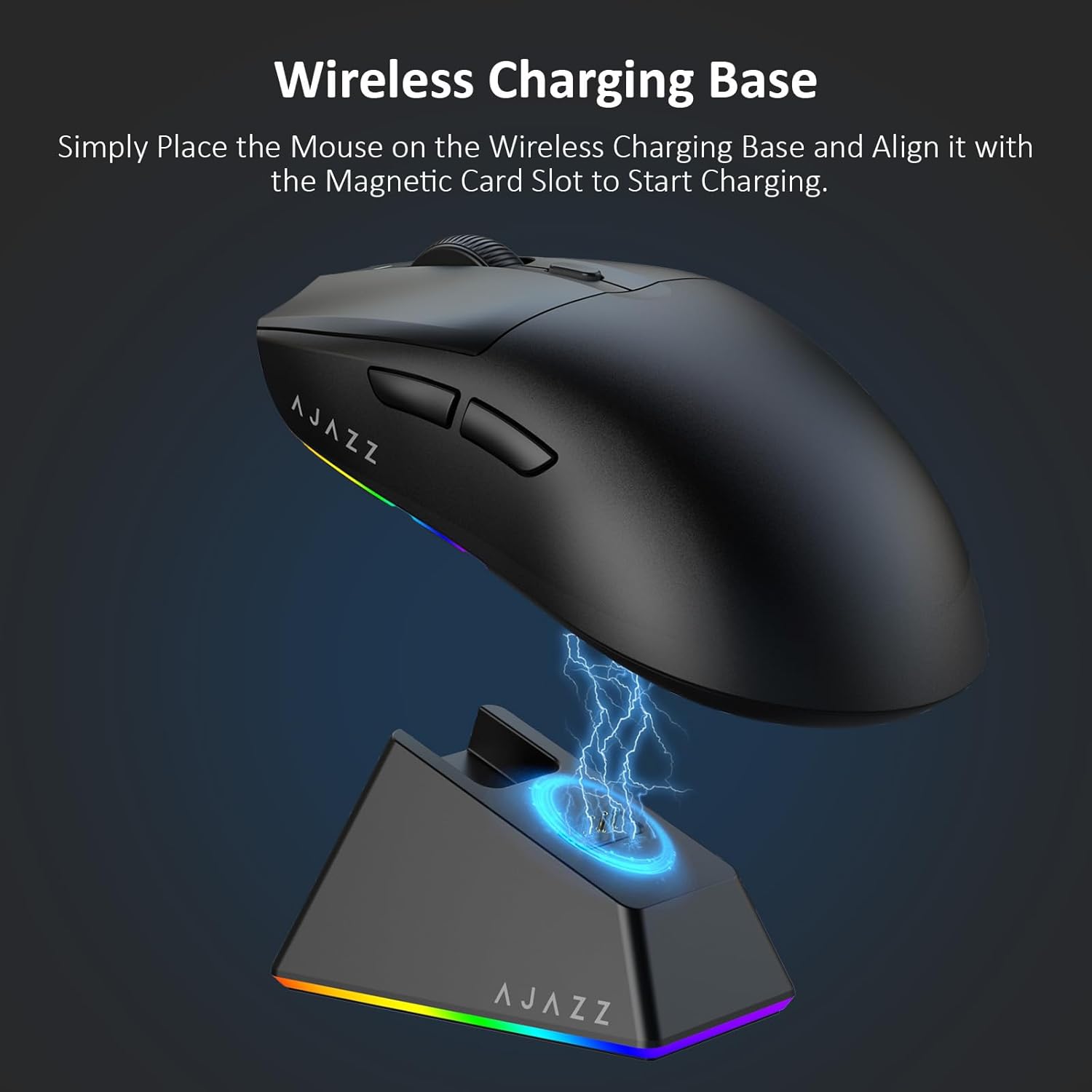
Figure 4.2: The mouse being charged on its wireless charging base.
5. 操作手順
5.1. DPI調整
The mouse features a dedicated DPI adjustment button on its underside, allowing you to cycle through different sensitivity levels. Press the button to change the DPI setting to suit your preference.
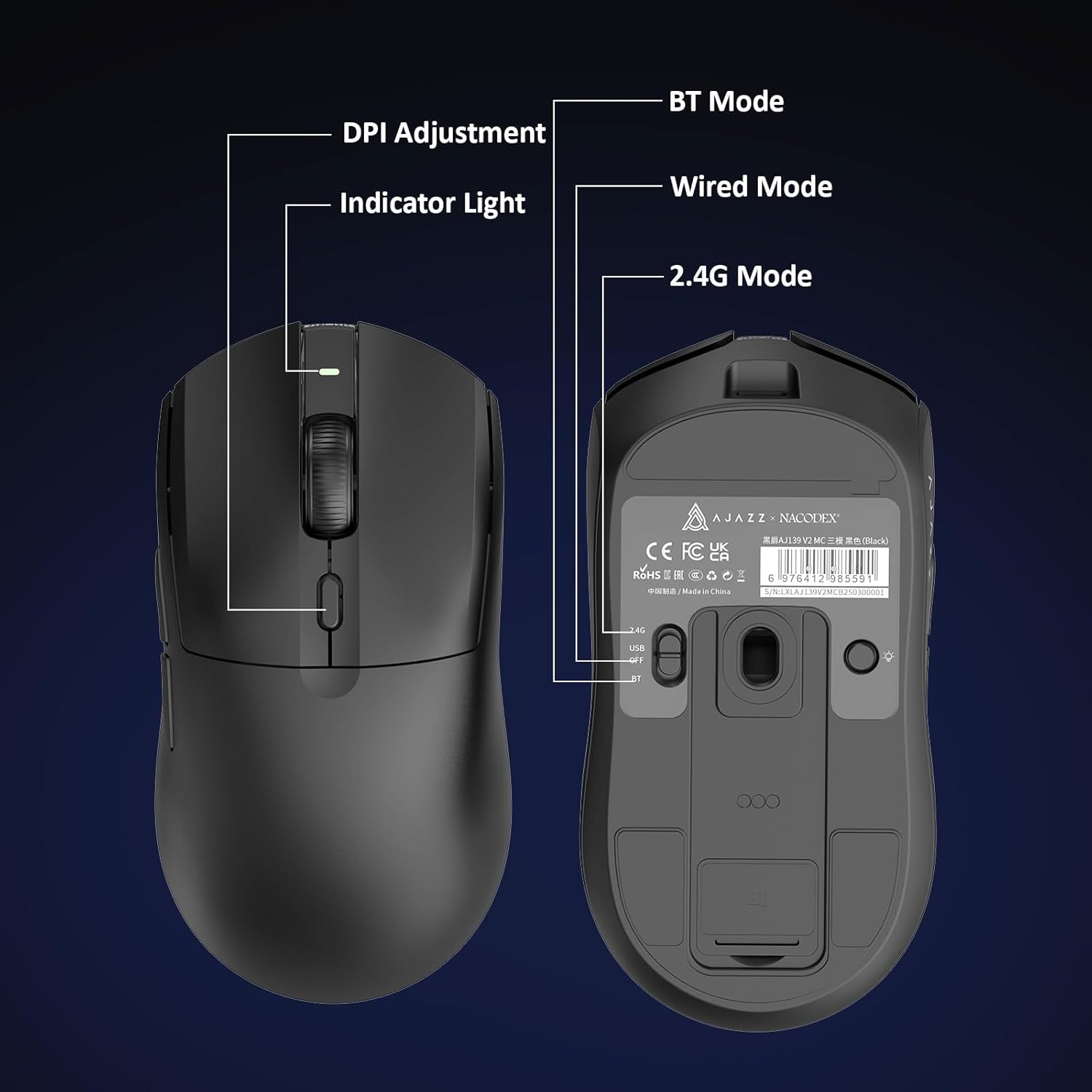
Figure 5.1: Location of the DPI adjustment button and connection mode switch on the mouse underside.
5.2. ボタンの機能
マウスには 6 つのプログラム可能なボタンが装備されています。
- 左クリックボタン
- 右クリックボタン
- スクロールホイール(クリック可能)
- DPI Adjustment Button (on underside)
- Two Side Buttons (typically for forward/backward navigation)
For advanced customization of button functions and macros, please refer to the official AJAZZ software (downloadable from the manufacturer's web地点)。
5.3. RGB照明制御
The mouse and charging dock feature customizable RGB lighting. Specific controls for lighting modes and colors are typically managed through the official AJAZZ software. A dedicated light button on the underside of the mouse allows for basic cycling or turning off the lighting.
6. メンテナンス
- クリーニング: マウスの表面を拭くときは、柔らかく乾いた布を使用してください。頑固な汚れには、軽く湿らせた布で拭いてください。amp 布を使用することで、内部コンポーネントに湿気が入らないようにすることができます。
- センサーのケア: 追跡精度を維持するために、マウスの下側にある光学センサーを清潔に保ち、ほこりやごみが付かないようにしてください。
- バッテリー寿命: バッテリー寿命を延ばすには、マウスを頻繁に完全に放電しないでください。バッテリー残量が少なくなったら充電してください。
7。 トラブルシューティング
| 問題 | 考えられる解決策 |
|---|---|
| Mouse not responding in 2.4G Wireless mode. | Ensure the 2.4G USB receiver is securely plugged into a USB port and the mouse switch is set to '2.4G'. Try a different USB port. |
| Mouse not pairing via Bluetooth. | Ensure the mouse switch is set to 'BT' and your device's Bluetooth is enabled and discoverable. Try unpairing and re-pairing the device. |
| マウスが充電されません。 | Verify the USB-C cable is properly connected to both the dock/mouse and the power source. Ensure the mouse is correctly seated on the charging dock's magnetic contacts. |
| Inconsistent tracking or cursor movement. | マウスの裏面にある光学センサーを清掃してください。マウスを適切な表面(マウスパッドなど)の上で使用していることを確認してください。 |
| RGB 照明が機能しません。 | Check the mouse's software settings for lighting control. Ensure the mouse has sufficient battery charge. |
8. 技術仕様
| 特徴 | 仕様 |
|---|---|
| ブランド | AJAZZ |
| モデル名 | Aj139 V2 MC |
| 色 | V2 MC Black |
| 接続技術 | Bluetooth、USB、2.4Gワイヤレス |
| 動き検出技術 | 光学式(PAW3311センサー) |
| Mouse Maximum Sensitivity | 12000 Dots per Inch (DPI) |
| 返品率 | 1000Hz |
| バッテリー容量 | 500mAh |
| ボタンの数量 | 6 |
| 手の向き | 右 |
| 対応デバイス | デスクトップコンピュータ |
| オペレーティング·システム | ウィンドウズ |
| 範囲 | 10メートル |
| アイテム重量 | 4オンス(約113グラム) |
| 商品の寸法 長さ x 幅 | 長さ5インチ x 幅2.5インチ (約12.7cm x 6.35cm) |
| 装飾機能 | RGB照明 |
| エンクロージャ材質 | プラスチック |
| 仕上げる | マット |
9. 保証とサポート
This product comes with a standard manufacturer's warranty. For detailed warranty information, please refer to the official AJAZZ webサイトをご覧いただくか、販売店にお問い合わせください。
For technical support, troubleshooting assistance, or any product-related inquiries, please visit the AJAZZ official support page or contact their customer service team.
オンラインリソース:
AJAZZ Official Store