
導入
This instruction manual provides detailed guidance for setting up and operating your LOUTOC Universal TV Remote Control, Model SRP9232D. This remote is designed to control a wide range of electronic devices, including televisions, DVD/Blu-ray players, soundbars, and streaming media players. Please read this manual thoroughly to ensure proper use and to maximize your remote control's functionality.
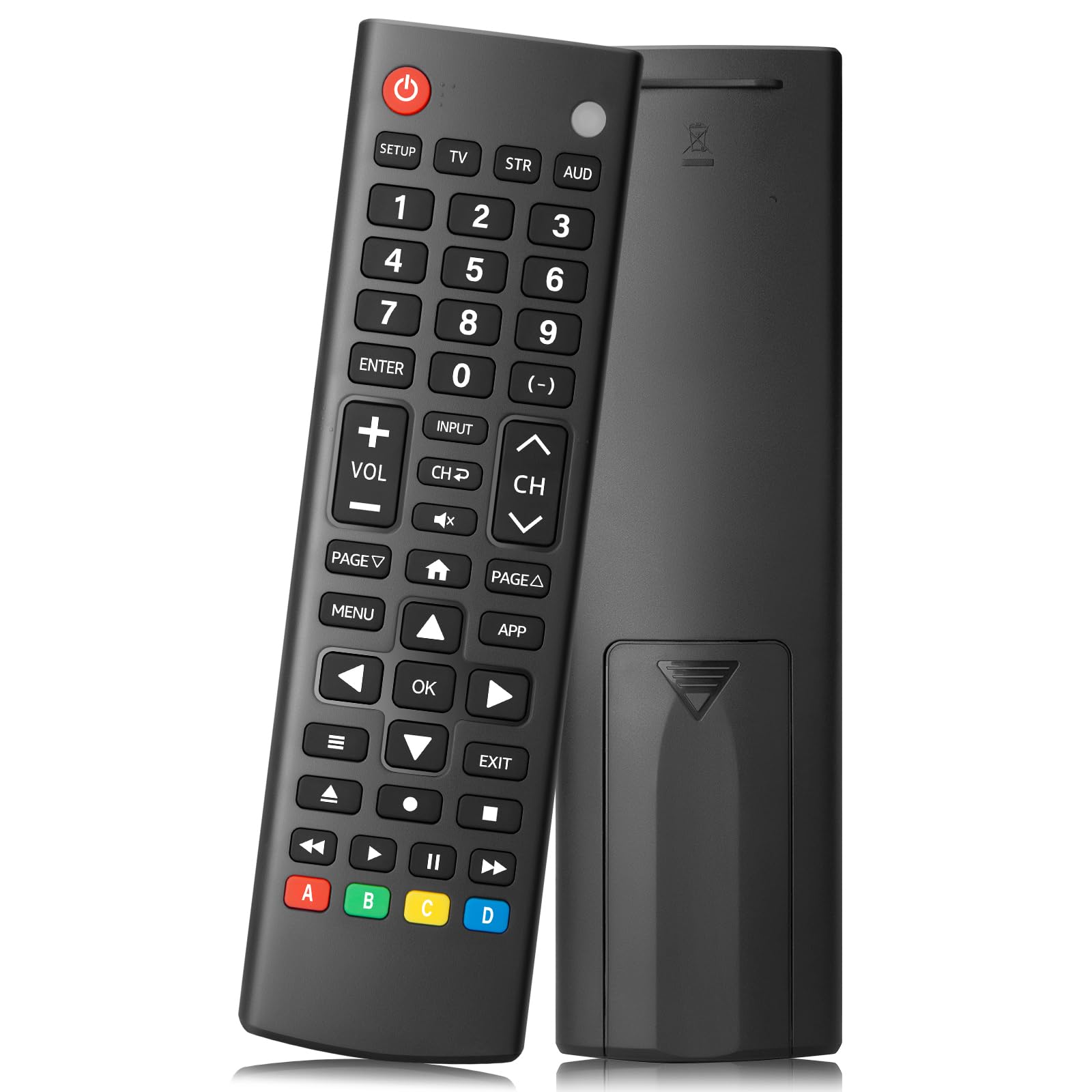
Image: The LOUTOC Universal TV Remote Control, Model SRP9232D.
製品の特徴
- ユニバーサル互換性: Controls over 5 types of devices, including TVs, DVD/Blu-ray players, soundbars, streaming media players, and set-top boxes.
- Wide Brand Support: Compatible with major TV brands such as Samsung, LG, Hisense, TCL, Vizio, Sony, Onn, Toshiba, Philips, Element, Westinghouse, Sharp, Emerson, Sanyo, RCA, and more. Also supports audio/video brands like Sony, LG, Panasonic, Samsung, Bose, Vizio.
- 拡張範囲: 最大 26 フィート (約 8 メートル) まで効果的に動作します。
- 迅速な対応: Features a 0.2-second fast response time for immediate command execution.
- 耐久性に優れたデザイン: Tested for over 50,000 presses, ensuring long-lasting durability.
- 電源: 2つのAAAバッテリーが必要です(含まれていません)。
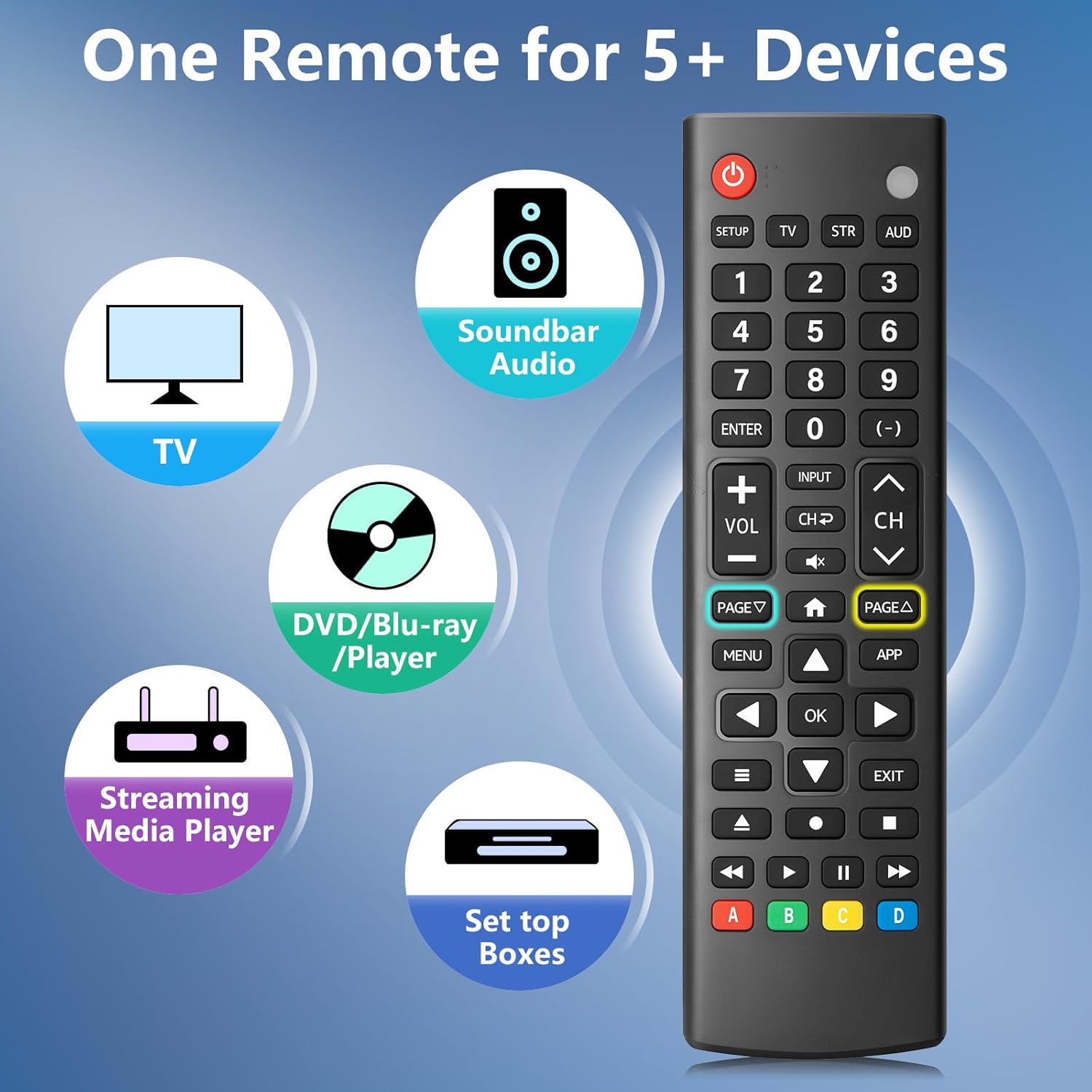
Image: The remote control is capable of operating multiple device types, including TV, Soundbar Audio, DVD/Blu-ray Player, Streaming Media Player, and Set Top Boxes.
セットアップ手順
1. バッテリーの取り付け
Before using the remote control, install two new 1.5V AAA batteries. Ensure correct polarity (+/-) when inserting the batteries. Do not mix old and new batteries or different battery brands.
2.ペアリング方法
The remote control offers two methods for pairing with your devices:
Method 1: Manual Code Entry
- Locate your device's specific 4-digit code in the provided CODE LIST.
- を押し続けます 設定 button on the remote until the remote's red indicator light turns on.
- 対応するデバイスボタンを押して放します(例: TV, STR, オーストラリアドル) for the device you wish to control.
- Enter the 4-digit code for your device using the number buttons. The red light will turn off after the code is entered.
- Point the remote at the device and test the buttons. If the buttons do not function as expected, repeat steps 2-5 using the next code listed for your device until proper functionality is achieved.
Method 2: Automatic Pairing
For automatic pairing, please refer to pages 8-9 of the physical user manual included with your product for detailed instructions. This method automatically scans for compatible codes.

Image: Visual guide for Method 1 (Manual Code Entry) and a reference to Method 2 (Automatic Pairing) in the manual.
操作手順
Once paired, your LOUTOC Universal TV Remote Control can operate your devices using its various buttons. Below is a general overview 一般的なボタン機能:

Image: Labeled diagram of the remote control, highlighting each button and its corresponding function.
- 電源ボタン: Turns devices ON/OFF.
- 数字ボタン(0-9): Enter numbers for direct channel selection or code entry.
- OKボタン: 選択を確定するか、メニューに入ります。
- 方向パッド(上/下/左/右): Navigates on-screen menus and selections.
- 音量を上げる/下げる: 音量レベルを調整します。
- チャンネルアップ/ダウン: テレビのチャンネルを変更します。
- 消音ボタン: オーディオをミュートまたはミュート解除します。
- 入力ボタン: Selects video input sources.
- メニューボタン: Displays the on-screen menu.
- APPボタン: Quick access to popular streaming applications (e.g., Netflix, YouTube).
- 再生コントロール (再生、一時停止、停止、巻き戻し、早送り): Controls media playback on compatible devices.
- カラーボタン(A、B、C、D): Provide additional features for DVRs, cable, and satellite receivers, depending on the device.
互換性
The LOUTOC Universal TV Remote Control is designed for broad compatibility:
対応テレビブランド:
- Samsung, LG, Hisense, TCL, Vizio, Sony, Onn, Toshiba, Philips, Element, Westinghouse, Sharp, Emerson, Sanyo, RCA, and others.
Compatible Other Devices:
- DVD Players, Blu-ray Players, Soundbars, Streaming Media Players, Set Top Boxes, DVRs, VCRs, Audio Devices.
- Supported brands include Sony, LG, Panasonic, Samsung, Bose, Vizio, and others.

Image: The remote control is compatible with numerous TV brands, including Samsung, LG, Hisense, TCL, Sony, Vizio, Onn, Toshiba, and Philips.
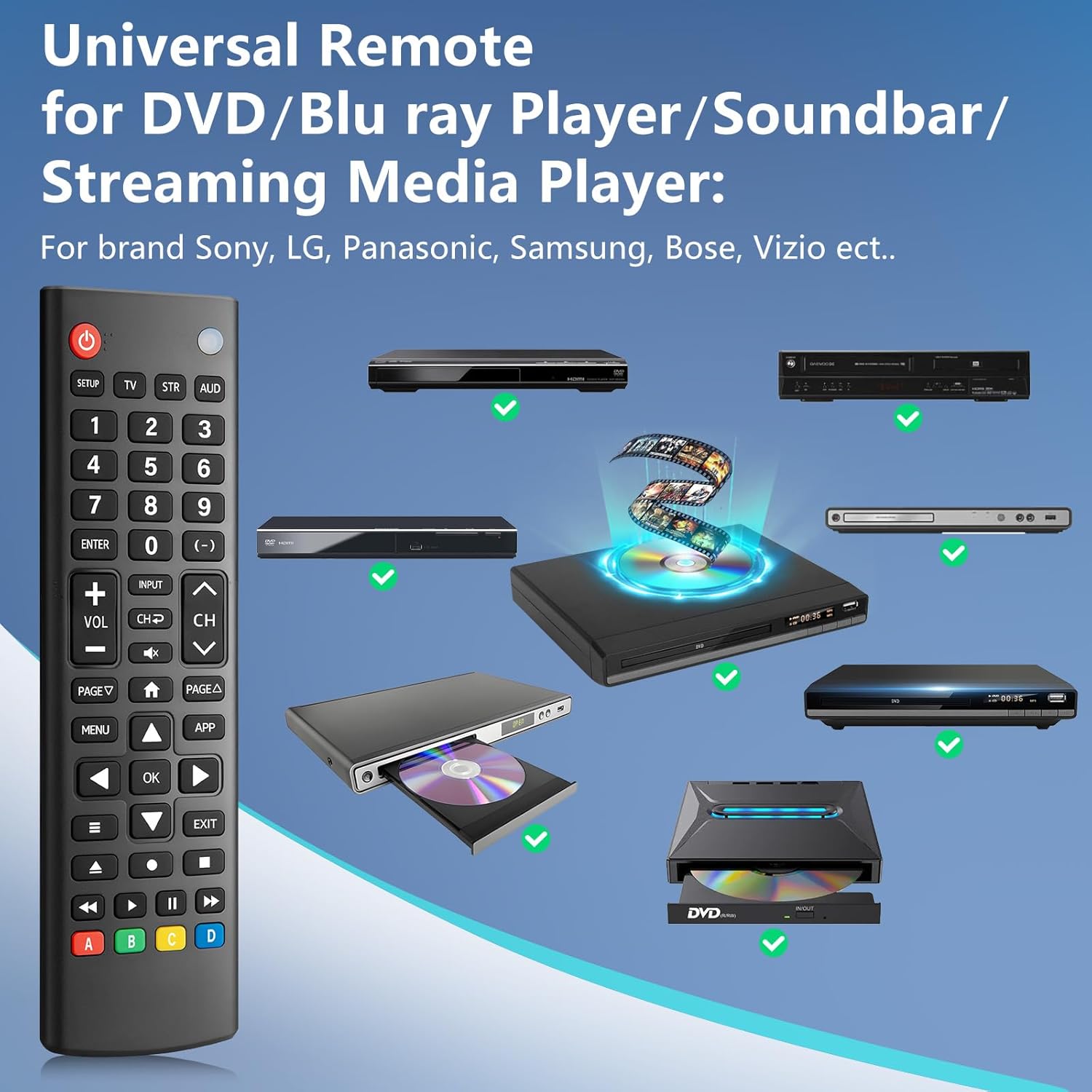
Image: The remote control is compatible with various DVD/Blu-ray players, soundbars, and streaming media players from brands like Sony, LG, Panasonic, Samsung, Bose, and Vizio.
トラブルシューティング
If you encounter issues with your LOUTOC Universal TV Remote Control, try the following steps:
- リモコンが応答しない: Ensure fresh AAA batteries are correctly installed. Check if the remote's red indicator light flashes when a button is pressed.
- デバイスが応答しない: Verify that the remote is pointed directly at the device's IR receiver. Ensure there are no obstructions between the remote and the device.
- 機能が正しくありません: If buttons perform incorrect actions, re-attempt the pairing process (Method 1 or Method 2) using a different code from the CODE LIST for your specific device.
- 機能制限: Some advanced or brand-specific functions may not be supported by a universal remote.
- 干渉: 他のデバイスが IR 干渉を引き起こしていないことを確認します。
仕様
| 製品寸法 | 6.7 x 1.8 x 0.7インチ |
| アイテム重量 | 2.08オンス |
| モデル番号 | SRP9232D |
| ブランド | ルトック |
| 特集 | Ergonomic, Lightweight, Universal |
| サポートされるデバイスの最大数 | 1 (at a time, configured for specific device type) |
| 対応デバイス | DVD/Blu-ray Player, Set Top Box, Television |
公式製品ビデオ
ビデオ: オーバーview of the LOUTOC Universal TV Remote Control, highlighting its compatibility with various brands like Samsung, LG, Hisense, and TCL.
保証とサポート
For warranty information or technical support, please refer to the contact details provided with your product packaging or visit the official LOUTOC webサイト。 保証請求に備えて購入時のレシートを保管しておいてください。