
導入
Thank you for choosing KICKER TW3 Wireless Earbuds. These earbuds are designed to provide a superior audio experience with advanced features such as Hybrid Active Noise Cancellation (ANC) and Environmental Noise Cancellation (ENC) for clear calls. Enjoy extended listening times, intuitive touch controls, and a durable, sweatproof design suitable for various activities.
箱の中身
- KICKER TW3 ワイヤレスイヤホン
- Recharging Carrying Case
- USB-C充電ケーブル
- Three (3) Sizes of Rubber Ear Tips (S, M, L)
- クイックスタートガイド/ユーザーマニュアル

Image: Contents of the KICKER TW3 Earbuds box, including the earbuds, charging case, USB-C cable, and various sizes of ear tips.
製品終了view
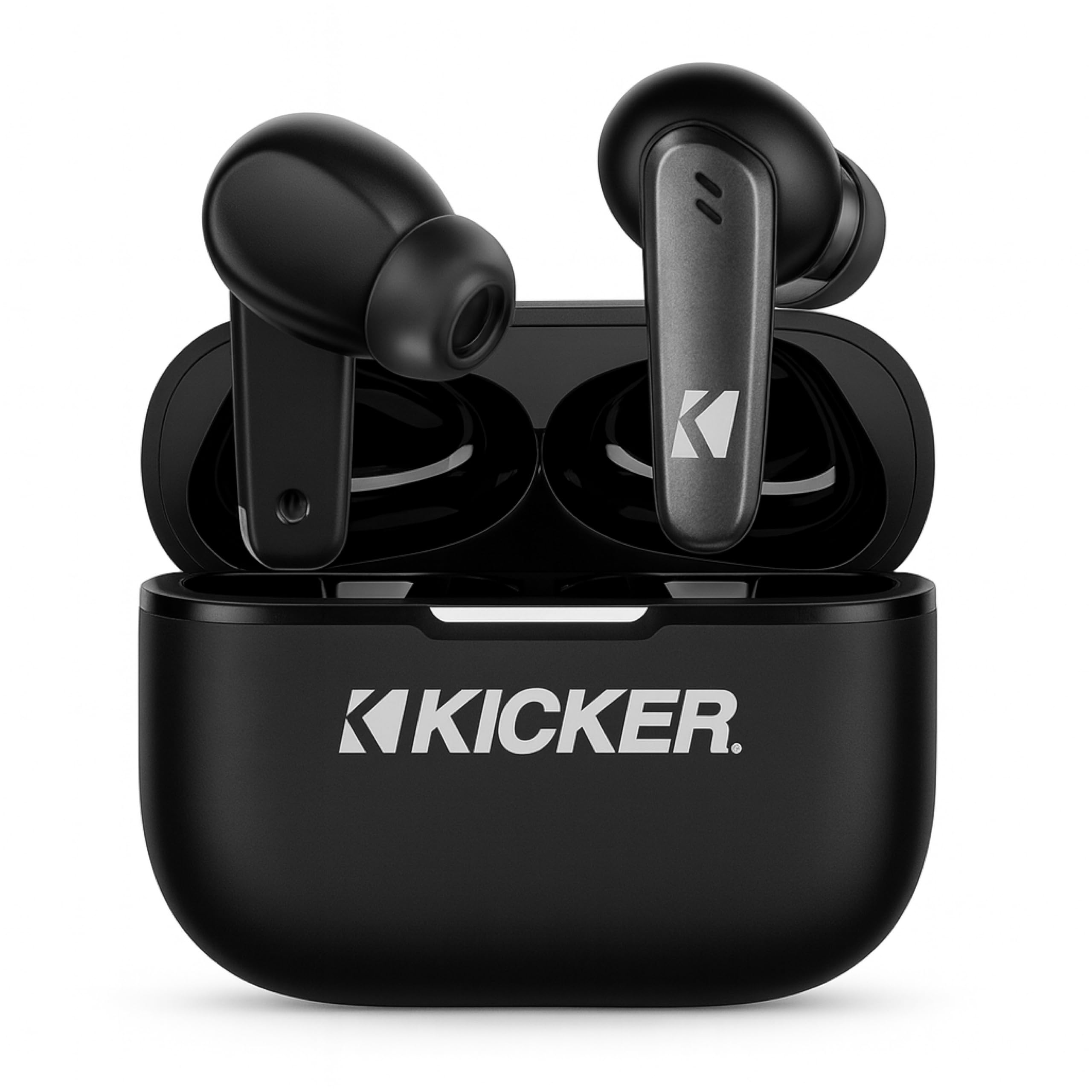
Image: The KICKER TW3 Wireless Earbuds resting inside their sleek black charging case.

画像: クローズアップ view of a KICKER TW3 earbud, illustrating its noise reduction feature with a graphic showing noise being reduced by 35dB.
設定
1. イヤーチップの装着
Select the ear tips (Small, Medium, Large) that provide the most comfortable and secure fit for your ears. A proper seal is crucial for optimal sound quality and noise cancellation. Insert the earbud into your ear and gently twist it until it feels snug.

Image: A diagram illustrating the correct way to insert the earbuds and the three available ear tip sizes (S, M, L) for a comfortable fit.
2. 初期充電
Before first use, fully charge the earbuds and the charging case. Place the earbuds into the charging case and connect the USB-C cable to the case and a power source. The indicator light on the case will show charging status.
3. デバイスとのペアリング
- 充電ケースを開けると、イヤホンは自動的にペアリングモードになります。
- デバイス(スマートフォン、タブレット、ラップトップ)で、Bluetooth 設定に移動します。
- Select "KICKER TW3" from the list of available devices.
- 接続されると確認音が聞こえ、イヤホンが使用できるようになります。
Image: An icon representing Bluetooth wireless earbuds with auto-pairing functionality to a smartphone or device.
操作手順
電源オン/オフ
- 電源オン: 充電ケースを開けると、イヤフォンの電源が自動的にオンになります。
- 電源を切る: Place the earbuds back into the charging case and close the lid. They will automatically power off. Earbuds will also auto power off after 3 minutes of no signal.
タッチコントロール
The KICKER TW3 earbuds feature intuitive touch sensors on each earbud for easy control of music, calls, and noise modes.

Image: A visual guide to the touch controls on the KICKER TW3 earbuds, showing actions for play/pause, previous/next song, voice assistance, ANC on/off/transparency, answer/end call, and reject call.
| アクション | コントロール |
|---|---|
| 再生/一時停止 | どちらかのイヤフォンをシングルタップ |
| 次の曲 | 右のイヤホンをダブルタップ |
| 前の曲 | 左のイヤホンをダブルタップ |
| 通話の応答/終了 | どちらかのイヤフォンをシングルタップ |
| 通話を拒否 | どちらかのイヤフォンを長押しします |
| 音声アシスタントを有効にする | どちらかのイヤホンをトリプルタップ |
| ANC/透明モードを切り替える | Long press on either earbud (when not on a call) |
アクティブノイズキャンセレーション(ANC)と環境ノイズキャンセレーション(ENC)
The TW3 earbuds feature Hybrid Active Noise Cancellation, reducing ambient noise by up to -35dB, allowing you to focus on your audio. Transparency mode can be activated to hear your surroundings when needed. Environmental Noise Cancellation with dual microphones ensures your voice is clear during calls by blocking background chatter.
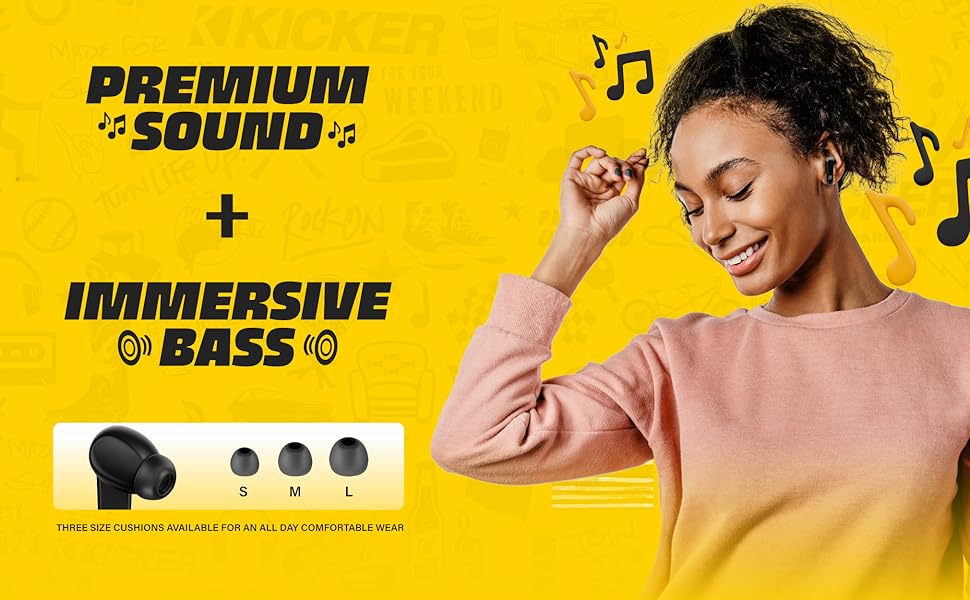
Image: A graphic illustrating the benefits of ENC for clear calls and ANC for blocking external noise from airplanes, offices, and cafes.
充電
The KICKER TW3 earbuds offer extended battery life with their charging case.
- イヤホンの再生時間: 5回の充電で最大XNUMX時間使用可能。
- ケース付き合計プレイ時間: Up to 25 hours (20 additional hours from the charging case).
- 充電時間: ケースとイヤホンのフル充電には約 1.5 時間かかります。
ケースとイヤホンの充電
- イヤホンを充電ケースのそれぞれのスロットにしっかりと固定します。
- 付属の USB-C 充電ケーブルをケースの充電ポートと USB 電源アダプター (別売) に接続します。
- The LED indicator on the case will flash red while charging.
- The LED indicator will turn solid red when the case is fully charged.
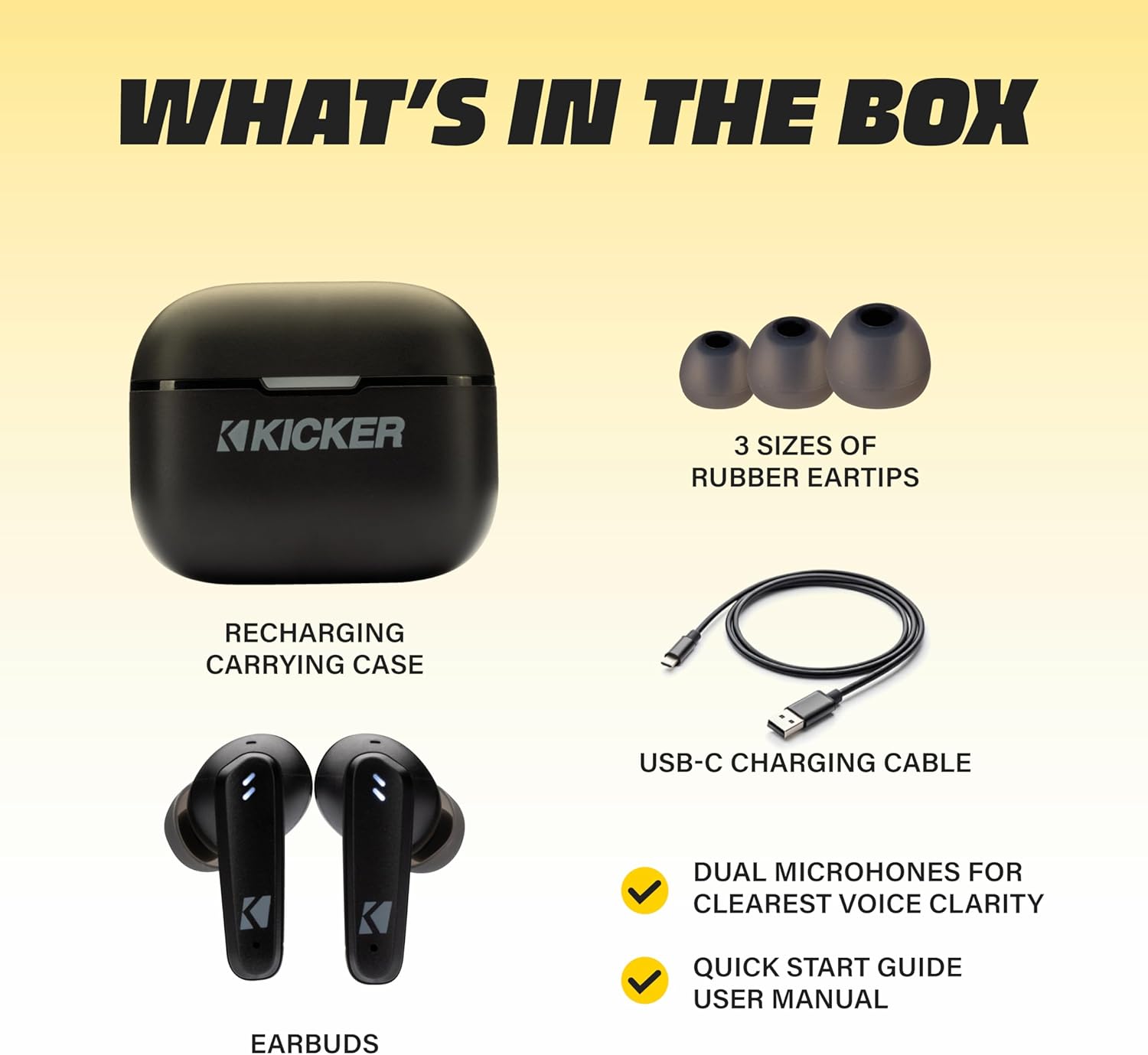
Image: The KICKER TW3 charging case being charged via a USB-C cable, with text indicating 5 hours of playtime for earbuds and 20 additional hours from the charging case, totaling 25 hours.
メンテナンス
クリーニング
Regularly clean your earbuds and charging case to ensure optimal performance and hygiene. Use a soft, dry, lint-free cloth. Do not use harsh chemicals or abrasive materials. Gently remove ear tips and clean them with mild soap and water, ensuring they are completely dry before reattaching.
防水性能(IPX4)
The KICKER TW3 earbuds are IPX4 sweatproof, meaning they are resistant to splashes and sweat. They are suitable for workouts and outdoor activities but should not be submerged in water.

Image: An icon indicating the earbuds are sweat and water resistant.
ストレージ
使用しないときは、イヤホンを保護し、充電を保つために充電ケースに保管してください。極端な温度での保管は避けてください。
トラブルシューティング
| 問題 | 考えられる解決策 |
|---|---|
| イヤホンがペアリングされない | Ensure earbuds are charged. Turn off and on your device's Bluetooth. Forget "KICKER TW3" in your device's Bluetooth settings and re-pair. |
| XNUMXつのイヤフォンから音が出ない | Ensure both earbuds are charged. Place both earbuds back in the case, close the lid, then open again to reset. Check device audio balance settings. |
| 充電ケースが充電されない | Check USB-C cable connection. Try a different USB power adapter or port. Ensure the charging port is clean and free of debris. |
| ANCは効果がない | Ensure ear tips provide a proper seal. Switch between ANC and Transparency modes using touch controls to confirm functionality. |
仕様
- モデル: TWS3
- Bluetoothバージョン: 5.0
- 無線範囲: 最大10メートル(33フィート)
- 騒音制御: Hybrid Active Noise Cancellation (up to -35dB), Environmental Noise Cancellation (ENC)
- イヤホンの再生時間: 最大5時間
- ケース付き合計プレイ時間: 最大25時間
- 充電時間: 約1.5時間
- 耐水性: IPX4(防汗)
- マイク: Dual Microphones for clear voice clarity
- 自動電源オフ: 3分間信号がなかった後
公式製品ビデオ
Video: An official product features video for the KICKER Bluetooth TW3 ANC Earbuds, showcasing their design, noise cancellation, and other key functionalities.
保証とサポート
KICKER products are designed for durability and performance. For warranty information, technical support, or any questions regarding your KICKER TW3 Wireless Earbuds, please refer to the official KICKER website or contact KICKER customer service directly. Keep your proof of purchase for warranty claims.
Contact KICKER Support: 1(800) 256-0800 or visit kicker.com/support