
TAGRY H08
TAGRY H08 ハイブリッド アクティブノイズキャンセリングヘッドホン ユーザーマニュアル
Model: H08 | Brand: TAGRY
導入
お選びいただきありがとうございます TAGRY H08 Hybrid Active Noise Cancelling Headphones. This manual provides detailed instructions for setting up, operating, and maintaining your headphones to ensure optimal performance and longevity. Please read this manual thoroughly before use.
画像: TAGRY H08 Hybrid Active Noise Cancelling Headphones in black, showcasinオーバーイヤーデザインを採用しています。
含まれるもの
パッケージにすべてのアイテムが含まれていることを確認します。
- TAGRY H08 ヘッドホン
- ユーザーマニュアル
- AUX3.5mmオーディオケーブル
- トラベルポーチ
- タイプC充電ケーブル
主な特徴
- ハイブリッドアクティブノイズキャンセリング (ANC): Reduces up to 95% of ambient noise for an immersive listening experience.
- 延長プレイタイム: 1回の充電で最大100時間の音楽再生が可能です。
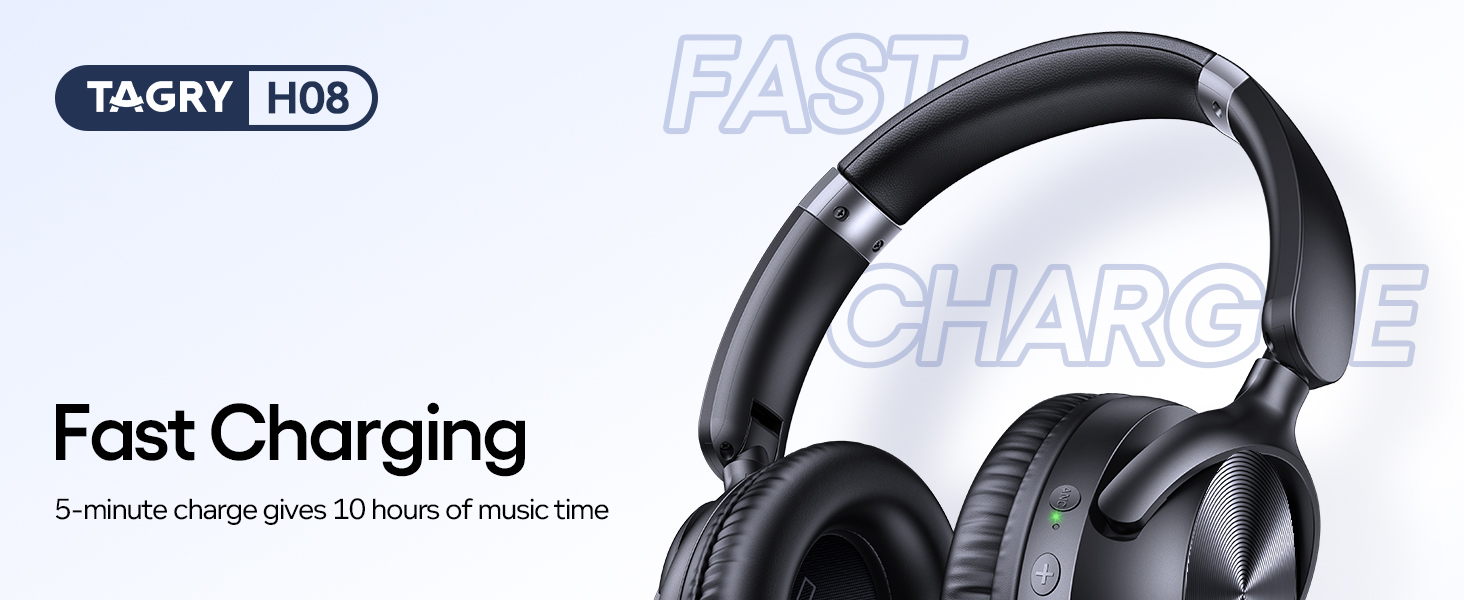
- 急速充電: 5 分間の充電で約 10 時間の再生が可能です。
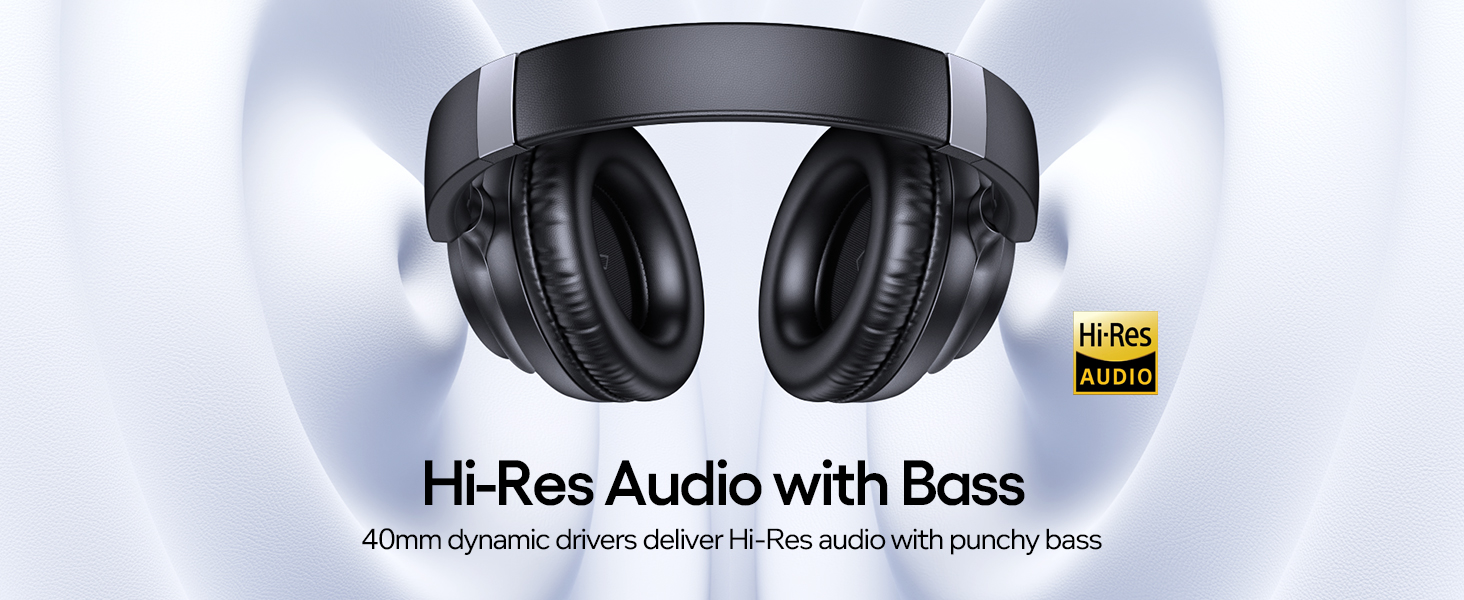
- ハイレゾオーディオ: Delivers high-quality audio with deep, punchy bass through 40mm dynamic drivers.
- デュアル接続: Supports both wireless Bluetooth 5.0 and wired 3.5mm AUX connections.
- 快適なデザイン: Lightweight (0.54 lbs) with ultra-soft protein leather ear cups for prolonged comfort.
- ポータブル: Foldable design and included travel pouch for easy transport.
- 調節可能なフィット: Ear cups rotate up to 105 degrees, and the headband is adjustable for various head sizes.
- 防水: IPX7 rating provides protection against water immersion.
設定
1. ヘッドフォンを充電する
Before first use, fully charge your headphones. Connect the supplied Type C charging cable to the charging port on the headphones and to a 5V power source (e.g., a USB wall adapter or computer USB port).
画像: TAGRY H08 headphones connected to a Type C charging cable, highlighting the fast charging feature that provides 10 hours of playtime from a 5-minute charge.
A full charge takes approximately 1 hour. The LED indicator will change to show charging status. A 5-minute charge provides approximately 10 hours of playtime, and a full charge offers up to 100 hours.
2.電源のオン/オフ
To power on, press and hold the Power button for approximately 2 seconds until the indicator light illuminates. To power off, press and hold the Power button again until the indicator light turns off.
3.Bluetoothペアリング
When powered on for the first time, the headphones will automatically enter pairing mode. The LED indicator will flash, indicating it's ready to connect.
- デバイス(スマートフォン、タブレット、PC)で Bluetooth が有効になっていることを確認します。
- 検索する "H08" in the list of available Bluetooth devices.
- Select "H08" to connect. Once connected, the LED indicator will stop flashing and remain solid blue.
Image: Visual guide demonstrating Bluetooth pairing for the H08 headphones, showing the device list on a smartphone screen and a reset option.
The headphones will automatically reconnect to the last paired device when powered on, if the device is within range and has Bluetooth enabled.
操作手順
ボタンコントロール
の TAGRY H08 headphones feature intuitive button controls located on the earcups:
Image: Detailed diagram illustrating the function of each button on the H08 headphones, including power, volume, track control, call management, and ANC toggle.
- 電源ボタン(G): Press and hold for 2 seconds to Power On/Off. Short press to Play/Pause music or Answer/End calls. Double press to Redial last number.
- ボリュームアップ(+): 短く押すと音量が上がります。長押しすると次のトラックに進みます。
- ボリュームダウン (-): 短く押すと音量が下がります。長押しすると前のトラックに戻ります。
- ANCボタン: Short press to toggle Active Noise Cancellation On/Off.
- マイクロフォン: 通話用に統合されています。
アクティブノイズキャンセル(ANC)
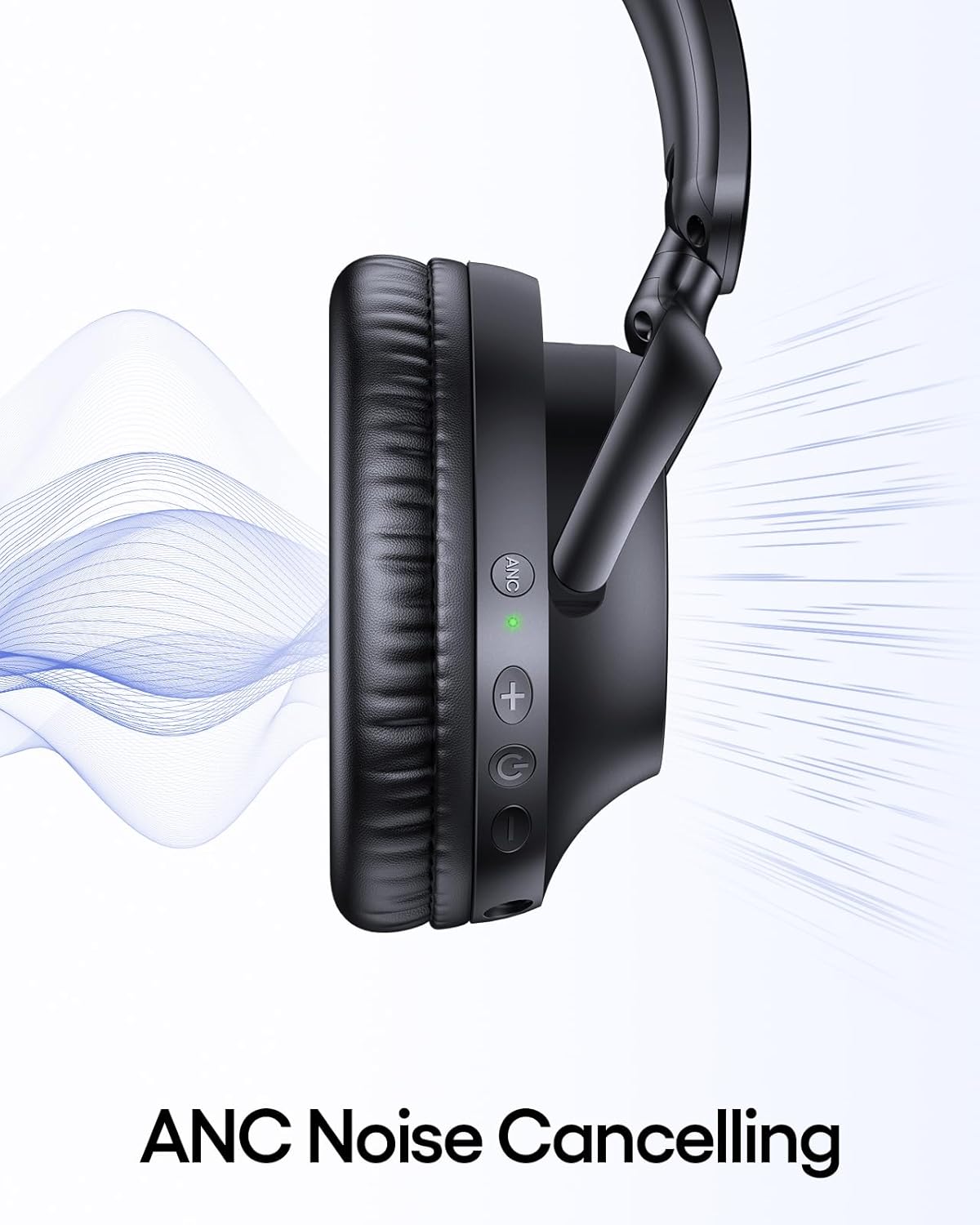
The ANC feature reduces ambient noise. To activate or deactivate ANC, press the dedicated ANC button on the earcup. An indicator light will confirm the ANC status.
画像: クローズアップ view of the headphone earcup highlighting the ANC button and its green indicator light, with sound waves illustrating noise cancellation.
Wired Connection (3.5mm AUX)
For devices without Bluetooth or when battery is low, use the included 3.5mm AUX audio cable. Connect one end to the headphone's 3.5mm jack and the other to your audio source.
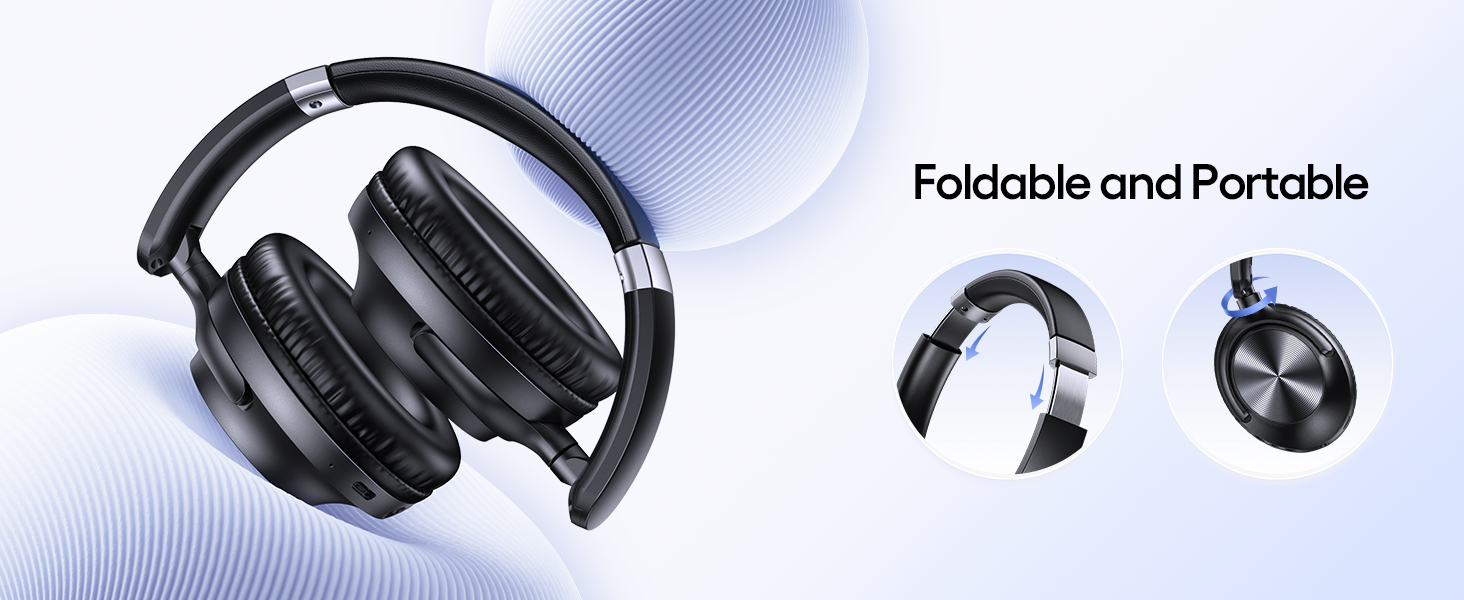
Image: The H08 headphones demonstrating both wireless Bluetooth connectivity and the option to use a 3.5mm AUX wired connection.
Note: Some headphone functions, like button controls, may be limited when using a wired connection.
メンテナンス
- ヘッドフォンは定期的に柔らかく乾いた布で拭いてください。
- ヘッドフォンを長時間、極端な温度や直射日光にさらさないでください。
- Store the headphones in the provided travel pouch when not in use to protect them from dust and damage.
- ヘッドフォンを分解したり改造したりしないでください。保証が無効になります。
トラブルシューティング
問題が発生した場合は、 TAGRY H08 headphones, refer to the following common solutions:
| 問題 | 解決 |
|---|---|
| ヘッドホンの電源が入りません。 | ヘッドホンが完全に充電されていることを確認してください。電源ボタンを2秒間押し続けます。 |
| デバイスとペアリングできません。 |
|
| 音が出ない、または音量が低い。 |
|
| ANCが機能しません。 | Press the ANC button to ensure it is activated. Check for any obstructions around the ANC microphones. |
仕様
| 特徴 | 詳細 |
|---|---|
| モデル名 | H08 |
| 騒音制御 | アクティブノイズキャンセリング |
| 接続技術 | ワイヤレス(Bluetooth)、有線(3.5mm AUX) |
| 無線通信技術 | ブルートゥース5.0 |
| バッテリー寿命 | 最大100時間 |
| 充電時間 | 1時間(フル充電) |
| 急速充電 | 5分の充電で10時間の再生が可能 |
| ヘッドフォンジャック | 3.5ミリジャック |
| 周波数応答 | 20000Hz |
| 材料 | アクリロニトリルブタジエンスチレン(ABS)、プラスチック |
| アイテム重量 | 0.54ポンド(約245g) |
| 耐水性レベル | 防水(IPX7) |
| コントロールタイプ | ボタンコントロール |
| イヤーピースの形状 | オーバーイヤー |
保証とサポート
TAGRY products are designed for reliability and performance. For warranty information or technical support, please refer to the contact details provided on the product packaging or visit the official TAGRY webサイトでご確認ください。購入証明として購入レシートを保管してください。
Ask a question about this manual
Ask about setup, troubleshooting, compatibility, parts, safety, or missing instructions. Manuals+ will review the question and use this page’s manual context to help answer it.