
導入
This manual provides essential information for setting up, operating, maintaining, and troubleshooting your HP All-in-One PC, models 27-cr0417in and 27-cr0421in. Please read these instructions carefully to ensure proper use and longevity of your device.
The HP All-in-One PC features a 27-inch Full HD IPS display, powered by a 13th Gen Intel Core i5-1334U processor, 16GB DDR4 RAM, and a 1TB PCIe NVMe M.2 SSD. It comes pre-installed with Windows 11 Home and Office 2024.
1.セットアップガイド
1.1 Unpacking the PC
すべての部品をパッケージから慎重に取り出します。以下のものがすべて揃っていることを確認してください。
- HP All-in-One PC unit
- HP 710 White Wireless Keyboard
- HP White Wireless Mouse
- 90W Smart AC Power Adapter
- ドキュメント(このマニュアルを含む)
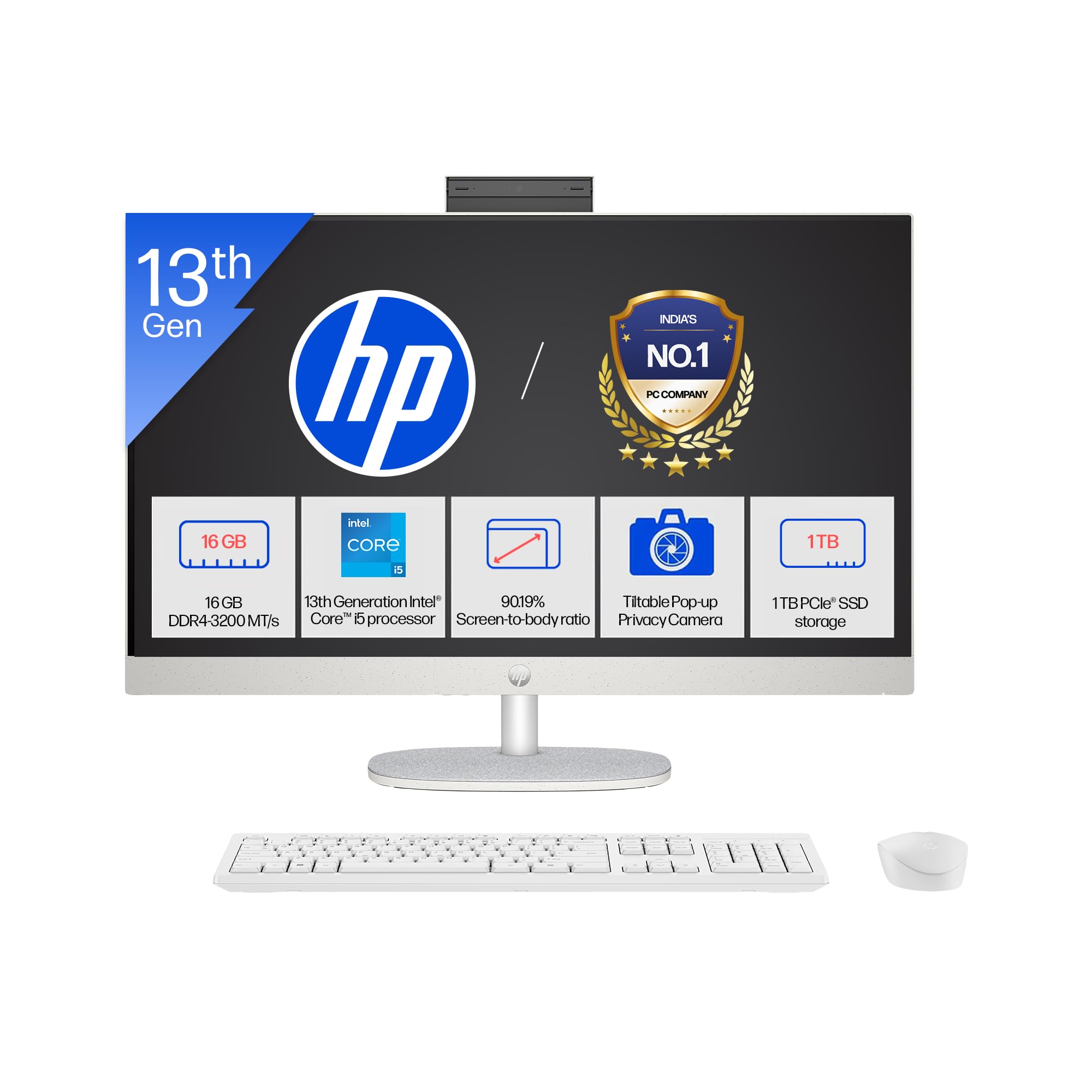
Image: The HP All-in-One PC with its included wireless keyboard and mouse, ready for setup.
1.2 周辺機器の接続
- 電源接続: Connect the 90W Smart AC Power Adapter to the power port on the back of the PC, then plug it into a wall outlet.
- ワイヤレスキーボードとマウス: The HP 710 wireless keyboard and mouse are pre-paired. Insert the included batteries into both devices. The USB receiver for the wireless devices is typically found in the mouse or keyboard packaging. Plug this receiver into an available USB port on the PC.
- オプションの接続: If you have external devices, connect them to the appropriate ports (e.g., USB drives, external monitors via HDMI-out).
1.3 初回電源投入とWindowsのセットアップ
- 通常、ディスプレイの側面または背面にある電源ボタンを押します。
- 画面の指示に従って、Windows 11 Home のセットアップを完了してください。これには、地域の選択、Wi-Fi ネットワークへの接続、ユーザーアカウントの作成が含まれます。
- Your PC comes with Windows 11 Home in S mode. This mode is designed for security and performance, exclusively running apps from the Microsoft Store. If you need to install apps from outside the Microsoft Store, you can switch out of S mode.
2. PCの操作
2.1 基本的なナビゲーションと表示
Your HP All-in-One PC features a 27-inch Full HD (1920 x 1080) IPS display with a three-sided micro-edge design for an immersive viewing experience. The anti-glare finish reduces reflections, and 300 nits brightness ensures clear visuals.

Image: Visual representation of the 27-inch FHD IPS display with micro-edge bezels and 300 nits brightness.
2.2 カメラとオーディオ機能
- HP True Vision 1080p FHD IR Tilt Privacy Camera: The integrated camera provides high-definition video for calls and includes an IR sensor for Windows Hello facial recognition. The tilt feature allows adjustment, and the privacy shutter ensures your privacy when not in use.
- Dual Array Digital Microphones: Integrated microphones with temporal noise reduction enhance audio clarity during video conferences and voice commands.
- デュアル 2W スピーカー: The built-in stereo speakers provide clear audio output for multimedia and communication.
2.3 接続性
Your PC offers a variety of ports and wireless options for connecting to networks and peripherals.
- 無線: Integrated Realtek RTL8852BE Wi-Fi 6 (2x2) for high-speed internet and Bluetooth 5.3 for connecting wireless accessories.
- USB ポート: Includes 1 USB Type-C (5Gbps), 2 USB Type-A (5Gbps), and 2 USB 2.0 Type-A ports for various devices.
- HDMI出力: Connect an external display using the HDMI-out 1.4 port.
- RJ-45: 有線イーサネット ネットワーク接続用。
- ヘッドフォン/マイクコンボ: A single port for audio input and output.

画像: 詳細 view of the rear ports on the HP All-in-One PC, including USB, HDMI, and Ethernet connections.
3. メンテナンスとケア
3.1クリーニング手順
- 画面: 柔らかく糸くずの出ない布で軽く拭き取ってください。amp水または電子機器専用のスクリーンクリーナーで拭いてください。刺激の強い化学薬品は使用しないでください。
- シャーシ: 外装面は柔らかく乾いた布で拭いてください。頑固な汚れには、軽くこすったamp 布が使用できます。
- キーボードとマウス: 柔らかいブラシか圧縮空気を使って埃やゴミを取り除きます。表面を軽くこすって拭きます。amp 必要に応じて布で覆います。
- 換気: Ensure the ventilation openings are clear of dust to prevent overheating. Use compressed air to gently clear dust from vents.
3.2ソフトウェアアップデート
最適なパフォーマンスとセキュリティを確保するために、オペレーティング システムとドライバーを定期的に更新してください。
- Windows アップデート: へ移動 設定 > Windows Update 最新のアップデートを確認してインストールします。
- ドライバーの更新: HPはサポートを通じてドライバーのアップデートを提供しています webサイトまたは HP Support Assistant ソフトウェアを参照してください。
3.3 ストレージ管理
To maintain system performance, regularly manage your 1TB SSD storage:
- 不要な削除 fileおよびアプリケーション。
- 大規模なデータにはクラウドストレージサービスを利用 files.
- ディスククリーンアップ(Windowsで検索)を実行して一時的なものを削除します。 files.
4。 トラブルシューティング
4.1 一般的な問題と解決策
- PCの電源が入らない:
- 電源アダプタが PC と正常な電源コンセントの両方にしっかりと接続されていることを確認します。
- 別のデバイスで電源コンセントをテストします。
- 画面に何も表示されない:
- Check if the PC is powered on.
- Ensure no external display is connected and set as the primary output.
- Wireless keyboard/mouse not responding:
- バッテリーレベルを確認し、必要に応じて交換してください。
- Ensure the USB receiver is properly plugged into a USB port.
- レシーバーを別の USB ポートに接続してみてください。
- インターネット接続なし:
- Verify your Wi-Fi network is active and you have the correct password.
- ルーター/モデムを再起動します。
- Check network cable if using RJ-45.
4.2 サポートに連絡するタイミング
If you encounter persistent issues that cannot be resolved using the troubleshooting steps above, please refer to the Warranty and Support section for contact information.
5. 製品仕様

画像: 上view of the 13th Gen Intel Core i5-1334U processor specifications, including core count and clock speed.
| 特徴 | 説明 |
|---|---|
| モデル番号 | 27-cr0417in, 27-cr0421in |
| プロセッサ | 13th Gen Intel Core i5-1334U (up to 4.6 GHz, 10 cores, 12 threads, 12 MB L3 cache) |
| メモリ(RAM) | 16 GB DDR4-3200 MT/s (1 x 16 GB), 1 available slot |
| ストレージ | 1TB PCIe NVMe M.2 SSD |
| オペレーティング·システム | S モードの Windows 11 Home 単一言語 |
| プリインストールされたソフトウェア | Microsoft Office 2024, 1 Year Microsoft 365 Basic |
| 画面 | 27" (68.6 cm) diagonal, FHD (1920 x 1080), IPS, three-sided micro-edge, anti-glare, 300 nits, 99% sRGB |
| グラフィックス | 統合グラフィックス |
| ポート | 1 USB Type-C 5Gbps, 2 USB Type-A 5Gbps, 2 USB 2.0 Type-A, 1 Headphone/microphone combo, 1 RJ-45, 1 HDMI-out 1.4 |
| 拡張スロット | 1 M.2 (for SSD), 1 M.2 (for WLAN) |
| ワイヤレス接続 | Realtek RTL8852BE Wi-Fi 6 (2x2) および Bluetooth 5.3 |
| オーディオ | デュアル2Wスピーカー |
| キーボードとマウス | HP 710 White Wireless Keyboard and Mouse Combo |
| カメラ | HP True Vision 1080p FHD IR tilt privacy camera with temporal noise reduction and integrated dual array digital microphones |
| 電源 | 90WスマートAC電源アダプター |
| 寸法(幅×奥行き×高さ) | 61.2 x 18.6 x 51.7 cm(24.11 x 7.34 x 20.35インチ) |
| 重さ | 6.72キロ |
| 色 | Shell white |
| 欧州連合 | 199485095103 |
| 持続可能性の特徴 | Post-consumer recycled and ocean-bound plastics, EPEAT Gold Registered, ENERGY STAR Certified |
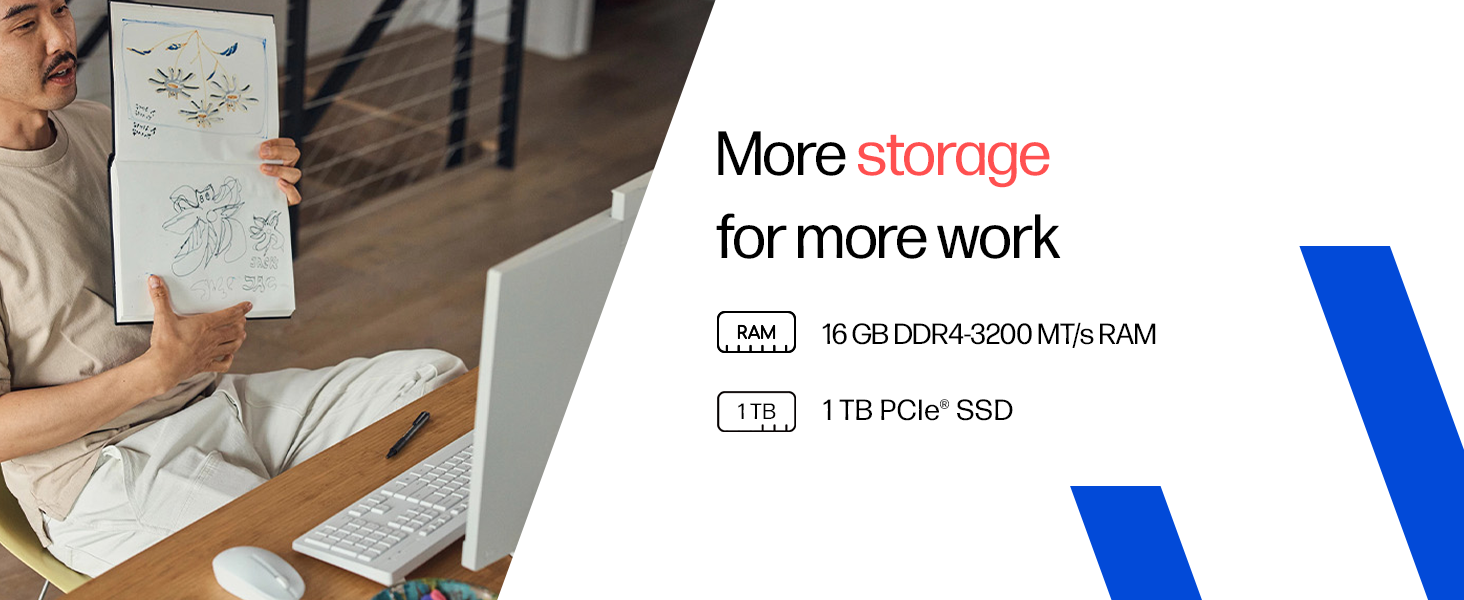
Image: Details on the 16GB DDR4 RAM and 1TB PCIe SSD for efficient performance and storage.
6. 保証とサポート
6.1 保証情報
Your HP All-in-One PC comes with a 1年間のメーカー保証 on the device from the date of purchase. Please retain your proof of purchase for warranty claims.
6.2 テクニカルサポート
For any technical or product-related queries, please contact HP customer support:
- フリーダイヤル: 1800-258-7170 or 1860-258-3079
- メーカー: HP India Sales Pvt. Ltd.
For additional support resources, visit the official HP support webサイト。