
1. はじめに
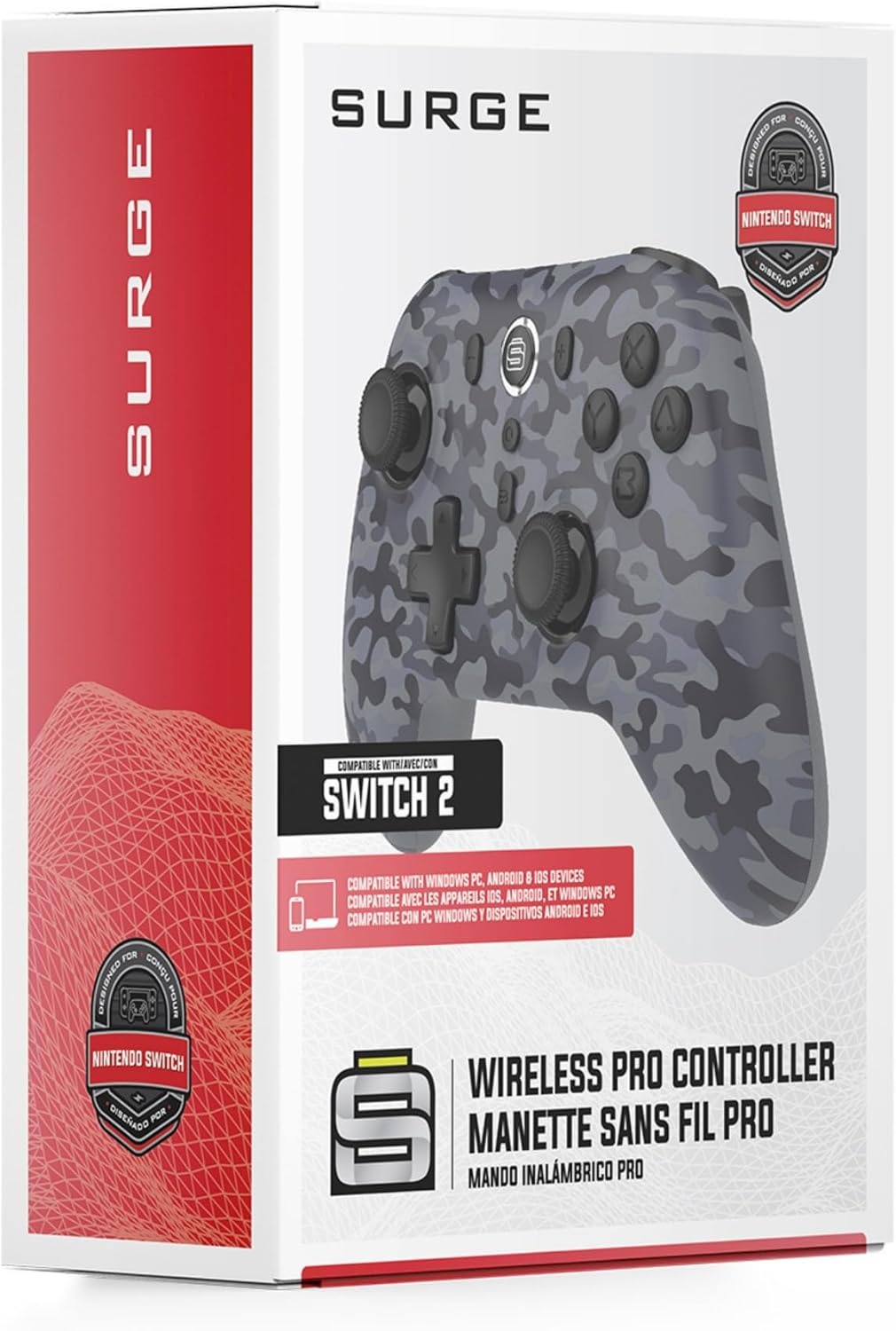
Thank you for choosing the Surge Wireless Pro Controller. This multi-platform Bluetooth controller is designed to enhance your gaming experience across various devices, including Nintendo Switch/Switch 2, Windows PC, Android, and iOS. Featuring Hall Effect sticks and triggers, adjustable turbo functionality, and customizable vibration feedback, this controller offers precision and comfort. Please read this manual thoroughly before use to ensure optimal performance and longevity of your device.
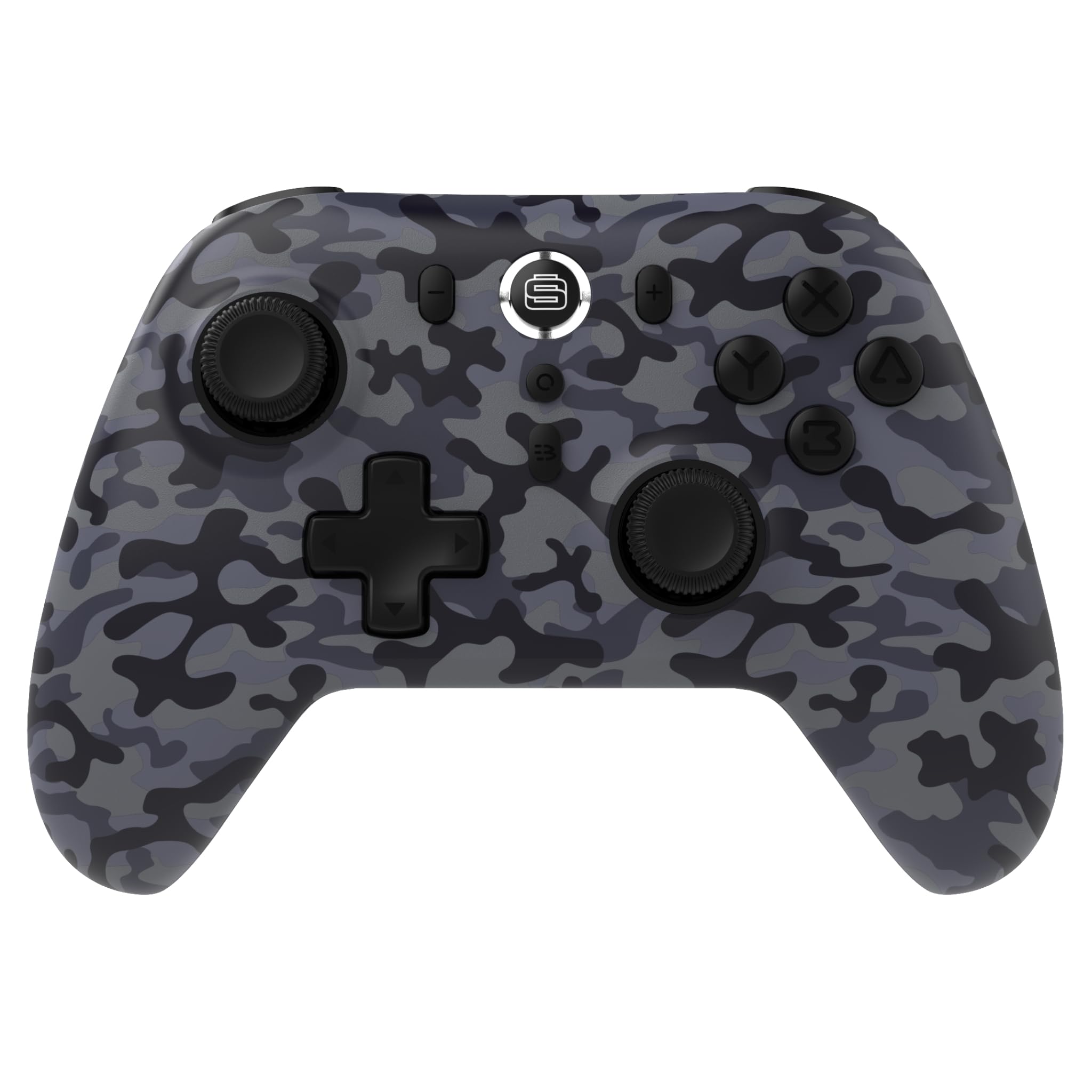
2 製品の特徴
- マルチプラットフォーム互換性: Compatible with Nintendo Switch/Switch 2 (Note: No C Button/Audio Port), Windows PC, Steam Deck, Android, and iOS devices.
- Hall Effect Thumb Sticks & Triggers: Delivers precision control and prevents stick drift, ensuring accurate input.
- ターボ機能: Offers 3 adjustable turbo levels for rapid-fire control in compatible games.
- 振動フィードバック: Choose from 4 vibration levels for tailored haptic feedback, enhancing immersion.
- モーションコントロール: Supports motion controls for compatible games on supported platforms.
- Console Wake Up: Ability to wake your Nintendo Switch console from sleep mode instantly (Nintendo Switch Only).
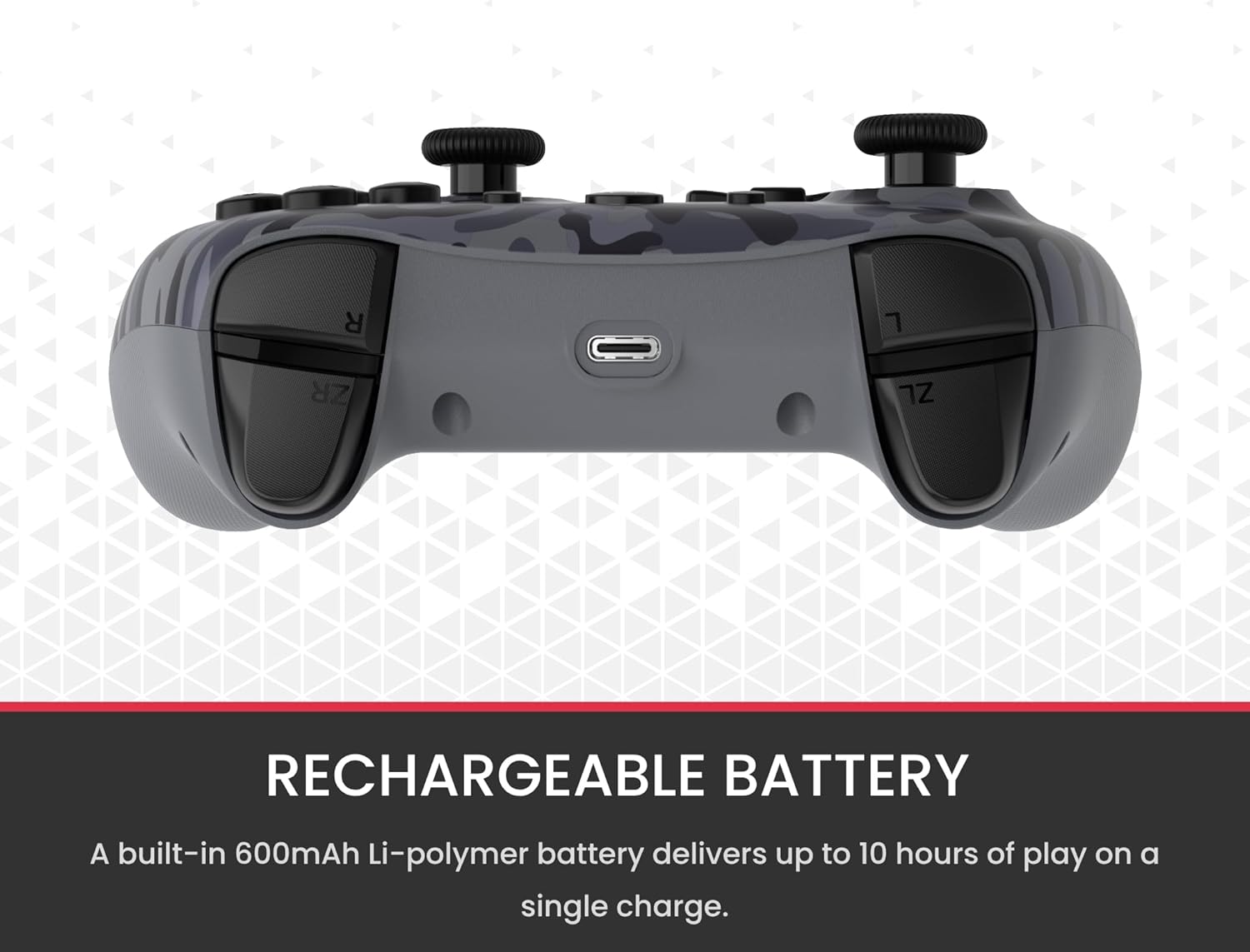
- 充電式バッテリー: A built-in 600mAh Li-polymer battery provides up to 10 hours of gameplay on a single charge.
- USB-C 充電ケーブル: Includes a 1-meter USB-C cable for convenient recharging.

3. パッケージ内容
パッケージにすべてのアイテムが含まれていることを確認してください:
- 1 x Surge Wireless Pro Controller (Model: SG60096)
- USB-C充電ケーブル(1メートル)×1
- ユーザーマニュアル x 1
4. セットアップとペアリング
4.1. コントローラーの充電
Before first use, fully charge the controller using the provided USB-C cable. Connect the USB-C end to the controller's charging port and the USB-A end to a power source (e.g., console, PC, USB wall adapter). The LED indicators on the controller will show charging status.
4.2. Pairing with Nintendo Switch/Switch 2
- ホームメニューから、 コントローラー、 それから グリップ/順序の変更.
- コントローラーで、 ペアリングボタン (通常は上端または背面にある小さなボタン) を、プレーヤーの LED が点滅し始めるまで数秒間押し続けます。
- ペアリングされると、コントローラー番号に対応するプレーヤーのLEDが点灯したままになります。
- To wake the console from sleep mode, press the ホームボタン コントローラーで。
4.3. Pairing with Windows PC
- PC で Bluetooth が有効になっていることを確認してください。
- コントローラーで、 ペアリングボタン LED が高速で点滅するまで。
- PCで、 Bluetoothとその他のデバイスの設定、 それから Bluetoothまたはその他のデバイスを追加する.
- 選択 ブルートゥース そして、
Ask a question about this manual
Ask about setup, troubleshooting, compatibility, parts, safety, or missing instructions. Manuals+ will review the question and use this page’s manual context to help answer it.