
グヴュグケ・キャプテン 560
Gvyugke Captain 560 ワイヤレス ゲーミング ヘッドセット ユーザー マニュアル
モデル: Captain 560 | ブランド: Gvyugke
導入
Thank you for choosing the Gvyugke Captain 560 Wireless Gaming Headset. This headset is designed to provide a high-quality audio experience across multiple platforms, including Xbox Series X/S, Xbox One, PS5, PS4, Nintendo Switch, PC, Mac, and mobile devices. Please read this manual carefully to ensure proper setup and optimal performance.
パッケージ内容
パッケージにすべてのアイテムが含まれていることを確認します。
- Gvyugke Captain 560 ワイヤレスゲーミングヘッドセット
- 2.4GHz Wireless Transmitter (Dongle)
- 3.5mmオーディオケーブル
- USB Type-C充電ケーブル
- ユーザーマニュアル(このドキュメント)
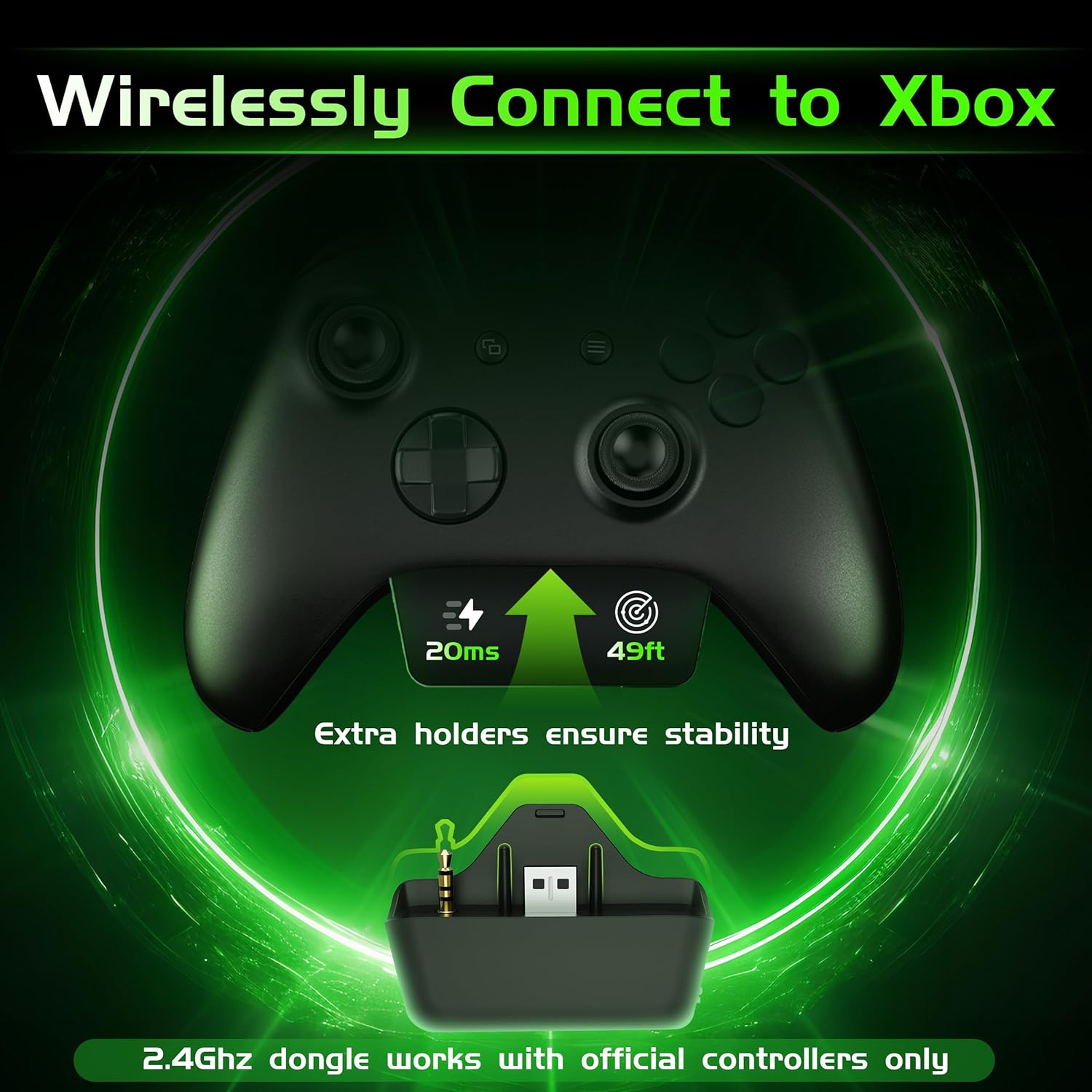
Image: Gvyugke Captain 560 Wireless Gaming Headset, 2.4GHz transmitter, 3.5mm audio cable, and USB-C charging cable.
セットアップ手順
1. ヘッドセットの充電
Before first use, fully charge the headset. Connect the USB Type-C charging cable to the headset's charging port and the other end to a USB power source. The charging indicator will show status. A full charge takes approximately 2.5 hours.

Image: Headset highlighting its 1050mAh battery capacity, indicating up to 45 hours of playtime.
2. Connecting via 2.4GHz Wireless (for Xbox, PS5, PC, Mac, Switch)
The 2.4GHz wireless connection offers low-latency audio for gaming.
- For Xbox Series X/S or Xbox One: Insert the 2.4GHz wireless transmitter directly into the bottom port of your official Xbox controller. Ensure it is fully seated to avoid audio issues.
- For PS5, PC, Mac, or Nintendo Switch: Connect the 2.4GHz wireless transmitter to an available USB-A port on your console or computer.
- Power on your headset by pressing and holding the power button.
- Slide the connectivity switch on the headset to the "2.4G" position. The headset will automatically pair with the transmitter.
Image: The 2.4GHz wireless transmitter securely inserted into the bottom of an Xbox controller.
注記:
- The microphone is not supported when connected to Nintendo Switch.
- The transmitter is compatible with official Xbox controllers. Third-party Xbox controllers may not be supported.
Video: Instructions on how to set up voice chat on Xbox for the Gvyugke Captain 560 headset.
3. Connecting via Bluetooth 6.0 (for Mobile, PC, Mac)
Bluetooth connectivity is ideal for mobile devices, PC, and Mac for general audio and communication.
- ヘッドセットの電源を入れます。
- Slide the connectivity switch on the headset to the "BT" (Bluetooth) position. The headset will enter pairing mode, indicated by a flashing LED.
- On your device (phone, PC, Mac), go to Bluetooth settings and select "Captain 560" from the list of available devices.
- Once connected, the LED on the headset will become solid.
注記:
- Bluetooth works with mobile devices only and is not available for Xbox, PS5, or PS4.
4. 3.5mm有線接続
For universal compatibility or when battery is low, use the 3.5mm audio cable.
- 3.5mm オーディオ ケーブルの一方の端をヘッドセットの 3.5mm ポートに接続します。
- Connect the other end to the 3.5mm audio jack on your device (controller, PC, etc.).
- ヘッドセットは有線モードで動作します。

Image: A diagram illustrating the three connection modes: 2.4GHz wireless, Bluetooth, and 3.5mm wired, with compatible devices for each.
操作手順
1. 電源のオン/オフ
- 電源オン: Press and hold the power button (located on the left earcup) for 3 seconds until the LED indicator lights up.
- 電源を切る: LED インジケーターが消えるまで、電源ボタンを 3 秒間押し続けます。
2. マイクの使用(フリップミュート)
- マイクを有効にする: Flip the integrated microphone boom down.
- マイクをミュート: Flip the microphone boom up. This action will automatically mute the microphone.

Image: The integrated microphone of the headset, demonstrating its flip-to-mute functionality and noise-canceling feature.
3. Audio Modes (Game/Music)
Press the dedicated mode button (located below the power button) to switch between Game Mode and Music Mode. Game Mode enhances spatial audio cues, while Music Mode optimizes for balanced sound reproduction.
4. 音量コントロール
左のイヤーカップにあるスクロール ホイールを使用して音量を調整します。

Image: Close-up of the headset's left earcup, showing the power button, light button, 2.4G/BT mode switch, and volume scroll wheel.
5. LED照明制御
Press the light button (located below the power button) to toggle the LED lighting on or off. Turning off the lighting can extend battery life.
6. Triple-Mode Connectivity Switch
Use the slide switch labeled "2.4G / BT" to select your desired wireless connection mode. For wired connection, simply plug in the 3.5mm cable.
上の機能view
- マルチプラットフォーム互換性: Seamlessly switch between Xbox Series X/S, Xbox One, PS5, PS4, Nintendo Switch, PC, Mac, and mobile devices.
- Ultra-Low Latency 2.4GHz Wireless: Experience responsive audio with only 20ms latency, crucial for competitive gaming.
- Integrated Flip-to-Mute Microphone: Clear communication with advanced noise reduction, easily mute by flipping the mic up.
- 没入型3Dサラウンドサウンド: Powered by 50mm dynamic drivers for rich, detailed audio, enhancing your gaming and media experience.
- バッテリー寿命の延長: Up to 45 hours with lighting, or over 70 hours with lighting off at half volume. Supports charging while playing.
- Comfortable and Foldable Design: Breathable fabric cushions with memory foam ensure comfort during long sessions. The foldable design allows for easy storage and portability.

Image: A person wearing the headset, surrounded by visual representations of 3D sound waves, emphasizing immersive audio.
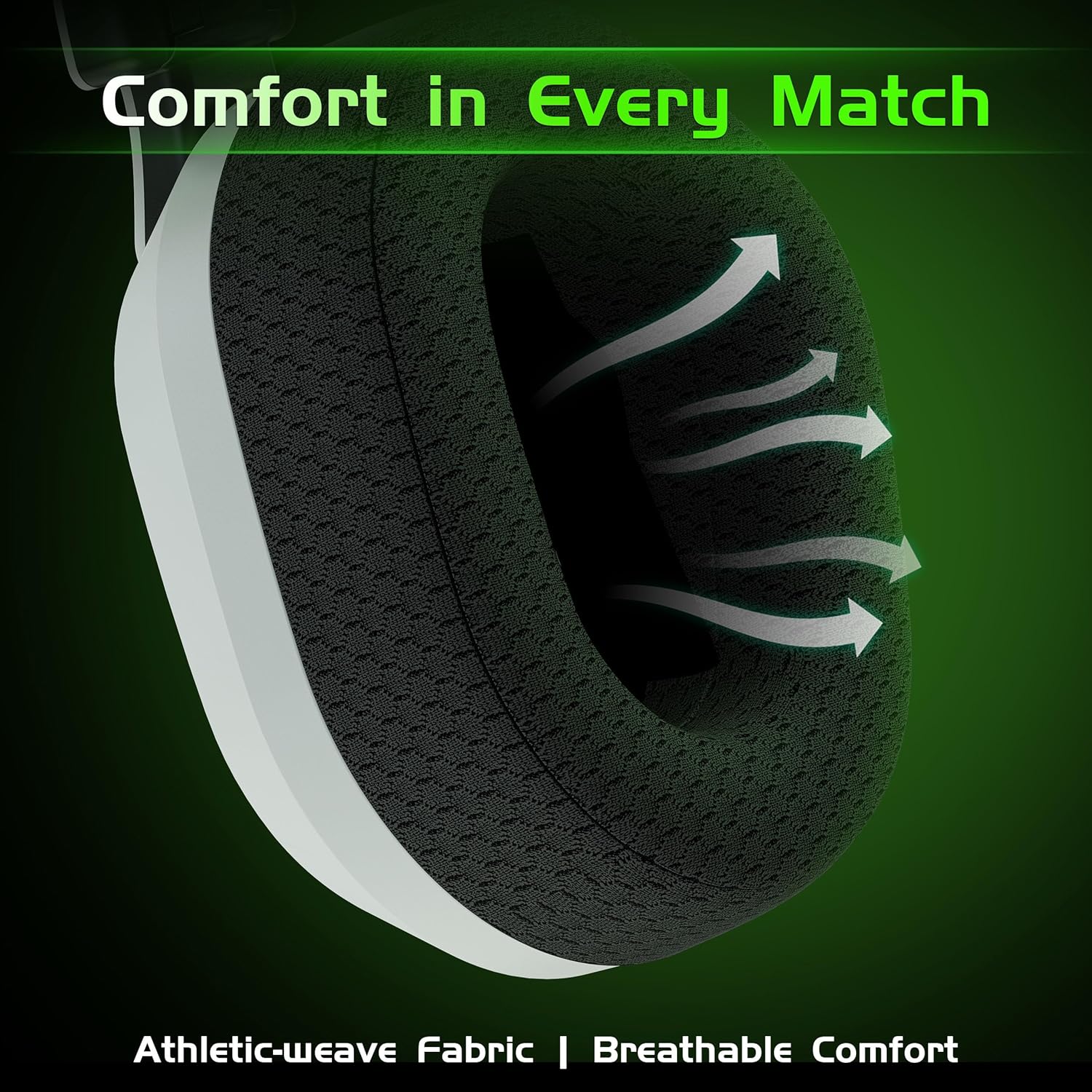
画像: クローズアップ view of the headset's breathable weave fabric ear pads, designed for comfort and airflow.

Image: A person demonstrating the foldable design of the headset, placing it into a bag for compact storage.
メンテナンス
- クリーニング: ヘッドセットのお手入れには、柔らかく乾いた布をご使用ください。刺激の強い化学薬品や研磨剤は使用しないでください。
- ストレージ: ヘッドセットは、直射日光や極端な温度を避け、涼しく乾燥した場所に保管してください。折りたたみ式のデザインでコンパクトに収納できます。
- バッテリーのケア: バッテリー寿命を延ばすには、ヘッドセットを頻繁に完全に放電させないでください。長期間使用しない場合でも、定期的に充電してください。
- ケーブルのお手入れ: ケーブルは丁寧に扱ってください。損傷を防ぐため、急激に曲げたり、強く引っ張ったりしないでください。
トラブルシューティング
| 問題 | 考えられる原因 | 解決 |
|---|---|---|
| 音が出ない/音量が低い |
|
|
| マイクが機能しない |
|
|
| Bluetoothペアリングの問題 |
|
|
| Static or intermittent audio (2.4GHz) |
|
|
仕様
| 特徴 | 詳細 |
|---|---|
| モデル名 | キャプテン560 |
| 接続技術 | 2.4GHzワイヤレス、Bluetooth 6.0、3.5mm有線 |
| 無線通信 | 2.4GHz、Bluetooth 6.0 |
| 音声遅延 | 20ミリ秒(2.4GHzモード) |
| オーディオドライバーのサイズ | 50ミリメートル |
| 騒音制御 | Sound Isolation, Noise Cancellation (Mic) |
| バッテリー寿命 | Up to 45 Hours (with lighting), Over 70 Hours (lighting off, half volume) |
| 充電時間 | 2.5時間 |
| 充電ポート | USBタイプC |
| Bluetooth範囲 | 32.8フィート(10メートル) |
| 対応デバイス | Xbox Series X/S, Xbox One, PS5, PS4, Nintendo Switch, PC, Mac, Mobile |
| マイクロフォン | Integrated Flip-to-Mute, Noise-Canceling |
| 材料 | アクリロニトリルブタジエンスチレン(ABS)、ポリカーボネート(PC) |
| アイテム重量 | 10.9オンス(0.68ポンド) |
| 製品寸法 | 6.4 x 4 x 6.3インチ |
保証とサポート
Gvyugke provides a 12-month warranty for this product and 45-day return policy. For technical support, warranty claims, or any inquiries, please contact Gvyugke customer service through the retailer where the product was purchased or visit the official Gvyugke store on Amazon: Gvyugke Store.
Ask a question about this manual
Ask about setup, troubleshooting, compatibility, parts, safety, or missing instructions. Manuals+ will review the question and use this page’s manual context to help answer it.