
1. はじめに
The NearStream AMIX20U is an all-in-one audio interface designed for gaming, podcasting, streaming, and music production. It features dual XLR/6.35mm combo inputs with professional preamps, 48V phantom power, multiple voice changer modes, customizable sound pads, and dynamic RGB lighting. This manual provides detailed instructions for setting up, operating, and maintaining your AMIX20U device.

Image: The NearStream AMIX20U Gaming Audio Mixer showcasing its compact design and key features like RGB lighting, voice changer modes, and sound pads.
2. パッケージ内容
パッケージにすべてのアイテムが揃っていることを確認します。
- AMIX20U Audio Interface (x1)
- USB Cable (6.6 ft) (x1)
- TRRS to TRRS Audio Cable (4.9 ft) (x1)
- TRS to TRS Audio Cable (4.9 ft) (x1)
- ユーザーマニュアル (x1)

Image: A visual representation of the AMIX20U audio interface and its accompanying cables and manual.
3. セットアップ
3.1 電源投入と初期接続
- 電源: Connect the provided USB cable to the 5V 1A DC IN port on the AMIX20U and to a power source.
- 電源オン/オフ: Press and hold the power button (located near the main rotary knob) for 2 seconds to turn the device on or off. A short press controls the RGB light.
- OTG Port Connection: Connect the USB-OTG port to your PC, smartphone, or tablet for direct recording or live streaming.
3.2 マイクと楽器の接続
- マイク接続: Connect your XLR or 6.35mm microphone to the XLR/6.35mm combo inputs (IN1 or IN2).
- 48Vファンタム電源: For condenser microphones, activate 48V phantom power by pressing the dedicated 48V button next to the input. A blue background indicates it's on. Turn it off for dynamic microphones.
- 機器接続: Connect your instrument (e.g., guitar) to the XLR/6.35mm combo inputs. Press the 'INST' button to switch between microphone and instrument modes.
3.3 Audio Monitoring and Output
- ヘッドフォンモニタリング: Connect your headphones to the 6.35mm audio port for real-time sound monitoring.
- 補助オーディオ入力: Connect the 3.5mm audio jack to your smartphone, PC, or tablet to play background music.
- Bluetooth接続: Hold the Bluetooth button for 2 seconds until the blinking icon appears, entering pairing mode. Connect your smartphone to the audio mixer via Bluetooth for music accompaniment.
- オーディオ出力: Connect your speakers to the 6.35mm Audio Left (L) and Right (R) Output Ports for sound output. Alternatively, connect the 3.5mm audio output to your speaker/PC/smartphone/iPad to play the recorded sound.
Video: Detailed guide on how to connect the NearStream AMIX40U Audio Interface to various devices, including power, OTG, microphones, instruments, headphones, auxiliary audio, and Bluetooth. This video demonstrates setup steps applicable to the AMIX20U model.

Image: Rear panel of the AMIX20U highlighting the various input and output ports for comprehensive connectivity.
4. Operating the AMIX20U
4.1コントロールとインジケーター
- ボリュームフェーダー: Use the 4 smooth volume faders for MICROPHONE 1, MICROPHONE 2, LINE IN, and LINE OUT channels to control individual input and output levels.
- ワンタッチミュート: Quickly mute channels using the dedicated mute buttons.
- Headphone Monitoring Volume: Adjust the dedicated rotary knob for headphone monitoring volume.
- LCDスクリーンディスプレイ: The LCD screen displays current settings for EQ, Denoise, Reverb, and Audio Gain modes. Use the rotary button to adjust volume, reverb, denoise level, and sound mode.
- RGB照明モード: The device features 9 controllable RGB lighting modes via the dedicated RGB button.
4.2つの特別な機能
- Voice Changer Modes: Access 6 unique voice effects (Male, Female, Robot, Monster, Baby, Elder) via the dedicated Voice Change button.
- Customizable Sound Pads: Utilize 4 customizable sound pads to trigger sound effects or short clips (up to 15 seconds).
- 電気モード: Offers multiple key options (A, Bb, B, C, Dd, D, Ab, G, Gb, F, Dd, Eb) for accurate tone reproduction.
- リバーブコントロール: Adjust reverb from 0-100 for vocals and instruments.
- Denoise Mode: バックグラウンドノイズを低減し、よりクリアな音声を実現します。
- Ducker Mode: Automatically lowers background sound when you speak.
- ループバックモード: Combines microphone and computer audio for real-time streaming and recording.
- Voice Remover: Transforms any track into a pure instrumental.
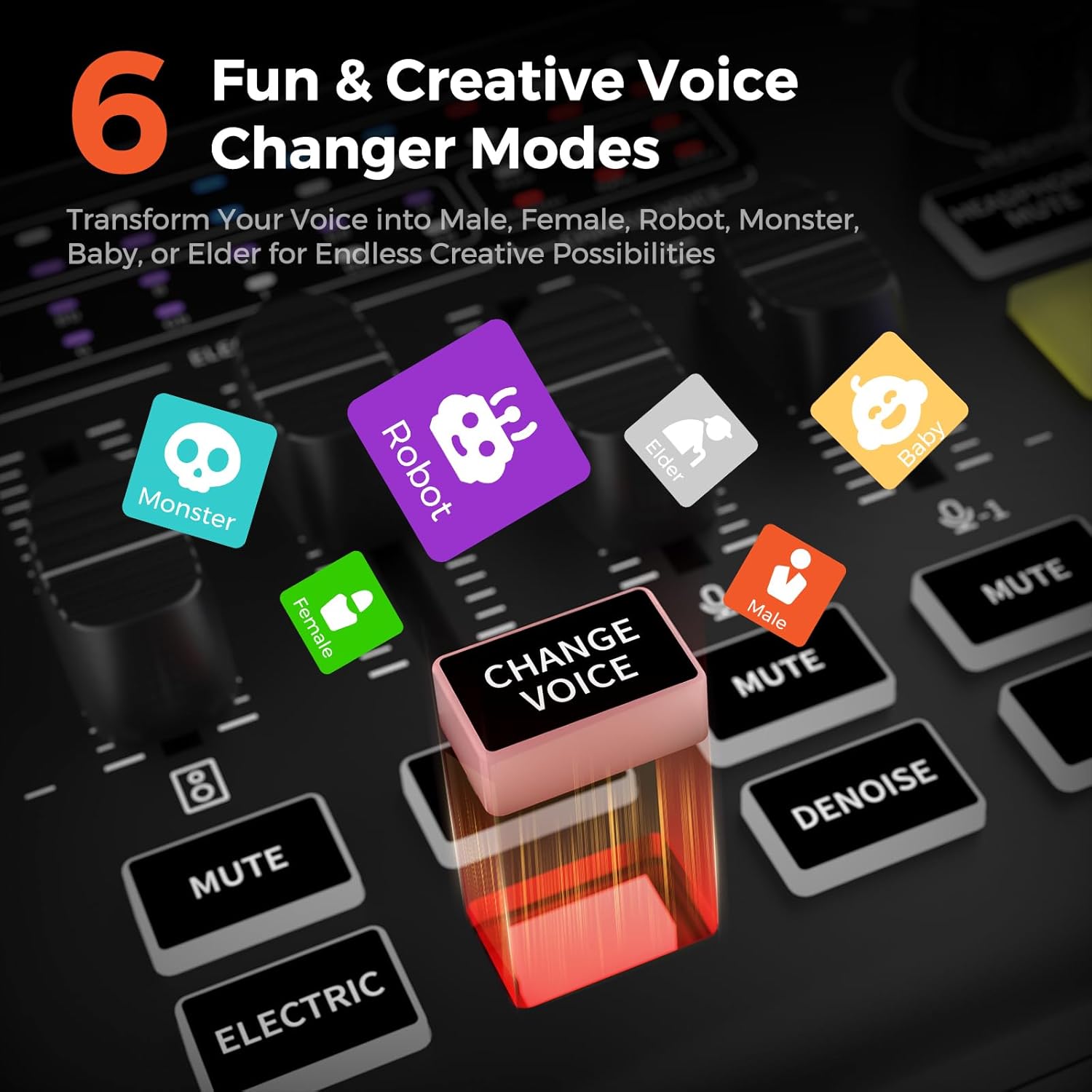
Image: The 6 Voice Changer Modes on the AMIX20U, including Male, Female, Robot, Monster, Baby, and Elder.

Image: The 4 customizable sound pads on the AMIX20U, ready to trigger unique sound effects.
5. メンテナンス
To ensure the longevity and optimal performance of your NearStream AMIX20U, follow these maintenance guidelines:
- クリーニング: デバイスの清掃には、柔らかく乾いた布をご使用ください。液体クリーナーや研磨剤は使用しないでください。
- ストレージ: デバイスは直射日光や極端な温度を避け、涼しく乾燥した場所に保管してください。
- 取り扱い: Handle the device with care to prevent physical damage to knobs, faders, and ports.
6。 トラブルシューティング
If you encounter issues with your AMIX20U, try the following steps:
- 電源なし: Ensure the USB cable is securely connected to a 5V 1A power source.
- オーディオ入力なし: Check all cable connections (microphones, instruments, OTG). Verify 48V phantom power is enabled for condenser microphones. Ensure input gain levels are appropriately set.
- オーディオ出力なし: Check speaker/headphone connections. Verify output volume levels on the device and connected playback systems.
- Bluetooth ペアリングの問題: Ensure the AMIX20U is in pairing mode (blinking Bluetooth indicator) and your device's Bluetooth is on and searching.
- 音質の問題: Adjust EQ (Low, Mid, High) and Denoise settings. Ensure microphone is positioned correctly.
- デバイスが応答しません: Use a small pin to press the 'RST' (Reset) button on the rear panel.
7. 仕様
| 特徴 | 詳細 |
|---|---|
| アイテム重量 | 1.5ポンド |
| 製品寸法 | 6.8 x 5 x 2インチ |
| 対応デバイス | ギター、ヘッドフォン、マイク、パソコン、スマートフォン |
| オペレーティング·システム | Windows、macOS |
| 接続技術 | AUX、Bluetooth、USB |
| チャンネル数 | 8 |
8. 保証とサポート
保証情報とテクニカルサポートについては、NearStreamの公式ウェブサイトをご覧ください。 web公式サイトをご覧いただくか、カスタマーサービスに直接お問い合わせください。保証請求のために購入時のレシートを保管してください。