
1. はじめに
Welcome to the user manual for your JLab Go Pods ANC True Wireless Earbuds. These earbuds are designed to provide a high-quality audio experience with features like Hybrid Active Noise Canceling, Be Aware mode for safe listening, and clear calls. This manual will guide you through the setup, operation, and maintenance of your new earbuds.
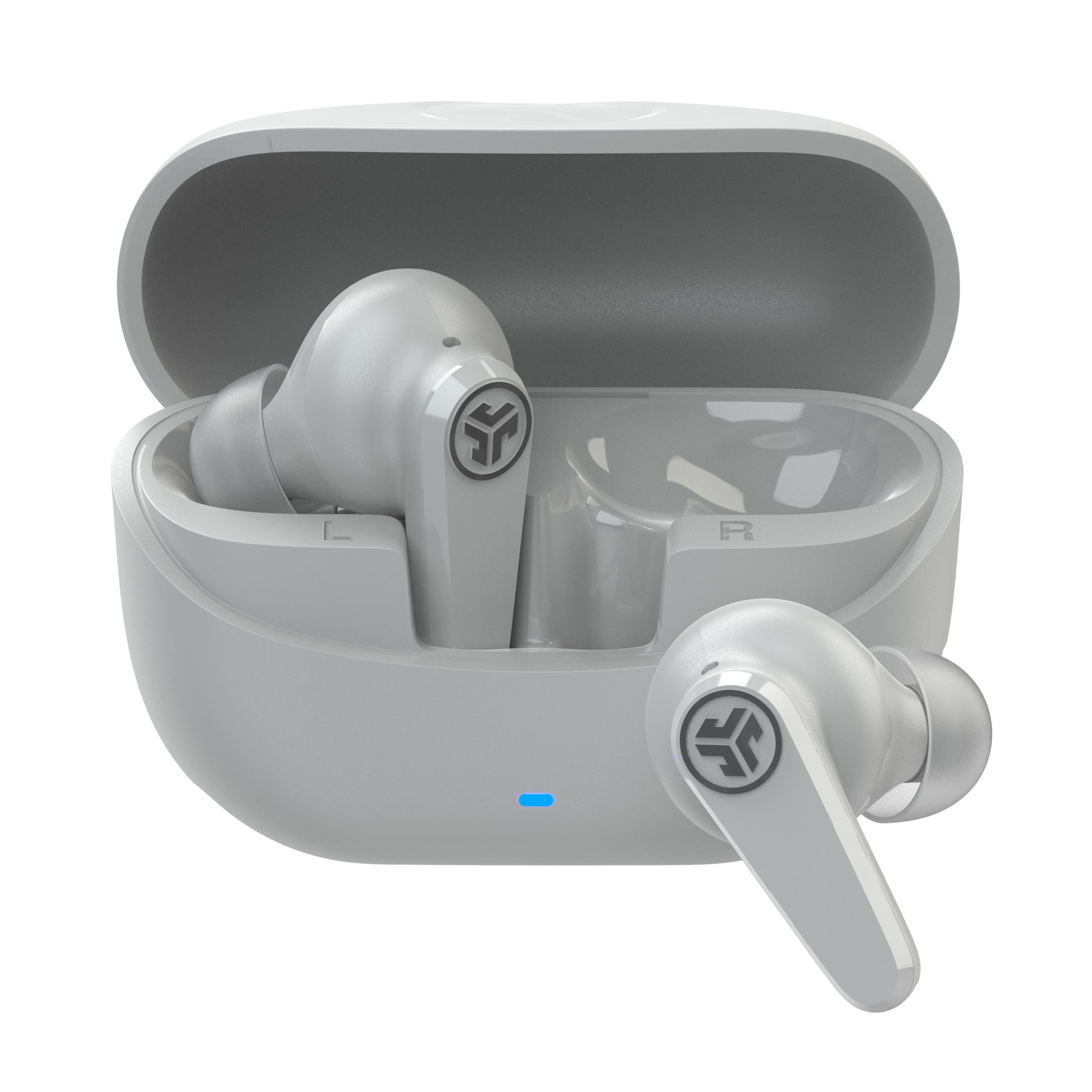
Image: JLab Go Pods ANC True Wireless Earbuds in Cloud White, showcasin洗練されたデザインが特徴です。
2. 箱の中身
Your JLab Go Pods ANC package includes the following items:
- Go Pods ANC Earbuds
- USB-Cケーブル内蔵充電ケース
- 3 sets of Gel Eartips (various sizes for optimal fit)
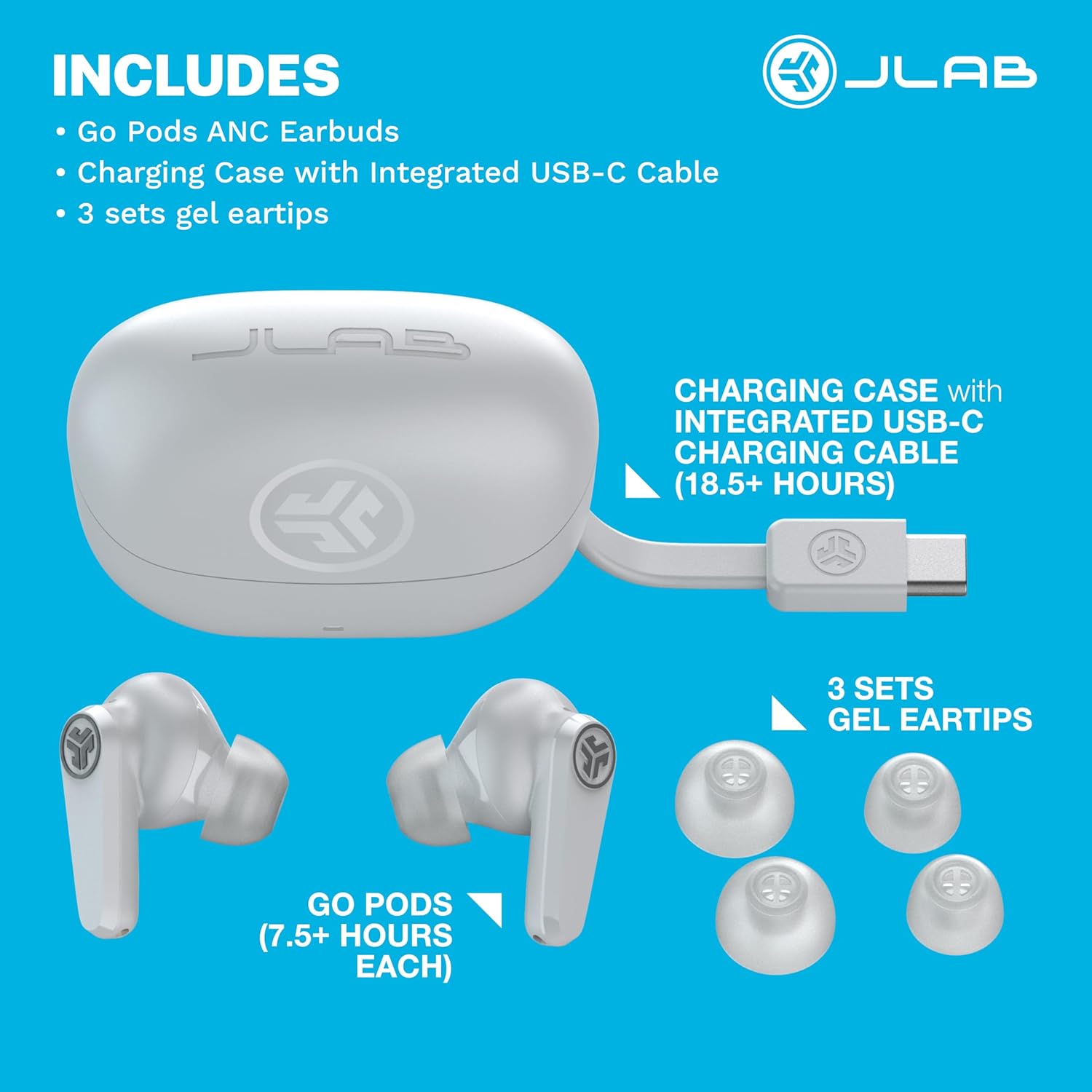
Image: A visual representation of the JLab Go Pods ANC package contents, showing the earbuds, charging case with its integrated USB-C cable, and multiple sizes of gel eartips.
3. セットアップ
3.1. イヤホンとケースの充電
Before first use, ensure your JLab Go Pods ANC earbuds and charging case are fully charged.
- The earbuds provide up to 7.5+ hours of playtime on a single charge.
- The charging case offers an additional 18.5+ hours, totaling over 26 hours of playtime.
- The case features an integrated USB-C charging cable for convenience.
- A quick 10-minute charge provides 1 hour of playtime.
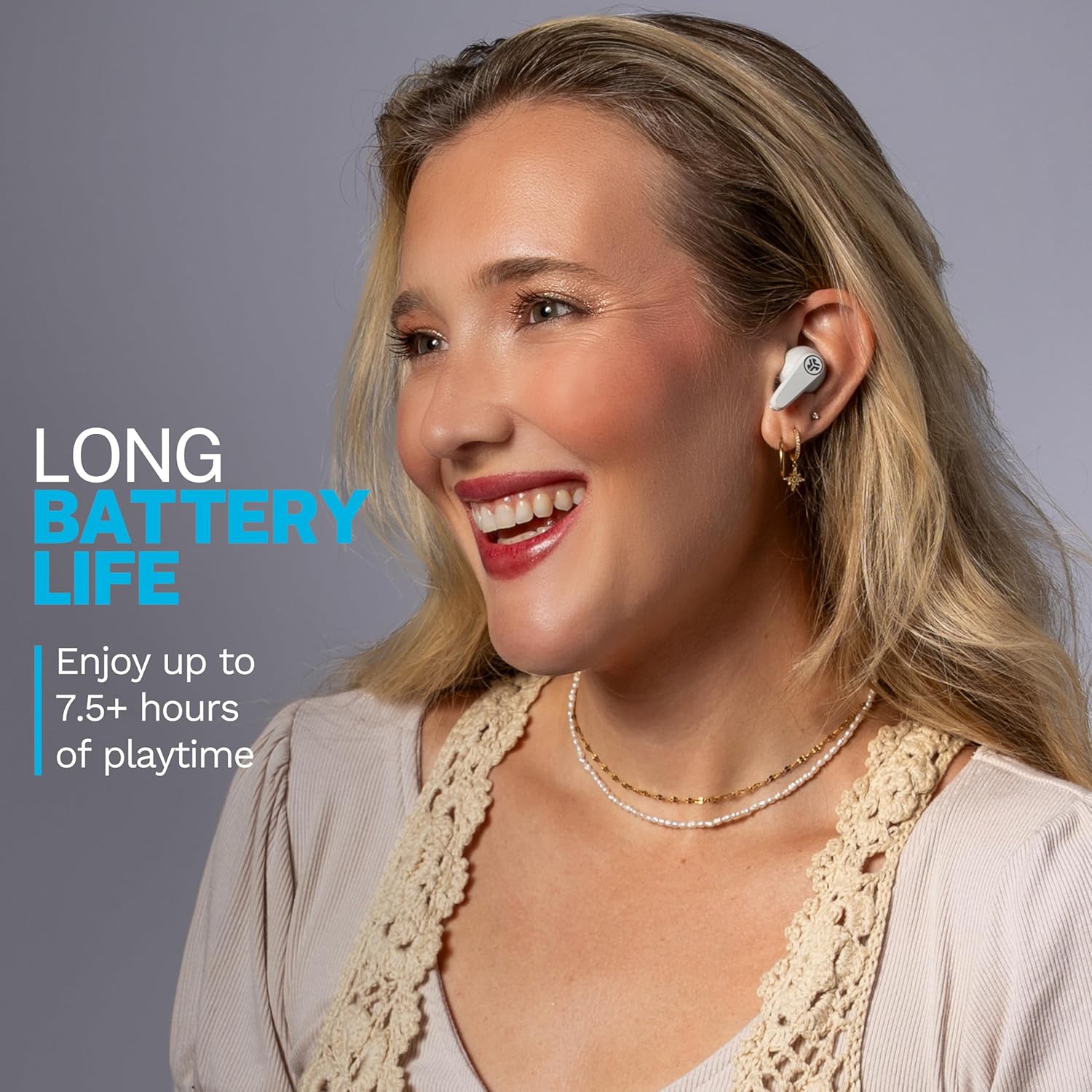
Image: A woman wearing the JLab Go Pods ANC earbuds, illustrating the long battery life feature.
3.2. Bluetoothの初期ペアリング
イヤホンをデバイスに接続するには:
- 充電ケースからイヤホンを取り出します。自動的にペアリングモードになります。
- デバイス(スマートフォン、タブレット、ラップトップ)で、Bluetooth 設定に移動します。
- Select "JLab GO Pods ANC" from the list of available devices.
- For Android devices, Google Fast Pair offers effortless connection.
The JLab App allows for further customization and software updates. It is available on the App Store and Google Play Store.
Video: An official JLab video demonstrating the JLab Go Pods ANC earbuds, including a close-up of the integrated charging cable and the earbuds in their case.
4. イヤホンの操作
4.1. 騒音制御モード
The JLab Go Pods ANC offer three noise control modes:
- ANCオン: Engages hybrid active noise canceling to reduce ambient sounds.
- ANC オフ: アクティブノイズキャンセリングを無効にします。
- 注意してください: Allows ambient noise to pass through for safe listening and awareness of your surroundings.
You can switch between these modes using the JLab App or the touch controls on the earbuds.
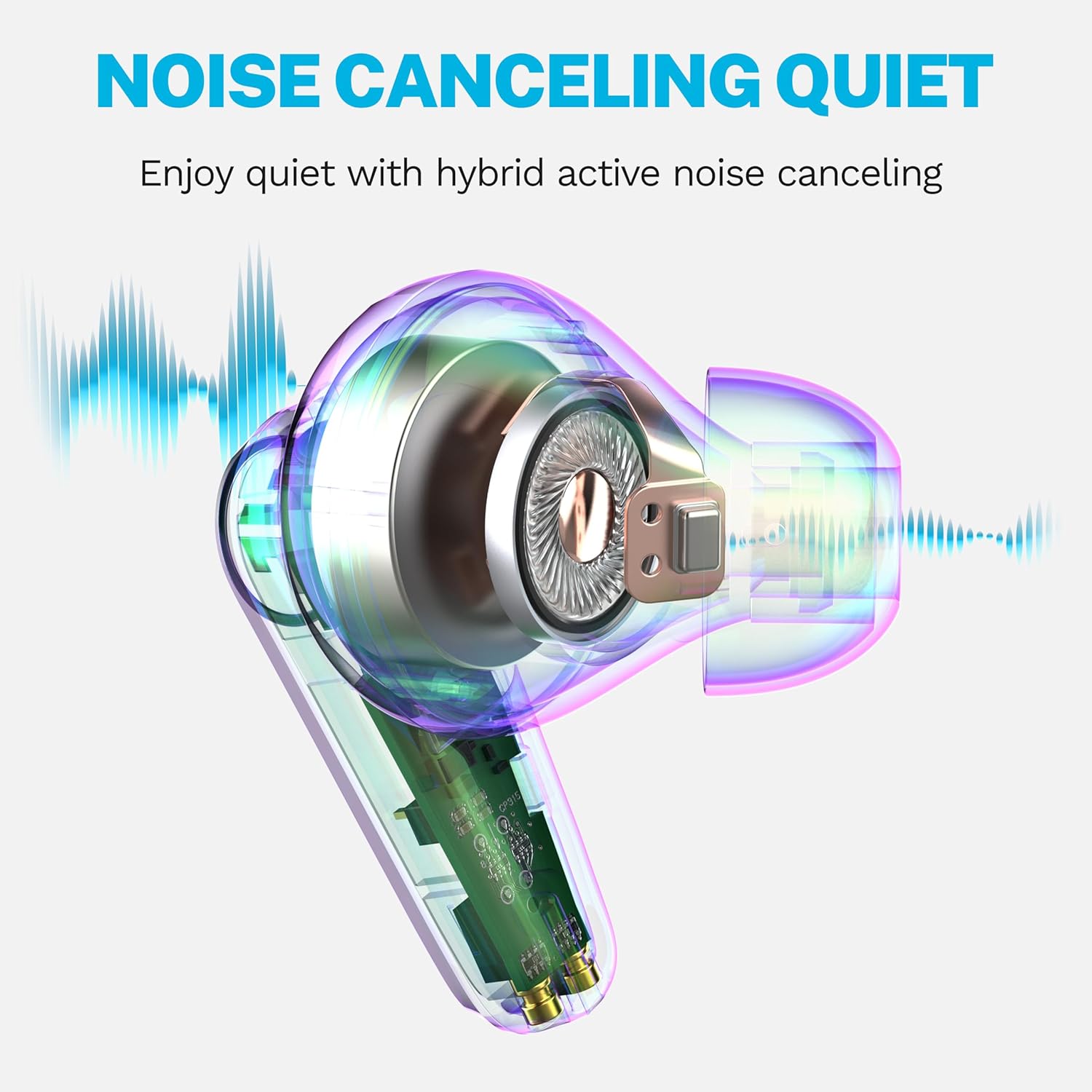
Image: A diagram illustrating how the hybrid active noise canceling feature of the JLab Go Pods ANC earbuds works to create a quiet listening experience.
4.2. Customizing Sound and Controls
The JLab App provides extensive customization options:
- ANC/Be Aware 設定を調整します。
- タッチ コントロールをカスタマイズします。
- サウンドプリセット(JLab Signature、バランス、Bass Boost)を選択するか、カスタムイコライザー設定を作成します。
- Enable a safe hearing option with volume limits to protect your ears.
- 製品のソフトウェア アップデートを受け取ります。
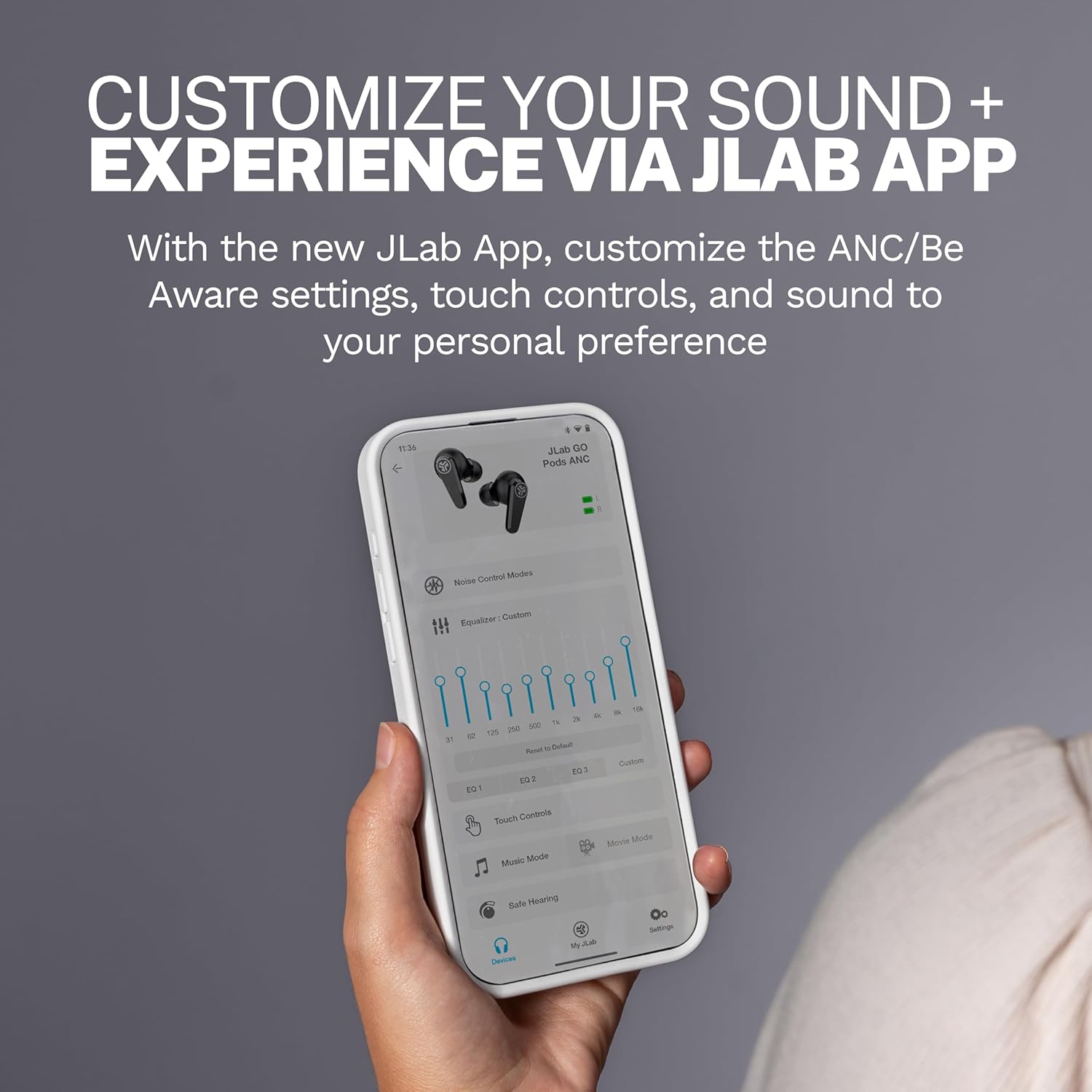
Image: A close-up of the JLab App on a smartphone, demonstrating the various customization options available for the earbuds.
4.3. クリアな通話
The Go Pods ANC earbuds are equipped with two environmental noise-canceling microphones on each earbud. These MEMS mics help eliminate background noise, ensuring your voice is heard clearly during calls, even in noisy environments.

Image: A woman using the JLab Go Pods ANC earbuds for a clear call, highlighting the microphone technology.
4.4. Connect to Multiple Devices (Bluetooth Multipoint)
With Bluetooth Multipoint, you can seamlessly transition between two connected devices simultaneously. For example, you can listen to a podcast on your laptop and instantly switch to answer a call on your mobile phone without re-pairing.

Image: A woman wearing JLab Go Pods ANC earbuds, illustrating the convenience of connecting to multiple devices simultaneously.
5. メンテナンス
5.1. 耐久性と耐水性
The JLab Go Pods ANC earbuds have an IP55 rating, making them sweat and splashproof. This ensures durability for active lifestyles and protection against light moisture.

Image: A woman wearing JLab Go Pods ANC earbuds, demonstrating their suitability for active use due to their IP55 sweat and splashproof rating.
5.2. Ear Tip Care
To maintain optimal sound quality and comfort, regularly clean the gel eartips. Use a soft, dry cloth to gently wipe away any earwax or debris. Ensure the eartips are securely attached before use.
6。 トラブルシューティング
If you encounter issues with your JLab Go Pods ANC, try the following:
- 音が出ない/音質が悪い: Ensure earbuds are charged and properly paired. Check the volume levels on both the earbuds and your connected device.
- ペアリングの問題: Turn off Bluetooth on your device, then turn it back on. Forget the device in your Bluetooth settings and attempt to re-pair. Ensure earbuds are out of the case when attempting to pair.
- イヤホンが充電されていない: Verify the charging cable is securely connected to both the case and a power source. Check for any debris in the charging ports.
- 不快なフィット感: Experiment with the three sets of gel eartips included in the package to find the size that provides the most secure and comfortable fit for your ears.
- アプリ接続の問題: Ensure the JLab App is updated to the latest version. Restart the app and try connecting again.
7. 仕様
| 特徴 | 詳細 |
|---|---|
| モデル名 | Go Pods |
| 商品型番 | EBGOPODSWHT50WEB |
| 接続技術 | ワイヤレス(Bluetooth 5.3) |
| 騒音制御 | ハイブリッドアクティブノイズキャンセリング |
| バッテリー寿命(イヤホン) | 最大7.5時間 |
| 合計プレイ時間(ケース付き) | 26時間以上 |
| 充電時間(急速充電) | 10分で1時間のプレイ時間 |
| 耐水性レベル | IP55(防汗・防滴) |
| 制御方法 | タッチ、音量コントロール |
| 対応デバイス | ノートパソコン、デスクトップパソコン、タブレット、電話、スマートスピーカー、テレビ、携帯電話 |
| 含まれるコンポーネント | 充電ケース |
| アイテム重量 | 36グラム(1.27オンス) |
| 欧州連合 | 810119074942 |
8.保証とサポート
Your JLab Go Pods ANC earbuds come with a 2-Year Protection from Manufacturer Defects. Additionally, your purchase is covered by Amazon's 30-day return protection.
さらに詳しいサポートについては、JLabの公式サポートをご覧ください。 website or contact their customer service. You can also find more information and FAQs on the AmazonのJLabストア.

Image: JLab Go Pods ANC earbuds highlighting the 2-year manufacturer defect protection and Amazon's 30-day return policy.