
1. はじめに
Thank you for choosing the ROCAM CR1030 Emergency Solar Hand-Crank AM/FM Radio. This versatile device is designed to provide reliable communication, light, and power in various situations, including outdoor activities and emergencies. Please read this manual thoroughly before use to ensure optimal performance and safety.
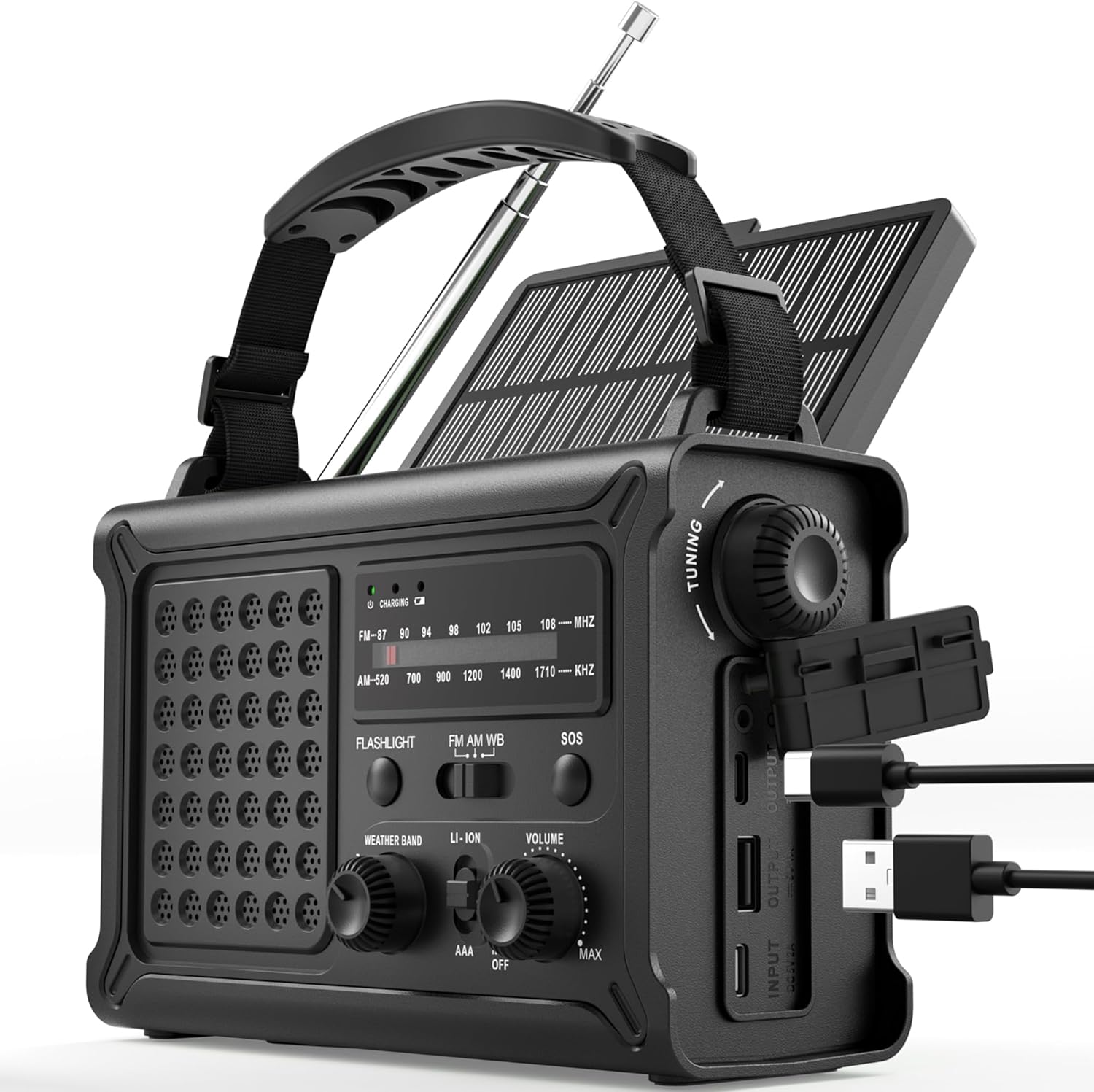
The ROCAM CR1030 Emergency Solar Hand-Crank AM/FM Radio, featuring its robust design and multiple functionalities.
2. パッケージ内容
パッケージにすべてのアイテムが含まれていることを確認します。
- ROCAM CR1030 AM/FM Radio
- ポータブルストラップ
- タイプC充電ケーブル
- ユーザーマニュアル
3. セットアップと初期使用
3.1 内蔵バッテリーの充電
Before first use, fully charge the internal 12000mAh battery using the provided Type-C cable.
- Connect the Type-C charging cable to the radio's Type-C input port.
- ケーブルのもう一方の端を USB 電源アダプタ (別売) またはコンピュータの USB ポートに接続します。
- The charging indicator light will illuminate. The radio is fully charged when the indicator turns solid.
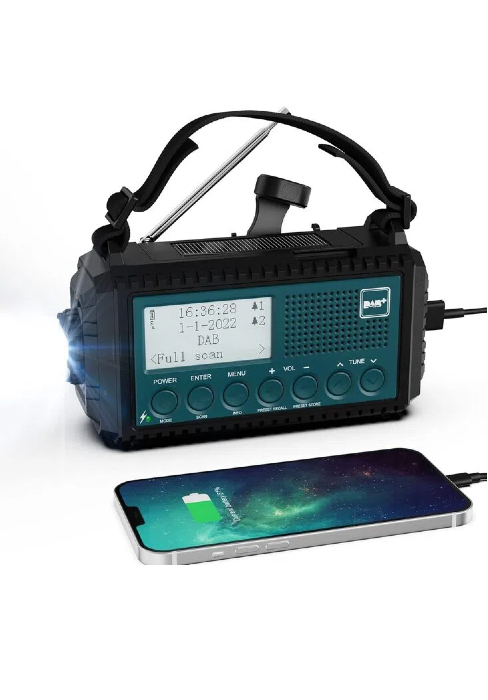
The ROCAM CR1030 radio connected to a power source via its USB-C port for charging.
3.2 Installing AAA Batteries (Backup Power)
For additional backup power, you can install 3 AAA batteries (not included).
- ラジオの背面にあるバッテリー収納部を見つけます。
- コンパートメントカバーを開きます。
- 正しい極性 (+/-) を確認して、単 4 電池 3 本を挿入します。
- 電池カバーをしっかりと閉じてください。
4. 操作手順
4.1 電源のオン/オフと音量調節
回転する 音量 knob clockwise to turn the radio on and increase volume. Rotate counter-clockwise to decrease volume and turn off.
4.2 ラジオの操作(AM/FM)
- 最適な受信状態を得るために伸縮アンテナを伸ばします。
- 希望のバンド(AMまたはFM)を選択します。 バンド スイッチ。
- 回転する チューニング knob to scan for stations. The frequency display will show the current station.
- 調整する 音量 ノブを回して、好みのリスニングレベルに合わせます。
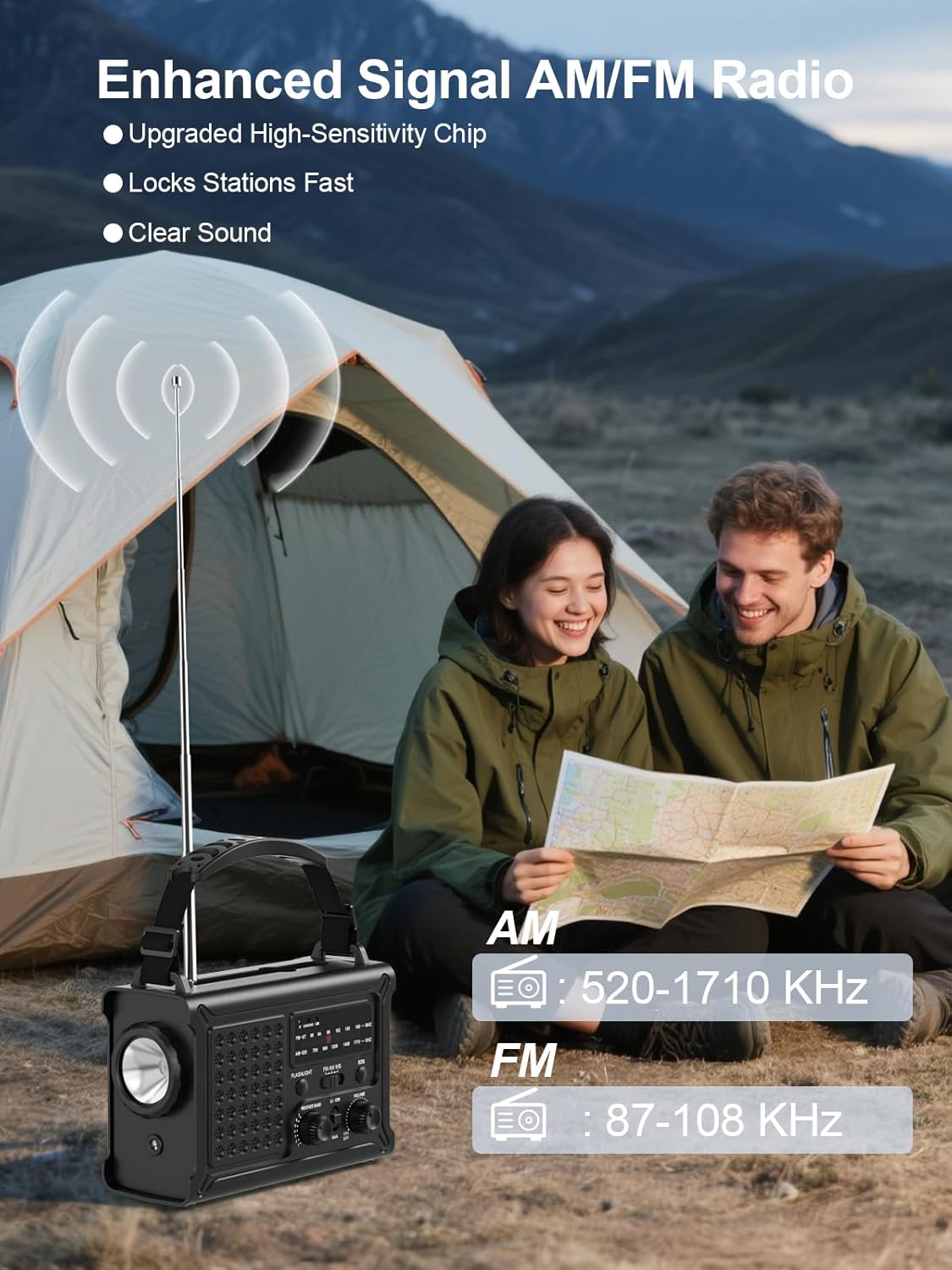
The ROCAM CR1030 radio with its antenna extended, demonstrating its AM/FM reception capabilities.
4.3 照明機能
The radio features two lighting modes:
- 懐中電灯: を押す 懐中電灯 button to turn on the front LED flashlight. Press again to turn off.
- 読書Lamp: ソーラーパネルを持ち上げて読み取り値を表示します。ampを押します ライト button (located under the solar panel) to turn on the 12 LED reading lampもう一度押すと電源が切れます。
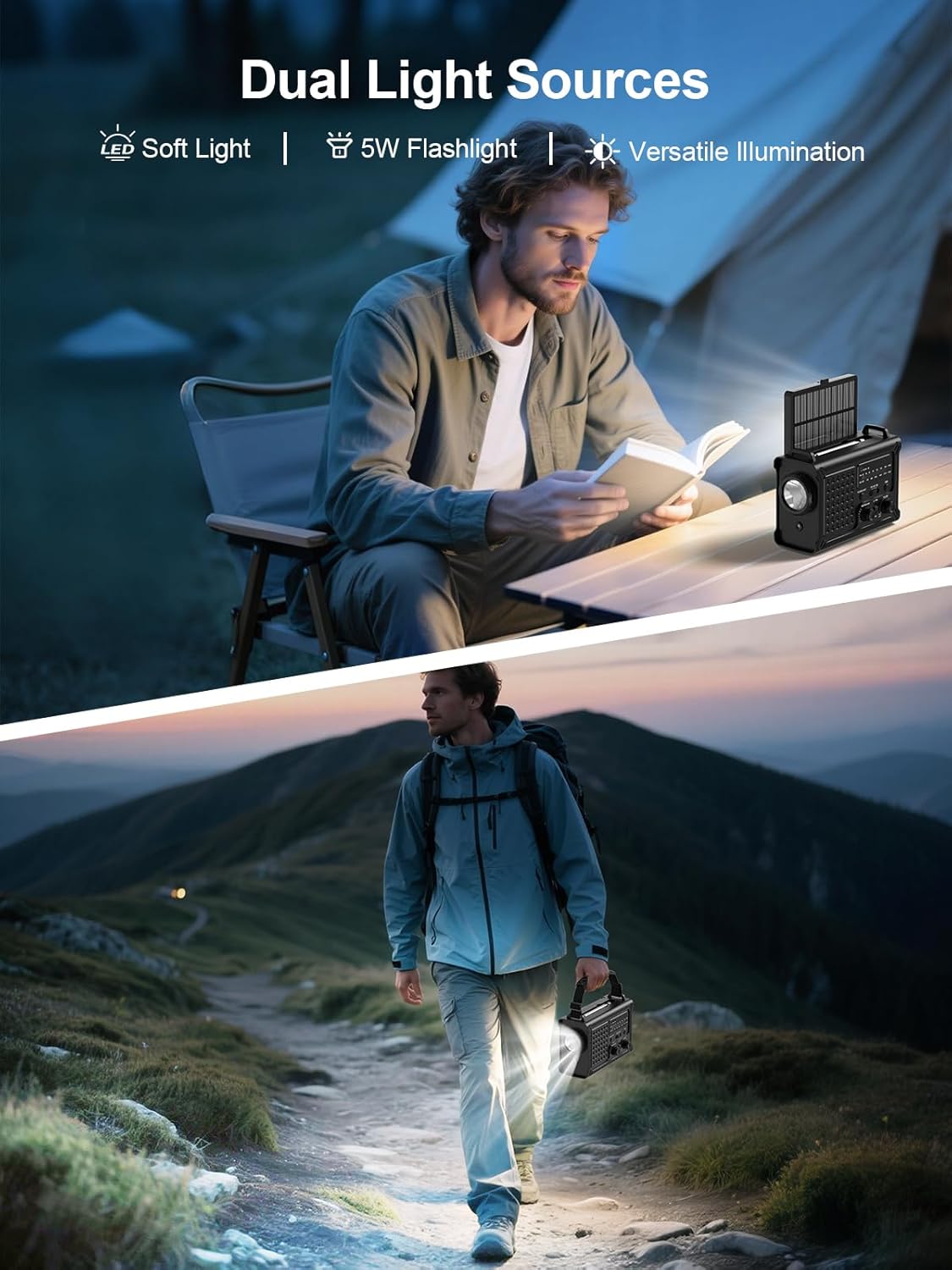
The ROCAM CR1030 providing illumination with its flashlight and reading lamp in different outdoor settings.
4.4SOSアラーム
緊急時には、SOS アラームを発動してください。
- を押し続けます SOS button. The radio will emit a loud 120dB siren and a flashing red light.
- ボタンを放すとアラームが解除されます。

The ROCAM CR1030 highlighting its SOS alarm, 12000mAh power bank, and ability to keep users informed during emergencies.
4.5 外部デバイスの充電(パワーバンク)
The 12000mAh internal battery can charge your mobile devices:
- Connect your device's charging cable to the radio's USB-A output port or Type-C output port.
- ラジオがデバイスの充電を開始します。
4.6ソーラー充電
The integrated solar panel provides a supplementary charging method:
- ラジオはソーラーパネルが直射日光に当たるように設置してください。
- The solar charging indicator will light up.
- Solar charging is most effective in strong, direct sunlight and is primarily intended for maintaining battery charge or for emergency top-ups.

The ROCAM CR1030 demonstrating its dual power upgrades: a large solar panel and an efficient hand crank for charging.
4.7 手回し充電
When no other power source is available, use the hand crank:
- Unfold the hand crank handle from the back of the radio.
- Rotate the crank clockwise or counter-clockwise at a steady pace (approximately 130-150 RPM) for 3-5 minutes to generate enough power for basic functions (radio, light).
- The charging indicator will light up during cranking.

詳細な view of the high-torque hand crank mechanism on the ROCAM CR1030 radio.
5. メンテナンス
5.1 クリーニング
ソフトでラジオを拭くdamp 布で拭いてください。刺激の強い化学薬品や研磨剤入りの洗剤は使用しないでください。使用または充電する前に、すべてのポートが乾いていることを確認してください。
5.2 ストレージ
Store the radio in a cool, dry place away from direct sunlight and extreme temperatures. If storing for extended periods, ensure the internal battery is charged to at least 50% and recharge every 3-6 months to prolong battery life. Remove AAA batteries if not used for a long time.
5.3 防水性能(IPX6)
The ROCAM CR1030 is IPX6 waterproof, meaning it can withstand powerful water jets. It is not designed for submersion. Ensure all port covers are securely closed to maintain water resistance.
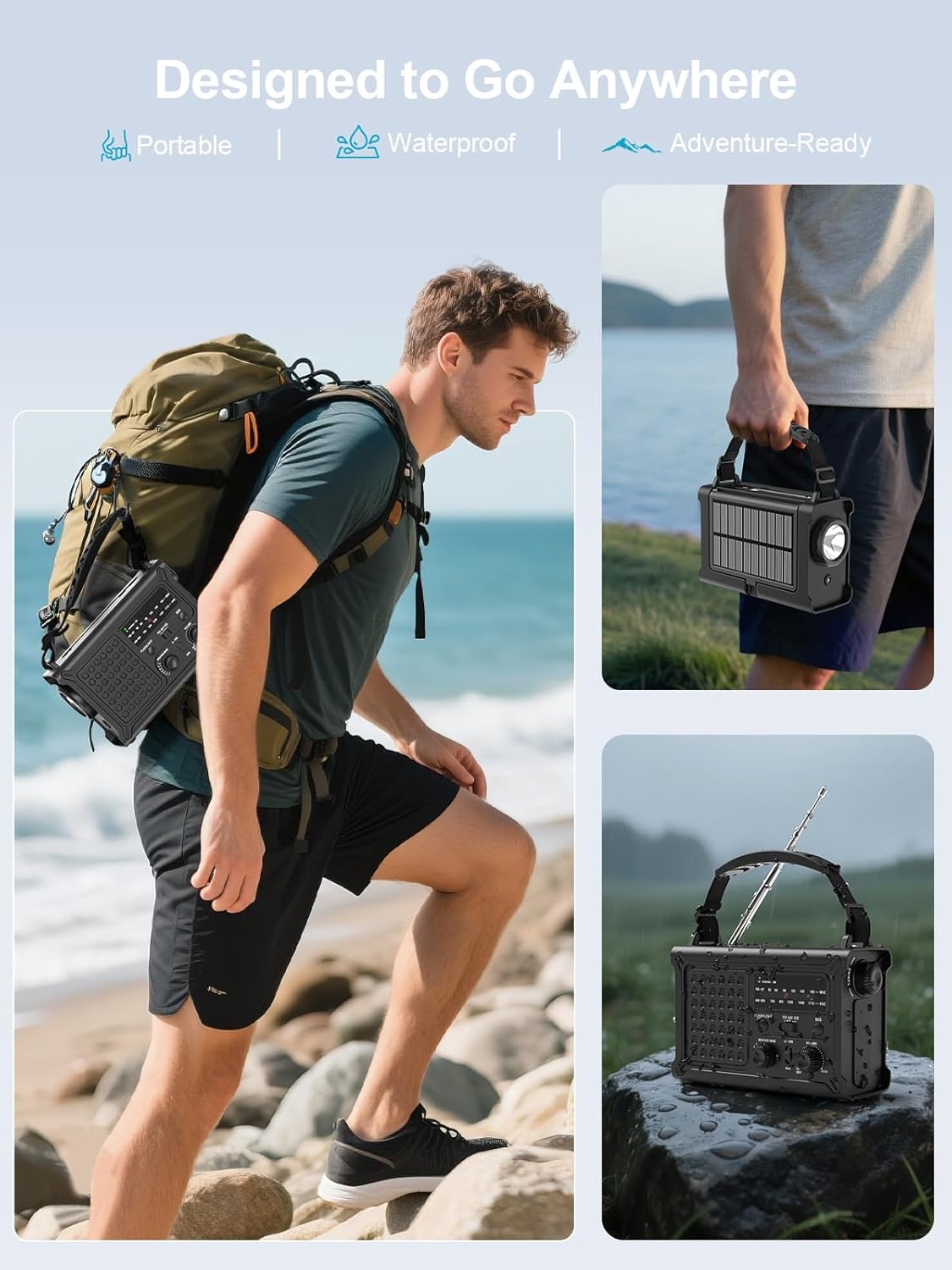
The ROCAM CR1030 is designed for outdoor use, being portable and waterproof (IPX6 rated).
6。 トラブルシューティング
| 問題 | 考えられる原因 | 解決 |
|---|---|---|
| ラジオがオンになりません。 | Internal battery is depleted. AAA batteries are depleted or incorrectly installed. | Charge the internal battery via USB-C, solar, or hand-crank. Check and replace AAA batteries if used. |
| ラジオの受信状態が悪い。 | アンテナが伸びていません。信号が弱いエリアです。干渉があります。 | Fully extend the telescopic antenna. Reposition the radio. Move away from electronic devices causing interference. |
| 外部デバイスを充電できません。 | Radio's internal battery is low. Cable is faulty. Device is incompatible. | Ensure the radio's internal battery is sufficiently charged. Try a different charging cable. |
| ソーラー充電は遅いです。 | Insufficient sunlight. Panel is dirty. | Place the radio in direct, strong sunlight. Clean the solar panel. Note that solar charging is supplementary. |
| Hand-crank charging is ineffective. | クランキングが遅すぎたり、一貫性がなかったりする。 | Maintain a steady cranking speed of 130-150 RPM. |
7. 仕様
| 特徴 | 詳細 |
|---|---|
| ブランド | ロカム |
| モデル番号 | CR1030 |
| 色 | 黒 |
| 接続技術 | USB |
| 特集 | 12000 mAh Battery, Ergonomic Design, Large 8500 mm² Solar Panel, 57 mm Speaker, 650 mA Hand Crank |
| 対応デバイス | ヘッドフォン、スマートフォン |
| 製品寸法 | 長さ12.1 x 幅17.2 x 高さ7.4センチメートル |
| チューニング技術 | FM/AM |
| 電源 | Solar Powered, Battery Powered, Electric Cord, Hand Crank, Type-C Input, Rechargeable Battery, 3 AAA Batteries |
| サポートされている無線バンド | FM、AM |
| 含まれるコンポーネント | Portable Strap, Type-C Charging Cable, User Manual, AM/FM Radio |
| 耐水性 | IPX6 |
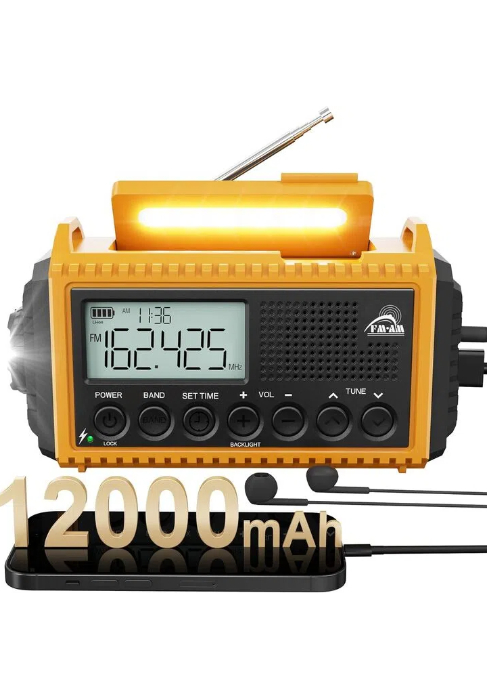
The ROCAM CR1030 radio, highlighting its 12000mAh battery capacity.
8. 保証とサポート
ROCAM products are designed for reliability and performance. For warranty information or technical support, please refer to the contact details provided on the product packaging or the official ROCAM webサイトでご確認ください。購入証明として購入レシートを保管してください。
9.製品オーバーview ビデオ
このビデオで簡単に概要をご覧くださいview of the ROCAM CR1030 Emergency Solar Hand-Crank AM/FM Radio's features and functions.
This video demonstrates the key features of the ROCAM CR1030 radio, including its charging methods, radio functionality, and lighting options.