
導入
Thank you for choosing the boAt Rockerz Prime 255Z Bluetooth Neckband Earphones. This manual provides essential information for setting up, operating, and maintaining your device to ensure optimal performance and longevity. Please read these instructions carefully before use.
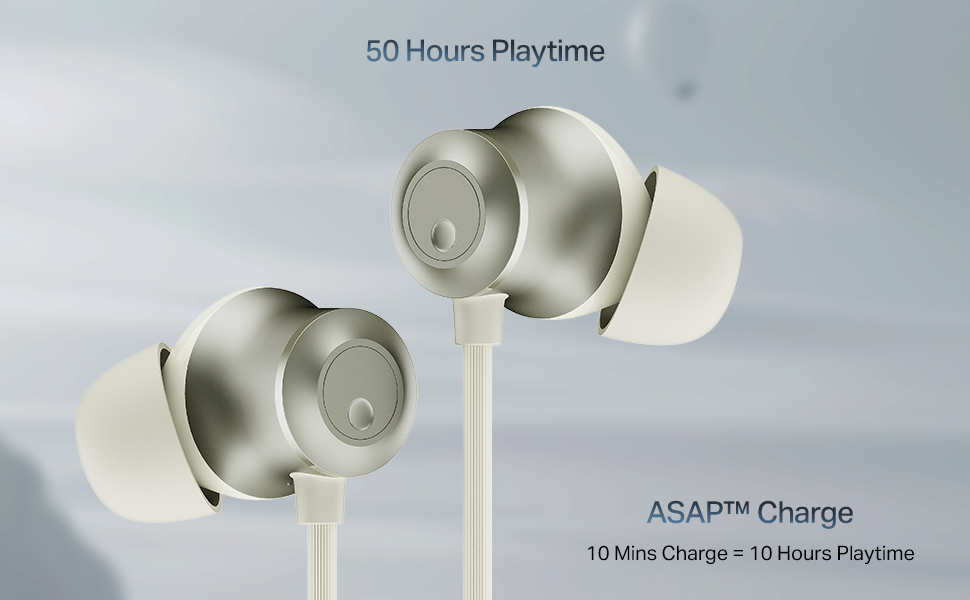
Image: The boAt Rockerz Prime 255Z neckband earphones, showcasin洗練されたデザインが特徴です。
箱の中身
パッケージに以下のすべての項目が含まれていることを確認してください。
- boAt Rockerz Prime 255Z Bluetooth Neckband
- 追加のイヤホン(各種サイズ)
- 充電ケーブル
- ユーザーマニュアル
設定
1. イヤホンの充電
Before first use, fully charge your Rockerz Prime 255Z. Connect the provided charging cable to the charging port on the neckband and a compatible USB power source. The LED indicator will show charging status.
ASAP料金: A quick 10-minute charge provides approximately 10 hours of playtime. A full charge offers up to 50 hours of playback.
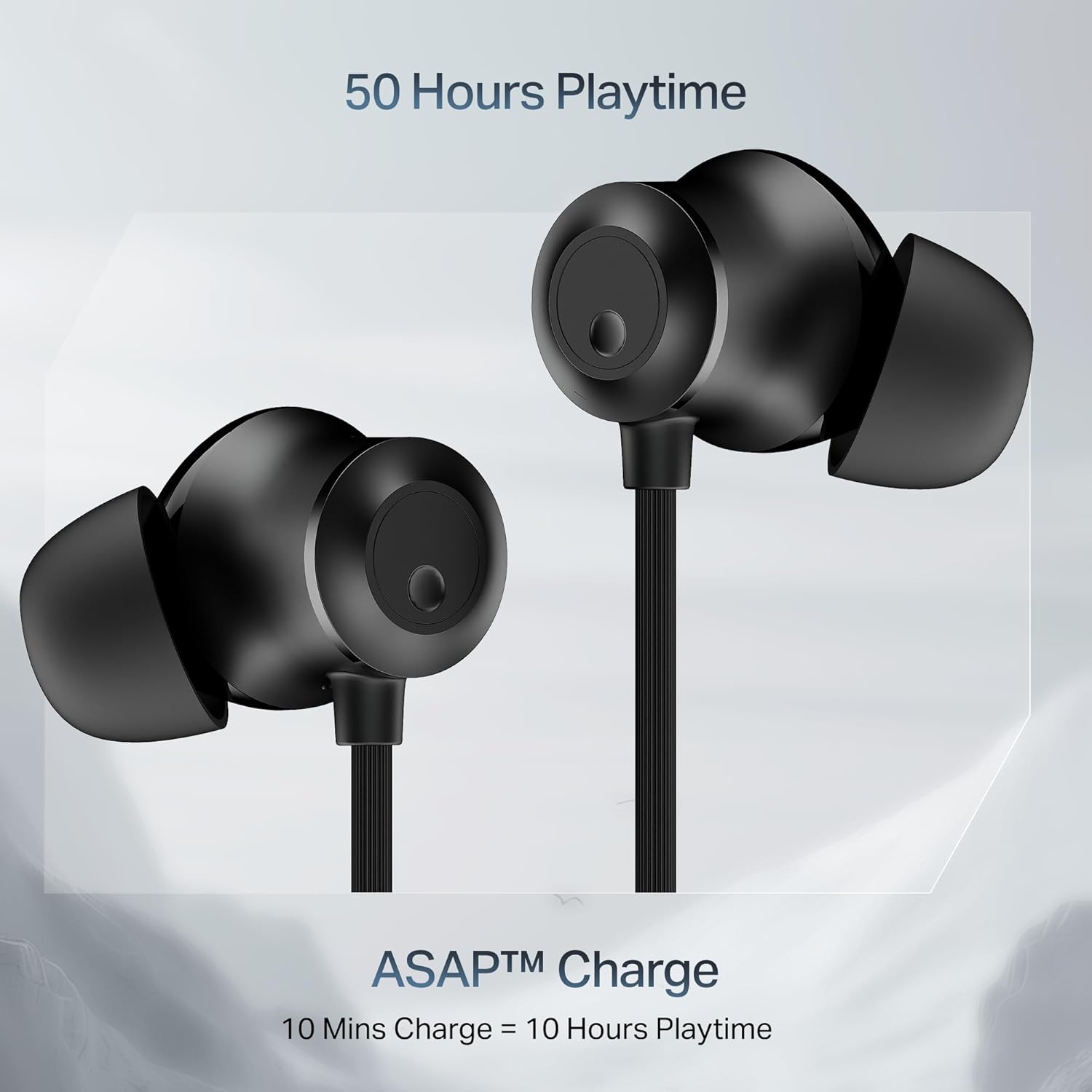
Image: Close-up of the earbuds with text highlighting '50 Hours Playtime' and 'ASAP Charge: 10 Mins Charge = 10 Hours Playtime'.
2. 電源のオン/オフ
- 電源オン: Separate the magnetic earbuds to automatically power on the device.
- 電源を切る: Attach the magnetic earbuds together to automatically power off the device. Alternatively, press and hold the multi-function button for a few seconds.
3.Bluetoothペアリング
初期ペアリング:
- Ensure the neckband is charged and powered on (separate magnetic earbuds).
- The LED indicator will flash blue and red, indicating it is in pairing mode.
- デバイス(スマートフォン、タブレット、ラップトップ)で Bluetooth を有効にし、利用可能なデバイスを検索します。
- Select "boAt Rockerz Prime 255Z" from the list.
- 接続されると、LED インジケーターが定期的に青色に点滅します。
Dual Pairing (Connect 2 Devices at once):
The Rockerz Prime 255Z supports dual pairing, allowing connection to two devices simultaneously.
- Pair the neckband with the first device as described above.
- Disable Bluetooth on the first device. The neckband will re-enter pairing mode.
- Pair the neckband with the second device.
- Enable Bluetooth on the first device. The neckband will automatically connect to both devices.
You can now switch between audio sources on the two connected devices.

Image: The boAt Rockerz Prime 255Z neckband connected to both a smartphone and a tablet, illustrating the dual pairing feature.
4. Google Fast Pair
For Android devices, Google Fast Pair enables quick and seamless connection. Simply power on your Rockerz Prime 255Z near your Android device, and a pop-up notification will appear for instant pairing.
イヤホンの操作
コントロール
The neckband features integrated controls for easy management of music and calls.
- 再生/一時停止: 多機能ボタンを1回押します。
- ボリュームアップ: 「+」ボタンを短く押します。
- ボリュームダウン: 「-」ボタンを短く押します。
- 次のトラック: 「+」ボタンを長押しします。
- 前のトラック: 「-」ボタンを長押しします。
- 通話の応答/終了: 多機能ボタンを1回押します。
- 通話を拒否: 多機能ボタンを長押しします。
- 音声アシスタントを有効にする: 多機能ボタンを2回押します。
boAt Spatial Audio
Experience immersive surround sound with boAt Spatial Audio. This feature enhances the audio experience, making sound feel like it's coming from all directions, providing a more engaging listening experience.

Image: The boAt Rockerz Prime 255Z earbuds with a visual representation of immersive sound waves, labeled 'boAt Spatial Audio'.
AI-ENx Technology
The AI-ENx Technology provides enhanced voice clarity during calls by effectively canceling out background noise. This ensures your voice is heard clearly, even in noisy environments.

Image: A close-up of an earbud with a visual representation of sound waves, indicating 'AI-ENx Technology for Enhanced Voice Clarity on Calls'.
ビーストモード
Activate BEAST Mode for a low-latency gaming experience. With latency as low as 65ms, this mode minimizes audio lag, providing a more synchronized and realistic gaming session.
boAt Hearables App Compatibility
Enhance your audio experience by connecting your Rockerz Prime 255Z to the boAt Hearables App. The app allows you to monitor battery levels, check Bluetooth connectivity, change EQ modes, and troubleshoot with Smart Diagnostics mode.

Image: A smartphone screen showing the boAt Hearables App with a QR code to scan and explore. Click the image to download the app.
メンテナンス
IPX4 Splash Resistance
The Rockerz Prime 255Z features an IPX4 rating, making it resistant to sweat and light splashes of water. This protection allows for use during workouts or in light rain. However, it is not designed for submersion in water.
一般的なケア
- イヤホンとネックバンドは、定期的に柔らかく乾いた布で拭いてください。
- Avoid exposing the device to extreme temperatures, direct sunlight, or corrosive liquids.
- イヤホンを使用しないときは、涼しく乾燥した場所に保管してください。
- デバイスを分解または改造しないでください。保証が無効になります。
トラブルシューティング
If you encounter issues with your Rockerz Prime 255Z, refer to the following common solutions:
- 電源なし: デバイスが完全に充電されていることを確認してください。電源に接続し、充電インジケーターを確認してください。
- ペアリングできません: Ensure Bluetooth is enabled on your device and the neckband is in pairing mode (LED flashing blue and red). Move the neckband closer to your device.
- 音が出ない: Check the volume levels on both the neckband and your connected device. Ensure the neckband is correctly paired and selected as the audio output.
- 通話品質が悪い: Ensure the microphone is not obstructed. If using AI-ENx, ensure it is active. Try moving to a quieter environment.
- 断続的な接続: Ensure there are no obstructions between the neckband and your device. Avoid strong electromagnetic interference.
For further assistance, refer to the boAt Hearables App's Smart Diagnostics mode or contact customer support.
仕様
| ブランド | ボート |
| モデル名 | Rockerz Prime 255Z |
| モデル番号 | PP0023 |
| 耳の位置 | 耳に装着 |
| フォームファクター | 耳に装着 |
| 接続技術 | ブルートゥース |
| バッテリーの平均寿命 | 50時間 |
| バッテリー充電時間 | 10 Minutes (for 10 hours playtime) |
| 耐水性レベル | IPX4(耐汗・耐水圧) |
| 特集 | boAt Spatial Audio, AI-ENx Noise Cancellation, ASAP Charge, BEAST Mode, Google Fast Pair |
| 制御方法 | アプリ、ボタン |
| アイテム重量 | 50グラム |
保証とサポート
Your boAt Rockerz Prime 255Z comes with a 1年間保証 ご購入日から有効です。この保証は製造上の欠陥を対象としています。
For warranty claims, technical support, or any other inquiries, please contact boAt customer service:
- メーカー: イマジンマーケティング株式会社
- メールアドレス: info@imaginemarketingindia.com
- 公式ボートをご覧ください web最新のサポート情報と連絡先の詳細については、こちらのサイトをご覧ください。