
1. はじめに
This manual provides essential information for the safe and efficient operation of your Xiaomi TV A Pro 2026 43-inch LED Smart TV. Please read this manual thoroughly before using the product and retain it for future reference.
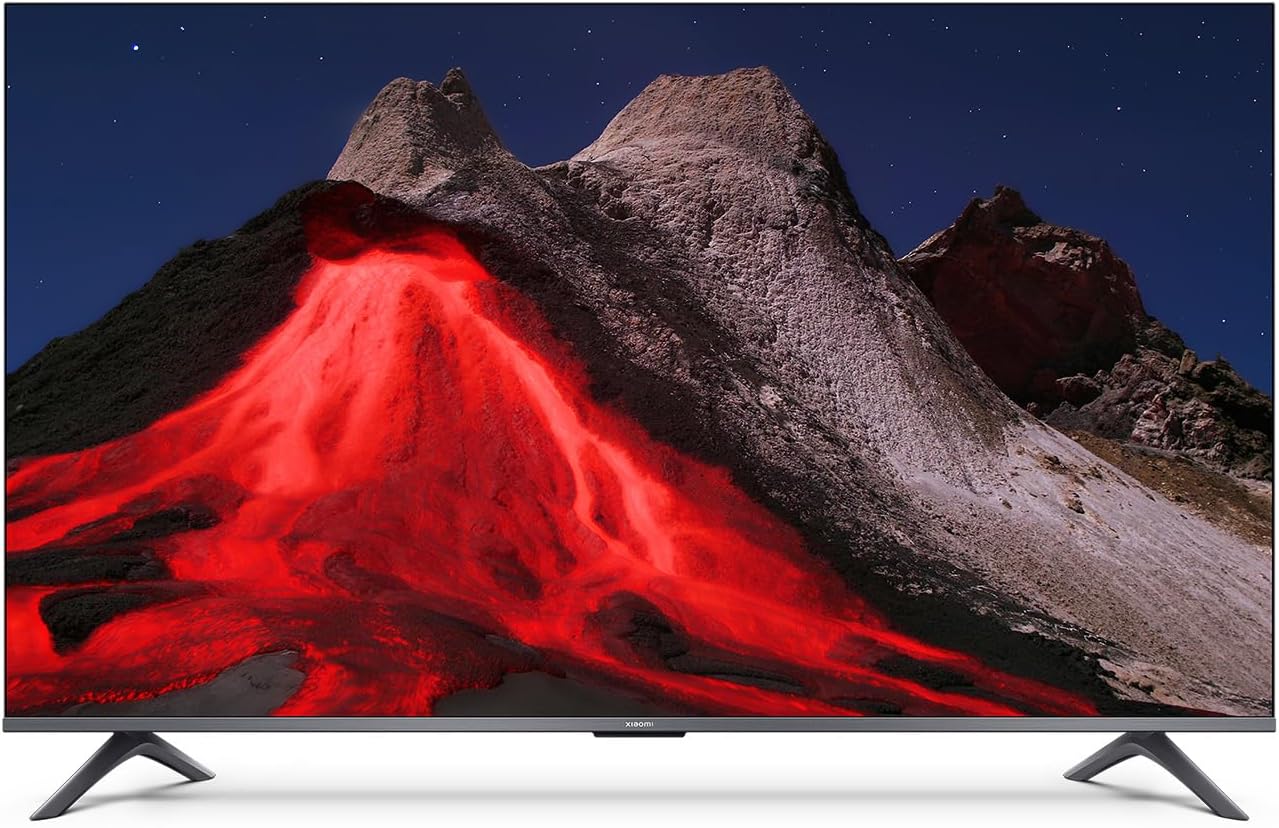
画像1.1:正面 view of the Xiaomi TV A Pro 2026 43-inch TV.
2. 安全情報
感電、火災、テレビの損傷を防ぐため、常に次の安全上の注意事項を守ってください。
- テレビを雨や湿気にさらさないでください。
- テレビを開けないでくださいasing; すべてのサービスは資格を持った担当者に依頼してください。
- テレビの周囲に適切な換気を確保してください。
- テレビを直射日光、熱源、火気に近づけないでください。
- テレビに付属の電源コードのみを使用してください。
- 雷雨のときや長期間使用しない場合は、テレビの電源プラグを抜いてください。
3. セットアップ
3.1. 開梱
Carefully remove the TV and all accessories from the packaging. The TV weighs approximately 31 kilograms. It is recommended that two people handle the TV during unpacking and installation.
3.2. Stand Installation (Table Mount)
テーブルスタンドを取り付けるには:
- 画面の損傷を防ぐため、テレビを画面を下にして柔らかく平らな面に置いてください。
- スタンドの脚をテレビの底面にある対応するネジ穴に合わせます。
- 付属のネジを使用してスタンドの脚を固定します。しっかりと締め付けてください。
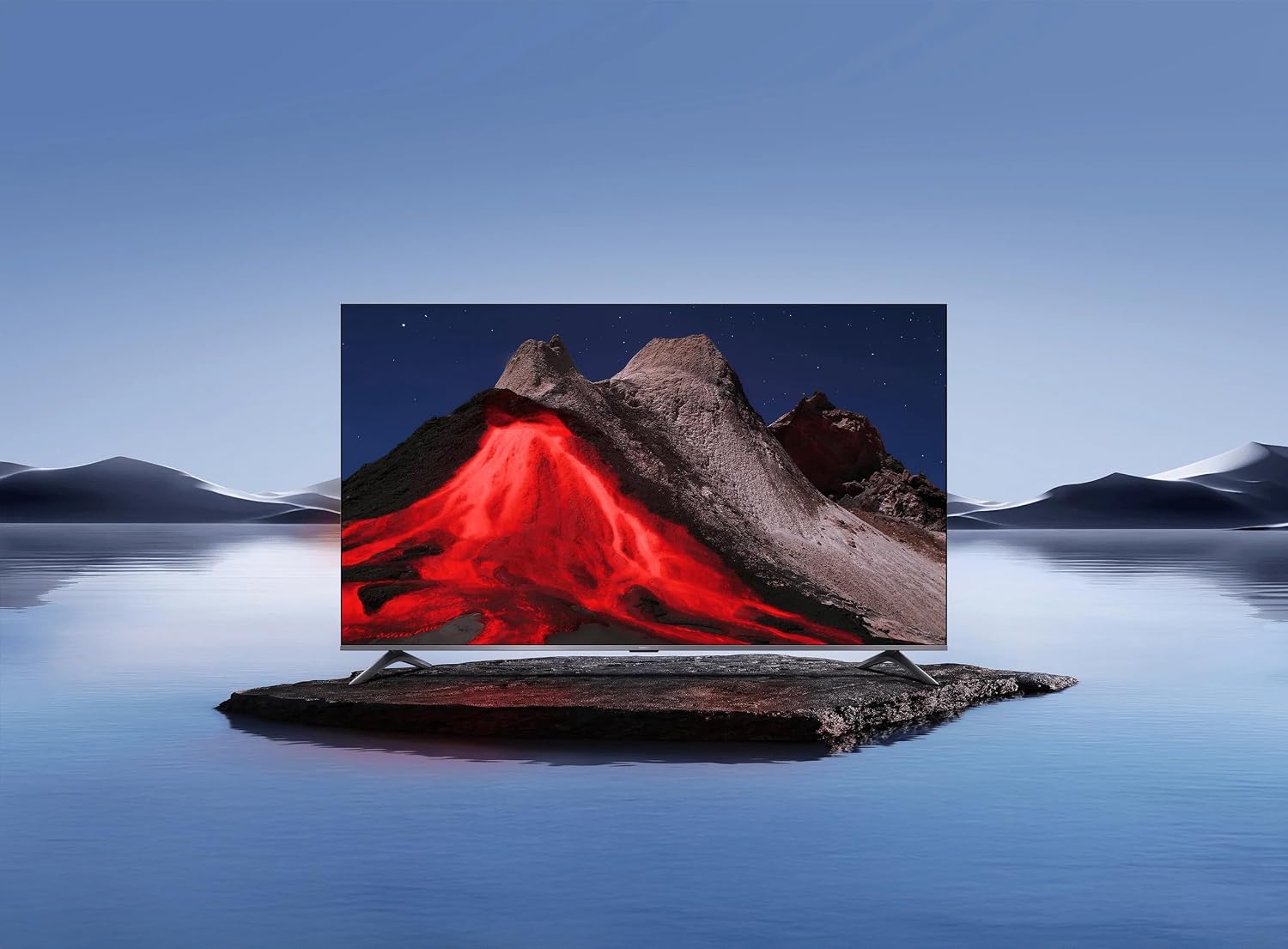
Image 3.1: Xiaomi TV A Pro 2026 43-inch mounted on its table stand.
3.3.壁への取り付け
If you choose to wall mount your TV, use a VESA-compliant wall mount kit (not included) that supports a 400 x 400 mm pattern. Follow the instructions provided with your wall mount kit. Ensure the wall can support the weight of the TV.

Image 3.2: Xiaomi TV A Pro 2026 43-inch wall-mounted.
3.4.デバイスの接続
利用可能なポートを使用して外部デバイスをテレビに接続します。
- HDMI ポート: ブルーレイプレーヤー、ゲーム機、セットトップボックスなどを接続します。
- USB ポート: For connecting USB storage devices (e.g., flash drives) to play media. There is 1 USB 3.0 port.
- イーサネットポート: 有線インターネット接続用。
- 赤外線ポート: For external IR blaster (if applicable).
- 電力ケーブル: 電源ケーブルをテレビに接続し、次に電源コンセントに接続します。
3.5. 初回電源投入
After connecting all cables, plug the TV into a power outlet. Press the power button on the remote control or on the TV itself. Follow the on-screen instructions to complete the initial setup, including language selection, network connection (Wi-Fi or Ethernet), and channel scanning.
4. テレビの操作
4.1. リモートコントロール
The TV can be controlled using the provided remote control. It supports both traditional button input and voice control. Refer to the remote control guide for specific button functions.
4.2. スマートテレビの機能
Your Xiaomi TV A Pro 2026 runs on the Android operating system, providing access to a wide range of applications. Supported internet services include Netflix, Hulu, and Amazon Prime Video. Connect to the internet via Wi-Fi or Ethernet to access these features.
4.3. 音声アシスタントの統合
Utilize the integrated voice assistant for hands-free control. Press the dedicated voice button on your remote and speak commands to search for content, control playback, or adjust settings.
4.4. 画像設定
画像設定メニューにアクセスしてカスタマイズします view経験:
- 解決: The TV supports 1080p resolution.
- リフレッシュレート: Enjoy smooth motion with a 120Hz refresh rate.
- アスペクト比: The standard aspect ratio is 16:9.
- AIアップスケーリング: Enhances lower-resolution content to near 1080p quality.
- HDR/Quantum Dot Display: Provides enhanced contrast and color vibrancy.
4.5.サウンド設定
The TV features standard built-in speakers. Adjust volume, sound modes, and other audio settings through the sound menu.
5. メンテナンス
5.1. テレビの掃除
- 画面: 柔らかく糸くずの出ない布で画面を優しく拭いてください。頑固な汚れには、軽くampen the cloth with water or a screen cleaner specifically designed for TVs.
- 体: テレビの表面を拭くときは、柔らかく乾いた布を使用してください。asing. 研磨剤入りの洗剤や溶剤は使用しないでください。
- 掃除する前に必ずテレビの電源プラグを抜いてください。
5.2. ソフトウェアの更新
Periodically check for software updates to ensure optimal performance and access to the latest features. Navigate to the settings menu, then select 'About' or 'System Update' to check for and install available updates. Ensure a stable internet connection during updates.
6。 トラブルシューティング
テレビで問題が発生した場合は、次の一般的な解決策を参照してください。
- 電源なし: 電源ケーブルがテレビとコンセントの両方にしっかりと接続されていることを確認してください。別のコンセントを試してください。
- 画像/音声なし: 入力ソースを確認してください。外部デバイスの電源がオンになっており、正しく接続されていることを確認してください。
- 画質が悪い: Adjust picture settings. Check the signal source quality.
- リモコンが動作しない: 電池を交換してください。リモコンとテレビの赤外線センサーの間に障害物がないことを確認してください。
- ネットワーク接続の問題: ルーターを再起動してください。Wi-Fiのパスワードを確認してください。有線イーサネット接続をお試しください。
If problems persist, consult the Xiaomi support webサイトをご覧いただくか、カスタマーサービスにお問い合わせください。
7. 仕様
| 特徴 | 仕様 |
|---|---|
| ブランド | 小米 |
| モデル名 | プロ2026 |
| 画面サイズ | 43インチ |
| ディスプレイ技術 | 導かれた |
| 解決 | 1080p |
| リフレッシュレート | 120Hz |
| アスペクト比 | 16:9 |
| 特集 | AI Upscaling, Voice Assistant Integration, HDR or Quantum Dot Display |
| 接続技術 | HDMI, USB, Ethernet, Infrared, Wi-Fi |
| サポートされているインターネットサービス | Netflix, Hulu, Amazon Prime Video |
| オペレーティング·システム | アンドロイド |
| 制御方法 | リモート、音声 |
| アイテム重量 | 31キログラム |
| VESAマウント規格 | 400×400ミリ |
8. 保証とサポート
8.1. 保証情報
Your Xiaomi TV A Pro 2026 is covered by a 限定保証. Please refer to the warranty card included with your product or visit the official Xiaomi web保証範囲およびサービスに関する詳細な利用規約については、サイトをご覧ください。
8.2. カスタマーサポート
For technical assistance, product inquiries, or warranty claims, please contact Xiaomi customer support through their official webサイトまたは製品ドキュメントに記載されている連絡先情報を参照してください。


