
1.製品オーバーview
The HP All-in-One PC models 27-cr0902in and 27-cr0906in are designed for everyday computing tasks, offering a blend of performance and display quality. This manual provides essential information for setting up, operating, maintaining, and troubleshooting your device.
主な特徴
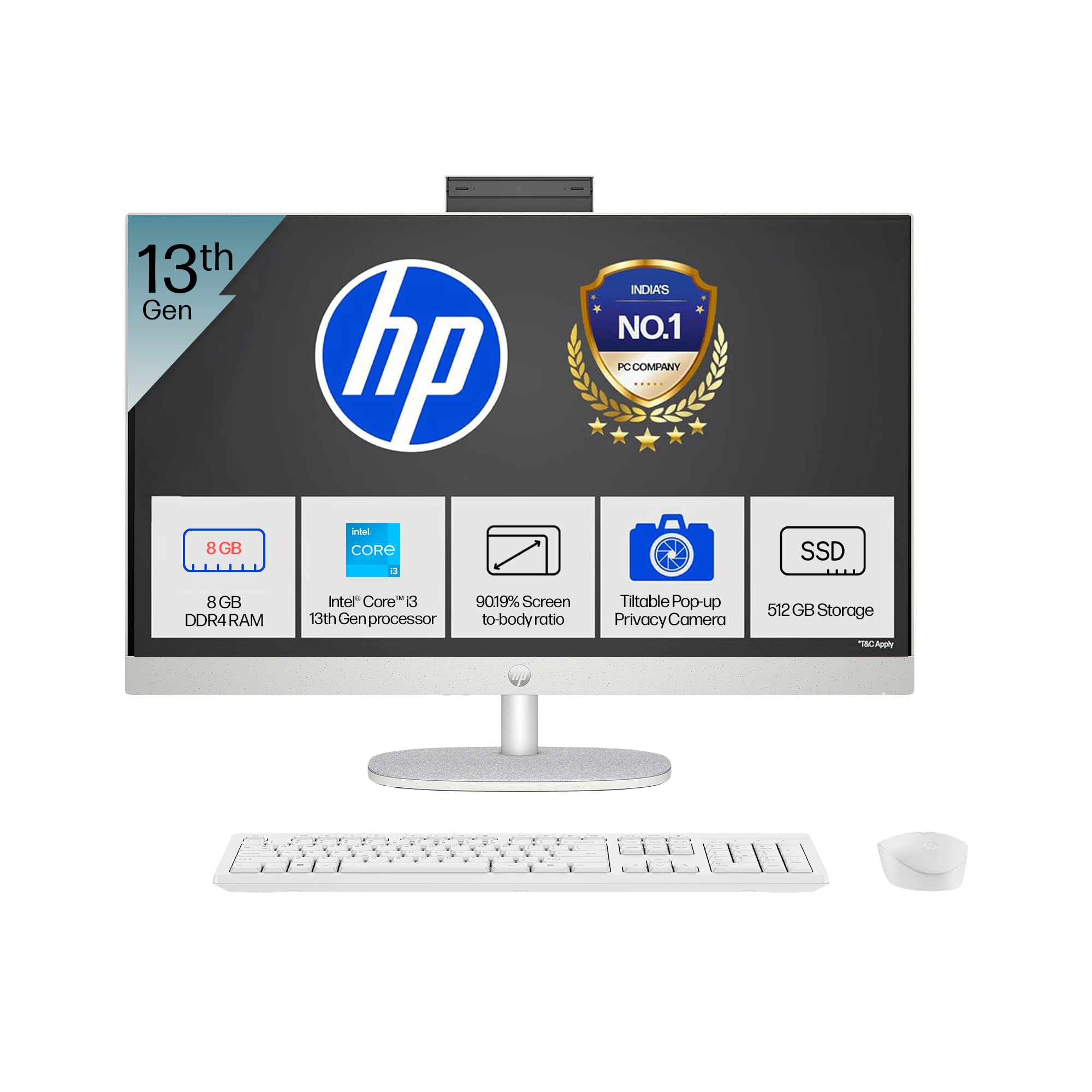
- プロセッサ: Intel Core i3-1315U (up to 4.5 GHz with Intel Turbo Boost Technology, 6 cores, 8 threads)
- メモリ: 8 GB DDR4-3200 MT/s RAM
- ストレージ: 512 GB PCIe NVMe M.2 SSD
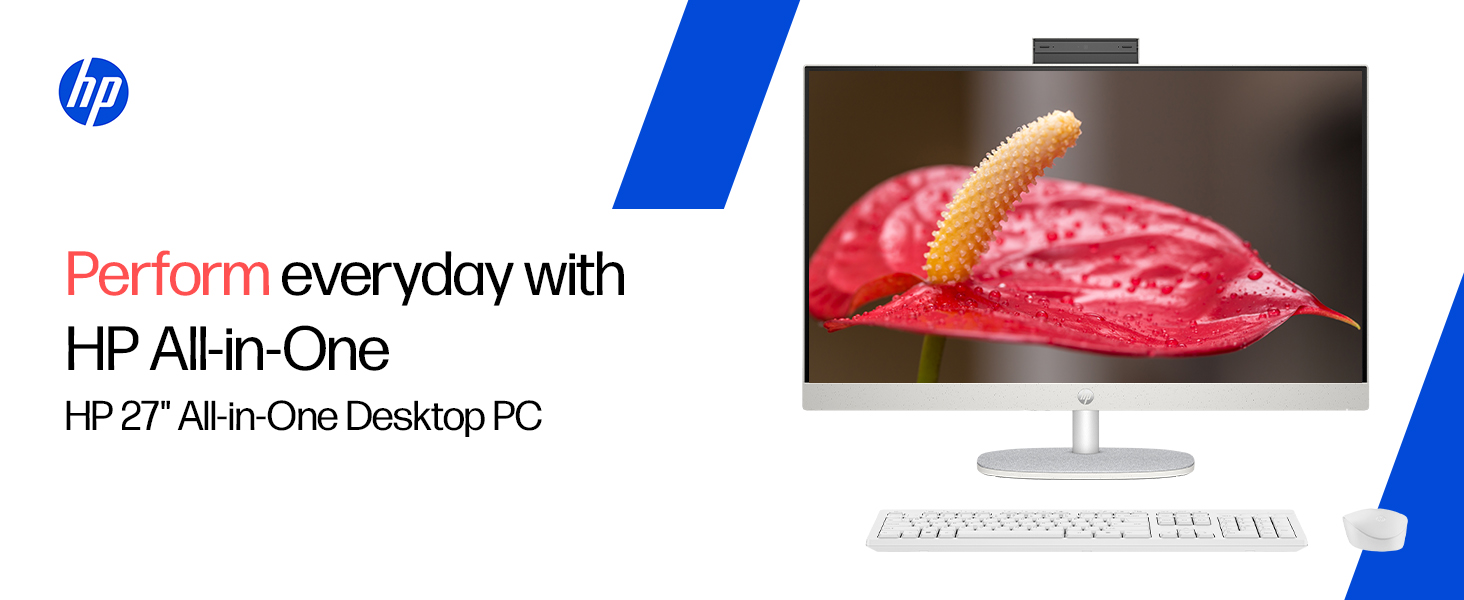
- 画面: 27-inch (68.6 cm) diagonal, FHD (1920 x 1080), touch, IPS, three-sided microedge, anti-glare, 300 nits, 99% sRGB
- グラフィック: 統合型 Intel UHD グラフィックス
- オペレーティング·システム: S モードの Windows 11 Home 単一言語
- カメラ: HP True Vision 1080p FHD IR tilt privacy camera with temporal noise reduction and integrated dual array digital microphones
- 接続性: Wi-Fi 6 (2x2), Bluetooth 5.3, 1 USB Type-C 5Gbps, 2 USB Type-A 5Gbps, 2 USB 2.0 Type-A, 1 headphone/microphone combo, 1 RJ-45
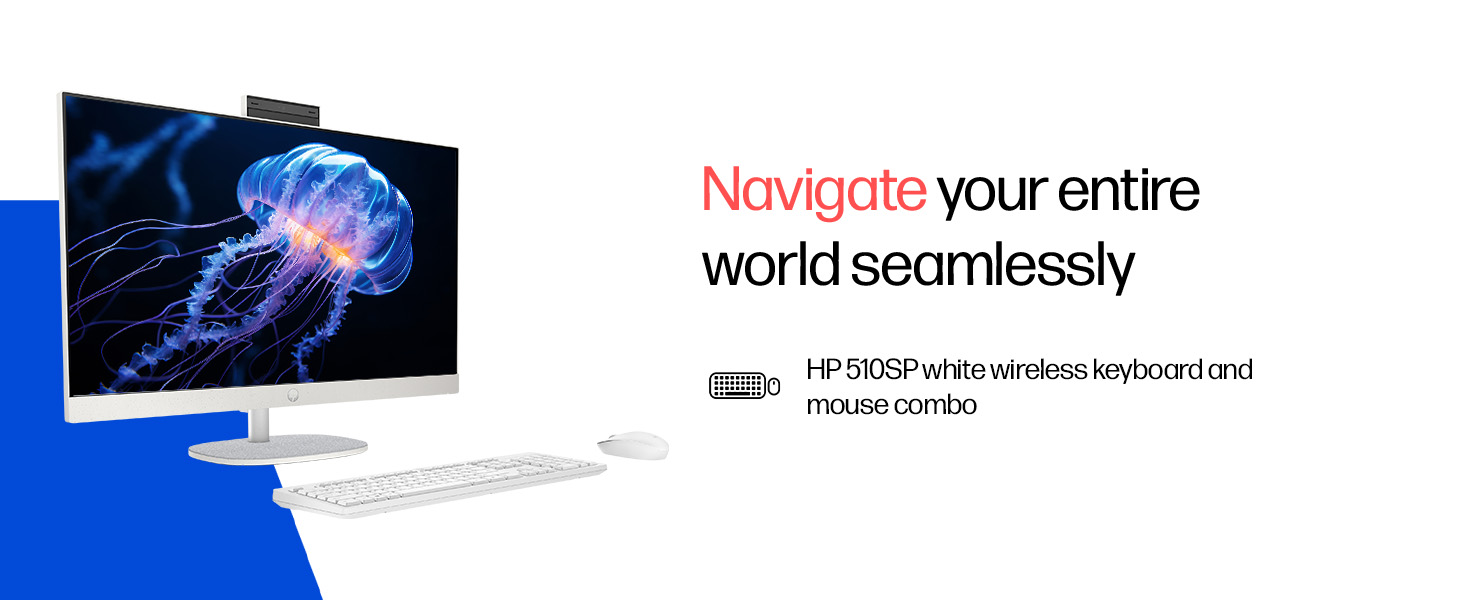
- 付属周辺機器: HP 510SP White Wireless Keyboard and Mouse Combo
2.セットアップガイド
Follow these steps to set up your HP All-in-One PC.
2.1 箱の開梱
すべての部品をパッケージから慎重に取り出します。以下のものがすべて揃っていることを確認してください。
- HP All-in-One PC unit
- 電源アダプタとケーブル
- HP 510SP White Wireless Keyboard
- HP 510SP White Wireless Mouse
- ドキュメント(このマニュアル、保証情報)
2.2 周辺機器の接続
- キーボードとマウスを接続します。 Insert the USB receiver for the wireless keyboard and mouse into an available USB port on the back of the All-in-One PC. Ensure batteries are installed in both the keyboard and mouse.
- 接続電源: Connect the power adapter to the power input port on the back of the All-in-One PC, then plug the power cable into a wall outlet.
- オプションの接続:
- 外部デバイス: Connect any external USB devices (e.g., external hard drives, printers) to the available USB ports.
- ネットワークケーブル: 有線ネットワーク接続を使用する場合は、イーサネット ケーブルを RJ-45 ポートに接続します。

2.3初期電源オン
Press the power button, usually located on the side or back of the display. The PC will boot up, and you will be guided through the Windows 11 setup process. Follow the on-screen instructions to configure your operating system, network, and user accounts.
3. 操作手順
3.1 電源のオン/オフとスリープモード
- 電源オン: 電源ボタンを押します。
- シャットダウン: Windows の [スタート] ボタンをクリックし、[電源] > [シャットダウン] を選択します。
- 再起動: Windows の [スタート] ボタンをクリックし、[電源] > [再起動] を選択します。
- 寝る: Click the Start button in Windows, then select Power > Sleep. You can also configure power settings in Windows to automatically enter sleep mode after a period of inactivity.
3.2 タッチディスプレイの使用
Your HP All-in-One PC features a touch-enabled display. You can interact with the operating system and applications using touch gestures similar to a tablet or smartphone. Common gestures include tapping, swiping, pinching to zoom, and stretching to zoom out.
3.3 Using the HP True Vision Camera
The integrated HP True Vision 1080p FHD IR tilt privacy camera is suitable for video calls and facial recognition login (Windows Hello). The camera can be tilted for optimal viewing angles and includes a privacy shutter for security. To use the camera, open an application that requires camera access (e.g., Camera app, video conferencing software).
3.4 Audio and Microphones
The PC includes integrated dual 2W speakers and dual array digital microphones with temporal noise reduction for clear audio input during calls or recordings. You can adjust volume settings through the Windows sound controls.
4. メンテナンス
Proper maintenance ensures the longevity and optimal performance of your HP All-in-One PC.
4.1デバイスのクリーニング
- 画面: 柔らかく糸くずの出ない布で軽く拭き取ってください。amp水またはスクリーン洗浄液で拭き取ってください。刺激の強い化学薬品や研磨剤は使用しないでください。
- シャーシ: 外側の表面は、柔らかく乾いた布で拭いてください。
- キーボードとマウス: Use a soft brush or compressed air to remove dust and debris.
- 清掃する前に必ず PC の電源をオフにし、プラグを抜いてください。
4.2ソフトウェアアップデート
Regularly check for and install Windows updates and HP driver updates to ensure system stability, security, and performance. You can find Windows updates in the Settings app under "Windows Update." HP drivers can be found on the official HP support webサイト。
4.3システムバックアップ
データの損失を防ぐために、重要なデータを定期的に外付けドライブまたはクラウド ストレージにバックアップすることをお勧めします。
5。 トラブルシューティング
このセクションでは、HP オールインワン PC で発生する可能性のある一般的な問題について説明します。
5.1 電源が入らない / システムが起動しない
- 電源ケーブルが PC と壁のコンセントの両方にしっかりと接続されていることを確認します。
- 別のデバイスを接続して、壁のコンセントが機能していることを確認します。
- 別の電源コンセントを試してください。
5.2 表示の問題
- 画面に画像が表示されない: Ensure the PC is powered on. If connected to an external monitor, check the input source on the monitor.
- 画像のちらつきや歪み: Update graphics drivers. If the issue persists, contact support.
- Touch screen not responding: Restart the PC. Ensure there are no obstructions on the screen. Check for driver updates for the touch display.
5.3 System Performance Issues (Slowdown, Hanging)
- バックグラウンドで実行されている不要なアプリケーションを閉じます。
- タスク マネージャー (Ctrl + Shift + Esc) を使用して、CPU、メモリ、またはディスクの使用率が高いプロセスを確認します。
- オペレーティング システムとドライバーが最新であることを確認してください。
- マルウェアやウイルスがないかシステム全体をスキャンします。
- Consider freeing up disk space on your SSD.
5.4 Peripheral Connectivity Problems (Keyboard/Mouse)
- Ensure the USB receiver is securely plugged into a USB port.
- Check the batteries in the wireless keyboard and mouse and replace them if necessary.
- USB レシーバーを別の USB ポートに接続してみてください。
- PCを再起動します。
6. 技術仕様
Detailed specifications for the HP All-in-One PC 27-cr0902in/cr0906in.
| 特徴 | 詳細 |
|---|---|
| ブランド | HP |
| モデル番号 | 27-cr0902in, 27-cr0906in |
| プロセッサ | Intel Core i3-1315U (最大 4.5 GHz、6 コア、8 スレッド、10 MB L3 キャッシュ) |
| オペレーティング·システム | S モードの Windows 11 Home 単一言語 |
| メモリ(RAM) | 8 GB DDR4-3200 MT/s (1 x 8 GB) |
| ストレージ | 512 GB PCIe NVMe M.2 SSD |
| 画面 | 27-inch (68.6 cm) FHD (1920 x 1080) IPS, touch, anti-glare, 300 nits, 99% sRGB |
| グラフィックス | Intel UHD グラフィックス(統合) |
| カメラ | HP True Vision 1080p FHD IR tilt privacy camera with temporal noise reduction |
| オーディオ | Integrated dual array digital microphones, Dual 2W speakers |
| ワイヤレス接続 | Realtek RTL8852BE Wi-Fi 6 (2x2), Bluetooth 5.3 |
| ポート | 1 USB Type-C 5Gbps, 2 USB Type-A 5Gbps, 2 USB 2.0 Type-A, 1 headphone/microphone combo, 1 RJ-45 |
| キーボードとマウス | HP 510SP White Wireless Keyboard and Mouse Combo |
| 寸法(幅×奥行き×高さ) | 61.2 x 18.6 x 44.1 cm(24.11 x 7.33 x 17.36インチ) |
| 重さ | 6.42キロ |
| 色 | Shell White |
| 環境認証 | EPEAT Gold Registered, ENERGY STAR certified |
7. 保証とサポート
7.1 保証情報
Your HP All-in-One PC comes with a 1年間のメーカー保証 on the device from the date of purchase. Please retain your purchase receipt for warranty claims.
7.2 テクニカルサポート
For any technical or product-related queries, please contact HP customer support:
- フリーダイヤル: 1800-258-7170 or 1860-258-3079
- メーカーの連絡先: HP India Sales Pvt. Ltd.
- 輸入業者連絡先: HP India Sales Private Limited, No. 24, Kothari Arena, Hosur Main Road, Adugodi, Bangalore, Karnataka, India, 560030
公式HPサポートもご覧ください website for drivers, documentation, and further assistance.