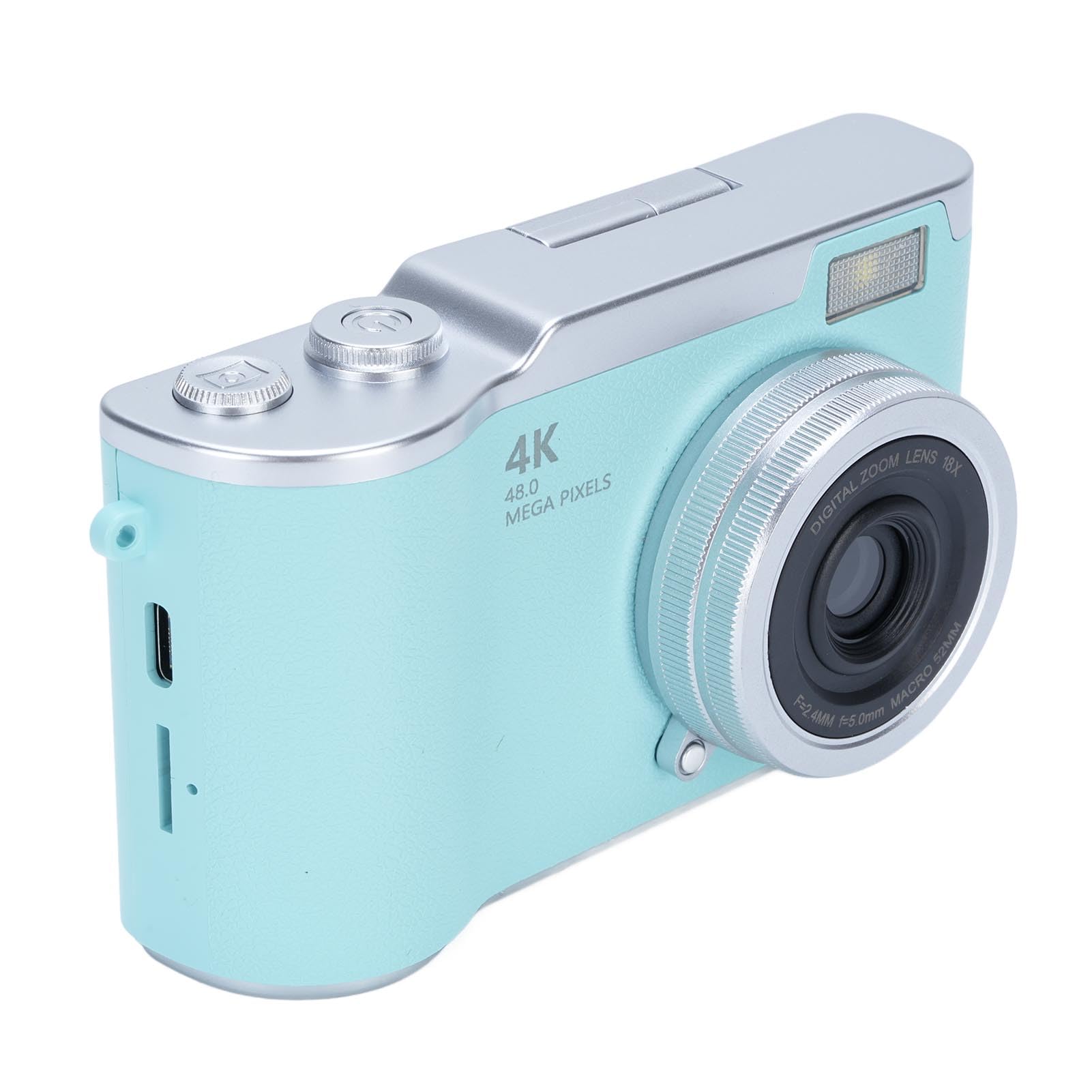
YUEHISY 48MP FHD 1080P Vlogging Camera Instruction Manual
Model: 48MP FHD 1080P Vlogging Camera
1.製品オーバーview
This manual provides instructions for the YUEHISY 48MP FHD 1080P Vlogging Camera. This compact digital camera is designed for capturing high-resolution photos and videos, featuring an 18X digital zoom, a 2.4-inch flip screen, and various creative functions.
フロント view of the YUEHISY 48MP FHD 1080P Vlogging Camera, showcasing the lens, flash, and compact design.
2. パッケージ内容
パッケージにすべてのアイテムが揃っていることを確認します。
YUEHISY Digital Camera
リストストラップ
充電ケーブル(USB)
ユーザーマニュアル
The camera shown with its wrist strap and USB charging cable, which are included in the package.
3. セットアップ
3.1. バッテリーの取り付けと充電
カメラのバッテリー収納部を見つけます。
Insert the provided Li-ion battery (800mAh) according to the polarity indicators.
電池ケースをしっかりと閉めてください。
Connect the camera to a power source using the supplied USB charging cable. The charging indicator will illuminate.
Allow the battery to fully charge before first use. A full charge provides approximately 4 hours of continuous recording.
3.2. メモリーカードの取り付け
This camera requires a memory card (not included) to store photos and videos. It supports up to 128GB memory cards.
メモリ カード スロットは、通常はバッテリー コンパートメントの近くにあります。
Insert a compatible memory card (e.g., microSD with adapter) into the slot until it clicks into place. Ensure the card is inserted in the correct orientation.
取り外すには、カードが飛び出すまで軽く押します。
3.3. 初回電源投入
After installing the battery and memory card, press and hold the Power On Key to turn on the camera. Follow any on-screen prompts for initial setup, such as setting the date and time.
4. 操作手順
4.1. カメラコントロール
An annotated diagram showing the location and function of the camera's main control buttons on the top and back.
電源オンキー: Press and hold to turn the camera on or off.
写真を撮るボタン: Press to capture a photo or start/stop video recording.
T (Zoom In): 拡大する view or playback image.
W (Zoom Out): 削減 view or playback image.
フリップアップスクリーン: The 2.4-inch HD screen can be flipped up for selfies or easy viewing。
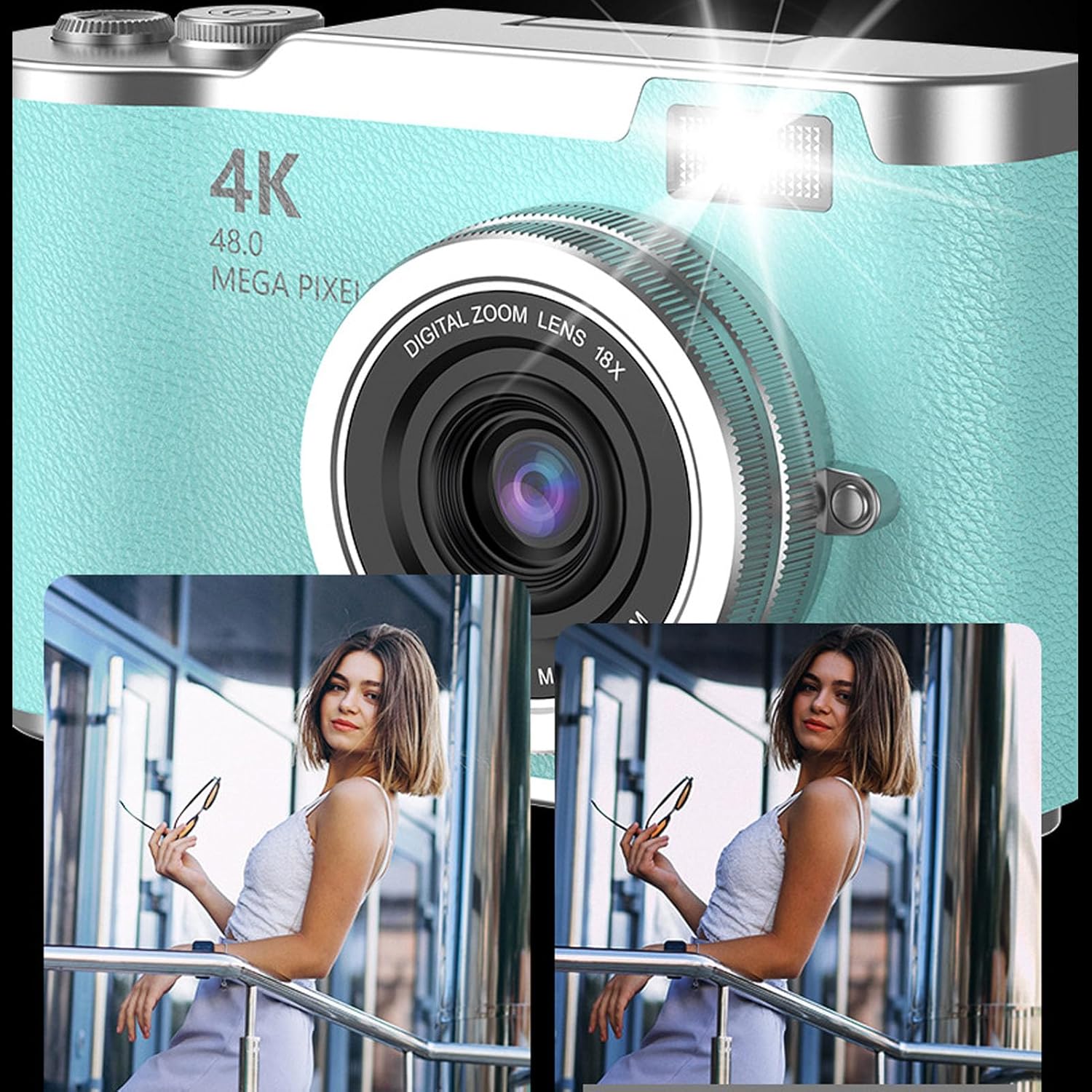
Ensure the camera is in photo mode. Frame your shot using the 2.4-inch flip screen. Press the Take Picture Button to capture a 48MP image. The camera features high-speed autofocus for clear and vivid shots. An LED fill light assists in low-light conditions.
This image illustrates the effect of the built-in flash fill light, showing a clearer and brighter photo when the flash is used.
4.3.ビデオの録画
Switch the camera to video mode. Press the Take Picture Button to start recording 1080P video. Press it again to stop recording. The camera supports loop recording, which can be enabled in the settings menu.
4.4. Using the Flip Screen
The 2.4-inch HD screen can be flipped upwards, allowing for easy self-portraits (selfies) or convenient viewing from various angles. This feature helps in composing shots accurately.
The camera with its screen flipped up, ideal for vlogging or taking selfies, showing a vibrant image on the display.
4.5.デジタルズーム
Utilize the T (Zoom In) and W (Zoom Out) buttons to adjust the 18X digital zoom. This allows you to capture distant subjects with enhanced detail.
This image shows the camera's 18X digital zoom in action, comparing a wide shot to a magnified view 遠く離れた主題の。
4.6. 多機能機能
The camera includes various functions to enhance your photography and entertainment:
Self-Timers: Options for 2, 5, or 10-second delays before taking a photo.
タイムストamping: Add date and time to your photos and videos.
フィルター効果: Apply different visual filters to your images.
Games and Music: Access built-in games and a music function for entertainment.
5. メンテナンス
5.1. カメラのクリーニング
カメラ本体を清掃する際は、柔らかく乾いた布を使用してください。
レンズと画面には、傷を防ぐために専用のレンズクリーニングクロスと洗浄液を使用してください。
刺激の強い化学物質や研磨材を使用しないでください。
5.2. バッテリーのお手入れ
Charge the battery regularly, even if the camera is not in frequent use, to maintain battery health.
バッテリーを極端な温度にさらさないでください。
カメラを長期間保管する場合は、バッテリーを取り外してください。
5.3. メモリーカードの取り扱い
新しいメモリ カードを初めて使用する前に、必ずカメラでフォーマットしてください。
Safely eject the memory card from the camera or computer to prevent data corruption.
メモリカードを強力な磁場から遠ざけてください。
6。 トラブルシューティング
問題
考えられる原因
解決
カメラがオンになりません。
バッテリーが消耗しているか、正しく取り付けられていません。
バッテリーを完全に充電してください。バッテリーを正しく取り付け直してください。
写真やビデオを撮影できません。
メモリカードがいっぱいか、挿入されていないか、破損しています。
メモリーカードを挿入してください。不要なものを削除してください。 files. Format the memory card (this will erase all data).
画像がぼやけてしまいます。
Lens is dirty. Insufficient light. Camera shake.
Clean the lens. Use the LED fill light or shoot in brighter conditions. Hold the camera steady.
カメラがフリーズしたり、応答しなくなったりします。
ソフトウェアの不具合。
カメラをリセットするには、バッテリーを取り外して再度挿入します。
7. 仕様
特徴
詳細
画質
最大48メガピクセル
ビデオ解像度
1080P Full HD (Maximum)
デジタルズーム
18X
画面
2.4-inch HD Flip Screen
電池のタイプ
リチウムイオン電池
バッテリー容量
800mAh
バッテリー寿命(ビデオ)
最大4時間の連続録音
ストレージサポート
最大128GBのメモリカード(別売)
フラッシュ
Built-in LED Fill Light
File フォーマット
JPEG(写真)、MP4(動画)
センサータイプ
シーモス
寸法(約)
117mm x 64mm x 29mm (4.61インチ x 2.52インチ x 1.14インチ)
Visual representation of the camera's approximate dimensions.
8. 保証情報
This product comes with a manufacturer warranty for 90 days from the date of purchase. Please retain your proof of purchase for warranty claims. The warranty covers manufacturing defects but does not cover damage caused by misuse, accidents, or unauthorized modifications.
Ask about setup, troubleshooting, compatibility, parts, safety, or missing instructions. Manuals+ will review the question and use this page’s manual context to help answer it.