
1. はじめに
This manual provides essential information for the safe operation and maintenance of your SuperRC V666 Drone with Camera. Please read it thoroughly before first use to ensure proper setup and to maximize your flying experience. The V666 drone features a brushless motor, optical flow positioning, and an HD 180° adjustable camera, designed for both beginner and adult users.
2. 安全上の注意
- 飛行環境: 人、動物、建物、電線から離れた、開けた場所で飛行させてください。強風や悪天候での飛行は避けてください。
- バッテリーの安全性: 付属の電池と充電ケーブルのみを使用してください。電池を過充電したり、穴を開けたりしないでください。電池に損傷や膨張の兆候が見られる場合は使用を中止してください。
- プロペラの安全性: 回転するプロペラに手、顔、ゆったりとした衣服を近づけないでください。飛行前にプロペラがしっかりと取り付けられていることを確認してください。
- 視線: 飛行中は常にドローンとの視線を保ってください。
- 推奨年齢: この製品は14歳以上のユーザーに適しています。
- 干渉: Avoid flying near strong electromagnetic interference sources.
- Multiple Drones: When operating multiple drones simultaneously, power on and pair each drone and its remote control separately to prevent frequency conflicts.
3. パッケージ内容
以下にリストされているすべてのアイテムがパッケージに含まれていることを確認してください。
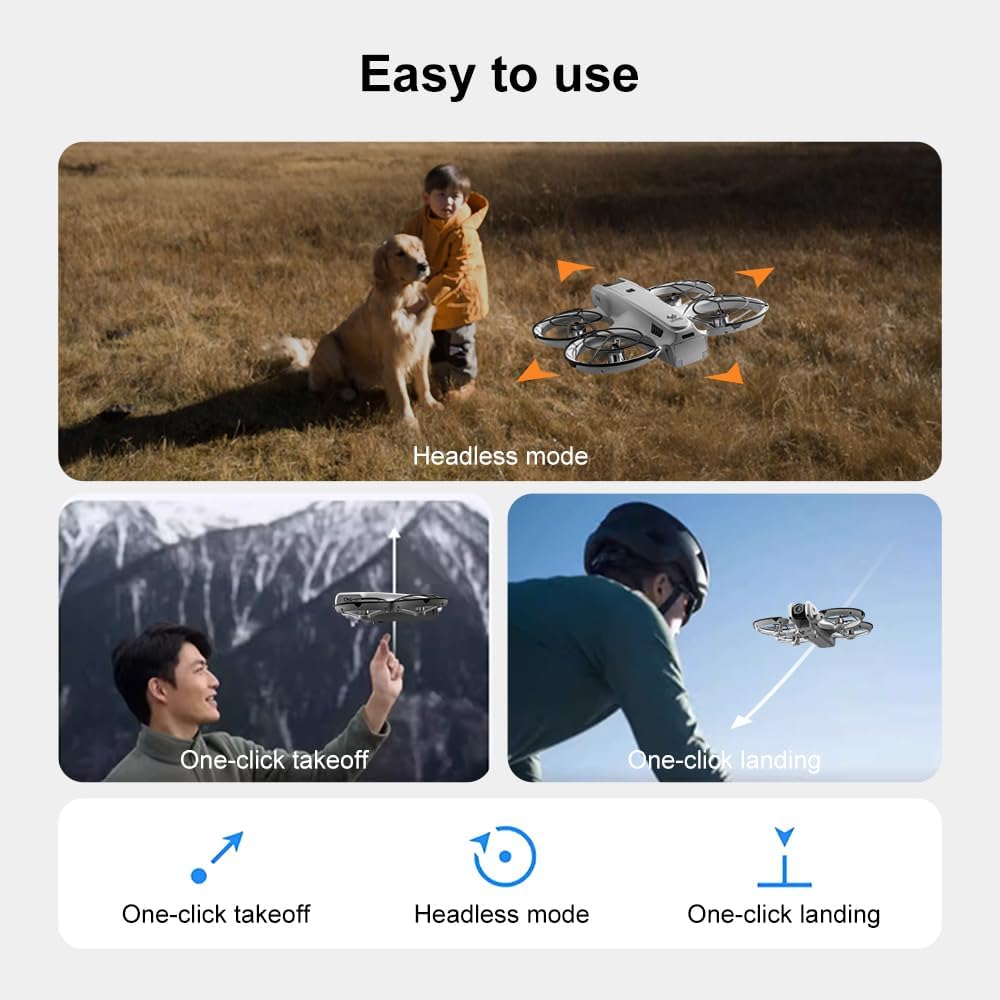
画像: 上view of the SuperRC V666 Drone package contents, showing the drone, remote control with screen, two batteries, spare propellers, screwdriver, USB charging cable, card reader, and memory card.
- SuperRC V666 Drone
- 一体型スクリーン付きリモコン
- 2 x Lithium Ion Batteries (1000mAh each)
- スペアプロペラ
- プロペラガード
- ハンドバッグ
- Micro-USBケーブル
- ドライバー
- カードリーダー
- メモリーカード
4.コンポーネントの識別
4.1 ドローンオーバーview
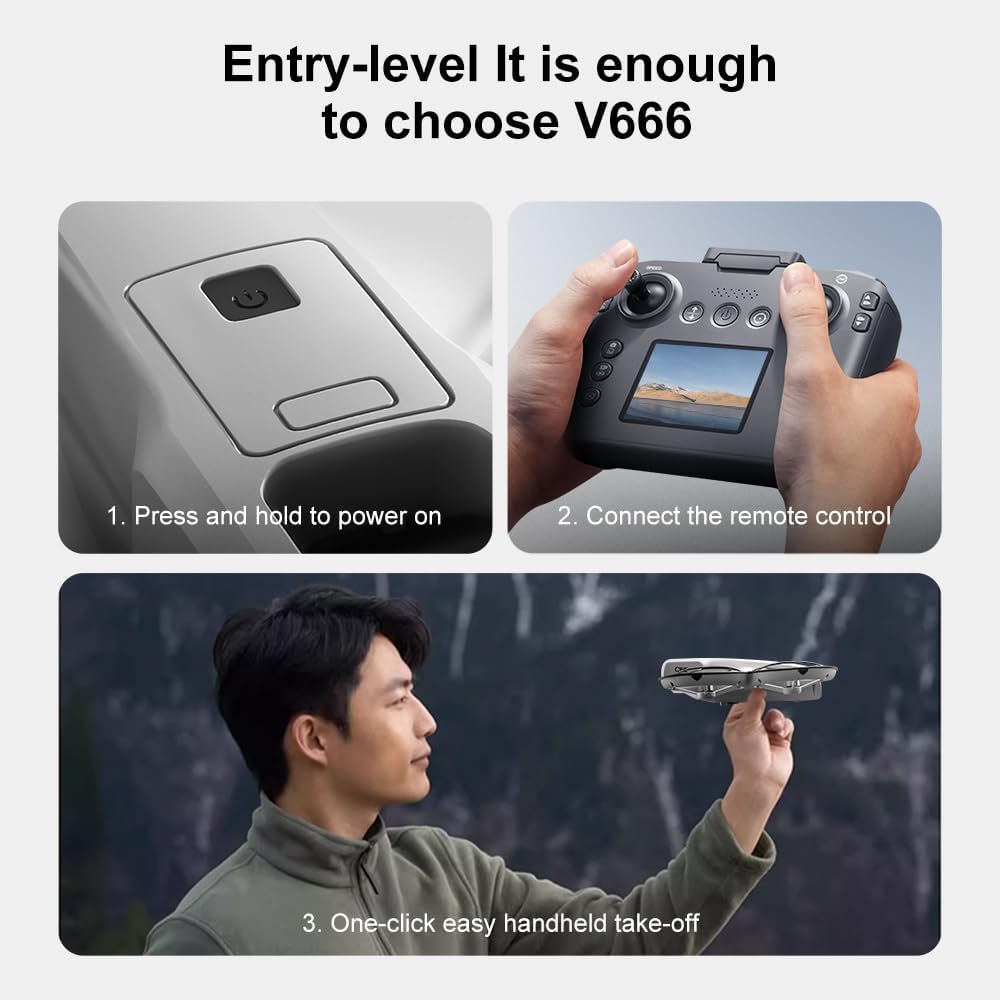
画像: 詳細 view of the SuperRC V666 Drone, showing the main body, camera, and protected propellers.
Familiarize yourself with the drone's key components:
- カメラ: Front-mounted, 180° manually adjustable HD camera.
- プロペラ: Four propellers with protective guards.
- ブラシレスモーター: Provide stable and powerful flight.
- バッテリーコンパートメント: Located on the drone's body.
- 電源ボタン: For turning the drone on/off.
- ボディライト: Integrated lighting for visibility.
4.2 リモートコントロールオーバーview
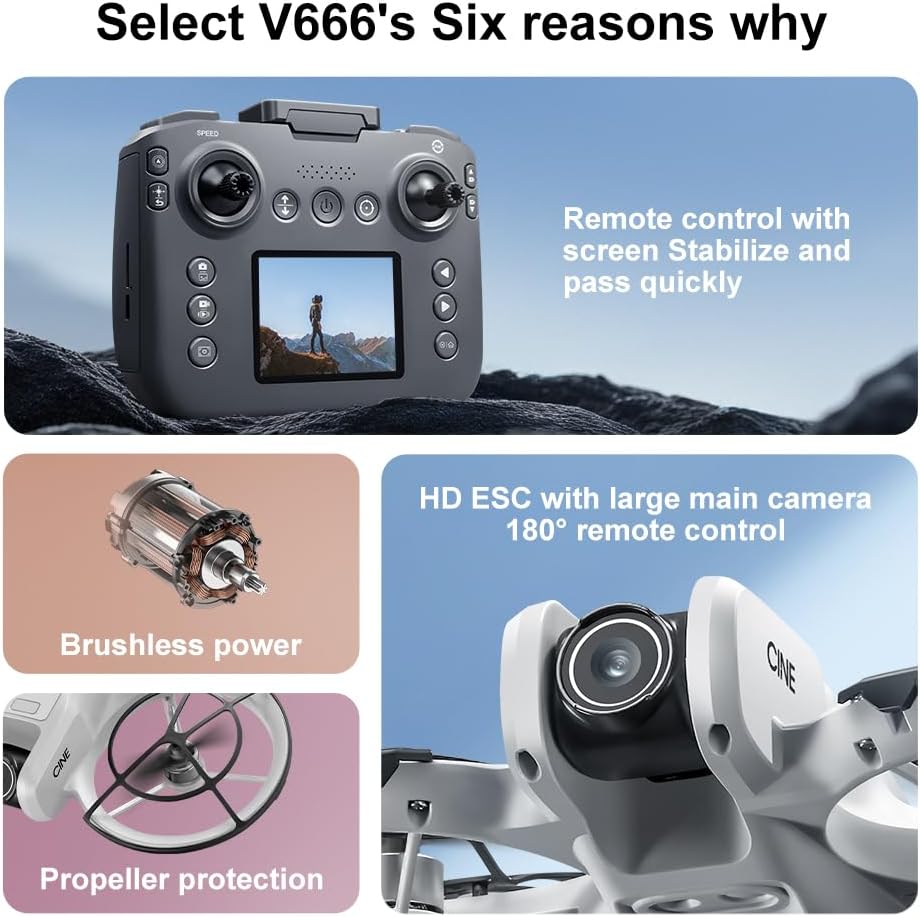
Image: The remote control for the SuperRC V666 Drone, featuring a central display screen, dual joysticks, and multiple control buttons.
リモコンの機能:
- ジョイスティック: Left for throttle/yaw, right for pitch/roll.
- Integrated Screen: Displays flight information and live camera feed.
- 電源ボタン: リモコンのオン/オフを切り替えます。
- ワンキー離陸/着陸ボタン: 自動離陸または着陸を開始します。
- 速度調整ボタン: さまざまな飛行速度を切り替えます。
- 写真/ビデオボタン: For capturing images and recording video.
- トリムボタン: ドローンの安定性を微調整します。
5. セットアップ
5.1 バッテリーの取り付けと充電
- Insert the fully charged Lithium Ion battery into the drone's battery compartment. Ensure it clicks into place securely.
- To charge the battery, connect it to the Micro-USB cable and then to a USB power source (e.g., computer, USB wall adapter). The charging indicator will show the charging status.
- Charge the remote control battery using its dedicated charging port and cable.
5.2 プロペラの取り付け
The drone comes with propeller guards pre-installed. If you need to replace propellers:
- Identify the correct propeller type (A or B) for each motor. Propellers are typically marked.
- プロペラをモーター シャフトに合わせて、しっかりと固定されるまでしっかりと押し下げます。
- すべてのプロペラが障害なく自由に回転することを確認します。
5.3 ドローンとリモコンのペアリング

Image: Visual guide demonstrating the steps for powering on the drone, connecting the remote control, and initiating a one-click handheld take-off.
- ドローンを平らで水平な場所に置きます。
- Press and hold the power button on the drone until its indicator lights turn on.
- リモコンの電源を入れます。
- The drone and remote control will automatically attempt to pair. Once paired, the drone's indicator lights will become solid.
- 注記: If operating multiple drones, power on and pair each drone and its remote control individually to avoid signal interference.
6. 操作手順
6.1 基本的な飛行制御
- 左ジョイスティック(スロットル/ヨー):
- 上/下に押す: 高度を増加/減少します (スロットル)。
- 左/右に押す: ドローンを左/右に回転させます (ヨー)。
- 右ジョイスティック(ピッチ/ロール):
- Push up/down: Move drone forward/backward (Pitch).
- Push left/right: Move drone left/right (Roll).
- 速度調整: Press the speed button on the remote to cycle through different flight speeds (e.g., low, medium, high).
6.2 One-Key Functions
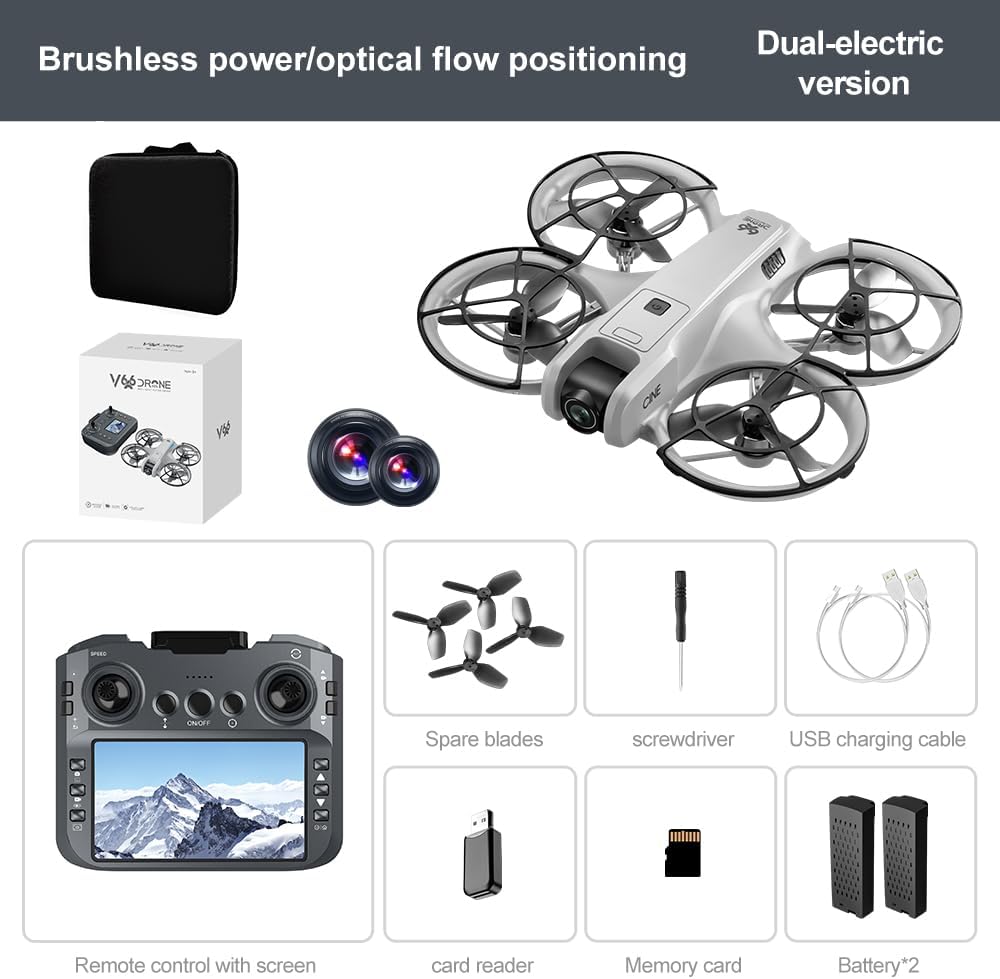
Image: Visual representation of the drone's Headless Mode, One-Click Take-off, and One-Click Landing functionalities.
- ワンキー離陸: Press the designated button once, and the drone will automatically ascend to a stable hovering height.
- ワンキー着陸: Press the designated button once, and the drone will automatically descend and land gently.
- ワンキーリターン: Activates the drone's return-to-home function. The drone will attempt to return to its take-off point.
6.3ヘッドレスモード
In Headless Mode, the drone's orientation is relative to the pilot, regardless of which way the drone's front is facing. This simplifies control for beginners.
6.4 ジェスチャーコントロール
The drone supports gesture-based photo and video capture. Perform specific hand gestures in front of the camera to trigger these functions during flight.
6.5カメラの操作
- カメラアングルの調整: The camera lens can be manually adjusted 180° before flight to achieve the desired view角度。
- 写真/ビデオのキャプチャ: リモコンの専用ボタンを使用して、写真を撮ったり、ビデオ録画を開始/停止したりします。
- ライブフィード: The integrated screen on the remote control provides a real-time view from the drone's camera via Wi-Fi connectivity.
- ストレージ: Captured photos and videos are saved to the inserted memory card.
7. メンテナンス
- クリーニング: ドローンとリモコンのお手入れには、柔らかく乾いた布をご使用ください。溶剤や刺激の強い化学薬品の使用は避けてください。
- プロペラの交換: If propellers are damaged, replace them with spare parts using the provided screwdriver. Ensure correct propeller type (A or B) is used for each motor.
- ストレージ: Store the drone and its components in a cool, dry place, away from direct sunlight and extreme temperatures. Remove batteries if storing for extended periods.
8。 トラブルシューティング
| 問題 | 考えられる原因 | 解決 |
|---|---|---|
| ドローンの電源が入らない | バッテリーが充電されていないか、正しく取り付けられていません。 | バッテリーが完全に充電され、正しく挿入されていることを確認してください。 |
| Drone fails to pair with remote control | Remote control not powered on, or pairing sequence incorrect. | Ensure both devices are powered on. Follow pairing steps (Section 5.3). Avoid multiple drones pairing simultaneously. |
| 飛行中にドローンが漂う | Not calibrated on a flat surface, or environmental factors. | Ensure drone is placed on a flat surface before take-off. Perform calibration if available (refer to remote control instructions). Avoid strong winds. |
| Poor camera image quality or no live feed | Weak Wi-Fi signal, camera lens dirty, or memory card issue. | Ensure drone is within Wi-Fi range. Clean camera lens. Check memory card for proper insertion and sufficient space. |
| 飛行時間が短い | バッテリーが完全に充電されていない、またはバッテリーが劣化しています。 | Fully charge batteries before each flight. Consider replacing old batteries if performance significantly degrades. |
9. 仕様
| 特徴 | 詳細 |
|---|---|
| ブランド | スーパーRC |
| モデル名 | バージョン666 |
| 色 | グレー |
| アイテム重量 | 0.2キログラム(約7オンス) |
| 製品寸法 | 長さ7インチ x 幅6インチ x 高さ2インチ |
| スキルレベル | 初心者 |
| モータータイプ | ブラシレスモーター |
| カメラ | HD 180° Manually Adjustable |
| ビデオキャプチャ解像度 | 720p |
| ビデオキャプチャフォーマット | MP4 |
| 接続技術 | Wi-Fi, Radio Frequency |
| 光センサー技術 | オプティカルフロー、CMOS |
| 電池のタイプ | リチウムイオン |
| バッテリー容量 | 1000mAh |
| コントロールタイプ | リモートコントロール |
| 特集 | Adjustable Camera, One Button Return, One Key Rotation, Rechargeable, Speed Adjustment, Optical Flow Positioning |
10. 保証とサポート
For warranty information or technical support, please refer to the documentation included with your purchase or contact SuperRC customer service directly. Keep your proof of purchase for any warranty claims.
さらに詳しいサポートが必要な場合は、 AmazonのSuperRCストア.