
リープフロッグ 80-621200
LeapFrog Preschool Game and Go Handheld Video Game Toy Instruction Manual
モデル:80-621200
ブランド: リープフロッグ
導入
The LeapFrog Preschool Game and Go is a handheld video game toy designed to introduce young children to fundamental concepts such as numbers, letters, and shapes through engaging mini-games and music. This device offers a portable and interactive learning experience for children aged 2 years and older.
箱の中身
- LeapFrog Preschool Game and Go Handheld Toy
- クイックスタートガイド
Note: 3 AAA batteries are included for demo purposes only. New batteries are recommended for regular use.
設定
バッテリーの取り付け
- デバイスの背面にあるバッテリー収納部を見つけます。
- ドライバーを使用して、バッテリーコンパートメントカバーを開きます。
- 正しい極性 (+/-) を確認して、新しい AAA 電池 3 本を挿入します。
- 電池カバーを取り付けて、ネジで固定します。
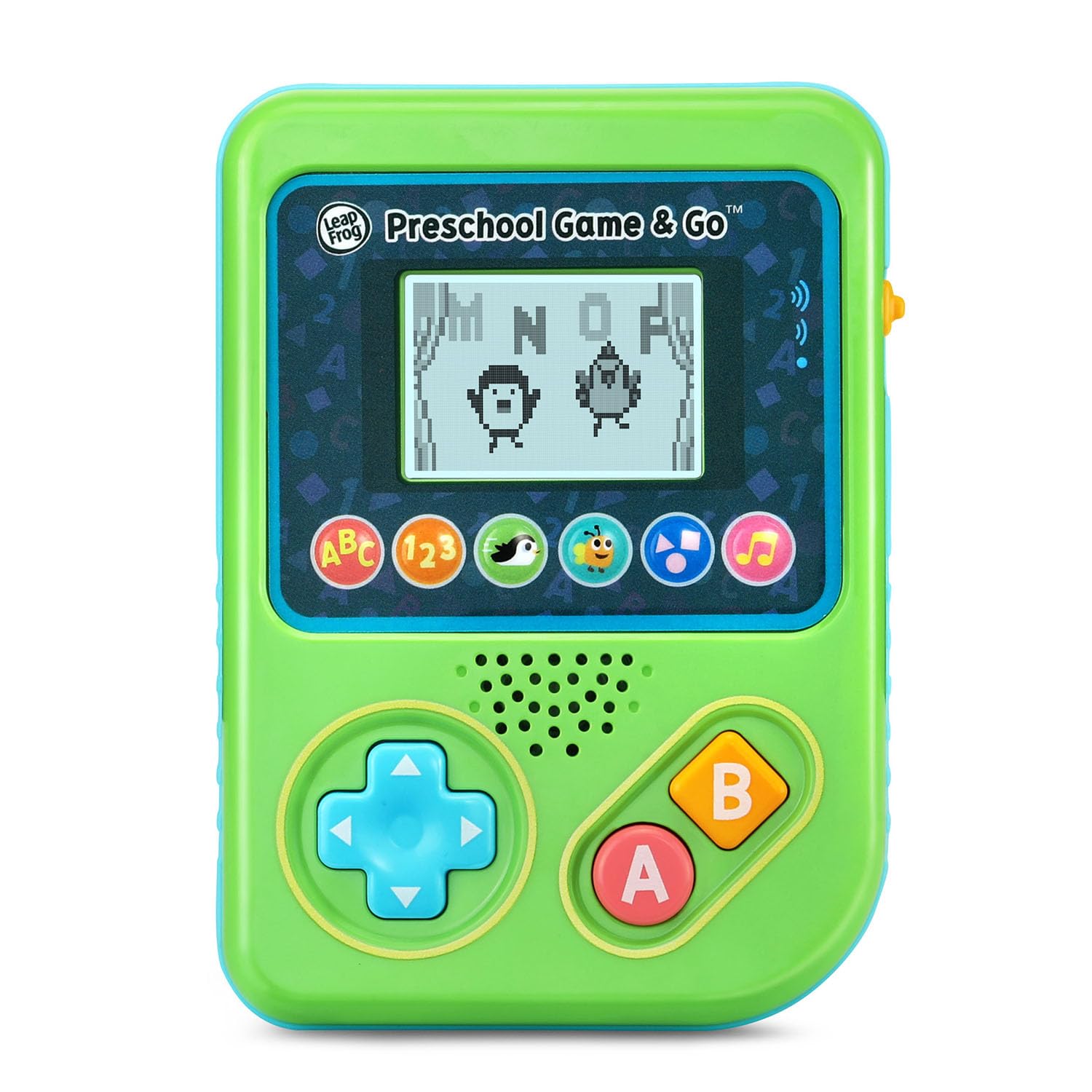
図1: 前面 view of the LeapFrog Preschool Game and Go.
電源オン/オフ
- To power on the device, slide the orange power switch located on the right side of the unit upwards.
- To power off the device, slide the orange power switch downwards.
ボリュームコントロール
- The device features two volume settings.
- Adjust the volume using the dedicated switch or button, typically located near the power switch, to select between a lower or higher sound output.
操作手順
コントロール
- 方向パッド(Dパッド): Located on the left side, use this to navigate menus and control characters within games.
- ボタン: Typically used for selection or action within games.
- Bボタン: Typically used for secondary actions or going back in menus.
ゲームの選択
The device features six distinct game icons below the screen. Press the corresponding icon to select a game:
- ABC Icon: Activates the ABC Swim game.
- 123 Icon: Activates the 123 Treasure game.
- Penguin Icon: Activates the Letter Slide game.
- Bug Icon: Activates the Snack Track game.
- Shapes Icon: Activates the Shape Ape game.
- 音符アイコン: Activates the Song Shuffle feature.
Personalizing Game Play
You can personalize the experience by adding a child's name (up to 10 characters). The child's name will appear in certain games, such as the Letter Slide game, where they collect letters to spell their name.
学習ゲーム
The LeapFrog Preschool Game and Go includes six exciting learning games:
- ABC Swim: Pop bubbles to explore letter sounds.
- 123 Treasure: Collect coins and count hearts to introduce numbers.
- Letter Slide: Help a penguin slide and jump to collect letters, including those in the child's personalized name.
- Snack Track: Feed a hungry bug by eating and counting snacks.
- Shape Ape: Catch various shapes as they fall from trees.
- Song Shuffle: Dance along to three engaging learning songs.
ビデオ1: 公式製品ビデオショーasing the LeapFrog Preschool Game & Go features and gameplay.
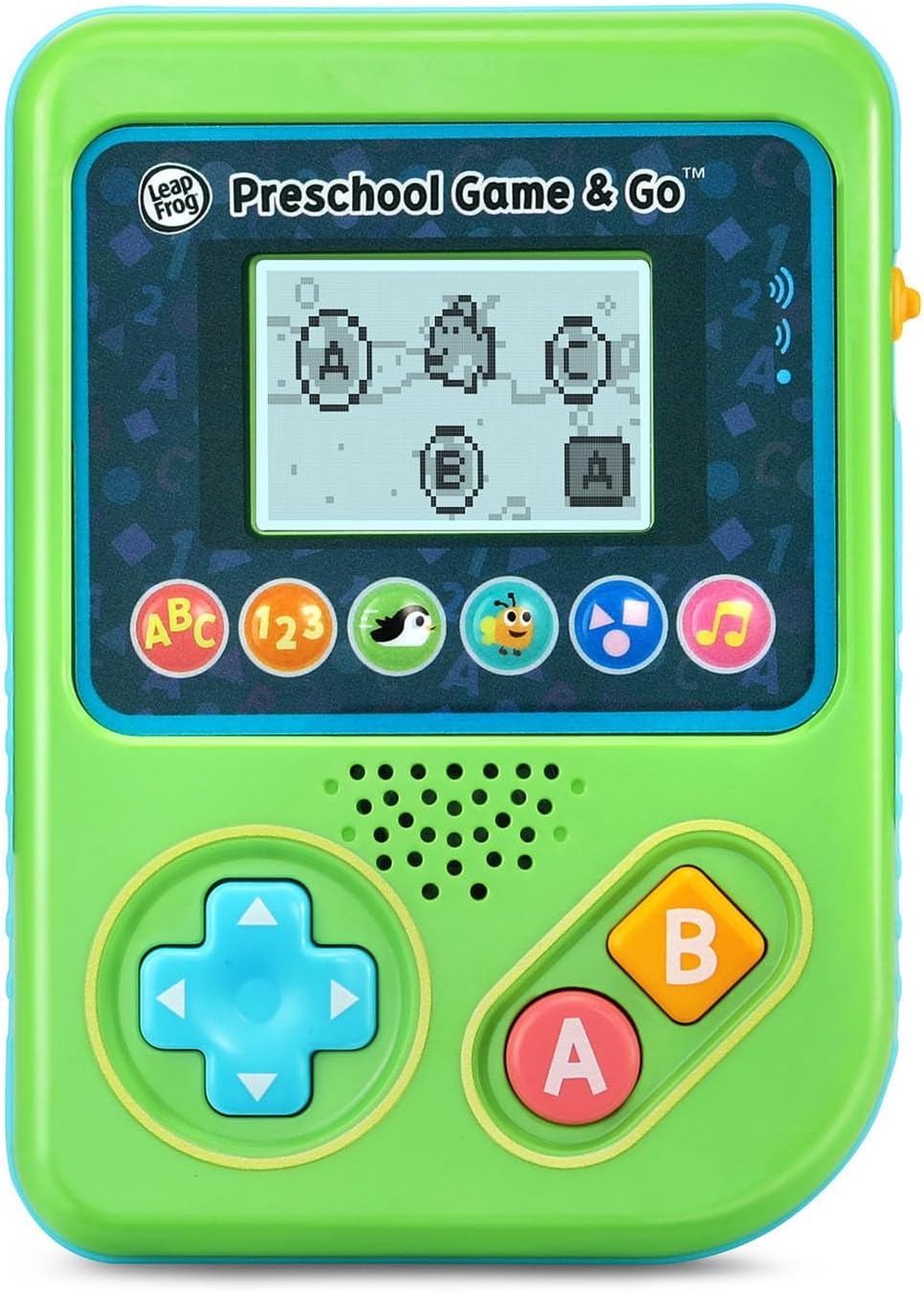
Figure 2: The ABC Swim game interface on the device screen.
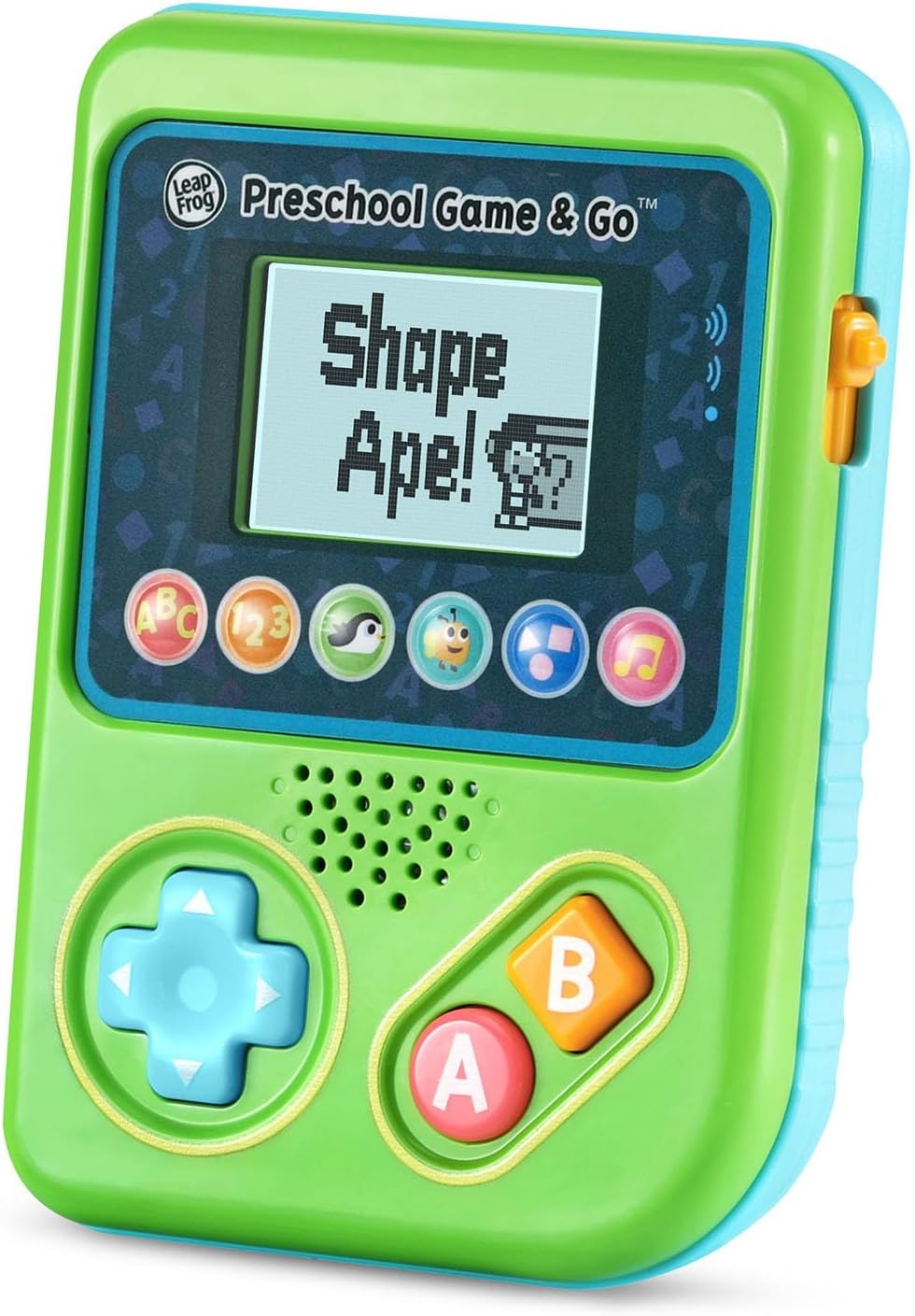
Figure 3: The Shape Ape game interface on the device screen.
メンテナンス
- デバイスを清掃するには、軽く乾いた布で拭いてください。amp 布で拭いてください。水に浸さないでください。
- デバイスを極端な温度や直射日光にさらさないでください。
- 長期間使用しない場合は、液漏れを防ぐため電池を取り外してください。
トラブルシューティング
- デバイスの電源が入らない: Ensure fresh batteries are correctly installed. Check the power switch position.
- 音が出ない、または音が小さい: Adjust the volume switch. Replace batteries if sound is distorted or very low.
- 画面の問題: If the screen is blank or flickering, try turning the device off and on again. Replace batteries if the issue persists.
- 反応しないボタン: Ensure the device is powered on. If a specific button is unresponsive, try cleaning around it. If the issue continues, replace batteries.
仕様
| 特徴 | 詳細 |
|---|---|
| モデル番号 | 80-621200 |
| 年齢範囲 | 2歳以上 |
| 電源 | 電池駆動 |
| 電池が必要 | 単4電池3本(デモ用に付属) |
| コントローラータイプ | ボタンコントロール |
| 表示タイプ | デジタル |
| 材料 | プラスチック |
| 製品寸法 | 1.3 x 4.1 x 5.6インチ |
| アイテム重量 | 6.4オンス |
保証とサポート
For warranty information, product registration, or additional support, please refer to the contact information provided in the Quick Start Guide included with your product or visit the official LeapFrog webサイト。 保証請求に備えて購入時のレシートを保管しておいてください。
Ask a question about this manual
Ask about setup, troubleshooting, compatibility, parts, safety, or missing instructions. Manuals+ will review the question and use this page’s manual context to help answer it.