
1. はじめに
This instruction manual provides essential information for the proper setup, operation, and maintenance of your YUEHISY 4G 5G WiFi Hotspot Mobile Router. Please read this manual thoroughly before using the device to ensure optimal performance and to prevent damage.
The YUEHISY 4G 5G WiFi Hotspot is a portable device designed to provide high-speed internet access on the go. By simply inserting a 4G/5G SIM card, you can create a personal WiFi network for multiple devices.
2. パッケージ内容
パッケージに以下の項目が含まれているか確認してください。
- 1 x YUEHISY 4G 5G WiFi Hotspot Mobile Router
- 1×USB-C電源ケーブル
- ユーザーマニュアル x 1
3.製品オーバーview
The YUEHISY 4G 5G WiFi Hotspot is a compact and portable device featuring a Type-C interface for charging, support for 4G/5G high-speed internet, and a 2100mAh battery for extended use.

This device is designed for high performance, offering efficient and low power consumption. Its 2100mAh battery allows for over 10 hours of continuous operation, providing stable and fast internet access whether you are at home or traveling.

The hotspot supports connecting up to 10 devices simultaneously, including smartphones, tablets, and laptops, ensuring a stable connection without significant performance degradation.
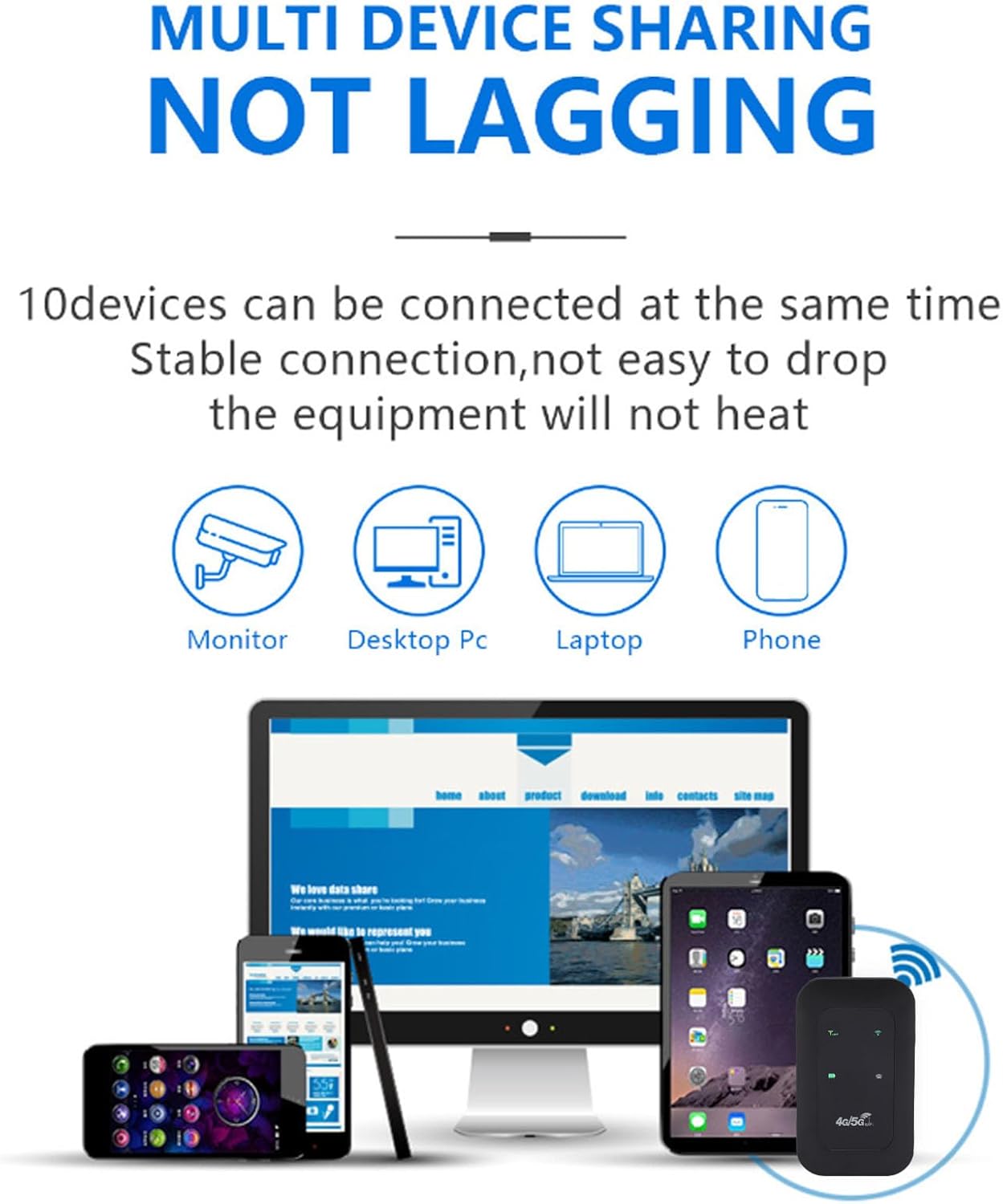
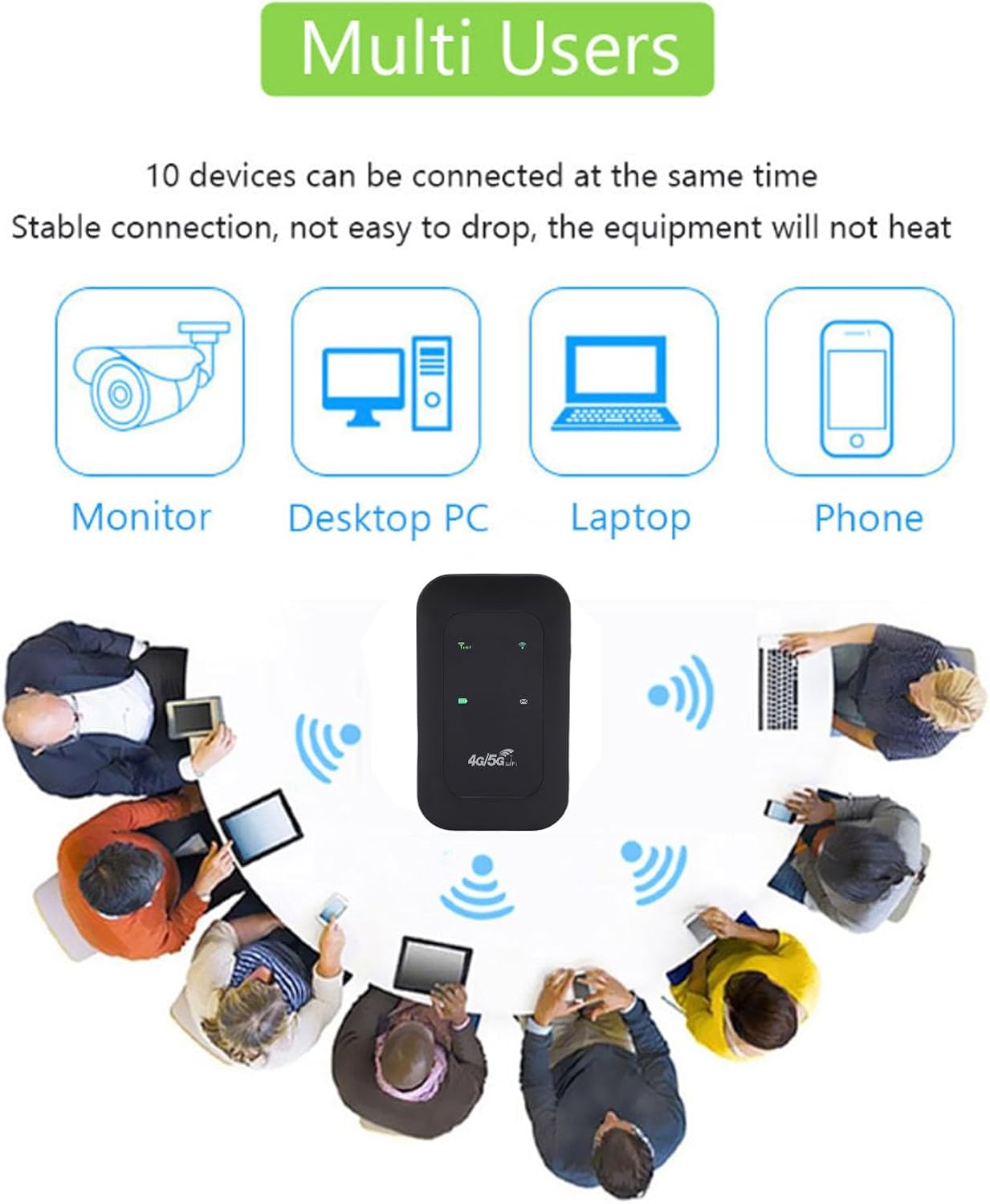
It features accurate reception of high-frequency signals, contributing to smooth network speed.

4. セットアップ
4.1 SIMカードの挿入
- Remove the back cover of the hotspot device.
- SIMカードスロットを見つけます。
- Insert your 4G/5G SIM card into the designated slot, ensuring proper orientation.
- 背面カバーを元に戻します。
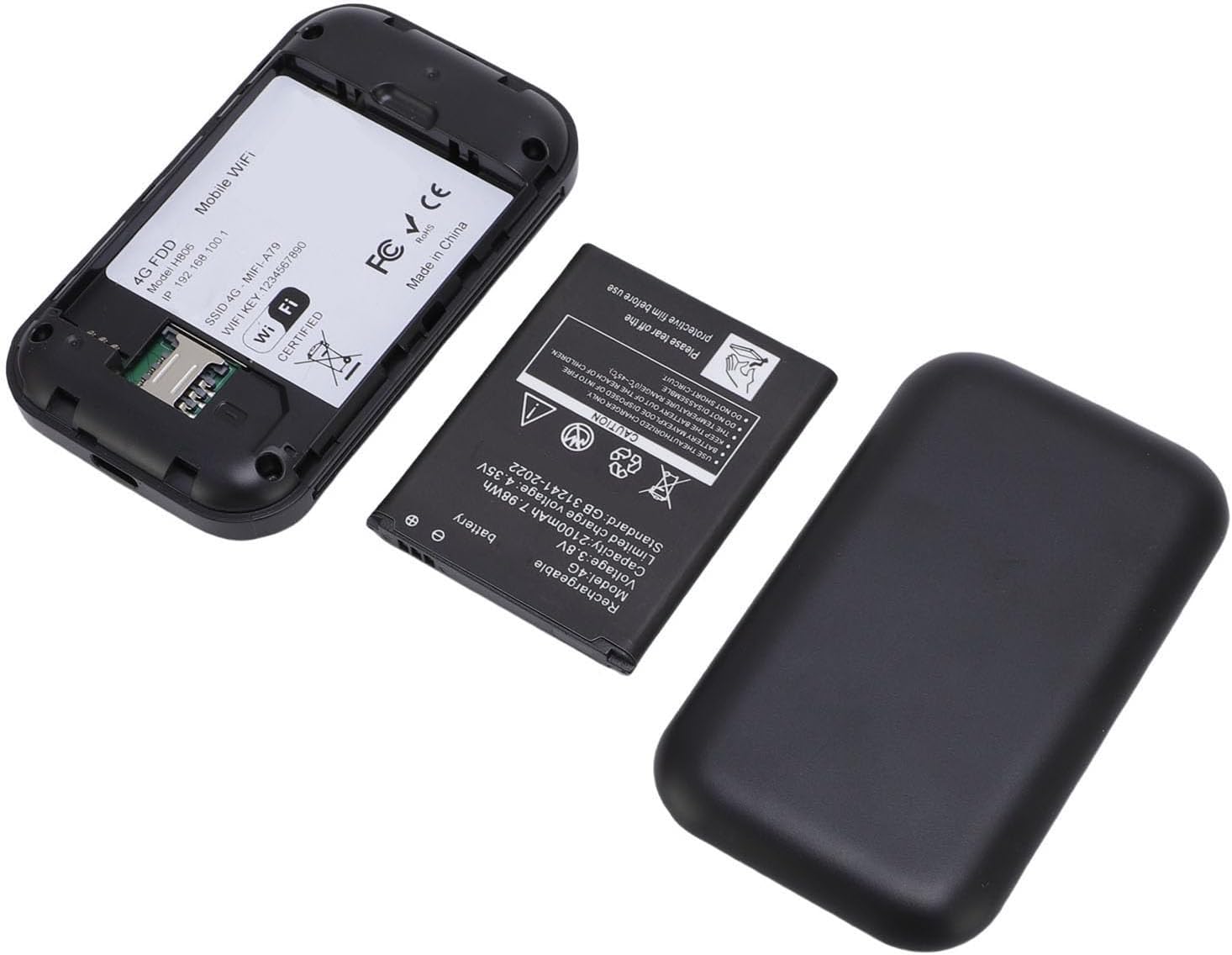
4.2デバイスの充電
Connect the provided USB-C power cable to the device's USB-C port and plug the other end into a compatible USB power adapter or computer. The LED display will indicate the charging status.

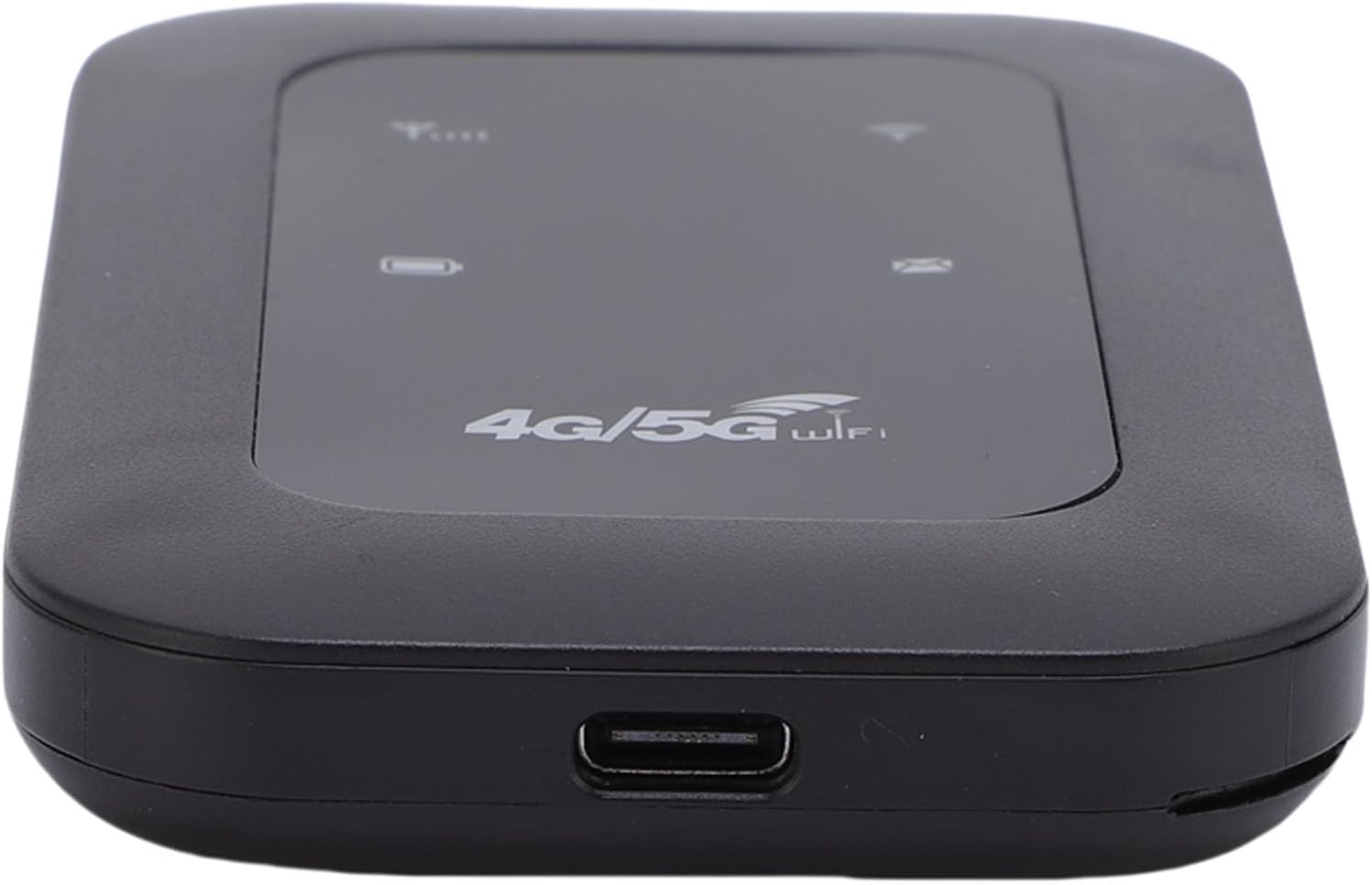
4.3 電源のオン/オフ
To power on the device, press and hold the power button for a few seconds until the LED display illuminates. To power off, press and hold the power button again until the device shuts down.
5. 操作手順
5.1 WiFiネットワークへの接続
- Ensure the hotspot is powered on and has a working SIM card inserted.
- On your device (smartphone, tablet, laptop), search for available WiFi networks.
- Select the network name (SSID) displayed on the hotspot's LED screen or on the device's label.
- Enter the password (WiFi Key) provided on the hotspot's LED screen or label.
- これでデバイスがインターネットに接続されるはずです。
5.2 LEDインジケーター
The colorful LED screen provides information about the device's status:
- シグナルインジケーター: Shows the strength of the 4G/5G network signal.
- バッテリーインジケーター: 現在のバッテリーレベルを表示します。
- WiFiインジケーター: Shows if the WiFi network is active.
- メッセージインジケーター: May indicate new SMS messages (if supported by SIM card).
5.3 複数のデバイスの接続
The hotspot supports connecting up to 10 devices simultaneously. Follow the steps in section 5.1 for each device you wish to connect.
6. メンテナンス
6.1 クリーニング
柔らかく乾いた布で拭いてください。液体クリーナーや研磨剤は使用しないでください。デバイスを損傷する恐れがあります。
6.2バッテリーケア
- バッテリーを極端な温度にさらさないでください。
- デバイスを定期的に充電してください。ただし、長時間の過充電は避けてください。
- 長期間使用しない場合は、保管する前に約 50% まで充電してください。
6.3 ストレージ
デバイスは、直射日光や湿気を避け、涼しく乾燥した場所に保管してください。
7。 トラブルシューティング
7.1 インターネット接続なし
- SIM カードを確認します。 SIM カードが正しく挿入され、データ プランがアクティブになっていることを確認します。
- ネットワーク信号: Verify that the device has a strong 4G/5G network signal (check the LED indicator). Move to an area with better reception if needed.
- デバイスを再起動します: ホットスポットの電源をオフにし、数秒待ってから再び電源をオンにします。
- APN設定: In some cases, you may need to manually configure the APN settings. Refer to your SIM card provider's instructions for the correct APN.
7.2 Slow Network Speed or Frequent Disconnections
- 信号強度: A weak signal can lead to slow speeds. Try moving the hotspot to a location with better signal.
- 接続されているデバイスの数: Too many devices connected simultaneously can reduce speed. Disconnect some devices to see if performance improves.
- データ上限: Check if you have exceeded your data plan's high-speed allowance.
- 干渉: Keep the hotspot away from other electronic devices that might cause interference.
7.3 Cannot Connect to WiFi (WLAN Login Not Possible)
- パスワードが間違っています: Double-check the WiFi password (WiFi Key). Ensure you are entering it correctly, paying attention to case sensitivity.
- デバイス範囲: Ensure your connecting device is within the WiFi range of the hotspot.
- Restart Hotspot and Device: ホットスポットと接続しようとしているデバイスの両方を再起動します。
8. 仕様
| 特徴 | 仕様 |
|---|---|
| 製品タイプ | ポータブル 4G 5G WiFi ホットスポット |
| ネットワークバンド(LTE) | B1 / B3 / B5 / B40 |
| ネットワークバンド(WCDMA) | B1 |
| WiFi標準 | 802.11b/g/n の |
| 最高速度 | Up to 300 Mbps (LTE Cat4) |
| バッテリー容量 | 2100mAhリチウムイオン |
| 最大接続デバイス数 | 10 |
| 電源入力 | USB-C |
| メーカー | YUEHISY |
| 原産国 | 中国 |
9. 保証情報
この製品には、 2年間のメーカー保証保証請求の際は、購入証明書を保管してください。保証は、通常の使用における材料および製造上の欠陥を対象としています。誤用、事故、不正な改造、または自然災害による損傷は保証の対象外となります。
10. サポート
If you encounter any issues not covered in this manual or require further assistance, please contact YUEHISY customer support through the retailer where you purchased the product. Please have your product model number (B0FBWNXKQF) and purchase details ready when contacting support.