
1. はじめに
This manual provides detailed instructions for the installation, operation, and maintenance of your ARCCTV C3 4-Cam Kit Solar Security Camera System. Please read this manual thoroughly before using the product to ensure proper setup and functionality. Keep this manual for future reference.
2.製品オーバーview
2.1 パッケージ内容
- 4 x ARCCTV C3 Solar Security Cameras
- 1xベースステーション
- 1 x 64GB Memory Card (pre-installed in base station)
- 4 x Mounting Kits (screws, wall anchors)
- ベースステーション用電源アダプター x 1
- 1 xイーサネットケーブル
- ユーザーマニュアル x 1
2.2 主な特徴
- 4MP HD解像度: Provides clear 2560x1440p video footage.
- Integrated Solar Panels: Each camera features a high-efficiency solar panel for continuous power.
- ワイヤレス接続: Cameras connect wirelessly to the base station.
- カラーナイトビジョン: 暗い場所でも視認性が向上します。
- PIRモーション検出: 人の動きを検知し、即座に警告を送信します。
- ローカルストレージ: 64GB memory card in the base station for recording without monthly fees.
- IP65耐候性: 屋外使用向けに設計されており、雨やほこりに耐性があります。
- 双方向オーディオ: カメラを介した通信が可能になります。
- リモート アクセス: Monitor and manage via the mobile application.
- Wi-Fi 6 サポート: Offers low latency, fast network transmission, and high stability.

Image: The ARCCTV C3 4-Cam Kit Solar Security Camera System, showing four white bullet-style cameras with integrated solar panels and a cylindrical white base station.

Image: A side-by-side comparison demonstrating the clarity of 4MP resolution from ARCCTV cameras versus 2K resolution from other cameras, showing a house exterior.
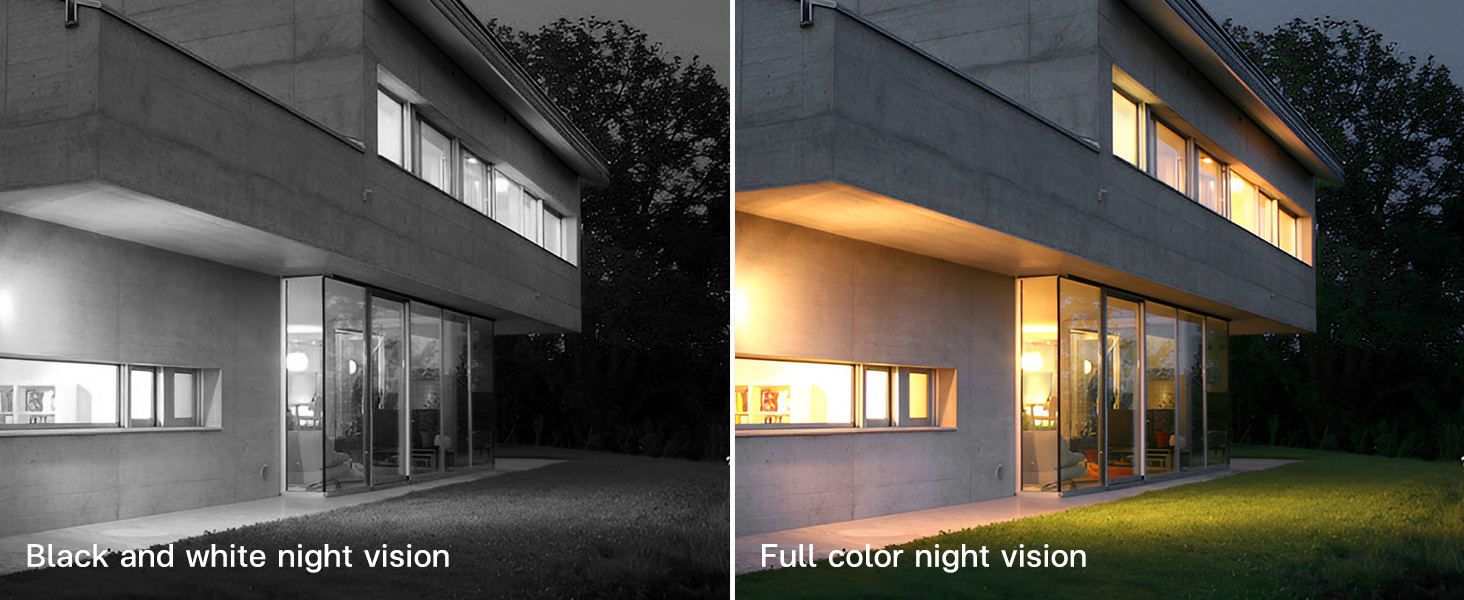
Image: A comparison showing a house at night, with one side displaying black and white night vision and the other side displaying full-color night vision.
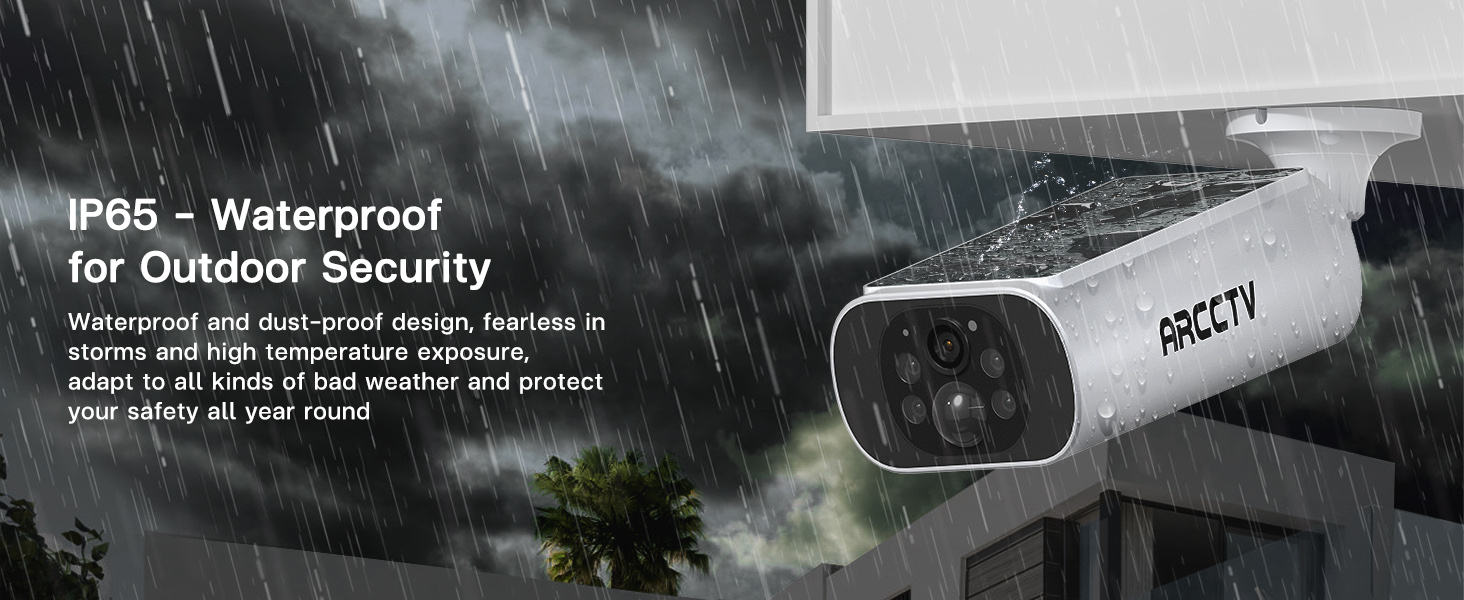
Image: An ARCCTV camera mounted outdoors, with water splashing on it, illustrating its IP65 waterproof design for outdoor security.

Image: A graphic highlighting the benefits of WiFi 6 for the camera system, including low latency, fast network transmission, and high stability.
3. セットアップ
3.1 始める前に
- セクション 2.1 に記載されているすべてのコンポーネントが存在することを確認します。
- Charge cameras fully before initial installation for optimal performance, especially if solar exposure is limited initially.
- Ensure your Wi-Fi network is stable and within range of the base station.
3.2 アプリのインストール
- Download the ARCCTV mobile application from your device's app store (iOS or Android).
- 新しいアカウントを登録するか、すでにアカウントをお持ちの場合はログインしてください。
3.3 Base Station and Camera Installation
- ベースステーションを配置します。 Place the base station indoors, centrally located to cover all camera areas, and connect it to power and your router via the provided Ethernet cable.
- Select Camera Locations: Choose outdoor locations for each camera that provide a clear view of the desired monitoring area and receive ample direct sunlight for solar charging. Avoid obstructions that might block sunlight or the camera's field of view.
- カメラを取り付ける: Use the included mounting kits to securely attach each camera to a wall or suitable surface. Drill pilot holes, insert wall anchors if necessary, and fasten the camera bracket with screws. Adjust the camera angle for optimal coverage.

Image: A person installing an ARCCTV solar security camera on an exterior wall, demonstrating the simple DIY installation process.
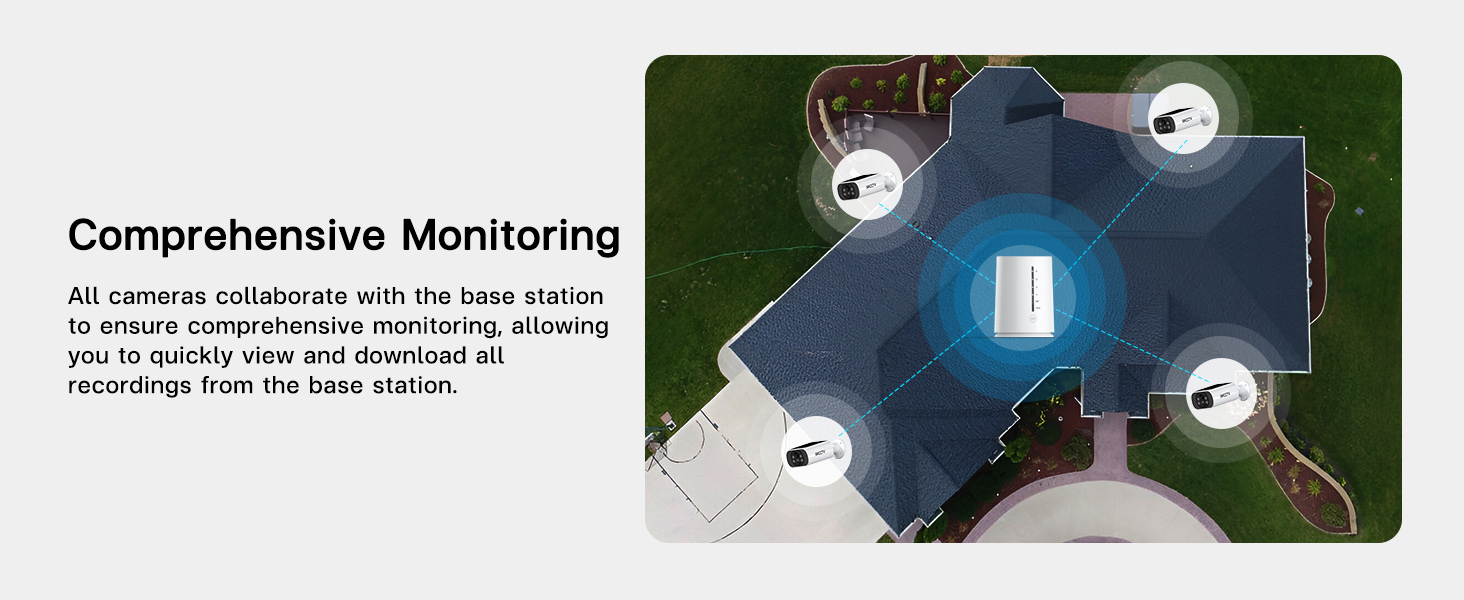
画像: 航空写真 view of a house showing four security cameras strategically positioned around the perimeter, illustrating comprehensive monitoring coverage.
3.4 システムのペアリング
- Open the ARCCTV app and follow the on-screen instructions to add your base station.
- Once the base station is added, the app will guide you through pairing each camera to the base station. Ensure cameras are powered on and within range during this process.
- Verify that all cameras are successfully connected and displaying live feeds in the app.

Image: A diagram illustrating the base station's function as a Wi-Fi repeater, extending and strengthening the signal to the cameras for reliable connectivity.
4. 操作手順
4.1 ライブ View と再生
- ARCCTVアプリを開いて view 接続されているすべてのカメラからのライブフィード。
- 特定のカメラを選択して view its full-screen live feed.
- 記録された foo にアクセスするtage by navigating to the playback section within the app. You can filter by date and time to review イベント。

Image: A hand holding a smartphone displaying a grid of four live video feeds from the security cameras, allowing simultaneous monitoring.
4.2 動きの検出とアラート
- The cameras utilize PIR (Passive Infrared) detection to identify human movement.
- Upon detection, the system will send instant notifications to your mobile device.
- カスタマイズ可能なアラーム領域: Within the app settings, you can define specific areas for motion detection to reduce false alerts.
- Custom Alarm Time: Set specific timeframes for motion detection to be active, conserving battery life and reducing unnecessary notifications.
- Base Station Sync Alarm: The base station can emit an audible alarm when motion is detected by a camera. This feature can be enabled or disabled in the app.

Image: A security camera illuminating a figure in the dark, with a smartphone displaying an 'Abnormal movement detected' notification from the ARCCTV app.

Image: A security camera highlighting a person in its field of view, demonstrating intelligent PIR detection and immediate alarm notification to a phone.
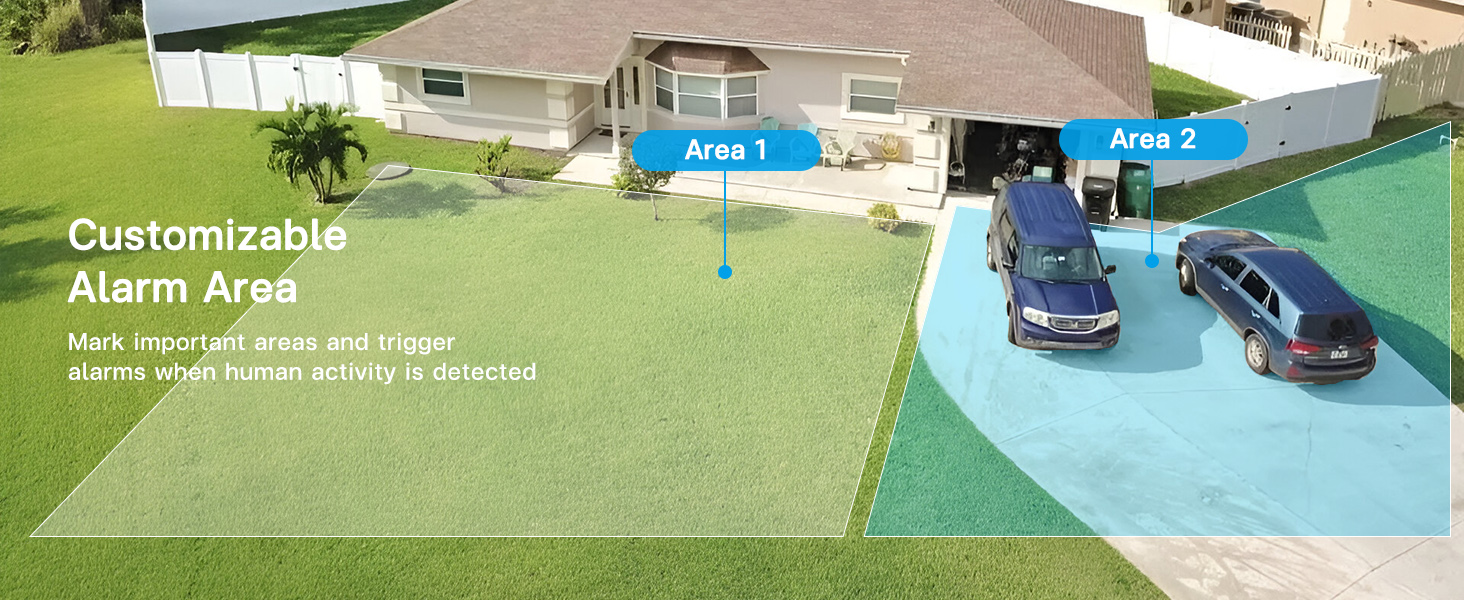
画像: 航空写真 view of a house and yard with two distinct areas highlighted, indicating customizable alarm zones for motion detection.

Image: A base station on a table emitting sound waves, signifying its synchronized alarm function when a camera detects motion.

Image: A graphic showing a security camera and an app interface with a toggle for custom alarm times (e.g., 08:00 am - 18:00 pm), allowing users to set specific periods for motion alerts.
4.3 双方向オーディオ
- Use the microphone and speaker functions within the app to communicate with individuals near the camera.
- This feature is useful for interacting with visitors or deterring unwanted activity.
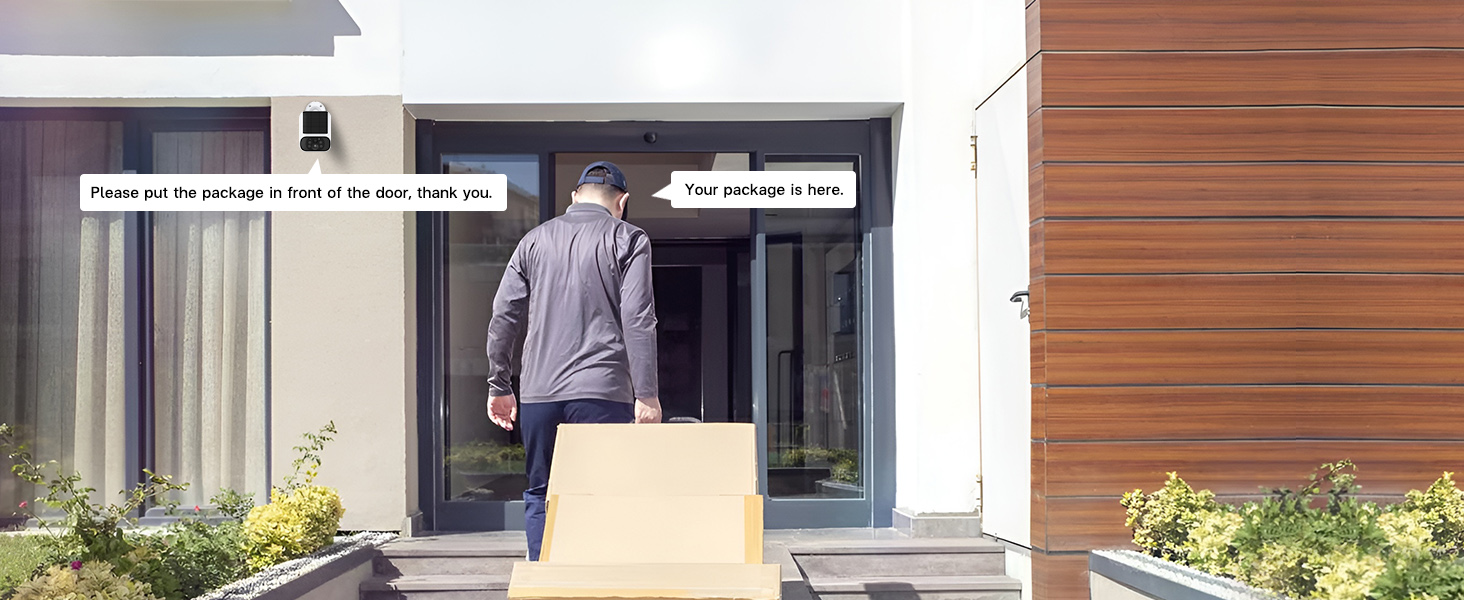
Image: A delivery person at a front door with packages, and speech bubbles indicating two-way audio communication from the security camera, such as "Please put the package in front of the door, thank you."
4.4 ストレージ管理
- The base station includes a pre-installed 64GB memory card for local video storage.
- This system does not require monthly cloud storage fees.
- あなたはできる view and download recordings directly from the base station via the app.
- The system supports up to 512GB flash memory for expanded storage.
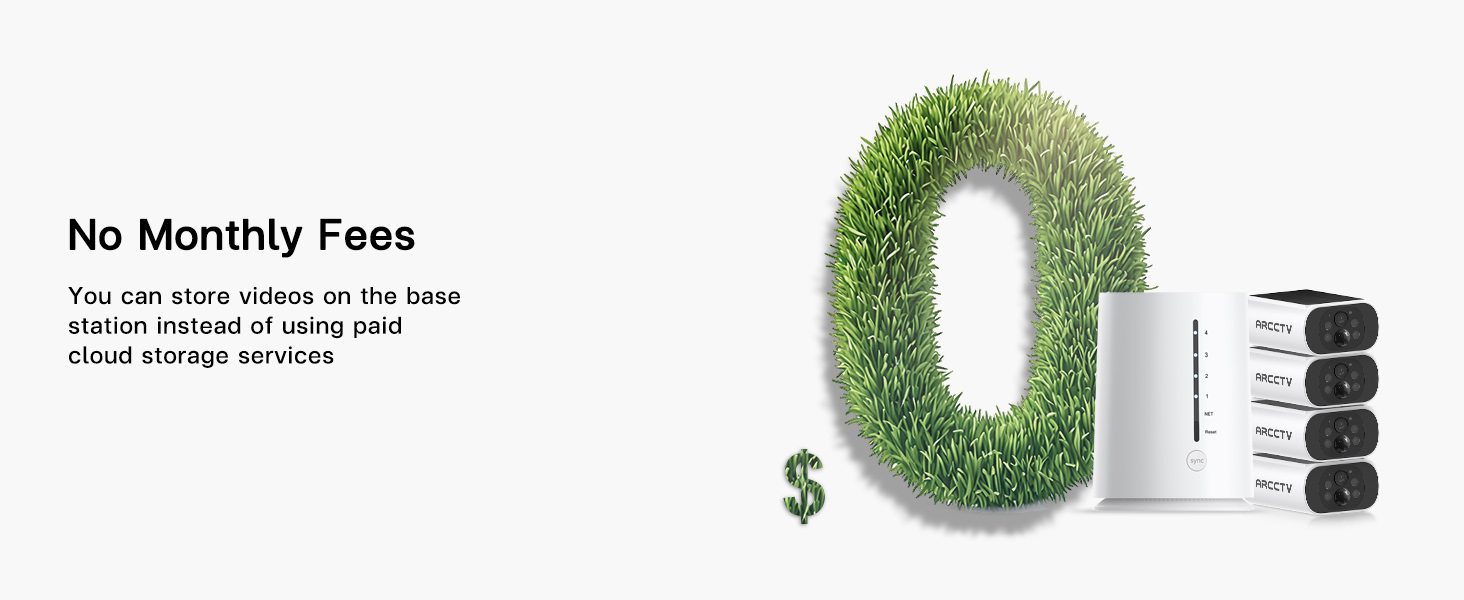
Image: A large '0' made of grass, symbolizing no monthly fees, next to the base station and cameras.
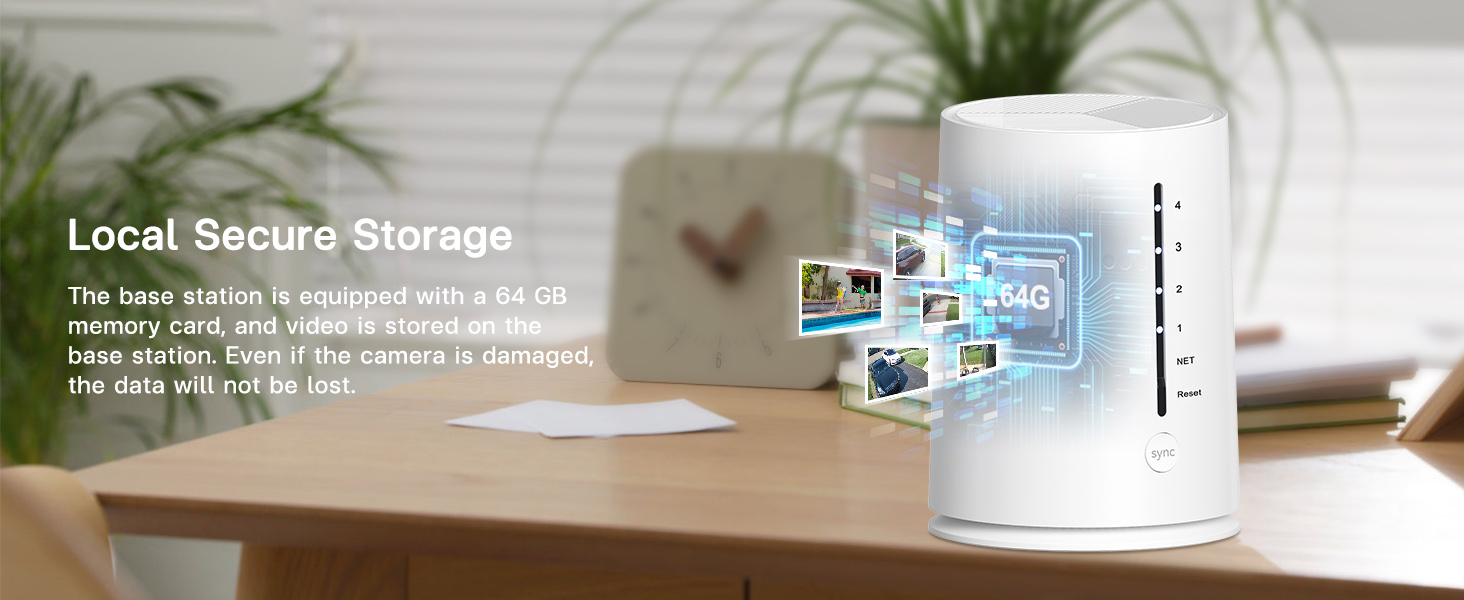
Image: The base station on a desk, with a graphic overlay indicating a 64GB memory card for local secure storage, emphasizing that data is not lost even if a camera is damaged.
4.5 アクセスの共有
- The ARCCTV app supports multi-user sharing, allowing family members or trusted individuals to view 監視画面。
- Access sharing settings within the app to invite and manage users.

Image: A world map with pinpoints showing different people viewing security camera feeds on their smartphones, illustrating the multi-user sharing feature.
4.6 スマートホーム統合
- The system is compatible with Amazon Alexa.
- You can use voice commands to view カメラは互換性のあるスマート ディスプレイに映像を映します。

Image: An Amazon Echo Show smart display showing a security camera feed, with a speech bubble indicating the voice command "Alexa, show me the backyard."
5. メンテナンス
5.1 ソーラーパネルのケア
- Regularly inspect the solar panels on each camera for dirt, dust, or debris.
- Gently clean the solar panel surface with a soft, damp cloth to ensure optimal sunlight absorption and charging efficiency.
- Ensure no obstructions (e.g., tree branches, leaves) are blocking direct sunlight to the panels.

Image: A graphic showing an integrated solar panel on a camera, with arrows indicating sunlight being converted into energy for continuous power.
5.2 メモリカード管理
- The 64GB memory card in the base station will automatically overwrite the oldest footagいっぱいになったらe。
- If you need to save specific recordings, download them to your mobile device via the app.
- To manually clear space or replace the memory card, refer to the base station's physical access instructions (typically located on the bottom or side panel).
6。 トラブルシューティング
| 問題 | 考えられる原因 | 解決 |
|---|---|---|
| Camera not powering on/charging | Insufficient sunlight; dirty solar panel; low battery. | Relocate camera to an area with more direct sunlight. Clean solar panel. Fully charge camera via USB if prolonged low light. |
| No live feed/camera offline | Weak Wi-Fi signal; camera too far from base station; camera battery depleted. | Ensure base station is centrally located. Check camera battery level. Restart camera and base station. |
| モーションアラートを受信できませんでした | Motion detection disabled; app notifications off; incorrect detection zone settings. | Enable motion detection in app. Check phone notification settings. Adjust detection zones and sensitivity. |
| 画質が悪い | Dirty lens; poor lighting; network bandwidth issues. | Clean camera lens. Ensure adequate lighting for color night vision. Check network speed. |
| 基地局がオフライン | Power disconnected; Ethernet cable loose; router issue. | Check power connection. Ensure Ethernet cable is secure. Restart router and base station. |
7. 仕様
| 特徴 | 詳細 |
|---|---|
| モデル名 | C3 |
| ビデオキャプチャ解像度 | 1440p(4MP) |
| 屋内/屋外での使用 | 屋内、屋外 |
| 電源 | バッテリー駆動と太陽光発電 |
| 接続プロトコル | Wi-Fi |
| 無線通信技術 | Wi-Fi |
| コントローラータイプ | Amazon Alexa, Android (App) |
| 取り付けタイプ | 壁掛け(ねじ込み式) |
| View角度 | 360 Degrees (System Coverage) |
| 暗視範囲 | 33フィート |
| 耐水性レベル | 防水(IP65) |
| フラッシュメモリ搭載サイズ | 64ギガバイト |
| フラッシュメモリサポート最大サイズ | 512ギガバイト |
| 低照度テクノロジー | カラーナイトビジョン |
| オーディオビジュアル録画機能 | Video & Audio (2-Way Audio) |
| 製品寸法 | 16.2 x 7.8 x 4.3インチ |
| アイテム重量 | 4.99ポンド |
| バッテリー | 1 A 電池が必要です (付属) |
8. 保証とサポート
For warranty information and technical support, please refer to the official ARCCTV website or contact their customer service directly. The manufacturer is Shenzhen Anran Security Technology Co.,Ltd.
保証請求のために購入証明書を保管してください。