
ARCCTV P2
ARCCTV 2K Security Camera Outdoor P2 User Manual
モデル: P2
1. はじめに
This manual provides detailed instructions for the installation, operation, and maintenance of your ARCCTV 2K Security Camera Outdoor P2. Please read this manual thoroughly before using the product to ensure correct usage and optimal performance. Keep this manual for future reference.

画像1.1:正面 view of the ARCCTV 2K Security Camera Outdoor P2.
2. 箱の中身
パッケージにすべてのコンポーネントが含まれていることを確認します。
- カメラ本体
- 5V1A電源アダプター
- 取り付けネジ(セット)
- Screw Positioning Sticker
- 警告ステッカー
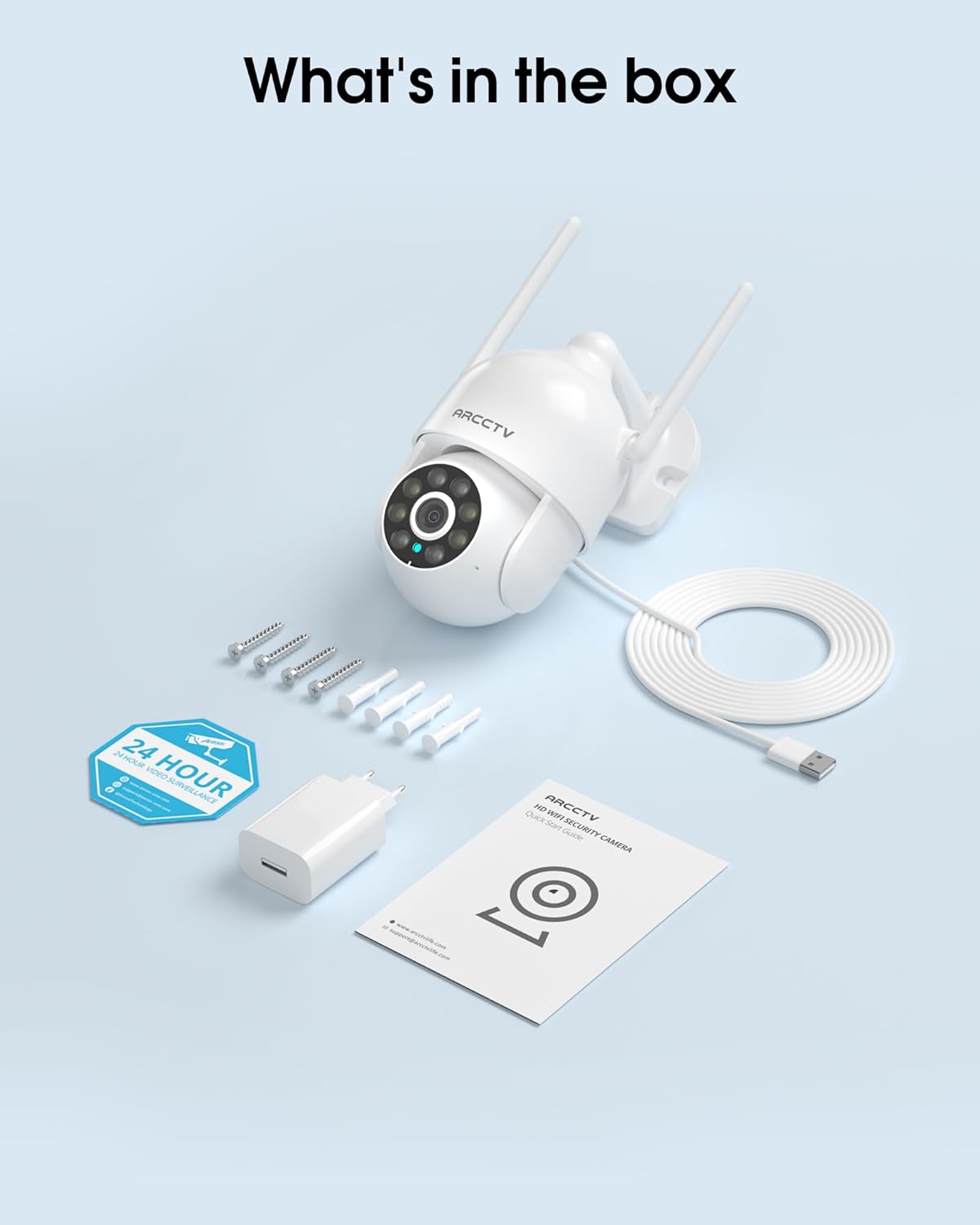
Image 2.1: All items included in the ARCCTV 2K Security Camera package.
3 製品の特徴
- 2K ウルトラ HD 解像度: Provides clear 2304x1296p video.
- フルカラーナイトビジョン: Built-in spotlight enables vivid color monitoring in low light.
- 360° パン・チルト・ズーム (PTZ): Remotely control 355° horizontal and 90° vertical rotation.
- 自動モーショントラッキング: Smart AI automatically follows and records detected movement.
- デュアルバンド WiFi: Supports both 2.4G and 5G WiFi for stable connectivity.
- 双方向オーディオ: 通信用のマイクとスピーカーが内蔵されています。
- IP66耐候性: Durable design for outdoor use in various weather conditions (-4°F ~ 122°F).
- 柔軟なストレージ: ローカル microSD カード ストレージ (最大 128 GB、別売) とオプションのクラウド ストレージをサポートします。
- 24時間7日録画: Continuous recording capability with stable power supply.
4. セットアップ
4.1 インストール
- 場所を選択: 屋外で、視界がはっきりしている場所を選んでください。 view of the area you wish to monitor. Ensure it is within range of your Wi-Fi network and a power outlet.
- カメラを取り付ける: Use the provided screw positioning sticker to mark drill holes. Drill holes, insert wall anchors, and secure the camera body to the wall using the mounting screws.
- 接続電源: Plug the 5V1A power adapter into the camera and then into a power outlet. The camera will power on and begin its startup sequence.
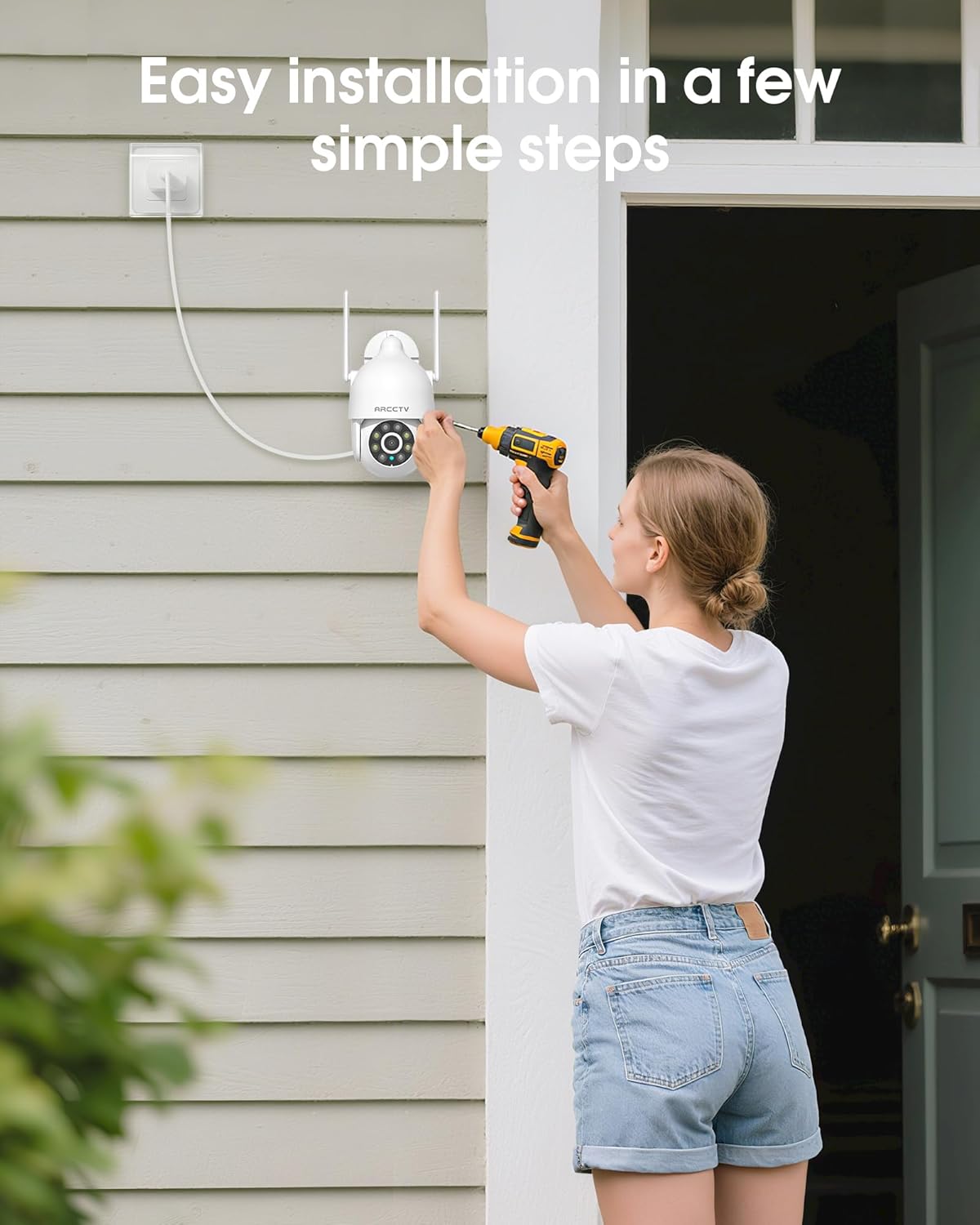
Image 4.1: Illustration of easy camera installation steps.
4.2 アプリのダウンロードとアカウント作成
- Download the official ARCCTV app from your smartphone's app store (iOS or Android).
- アプリを開き、画面の指示に従って新しいアカウントを作成するか、既にアカウントをお持ちの場合はログインします。
4.3 Wi-Fi接続
- アプリで、「デバイスを追加」または「+」アイコンをタップします。
- Select your camera model and follow the prompts to connect it to your Wi-Fi network. The camera supports both 2.4GHz and 5GHz bands for stable connectivity.
- Ensure your smartphone is connected to the same Wi-Fi network during the setup process.
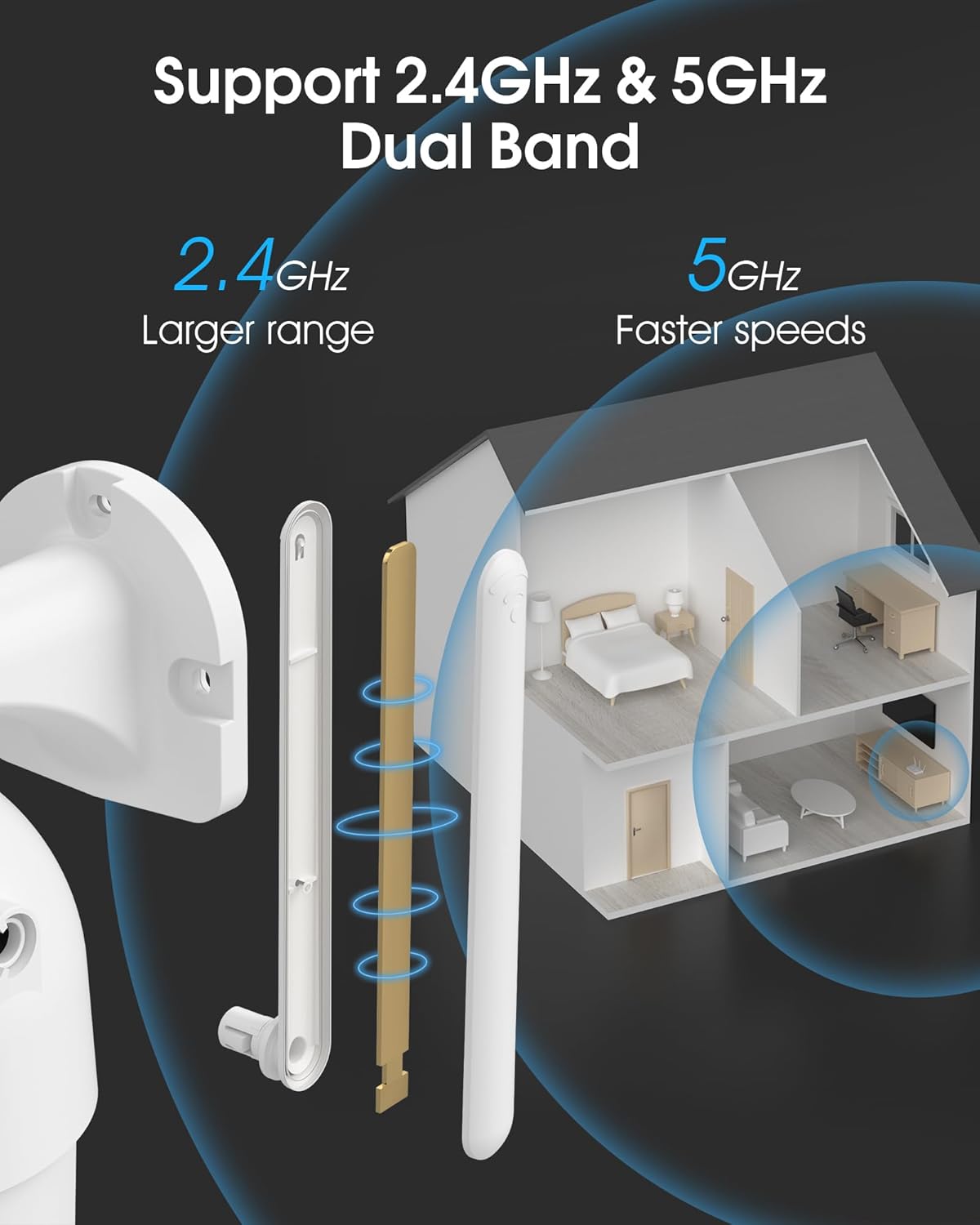
Image 4.2: The camera supports both 2.4GHz (larger range) and 5GHz (faster speeds) Wi-Fi bands.
4.4 MicroSDカードの取り付け(オプション)
For local storage, install a microSD card (up to 128GB, not included) into the designated slot on the camera. Ensure the camera is powered off before inserting or removing the card.
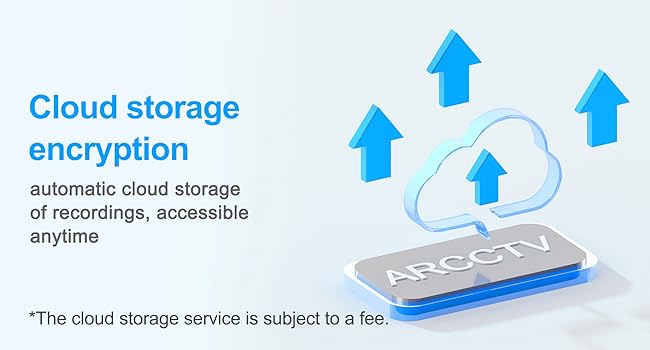
Image 4.3: Location of the microSD card slot on the camera.
5. カメラの操作
5.1 ライブ View
Open the ARCCTV app and select your camera to view ライブフィード。物件をリアルタイムで監視できます。
5.2 パン・チルト・ズーム(PTZ)制御
ライブで view screen, use the directional controls to rotate the camera horizontally (Pan: 355°) and vertically (Tilt: 90°) to adjust the view角度を調整できます。また、プリセットポイントを設定して素早くナビゲートすることもできます。
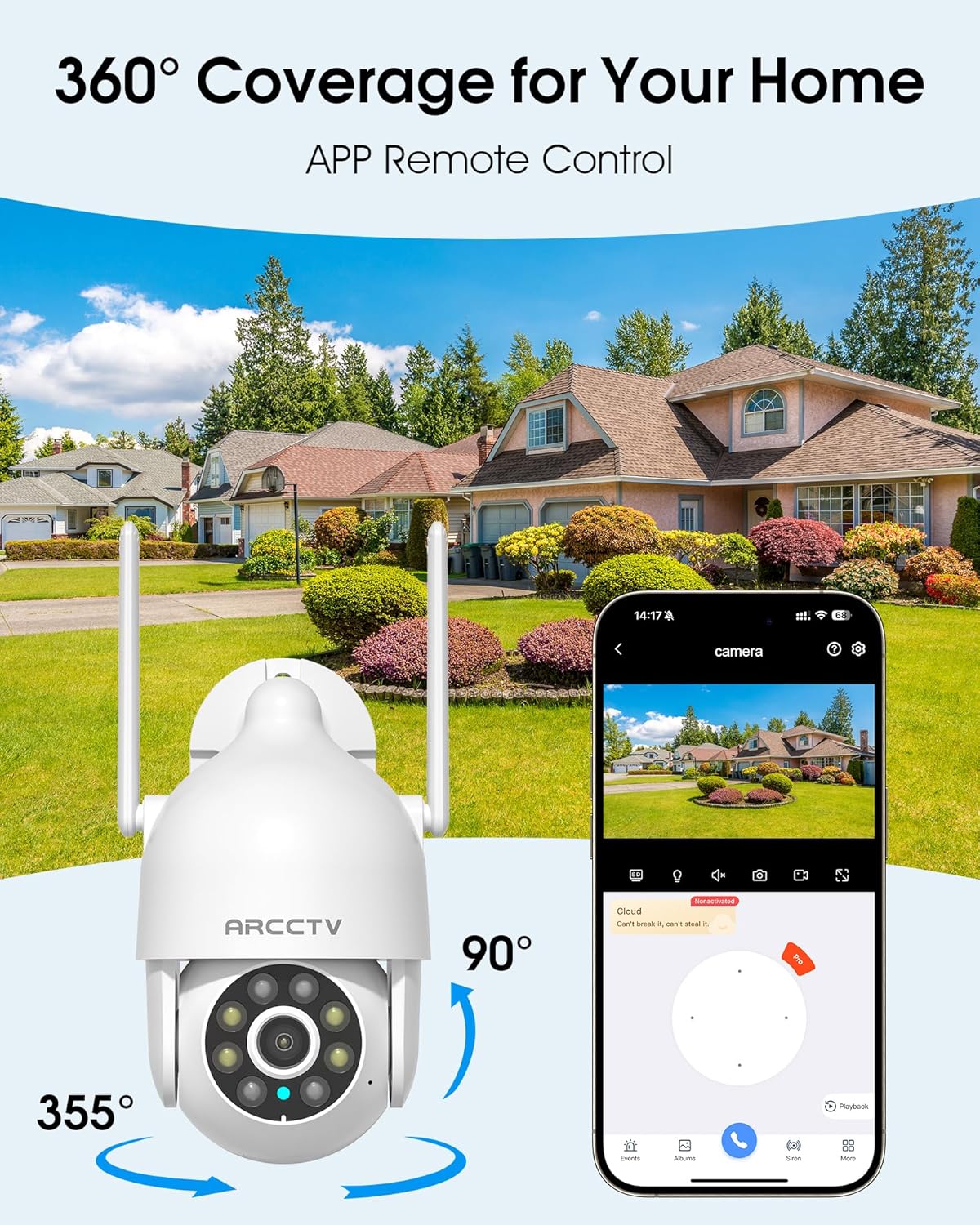
Image 5.1: The camera offers 360° coverage through remote pan and tilt controls.
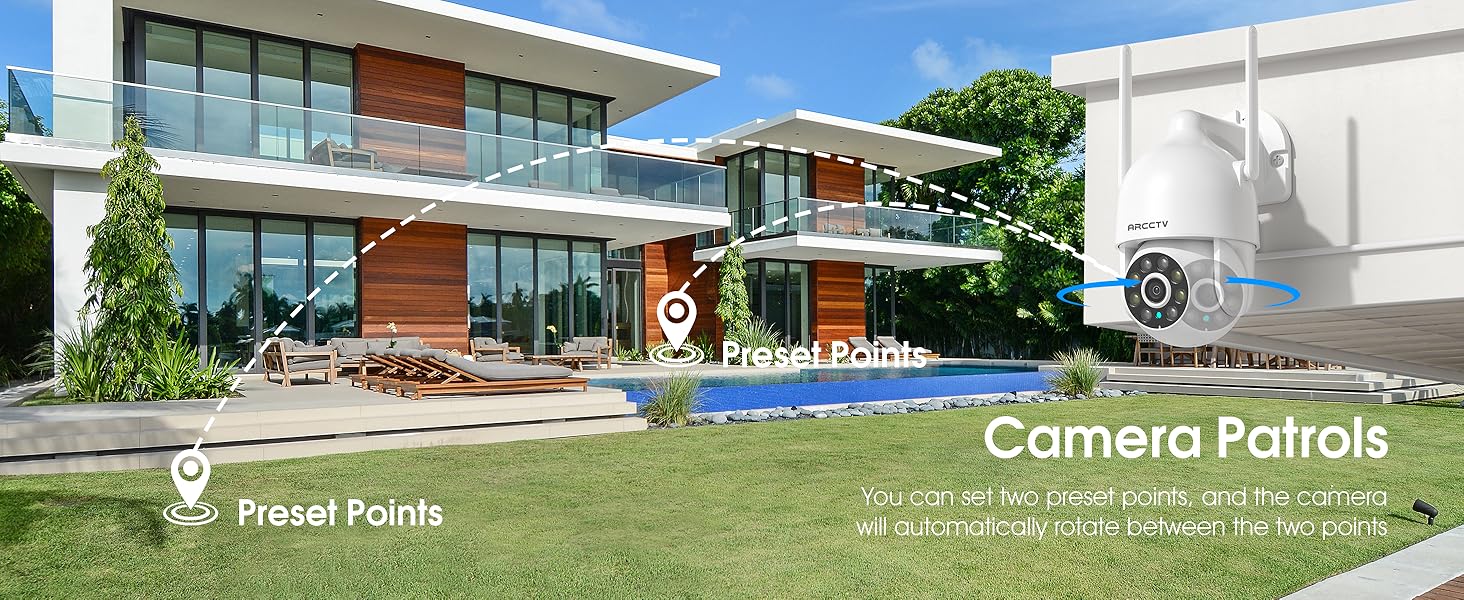
Image 5.2: Setting up camera patrol routes between preset points.
5.3 モーショントラッキングとアラート
The camera features smart AI motion tracking that automatically follows detected movement. You can customize alert zones and receive instant notifications on your smartphone when motion is detected.

Image 5.3: The camera's smart motion tracking feature in action.

Image 5.4: Instant alerts with customizable settings, including spotlight, siren, and two-way audio.
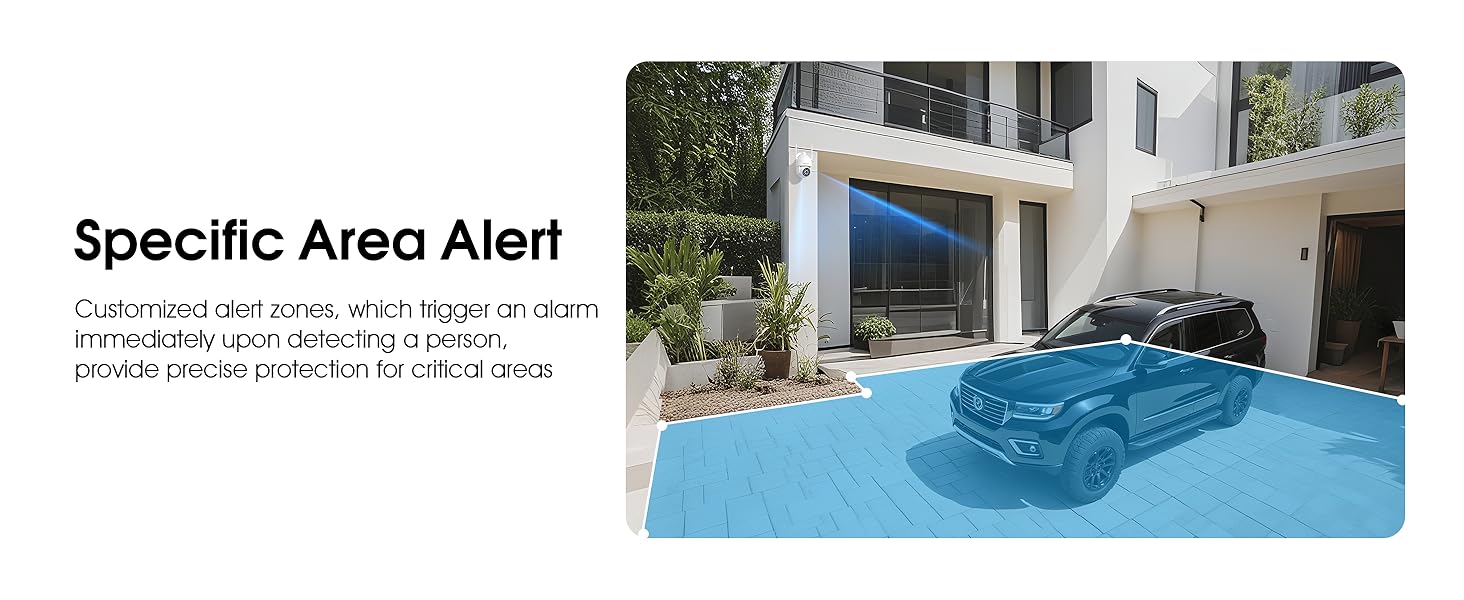
Image 5.5: Setting up specific area alerts for precise protection.
5.4 ナイトビジョンモード
The camera offers both full-color night vision (activated by the built-in spotlight) and infrared night vision for clear monitoring in various low-light conditions.

Image 5.6: Comparison of Color Night Vision and Infrared Night Vision.
5.5 双方向オーディオ
Use the two-way audio feature to communicate with visitors or deter unwanted guests directly through the camera's built-in microphone and speaker.
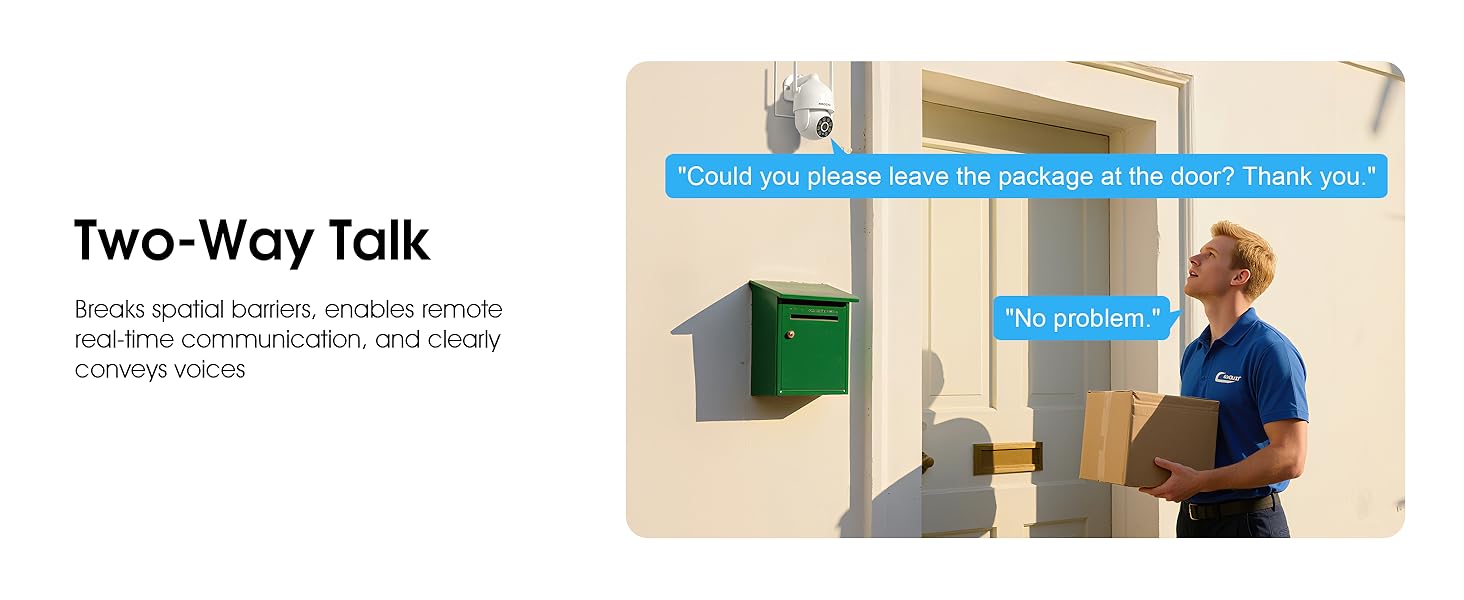
Image 5.7: Utilizing two-way talk for remote communication.
5.6 録音と再生
カメラは24時間7日の連続録画をサポートします。tage can be saved to a local microSD card (up to 128GB) or to optional cloud storage. Access recorded videos through the app's playback function.

Image 5.8: The camera provides 24/7 recording capabilities.
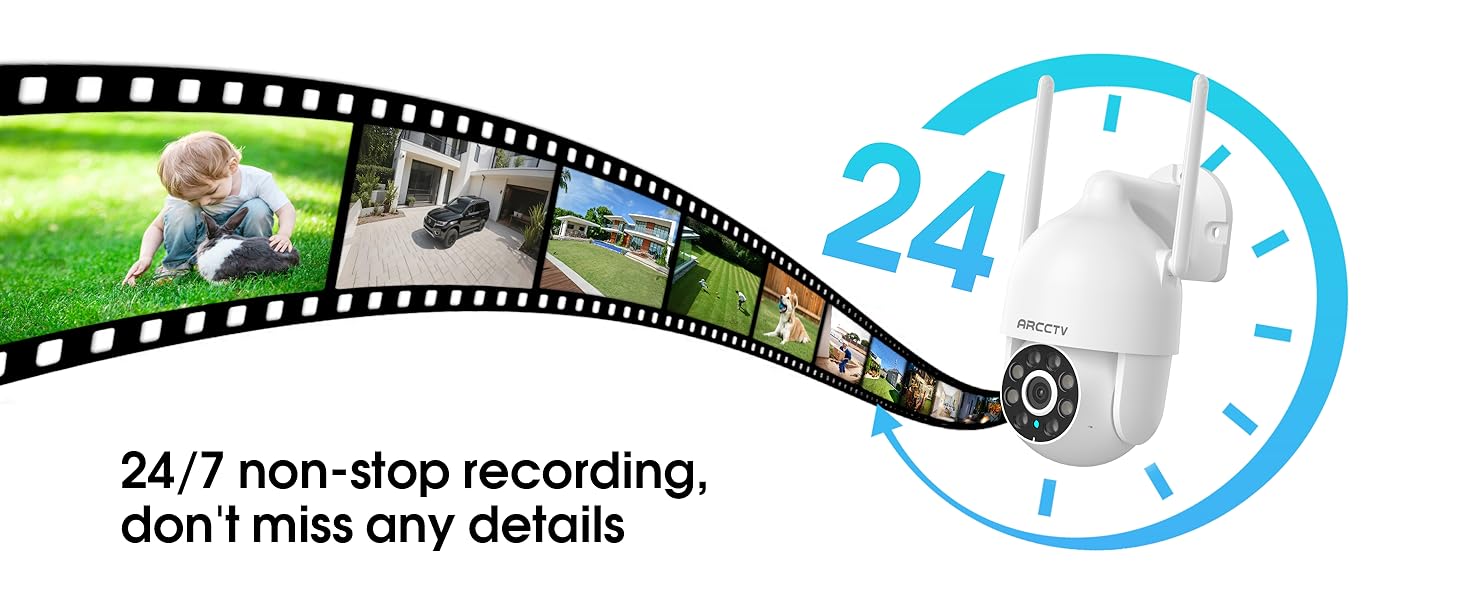
Image 5.9: Continuous 24/7 recording ensures no details are missed.
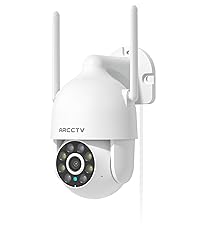
Image 5.10: Cloud storage encryption for secure and accessible recordings (subscription may apply).
5.7 ファミリー共有
The app supports multi-member sharing, allowing family members to view the camera feed and collaborate on security monitoring.
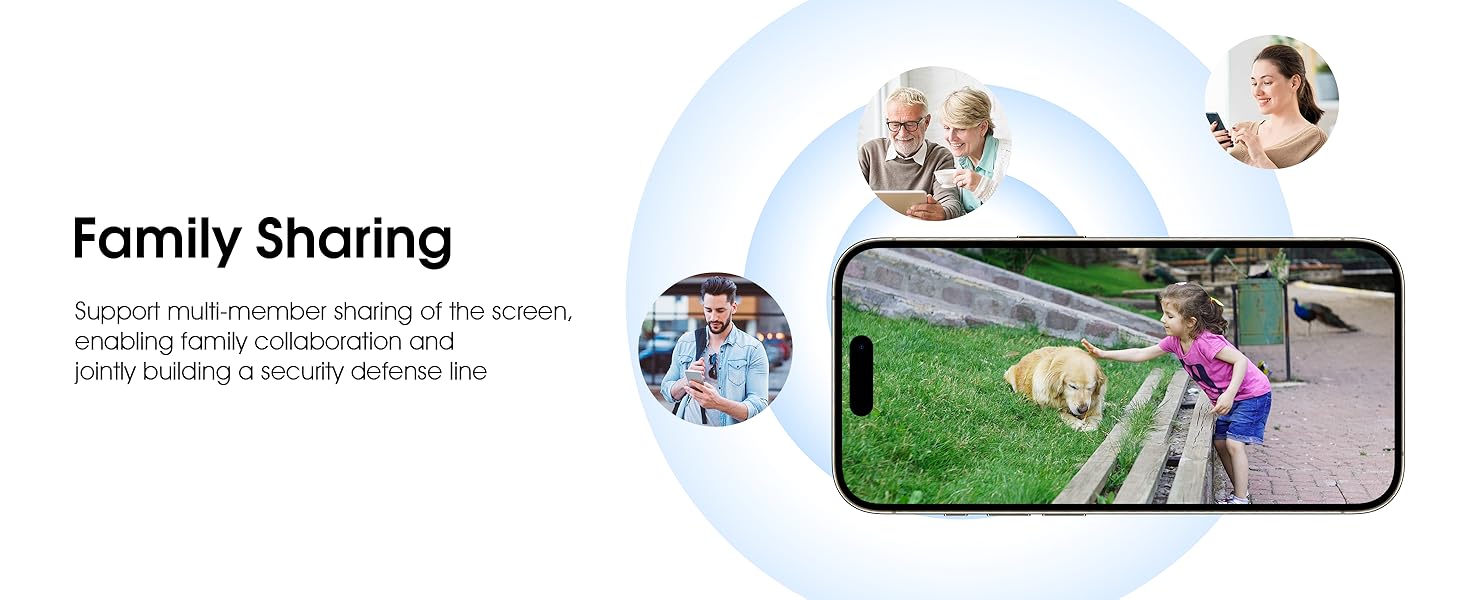
Image 5.11: The family sharing feature allows multiple users to access the camera feed.
5.8 Alexa互換性
The camera is compatible with Alexa, allowing you to check the monitoring screen using voice commands.
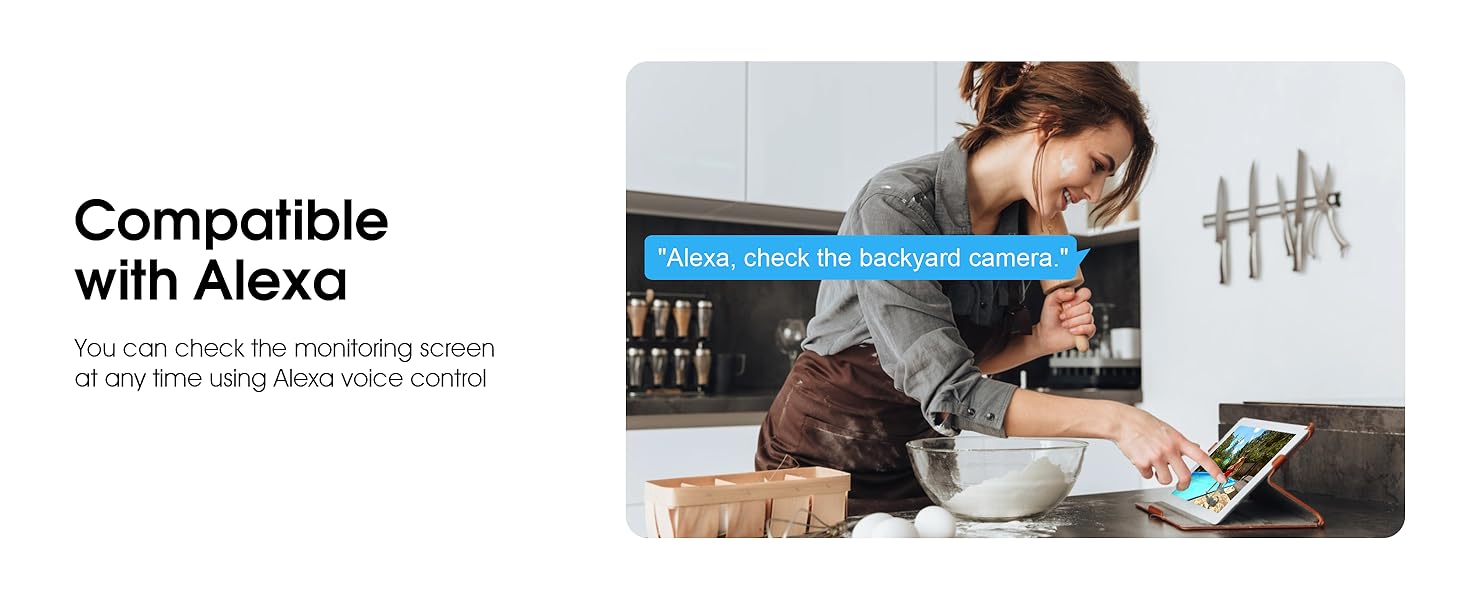
Image 5.12: Voice control via Alexa for convenient monitoring.
6. メンテナンス
6.1 カメラのクリーニング
カメラのレンズとハウジングを定期的に柔らかくてきれいな布で拭いてください。amp 布で埃やゴミを拭き取ってください。刺激の強い化学薬品や研磨剤入りの洗剤は使用しないでください。
6.2ファームウェアアップデート
Ensure your camera's firmware is up to date for optimal performance and security. Check for updates within the ARCCTV app and follow the instructions to install them.
6.3 ストレージ管理
If using a microSD card, regularly check its status in the app. Format the card periodically to maintain performance. For cloud storage, manage your subscription and storage space through the app.
7。 トラブルシューティング
- カメラが Wi-Fi に接続していない:
- Ensure your Wi-Fi network is 2.4GHz or 5GHz and has a strong signal at the camera's location.
- Wi-Fi パスワードが正しく入力されていることを確認します。
- ルーターとカメラを再起動します。
- 画質が悪い:
- カメラのレンズを掃除してください。
- 夜間視力のパフォーマンスを最適化するために、十分な照明を確保してください。
- インターネット接続速度を確認してください。
- 動き検出が機能しない:
- アプリ設定でモーション検出が有効になっていることを確認します。
- 感度設定を調整します。
- カメラの視野内に障害物がないことを確認してください view.
- MicroSDカードに録画できません:
- Ensure a microSD card is properly inserted and formatted in the app.
- Check if the card is full; consider formatting or replacing it.
- アプリで録画設定を確認します。
8. 仕様
| 特徴 | 仕様 |
|---|---|
| モデル名 | P2 |
| 屋内/屋外での使用 | 屋外 |
| ビデオキャプチャ解像度 | 2K (2304x1296p) |
| 接続技術 | ワイヤレス(Wi-Fi) |
| 無線通信技術 | Wi-Fi(2.4G/5Gデュアルバンド) |
| View角度 | 360度(パン355°、チルト90°) |
| 暗視範囲 | 50フィート |
| 耐水性レベル | IP66防水 |
| 電源 | 5V1A電源アダプター |
| フラッシュメモリサポート最大サイズ | 128 GB(マイクロSD) |
| オーディオビジュアル録画機能 | ビデオとオーディオ |
| 特集 | 2-Way Audio, Motion Tracking, Full Color Night Vision |
| 商品の寸法(長さ x 幅 x 高さ) | 7.8 x 6.6 x 5.3インチ |
| アイテム重量 | 1.39ポンド |
9. 保証とサポート
For warranty information and technical support, please refer to the official ARCCTV website or contact their customer service directly. Contact details are typically provided on the product packaging or within the mobile application.
Ask a question about this manual
Ask about setup, troubleshooting, compatibility, parts, safety, or missing instructions. Manuals+ will review the question and use this page’s manual context to help answer it.