
1.製品オーバーview
The BUGANI Luster Bluetooth Speaker is a portable wireless stereo speaker designed for high-quality audio output with dynamic colorful lighting. It features Bluetooth 5.3 connectivity, IPX6 waterproofing, and extended playtime, making it suitable for various indoor and outdoor environments.

Image: The BUGANI Luster Bluetooth Speaker, showcasing its design and the vibrant light effects, surrounded by water splashes to highlight its waterproof capabilities.
2. 箱の中身
- BUGANI Luster Bluetooth Speaker
- USB-C充電ケーブル
- AUX入力ケーブル
- クイックスタートガイド
- 取り外し可能なストラップ
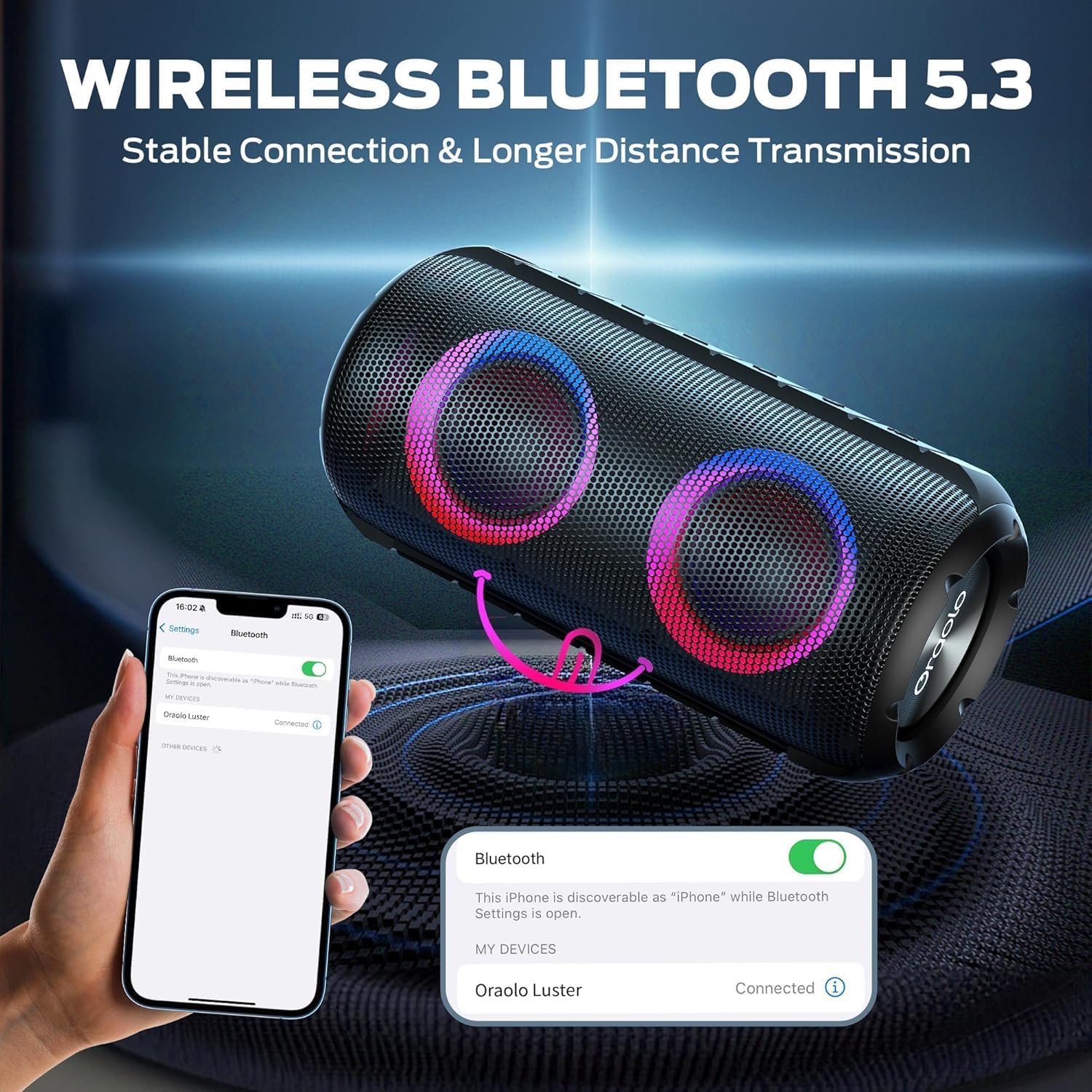
Image: The BUGANI Luster Bluetooth Speaker with its detachable lanyard, illustrating its portability and ease of carrying.
3. セットアップ
3.1 初期充電
Before first use, fully charge the speaker. Connect the provided USB-C cable to the speaker's charging port and the other end to a USB power adapter (not included) or a computer's USB port. The charging indicator light will show the charging status.
3.2 電源オン/オフ
- 電源オン: 電源ボタン (⏻) for 2-3 seconds until you hear an audible prompt and the lights illuminate.
- 電源を切る: 電源ボタン (⏻) for 2-3 seconds until you hear an audible prompt and the lights turn off.
3.3Bluetoothペアリング
- スピーカーの電源がオンになっていて、Bluetooth ペアリング モードになっていることを確認します (青色のライトが点滅します)。
- デバイス(スマートフォン、タブレットなど)で Bluetooth を有効にし、利用可能なデバイスを検索します。
- Select "BUGANI Luster" from the list of devices.
- 接続されると確認音が鳴り、Bluetooth インジケーター ライトが青色に点灯します。
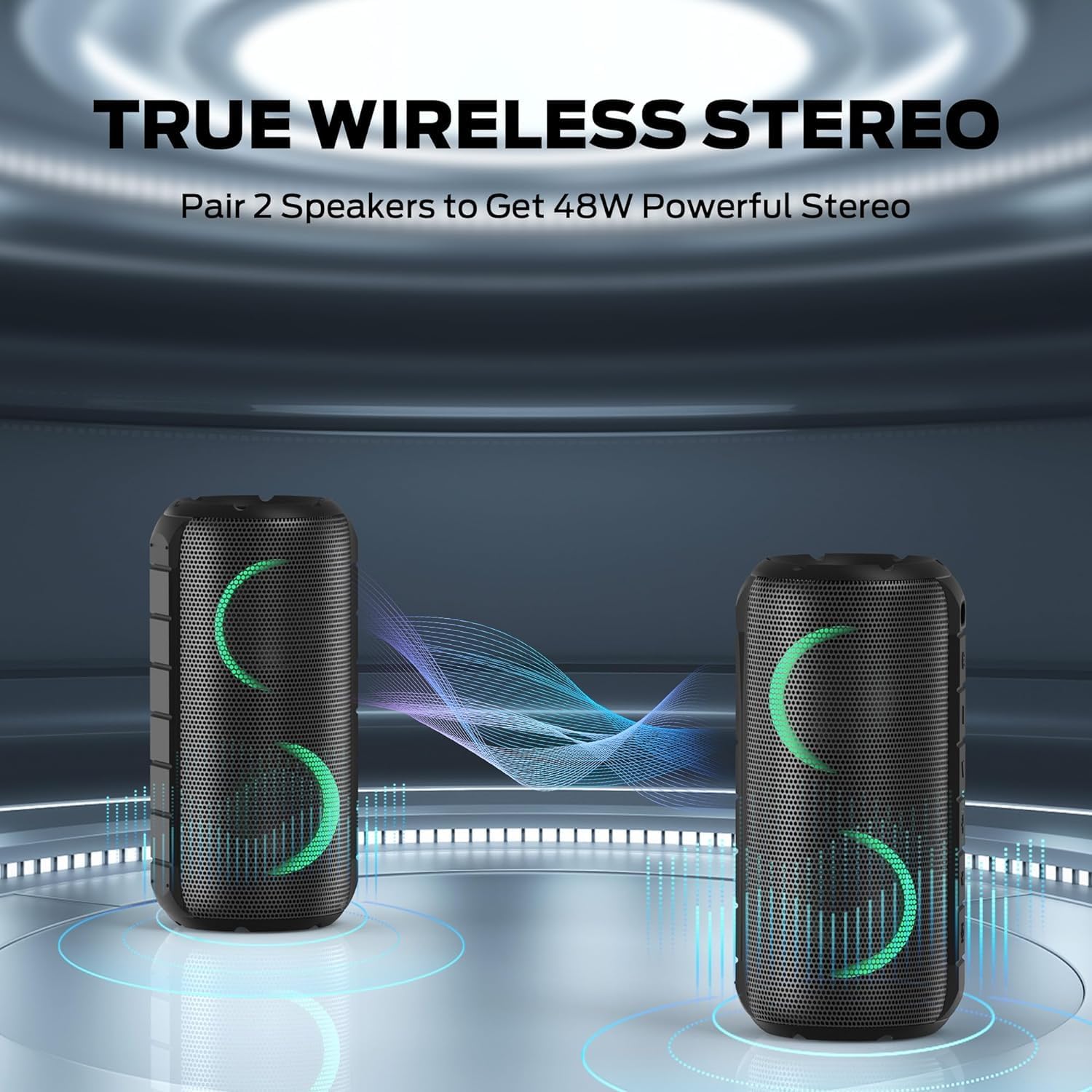
Image: A smartphone displaying its Bluetooth settings, showing a successful connection to the "Oraolo Luster" (BUGANI Luster) speaker, demonstrating the ease of Bluetooth 5.3 pairing.
3.4 トゥルーワイヤレスステレオ(TWS)ペアリング
To achieve a more immersive stereo sound, you can pair two BUGANI Luster speakers together.
- 両方のスピーカーの電源がオンになっており、Bluetooth デバイスに接続されていないことを確認します。
- On one speaker (this will be the primary speaker), press the TWS button (often indicated by two interlocking circles or a dedicated TWS icon). The speaker will enter TWS pairing mode.
- The primary speaker will automatically search for the secondary speaker. Once connected, you will hear a confirmation sound, and the lights on both speakers will synchronize.
- 次に、セクション3.3の説明に従って、デバイスをBluetooth経由でメインスピーカーに接続します。両方のスピーカーからステレオで音声が再生されます。

Image: Two BUGANI Luster speakers positioned to illustrate their True Wireless Stereo (TWS) pairing capability, creating a wider soundstage.
3.5 AUX入力接続
For non-Bluetooth devices, use the provided 3.5mm AUX-in cable.
- 3.5mm AUX 入力ケーブルの一方の端をスピーカーの AUX 入力ポートに接続します。
- もう一方の端をデバイスのオーディオ出力ジャックに接続します。
- スピーカーは自動的にAUX入力モードに切り替わります。
4. 操作手順
4.1 ボタンの機能

画像: クローズアップ view of the BUGANI Luster speaker's top panel, clearly showing the control buttons for various functions.
| ボタン | 機能(短押し) | 機能(長押し) |
|---|---|---|
| ⏻ (力) | 該当なし | 電源オン/オフ |
| + (音量アップ) | 音量を上げる | 次のトラック |
| - (ボリュームダウン) | 音量を下げる | 前のトラック |
| ▶‖ (再生/一時停止) | 再生/一時停止、通話の応答/終了 | 通話を拒否; 音声アシスタントを起動 |
| 💡 (Light Mode) | Cycle through Light Modes | ライトのオン/オフ |
| トゥイーエス (TWS Pairing) | 該当なし | TWSペアリングモードに入る |
4.2 Colorful Light Show
The speaker features a dynamic RGB light system with 7 colors and 5 light modes. Press the Light Mode button (💡) to cycle through the available modes. Long press the button to turn the lights on or off.

Image: The BUGANI Luster speaker showcasing its vibrant and dynamic colorful light patterns, which enhance the listening experience.
4.3 ハンズフリー通話
Bluetooth 経由で接続すると、スピーカーの内蔵マイクを使用してハンズフリー通話が可能になります。
- 通話の応答/終了: 再生/一時停止ボタン(▶‖).
- 通話を拒否: 再生/一時停止ボタン(▶‖).
4.4 音声アシスタントの起動
再生/一時停止ボタン(▶‖) to activate your phone's voice assistant (e.g., Siri, Google Assistant).
5. メンテナンス
5.1 クリーニング
ソフトでスピーカーを拭きます、damp 布で拭いてください。研磨剤入りの洗剤、アルコール、化学溶剤は使用しないでください。表面や内部部品を損傷する恐れがあります。
5.2 防水性能(IPX6)
The speaker has an IPX6 waterproof rating, meaning it is protected against powerful water jets. It is suitable for use in rainy conditions or near water bodies like pools and beaches. However, it is ない designed for submersion in water. Ensure the charging port cover is securely closed before exposing the speaker to water.
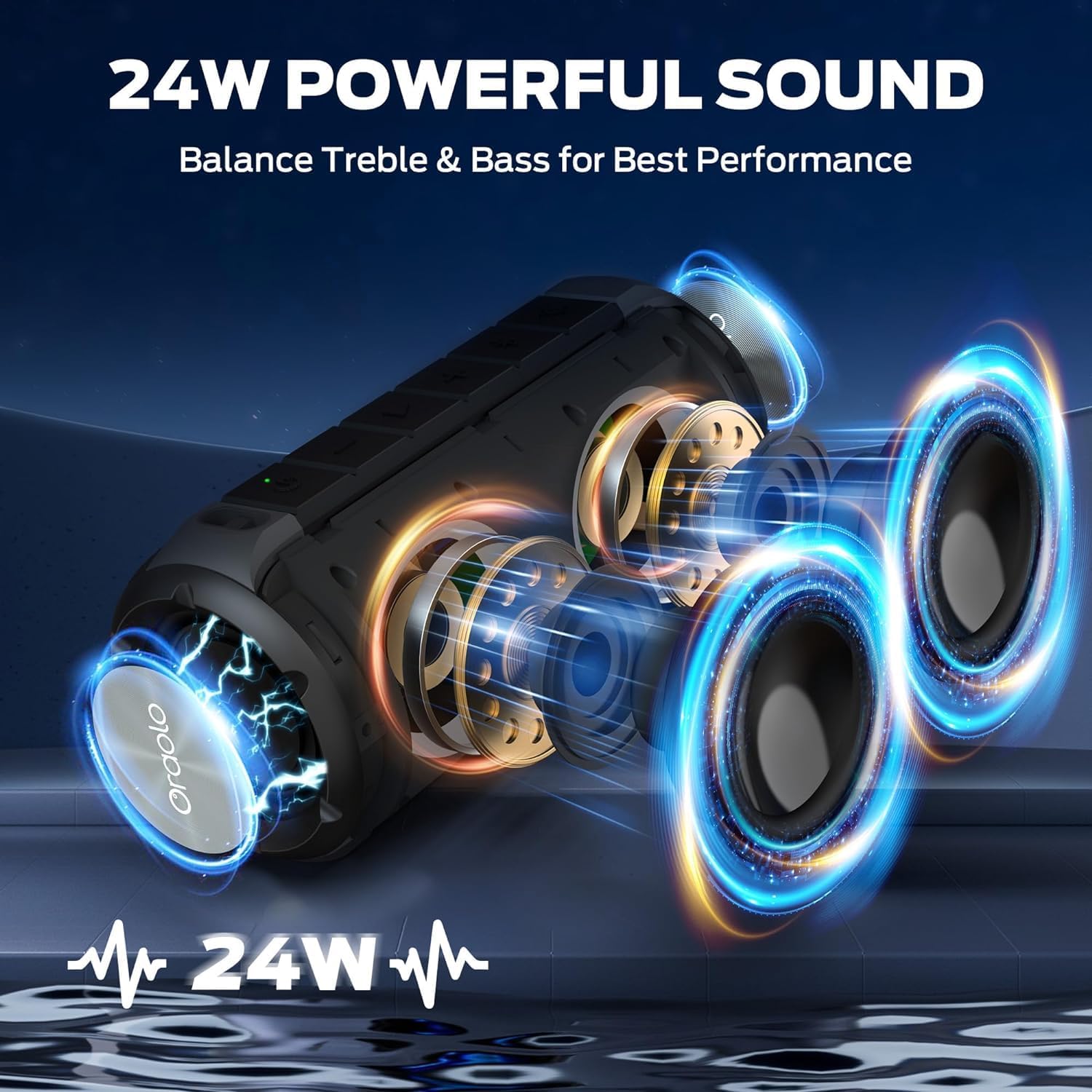
Image: The BUGANI Luster speaker resting on a wet rock with water droplets, visually confirming its IPX6 waterproof rating for outdoor use.
5.3 ストレージ
スピーカーは直射日光や極端な温度を避け、涼しく乾燥した場所に保管してください。長期間保管する場合は、バッテリーの良好な状態を保つため、数ヶ月ごとにバッテリーを約50%まで充電してください。
6。 トラブルシューティング
6.1 電源なし
- スピーカーが完全に充電されていることを確認してください。
- 電源ボタンを2〜3秒間押し続けます。
6.2 音が出ない
- スピーカーと接続されたデバイスの両方の音量レベルを確認してください。
- Ensure the speaker is correctly paired via Bluetooth or the AUX-in cable is securely connected.
- Bluetooth を使用している場合は、デバイスの接続を切断して再度ペアリングしてみてください。
6.3 Bluetoothペアリングの問題
- Ensure the speaker is within the effective range (up to 33 feet/10 meters) of your device.
- デバイスの Bluetooth ペアリング履歴を消去して、もう一度ペアリングを試行してください。
- スピーカーとデバイスの両方のスイッチをオフにしてからオンにします。
- 他の Bluetooth デバイスが干渉していないことを確認します。
6.4 TWSペアリングが失敗する
- 両方のスピーカーが完全に充電されており、他の Bluetooth デバイスに接続されていないことを確認します。
- TWS ペアリング プロセス中は、スピーカーを互いに近づけて配置します。
- Follow the TWS pairing steps precisely as described in section 3.4.
7. 仕様
| 特徴 | 詳細 |
|---|---|
| ブランド | ブガニ |
| モデル名 | M166 |
| スピーカータイプ | ポータブルステレオスピーカー |
| スピーカー最大出力 | 24ワット |
| 接続技術 | Bluetooth 5.3, Auxiliary (3.5mm AUX-in) |
| 防水等級 | IPX6 |
| 遊びの時間 | 最大24時間(音量50%、消灯時) |
| 製品寸法 | 奥行き4インチ x 幅8インチ x 高さ4インチ |
| アイテム重量 | 1.34 ポンド (0.61 キログラム) |
| バッテリー | 単三電池1本が必要(付属) |
8. 保証とサポート
BUGANI products are manufactured to high-quality standards. For specific warranty information and support, please refer to the warranty card included with your product or visit the official BUGANI webサイトでご確認ください。保証請求の際は購入証明として領収書を保管してください。
For technical assistance or customer service inquiries, please contact BUGANI customer support through their official channels.