
導入
Welcome to the user manual for your new Generic X10 MINI Smart Watch. This guide provides essential information on setting up, operating, and maintaining your device to ensure optimal performance. Please read this manual thoroughly before using your smartwatch.
箱の中身
製品パッケージにすべてのアイテムが揃っていることを確認します。
- X10 MINI Smart Watch (with one pink band attached)
- Additional Pink Watch Band
- ワイヤレス充電ケーブル
- ユーザーマニュアル(このドキュメント)

Image: The X10 MINI Smart Watch, an additional pink band, and the wireless charging cable as typically found in the box.
製品終了view
The X10 MINI Smart Watch features a 2.19-inch display, wireless charging, and a sleek design. It is designed to help you stay connected and track your activities throughout the day.
- 画面: Large 2.19-inch touchscreen for clear visibility and easy navigation.
- デザイン: Sleek smartwatch with a modern square face and comfortable pink band.
- 充電: 便利なワイヤレス充電機能。
- 接続性: Advanced wireless technology for seamless synchronization with compatible devices.
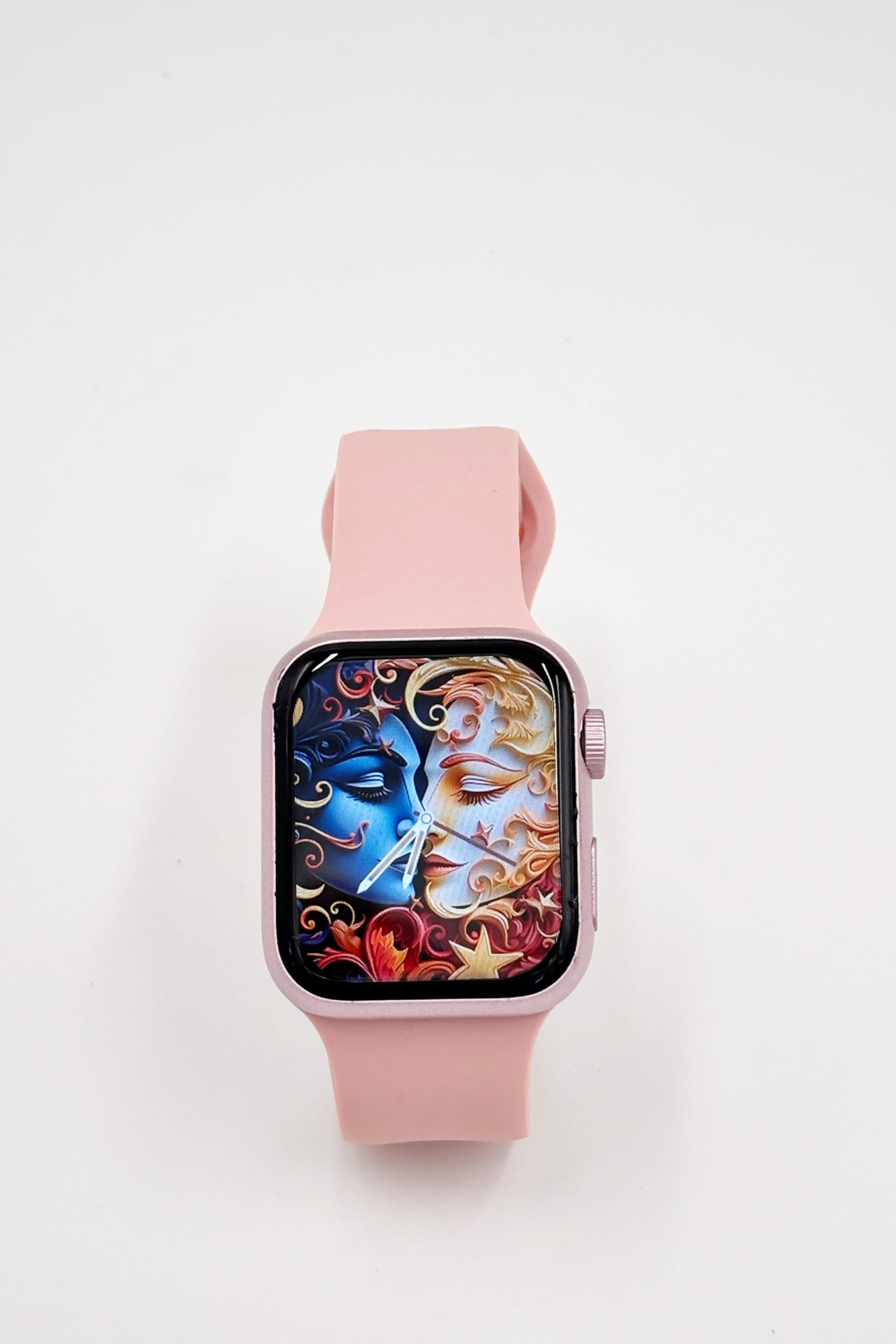
Image: A close-up of the X10 MINI Smart Watch, showcasing its 2.19-inch display and pink band.
設定
1. 初期充電
Before first use, fully charge your smartwatch. Connect the wireless charging cable to a USB power source and place the back of the watch onto the charging pad. The watch display will indicate charging status.
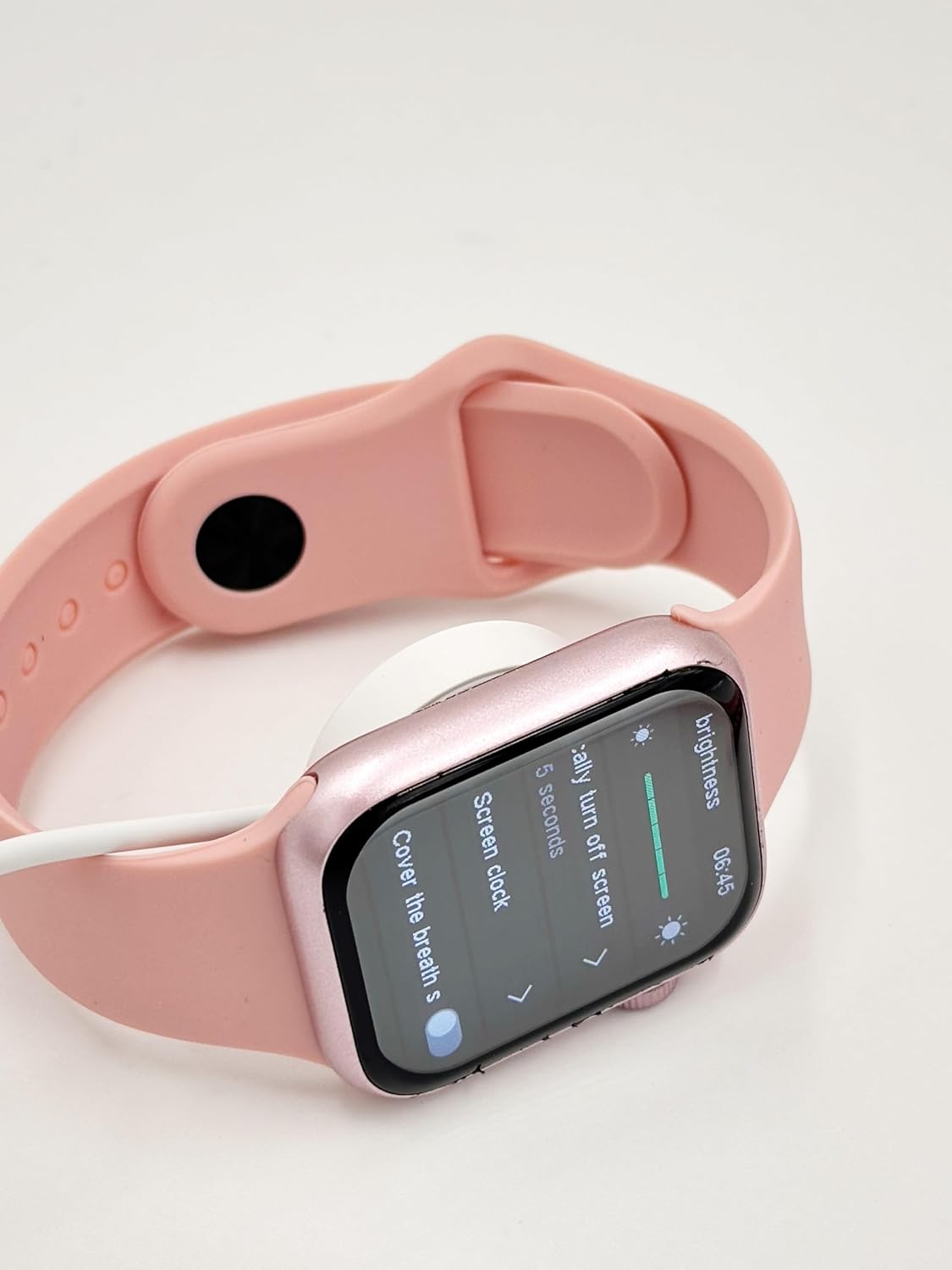
Image: The X10 MINI Smart Watch resting on its wireless charging pad, displaying the brightness settings.
2.電源のオン/オフ
- 電源を入れるには: 画面が点灯するまでサイドボタンを押し続けます。
- 電源を切るには: サイドボタンを長押しして、画面上で「電源オフ」を選択します。
3. アプリのインストールとペアリング
To unlock full functionality, download the companion application on your smartphone. Refer to the 'Download APP' option in the watch's General settings for the correct application. Once installed, open the app and follow the on-screen instructions to pair your smartwatch via Bluetooth.

Image: The smartwatch display showing the 'General' settings menu, including options for Bluetooth, About, Language, and Download APP.
操作手順
ナビゲーション
The X10 MINI Smart Watch features a responsive touchscreen. Swipe left, right, up, or down to navigate through menus and access different features. Press the side button to return to the home screen or wake the device.
主な特徴
- 通知: 通話、メッセージ、アプリの通知のアラートを手首で直接受信します。
- アクティビティトラッカー: Monitor your steps, distance, and calories burned throughout the day.
- 音声電話: スマートフォンに接続すると、スマートウォッチから直接電話をかけたり受けたりできます。
- Phone/Contacts: Access your call log and contacts list.

Image: The smartwatch display showing activity tracking metrics, including steps, distance, and calories burned.

Image: The smartwatch display showing the phone-related menu, with options for Phone, Call Log, and Contacts.
充電
The X10 MINI Smart Watch supports wireless charging. Use the provided wireless charging cable. Ensure the watch is properly aligned on the charging pad for efficient charging. A full charge typically takes approximately 2-3 hours and provides up to 48 hours of average use.
メンテナンス
クリーニング
Wipe the watch screen and body with a soft, dry cloth. For the bands, use a slightly damp cloth and mild soap if necessary, then rinse and dry thoroughly. Avoid using harsh chemicals or abrasive materials.
バンド交換
The X10 MINI Smart Watch comes with dual bands, allowing for customization. To replace a band, locate the quick-release pins on the underside of the watch where the band connects. Slide the pin to detach the band, then align the new band and slide the pin back into place to secure it.
トラブルシューティング
- 時計の電源が入らない: 時計が完全に充電されていることを確認してください。充電器に少なくとも30分間接続してください。
- 携帯電話とペアリングできません: スマートフォンとウォッチのBluetoothが有効になっていることを確認してください。両方のデバイスを再起動し、再度ペアリングをお試しください。コンパニオンアプリがインストールされ、起動していることもご確認ください。
- 充電に関する問題: Check if the charging cable is properly connected to a power source and the watch is correctly placed on the wireless charging pad.
- 不正確なアクティビティ追跡: Ensure the watch is worn snugly on your wrist. Calibrate the activity tracker through the companion app if available.
仕様
| ブランド | ジェネリック |
| モデル名 | X10ミニ |
| 表示サイズ | 2.19インチ |
| 表示タイプ | 導かれた |
| オペレーティング·システム | Android(対応) |
| メモリストレージ容量 | 40MB |
| バッテリー容量 | 1200ミリamp 営業時間 |
| バッテリーの平均寿命 | 48時間 |
| ワイヤレスタイプ | 2.4GHz無線周波数 |
| コネクタタイプ | ブルートゥース |
| 特集 | Activity Tracker, Notifications, Touchscreen, Voice Call, Wireless Charging |
| 対応デバイス | スマートフォン、タブレット |
| アイテム重量 | 200グラム |
| 原産国 | 中国 |
保証とサポート
This product comes with a standard manufacturer's warranty. For specific warranty details, claims, or technical support, please refer to the documentation provided with your purchase or contact the retailer. Keep your proof of purchase for warranty purposes.