
機械
Generic Industrial Handheld Laser Welding Machine User Manual
Model: Machine
1. はじめに
This manual provides comprehensive instructions for the safe and effective operation, setup, maintenance, and troubleshooting of the Generic Industrial Handheld Laser Welding Machine. This advanced tool is designed for various metalworking tasks, offering welding, cutting, and rust removal functionalities. Its ergonomic design and intelligent system make it suitable for both industrial applications and DIY projects.
主な特徴:
- Smart Laser Welding System: Advanced intelligence for simplified operation, suitable for beginners.
- 人間工学に基づいたデザイン: Lightweight and comfortable grip for reduced fatigue during prolonged use.
- Real-Time Monitoring Window: Side-split visual design for safe operation and productivity.
- 3-in-1 機能: Combines welding, cutting, and rust removal capabilities.
- Professional-Grade Durability: Built for heavy-duty use in various environments.
2. 安全情報
WARNING: Always read and understand all safety instructions before operating this machine. Failure to follow these instructions may result in serious injury or death.
- 目の保護: Always wear appropriate welding helmets or safety glasses with proper shading to protect against intense light and UV radiation.
- 防護服: Wear flame-resistant clothing, gloves, and footwear to protect against sparks, heat, and molten metal.
- 換気: Ensure adequate ventilation in the work area to avoid inhaling hazardous fumes and gases produced during welding.
- 電気安全: Ensure the power source matches the machine's requirements (110V/220V). Do not operate in wet conditions. Inspect cables for damage before each use.
- 防火: 作業エリアから可燃物を遠ざけてください。消火器をすぐに使えるように準備しておいてください。
- 作業エリア: 作業場は清潔に保ち、散らかったものは置かないでください。安定した足場を確保してください。
- 子供と傍観者: 操作エリアに子供や関係者以外の人を近づけないでください。
- メンテナンス: メンテナンスやアクセサリの交換を行う前に、電源を切ってください。
3. パッケージ内容
開梱したら、以下に記載されているすべての品目が揃っていて、損傷がないことを確認してください。
- Industrial Laser Welding Machine (1 unit)
- 保護手袋(1組)
- Soldering Iron Stand (1 unit)
- Solder Wire (quantity as supplied)
- ピンセット(1個)
- Solder Sucker (1 unit)

図3.1: The complete package contents, including the welding machine, solder wire, gloves, tweezers, and solder sucker.
4.製品オーバーview
Familiarize yourself with the components of your Generic Industrial Handheld Laser Welding Machine.

図4.1: Labeled components of the welding machine. Key parts include the Lead Frame, Detachable Side, Lead-free Soldering Iron Tip, Lead Entrance, Lead Supply Tube, Stand, Trigger, Indicator Light, and Power Switch.
- Lead Frame: Holds the solder wire spool.
- Detachable Side: Allows access for solder wire installation.
- Lead-free Soldering Iron Tip: はんだ付け用の加熱要素。
- Lead Entrance: Where the solder wire feeds into the machine.
- Lead Supply Tube: Guides the solder wire to the tip.
- 立つ: Provides support for the soldering iron when not in use.
- トリガー: Activates the heating element and solder feed mechanism.
- インジケーターライト: Shows power status or operational mode.
- 電源スイッチ: マシンの電源をオンまたはオフにします。
5. セットアップ手順
- マシンを開梱します: パッケージからすべてのコンポーネントを慎重に取り出します。
- Install Solder Wire:
- Open the detachable side of the machine.
- Place the solder wire spool onto the lead frame.
- Feed the end of the solder wire through the lead entrance and into the lead supply tube until it reaches the soldering iron tip.
- Close the detachable side securely.
- スタンドの位置: Place the soldering iron stand on a stable, heat-resistant surface.
- 接続電源: Ensure the power switch is in the "OFF" position. Plug the power cord into a compatible 110V or 220V electrical outlet.
- 初期検査: Before turning on, visually inspect the machine for any loose parts or damage.
6. 操作手順
6.1 一般的な操作
- 電源オン: 電源スイッチを「ON」の位置に切り替えます。インジケーターライトが点灯します。
- 予熱: Allow the soldering iron tip to heat up for a few minutes. The machine is internally heated, reaching optimal temperature quickly.
- 人間工学に基づいたグリップ: Hold the machine comfortably with one hand, ensuring a firm grip on the handle.

図6.1: Demonstrating the ergonomic grip for comfortable operation.
- Solder Feed: Press the trigger to automatically feed solder wire to the tip. Release the trigger to stop the feed.
- リアルタイム監視: Utilize the side-split visual design to monitor the gear's function during operation.
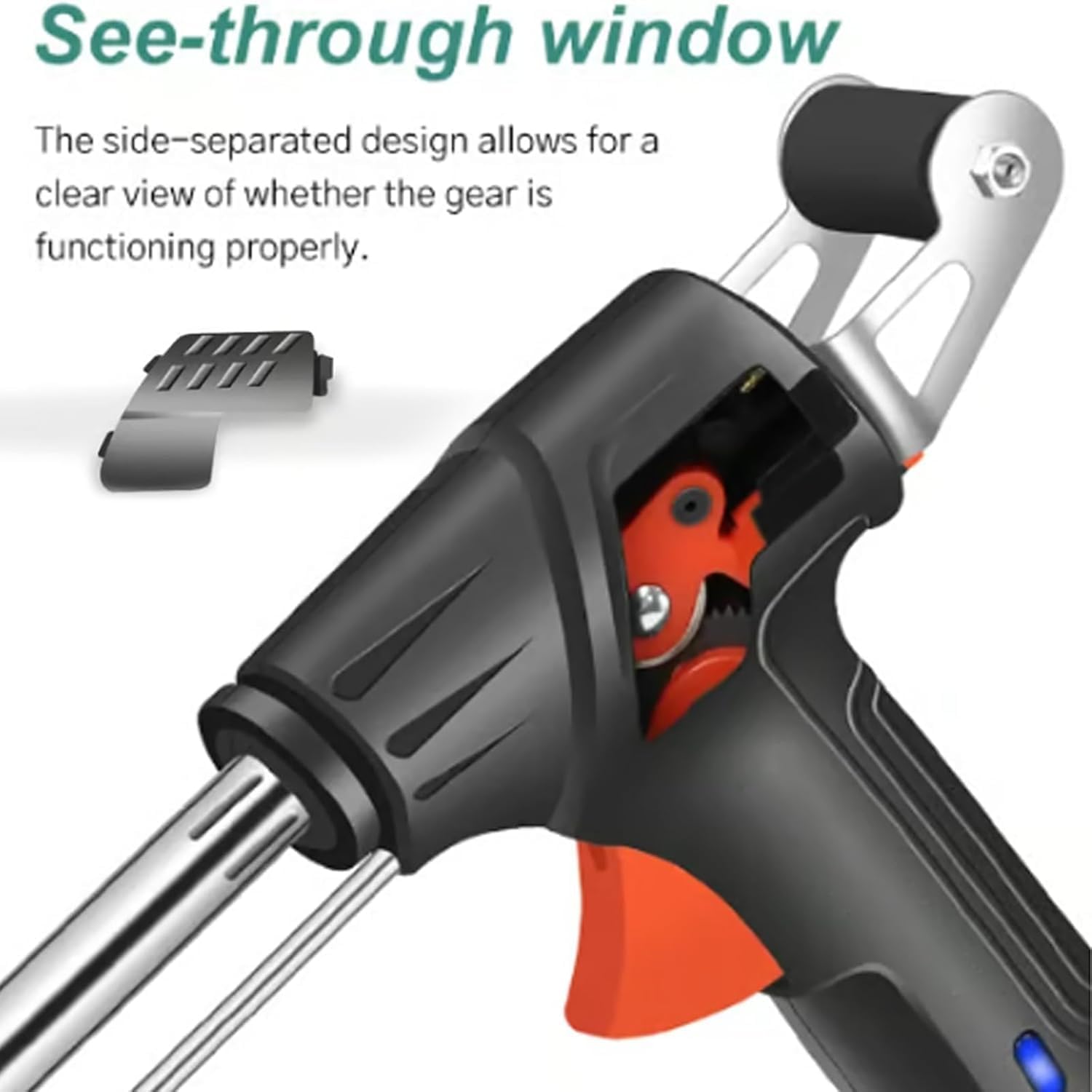
図6.2: The see-through window allows monitoring of internal mechanisms.
- 電源を切る: After use, turn the power switch to "OFF" and unplug the machine. Allow the tip to cool completely before storing.
6.2 3 in 1機能
This machine is capable of welding, cutting, and rust removal. Specific techniques for each function may vary based on the material and application.
- 溶接: Apply the heated tip to the joint of the materials to be welded. Press the trigger to feed solder, creating a strong bond.
- 切断: For certain thin materials, the heated tip can be used to precisely cut or melt through. Exercise caution and wear appropriate protection.
- 錆除去: The heat and precise application can assist in removing light rust from metal surfaces.
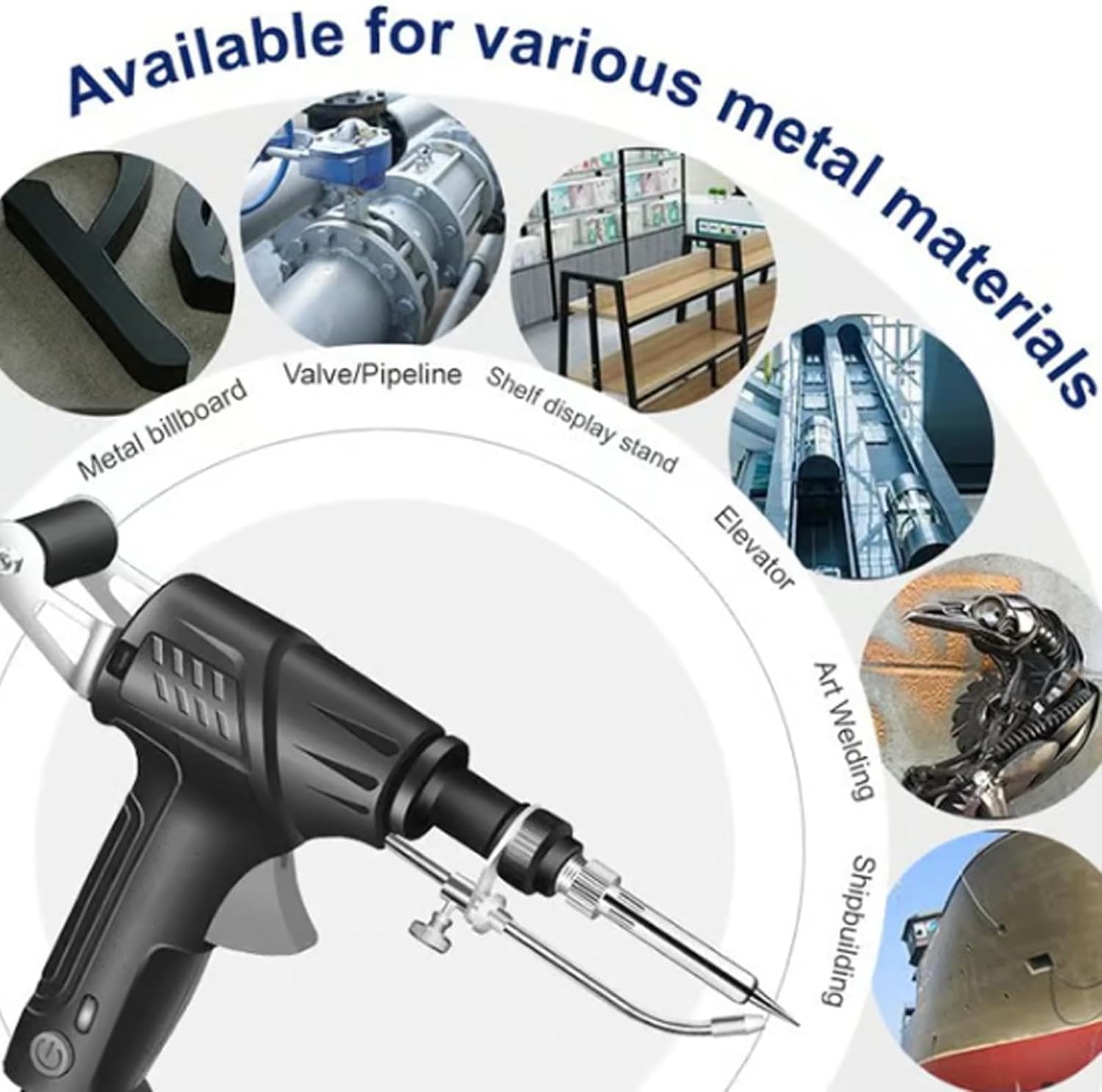
図6.3: The machine is suitable for various metal materials and applications, including metal billboards, valves/pipelines, shelf display stands, elevators, art welding, and shipbuilding.
7. メンテナンス
Regular maintenance ensures the longevity and optimal performance of your welding machine. Always disconnect the power before performing any maintenance.
- チップクリーニング: Regularly clean the soldering iron tip using a damp スポンジまたは真鍮ウールを使用して、余分なはんだと酸化物質を除去します。先端を清潔に保つことで、効率的な熱伝達が確保されます。
- チップの交換: If the tip becomes severely pitted or damaged, replace it with a compatible lead-free soldering iron tip.
- Solder Wire Path: Periodically check the lead supply tube for any obstructions or solder residue that might impede wire feeding.
- 一般的な清掃: Wipe down the exterior of the machine with a dry cloth to remove dust and debris. Do not use abrasive cleaners or solvents.
- コード検査: Inspect the power cord for any cuts, fraying, or damage. Replace damaged cords immediately.
- ストレージ: Store the machine in a dry, clean, and safe place when not in use, away from children and moisture.
8。 トラブルシューティング
一般的な問題とその潜在的な解決策については、以下の表を参照してください。
| 問題 | 考えられる原因 | 解決 |
|---|---|---|
| マシンの電源が入りません。 |
|
|
| Solder wire does not feed. |
|
|
| はんだごての先端が加熱されません。 |
|
|
9. 仕様
| 特徴 | 詳細 |
|---|---|
| ブランド | ジェネリック |
| モデル番号 | 機械 |
| 電源 | コード式電気(110V/220V対応) |
| 特集 | Heat Resistance Handles, Internally Heated, Automatic Solder Feed, Real-Time Monitoring Window |
| 含まれるコンポーネント | Soldering Iron Stand, Protective Gloves |
| 関数 | 3-in-1: Welding, Cutting, Rust Removal |
| 色 | 緑 |
10. 保証とサポート
10.1 保証情報
This product is covered by a standard manufacturer's warranty against defects in materials and workmanship. Please refer to your purchase documentation for specific warranty terms and duration. Keep your proof of purchase for warranty claims.
10.2 カスタマーサポート
For technical assistance, troubleshooting beyond this manual, or warranty inquiries, please contact your retailer or the manufacturer's customer service.
- オンラインサポート: メーカーの webFAQ とサポート リソースのサイト。
- メールサポート: Refer to your product packaging or purchase invoice for contact email.
- 電話サポート: Refer to your product packaging or purchase invoice for contact number.
When contacting support, please have your product model number (Machine) and purchase date available.
Ask a question about this manual
Ask about setup, troubleshooting, compatibility, parts, safety, or missing instructions. Manuals+ will review the question and use this page’s manual context to help answer it.