
1。 オーバーview および主な機能
The Techkey Bluetooth Adapter 5.3 is a compact USB dongle designed to add or upgrade Bluetooth functionality to your desktop PC or laptop. It offers enhanced stability and faster data transmission for a seamless wireless experience.
- Upgraded Bluetooth 5.3 + EDR: Features the latest Bluetooth 5.3 + EDR technology for enhanced anti-interference ability and stability, reducing transmission efficiency loss in the 2.4 GHz frequency band.
- 超小型サイズ: Stylish and compact design allows it to remain plugged into a laptop or PC without obstructing adjacent USB ports.
- More Stable Connection: Offers a stable connection with a transmission rate of up to 3Mbps. Supports Bluetooth Low Energy (BLE) and dual-mode Bluetooth transmission for faster data transfer. Achieves a transmission distance of up to 30m in open areas.
- システムサポート: Real Plug & Play functionality, requiring no driver installation on Windows 11 / 10 / 8.1 (32/64-bit). Not compatible with Mac, Linux, Unraid, TV, car stereo, PS4, or Xbox. Backward compatible with Bluetooth 5.2/4.2/4.0/3.0/2.1.
- 幅広い用途: Connects multiple Bluetooth devices simultaneously, including speakers, keyboards, headsets, and mice, enabling wireless file transfer and audio streaming.
2.セットアップガイド
Follow these steps to properly set up your Techkey Bluetooth Adapter.
2.1. Ensure Windows Automatic Updates are Enabled (Recommended)
For optimal performance and driver compatibility, ensure your Windows operating system is set to automatically update.
- Click the 'Start' icon in the bottom-left corner of your screen.
- 「設定」を選択します。
- Navigate to 'Update & Security'.
- Click on 'Windows Update'.
- If updates are paused, click 'Resume updates' to enable automatic updates.
2.2. Disable Built-in Bluetooth (If Applicable)
If your computer has a pre-existing built-in Bluetooth module, it is crucial to disable it to prevent conflicts with the new adapter. Do not uninstall, only disable.
- Right-click on 'This PC' (or 'My Computer') icon on your desktop.
- Select 'Manage'.
- In the 'Computer Management' window, click 'Device Manager' in the left pane.
- 「Bluetooth」カテゴリを展開します。
- Identify your computer's built-in Bluetooth device (e.g., 'Intel Wireless Bluetooth').
- Right-click on the built-in Bluetooth device and select 'Disable device'. Confirm your choice if prompted.
2.3. Plug & Play Installation
The Techkey Bluetooth Adapter is designed for easy installation.
- Insert the Techkey Bluetooth Adapter into an available USB port on your desktop PC or laptop.
- Allow 3 to 5 minutes for your system to automatically detect, download, and install the necessary drivers. A notification will confirm when the device is ready.
ビデオの説明: This official seller video provides a step-by-step guide for setting up your Techkey Bluetooth Adapter. It covers essential preliminary steps like ensuring Windows automatic updates are enabled, disabling any pre-existing built-in Bluetooth functionality on your computer, and finally, the process of pairing new Bluetooth devices with your adapter.

画像の説明: This image illustrates the plug-and-play convenience of the Techkey Bluetooth adapter. A user is shown enjoying a video game on a desktop PC, with the adapter seamlessly integrated, requiring no manual driver installation.

画像の説明: This image displays the supported operating systems for the Techkey Bluetooth adapter, including Windows 11, Windows 10, and Windows 8.1, indicating compatibility with both 32-bit and 64-bit versions.
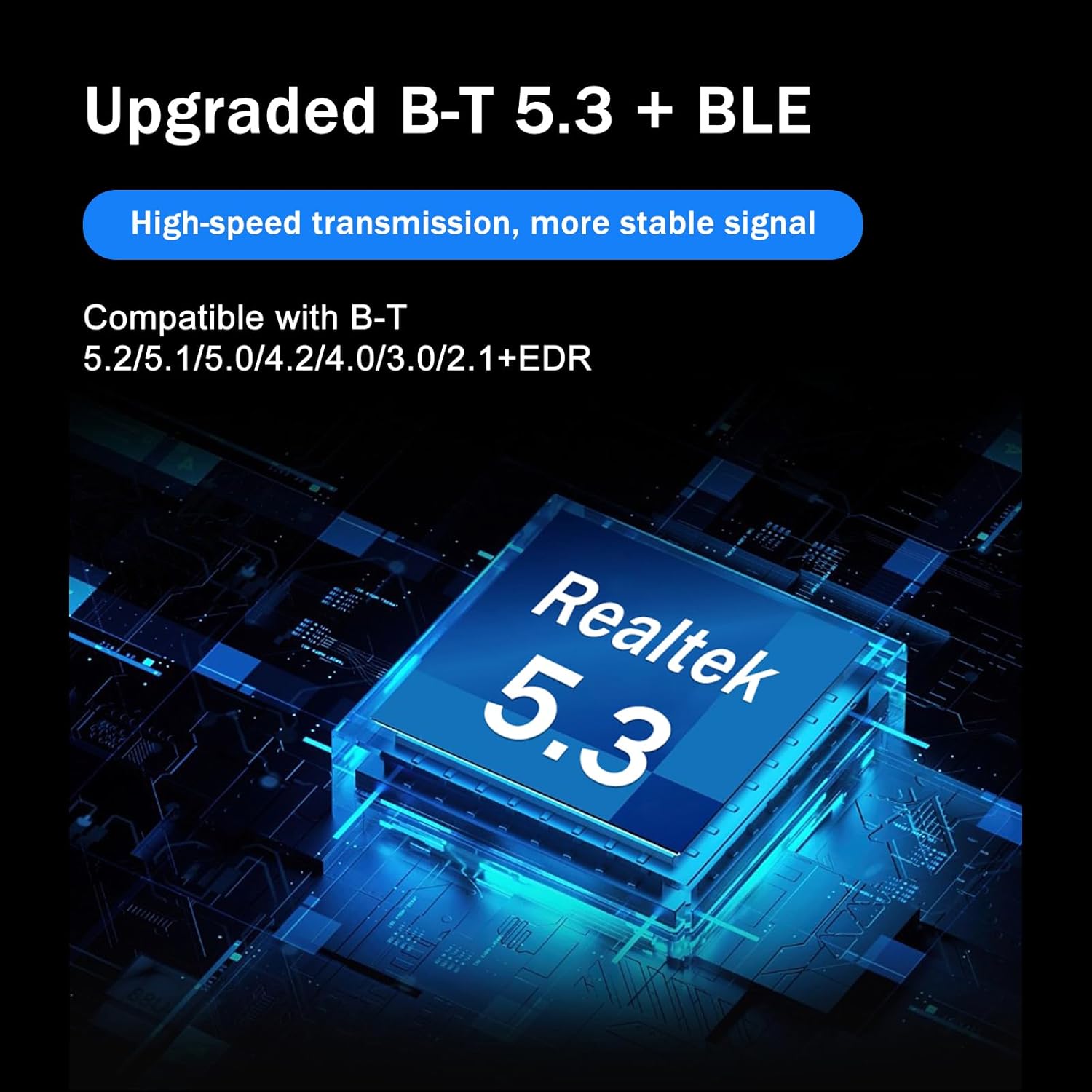
画像の説明: This graphic emphasizes the advanced features of the Techkey adapter, including upgraded Bluetooth 5.3 + BLE technology powered by a Realtek 5.3 chip, ensuring high-speed transmission, stable signal, and backward compatibility with older Bluetooth versions.
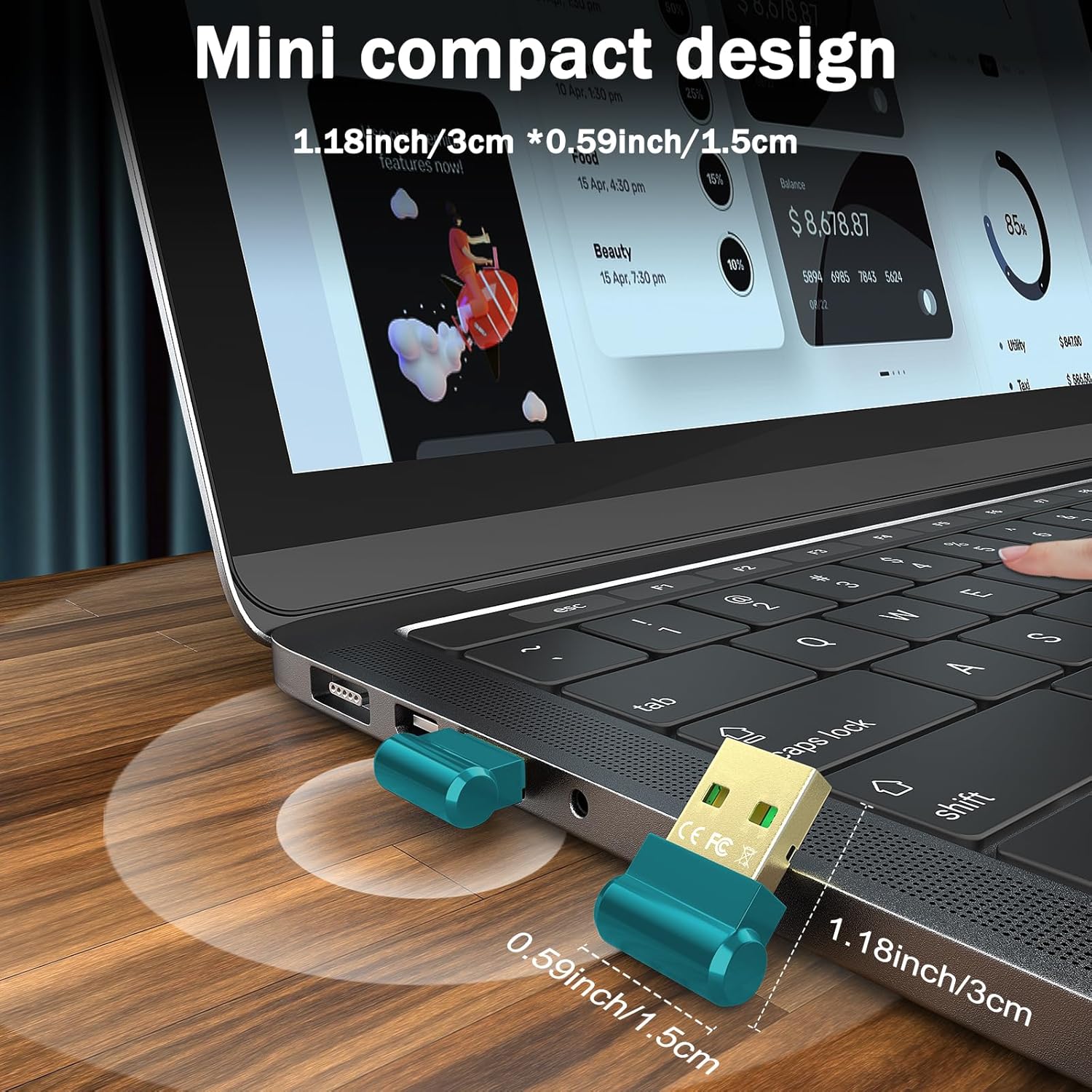
画像の説明: This image illustrates the ultra-compact design of the Techkey Bluetooth adapter, shown plugged into a laptop. Its small dimensions (1.18 inches x 0.59 inches) ensure it does not obstruct adjacent USB ports, making it ideal for portable use.
3. 操作手順
Once the adapter is installed, you can begin pairing your Bluetooth devices.
3.1. Pairing Your Devices
- Locate the Bluetooth icon in the system tray (bottom-right corner of your screen). If not visible, click the 'Show hidden icons' arrow.
- Right-click on the Bluetooth icon and select 'Add a Bluetooth Device'.
- In the 'Bluetooth & other devices' settings, click 'Add Bluetooth or other device'.
- Select 'Bluetooth' from the options.
- Bluetooth デバイス (ヘッドフォン、マウス、キーボードなど) がペアリング モードになっていることを確認します。
- 表示されるリストからデバイスを選択し、画面上の指示に従ってペアリング プロセスを完了します。

画像の説明: This diagram demonstrates the versatility of the Techkey Bluetooth adapter, capable of connecting up to five different Bluetooth devices concurrently, such as a mouse, headphones, keyboard, and game controller, to a laptop.
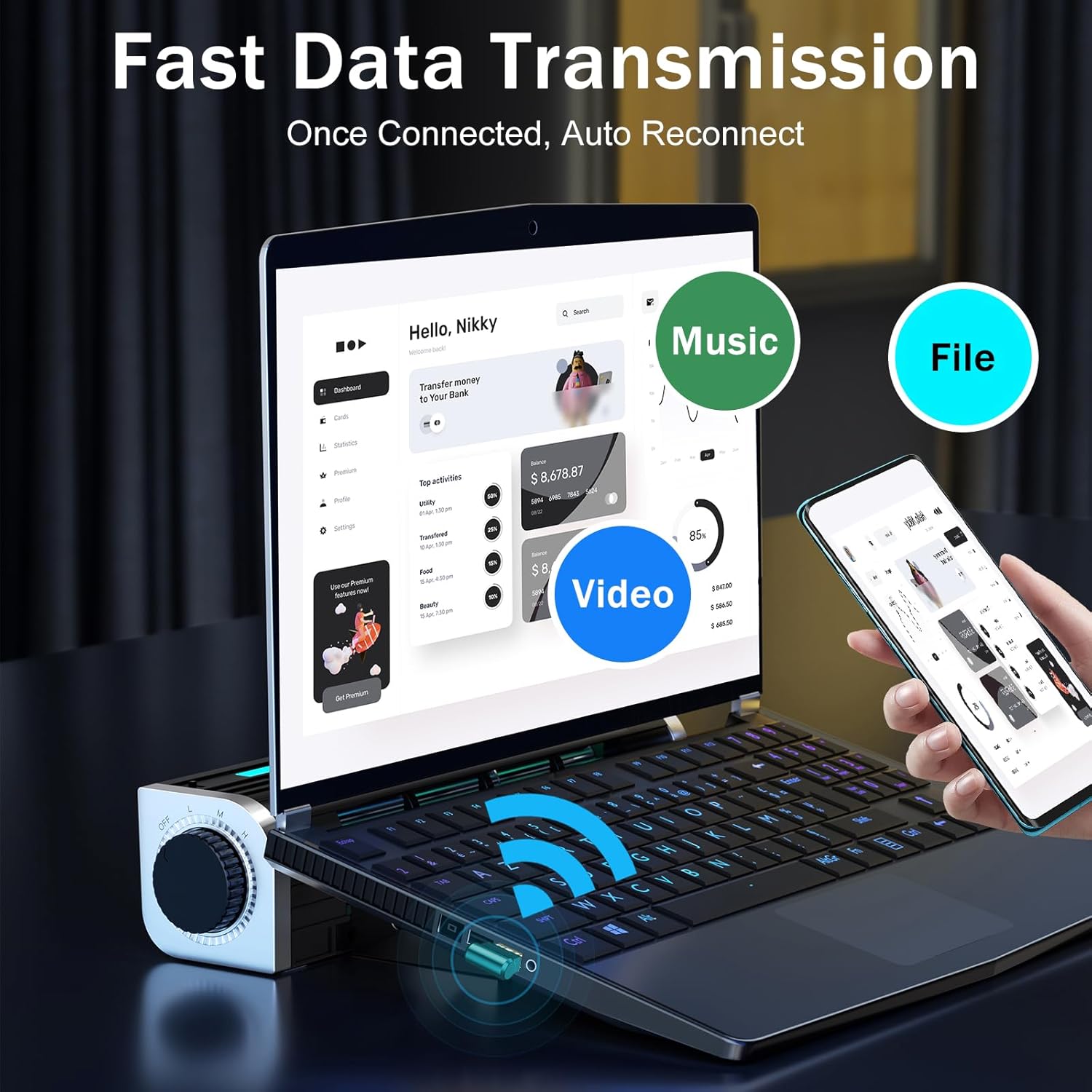
画像の説明: This visual highlights the fast data transmission capabilities of the adapter, showing a laptop wirelessly connected to a smartphone, enabling quick transfer of music, videos, and files with an automatic reconnection feature.
4. メンテナンス
To ensure the longevity and optimal performance of your Techkey Bluetooth Adapter, consider the following:
- アダプターは清潔に保ち、ほこりが付かないようにしてください。清掃には柔らかく乾いた布をご使用ください。
- アダプターを極端な温度や湿気にさらさないでください。
- Do not apply excessive force when inserting or removing the adapter from a USB port.
- Regularly check for Windows updates to ensure your system has the latest drivers and security patches, which can improve Bluetooth performance.
5。 トラブルシューティング
Bluetooth アダプタで問題が発生した場合は、次の解決策を試してください。
- デバイスが認識されません: Try unplugging the adapter and re-inserting it into a different USB port. Restart your computer.
- ペアリングの問題: Ensure your external Bluetooth device is in pairing mode. Verify that any built-in Bluetooth on your computer is disabled (refer to Section 2.2). Make sure the adapter is correctly installed in Device Manager.
- 断続的な接続: Ensure the adapter is not obstructed by other devices or metal objects. Try moving closer to the adapter. Check for potential interference from other 2.4 GHz wireless devices.
- No Bluetooth Icon: Refer to the video in Section 2.3 for instructions on how to locate or enable the Bluetooth icon in the system tray.
- ドライバーの問題: Although plug-and-play, if issues persist, check Device Manager for any error indicators next to the Bluetooth adapter. You may need to manually update or reinstall drivers via Windows Update.
6. 仕様
| ブランド | テックキー |
| モデル | Bluetooth Adapter 5.3 USB Mini EDR Dongle |
| Bluetoothバージョン | 5.3 + EDR (Backward compatible with 5.2/5.1/5.0/4.2/4.0/3.0/2.1) |
| データ転送速度 | 最大3メガビット/秒 |
| 伝送距離 | Up to 30m (in open areas) |
| ハードウェアインターフェイス | マイクロUSB2.0タイプB |
| 対応デバイス | Headphones, Keyboards, Mice, Speakers |
| 対応OS | Windows 11 / 10 / 8.1 (32/64-bit) |
| 製品寸法 | 1.18 x 0.59 x 0.2インチ |
| アイテム重量 | 1.06 オンス (0.03 キログラム) |
7. 保証とサポート
For warranty information and technical support, please refer to the product packaging or contact the seller directly. Specific warranty terms and support contact details may vary.