
Techkey Bluetooth 5.3 USB Mini EDR Dongle (B0F6LRFGN8)
Techkey Bluetooth 5.3 USB Mini EDR Dongle User Manual
Model: B0F6LRFGN8
1. はじめに
The Techkey Bluetooth 5.3 USB Mini EDR Dongle is designed to provide seamless Bluetooth connectivity for your desktop PC or laptop. This compact adapter utilizes the latest Bluetooth 5.3 + EDR technology, offering enhanced stability, improved anti-interference capabilities, and efficient data transmission.
It enables your computer to connect wirelessly with a wide range of Bluetooth-enabled devices, including headphones, keyboards, mice, and game controllers, facilitating file transfers and audio streaming.
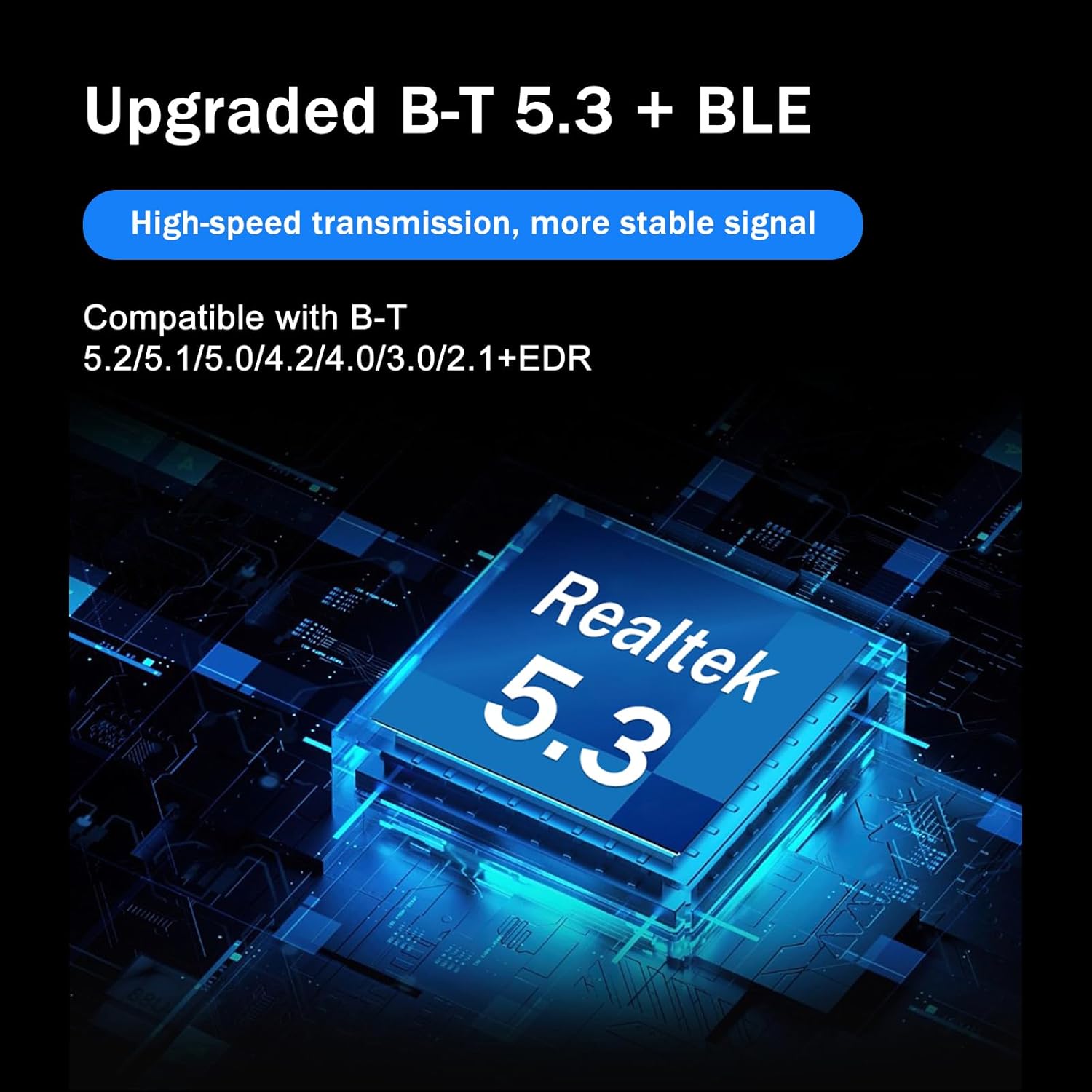
Image: The Techkey Bluetooth 5.3 USB Mini EDR Dongle, highlighting its upgraded Bluetooth 5.3 + BLE technology and Realtek 5.3 chip for high-speed transmission and stable signal.

画像: クローズアップ view of the Techkey Bluetooth adapter plugged into a laptop, illustrating its mini compact design with dimensions of 1.18 inches (3cm) by 0.59 inches (1.5cm).
2. セットアップ
システム要件
- Operating System: Windows 11, Windows 10, Windows 8.1 (32-bit or 64-bit versions).
- USB Port: Available USB port (USB 2.0 or USB 3.0 compatible).
- Note: This adapter does not support Mac OS, Linux, Unraid, TV, car stereo systems, PS4, or Xbox.
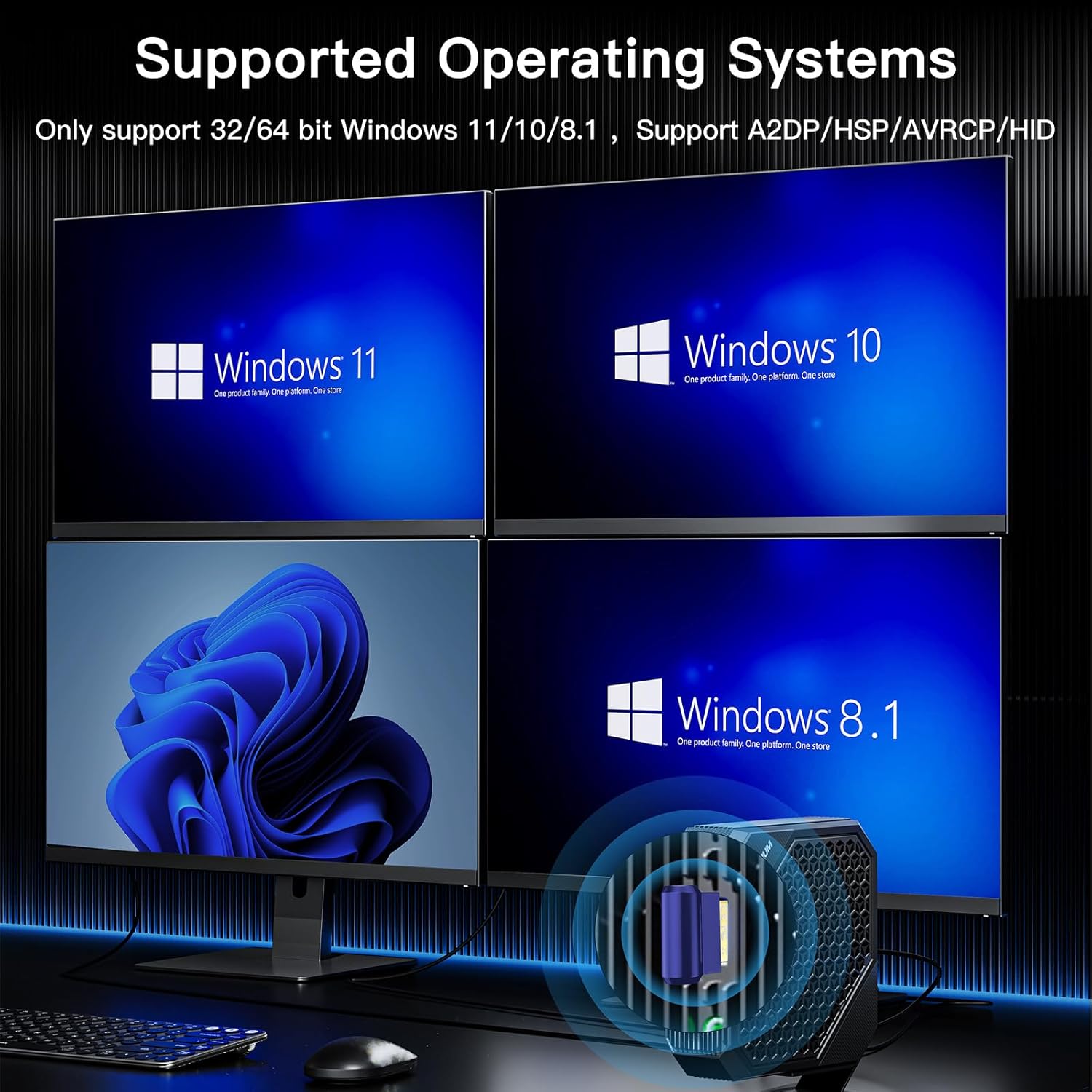
Image: A visual representation of the supported operating systems, showing Windows 11, Windows 10, and Windows 8.1 logos, indicating compatibility only with 32/64 bit versions of these Windows systems.
インストール
- プラグアンドプレイ: For most Windows 11/10/8.1 systems, the Techkey Bluetooth adapter is designed for real Plug & Play functionality. Simply insert the dongle into an available USB port on your desktop PC or laptop. The system should automatically detect the device and install the necessary drivers.
- Driver Installation (If Needed): In rare cases, or if you have pre-existing Bluetooth drivers that conflict, manual driver installation might be required. If the device is not recognized or functions incorrectly:
- 既存の Bluetooth を無効にする: If your computer has built-in Bluetooth, it is recommended to disable it through Device Manager before installing the Techkey adapter to prevent conflicts.
- ドライバーの入手: Visit the official Techkey support website or use the mini-CD (if included) to obtain the latest drivers. Follow the on-screen instructions for installation.

Image: A user engaged in gaming on a desktop PC, with the Techkey Bluetooth adapter plugged into the computer, illustrating its "Plug & Play" feature and ease of use without driver installation.
3.運用
Bluetoothデバイスの接続
- Ensure the Techkey Bluetooth adapter is securely plugged into your computer's USB port.
- On your Windows computer, navigate to 設定 > デバイス > Bluetoothとその他のデバイス.
- Bluetoothをオンにします。
- クリック Bluetoothまたはその他のデバイスを追加する 選択して ブルートゥース.
- Put your Bluetooth device (e.g., headphones, keyboard, mouse) into pairing mode. Refer to your device's manual for specific instructions on how to enter pairing mode.
- Select your device from the list of discovered devices on your computer and follow any on-screen prompts to complete the pairing process.
同時接続
The Techkey Bluetooth 5.3 adapter supports connecting up to 5 different Bluetooth devices simultaneously. This allows for versatile use, such as connecting a Bluetooth mouse, keyboard, headphones, and a game controller all at once.

Image: An illustration showing a laptop connected to various Bluetooth devices including a mouse, headphones, keyboard, and game controller, indicating that up to 5 different devices can be connected at the same time.
データ転送
This adapter facilitates fast data transmission for various applications, including:
- オーディオストリーミング: Enjoy high-quality audio from your computer to Bluetooth speakers or headphones.
- File 転送: ワイヤレス転送 files between your computer and other Bluetooth-enabled devices.
- 周辺機器の接続性: Seamlessly use Bluetooth keyboards, mice, and game controllers for enhanced productivity and gaming.
Once connected, devices will typically auto-reconnect when in range and Bluetooth is enabled on your computer.

Image: A visual demonstrating fast data transmission capabilities, showing a laptop connected to a smartphone via Bluetooth, with icons for Music, Video, and File transfer, indicating quick and stable data exchange.
4. メンテナンス
The Techkey Bluetooth USB Mini EDR Dongle requires minimal maintenance. To ensure optimal performance and longevity:
- Keep the dongle clean and free from dust and debris.
- ドングルを極端な温度、湿度、または直射日光にさらさないでください。
- Do not attempt to disassemble or modify the device, as this will void any warranty.
- When not in use, it is advisable to store the dongle in a safe place to prevent physical damage.
5。 トラブルシューティング
よくある問題と解決策
| 問題 | 考えられる原因 | 解決 |
|---|---|---|
| Adapter not recognized / Driver error (Code 43) | Conflicting existing Bluetooth drivers; incorrect USB port; driver corruption. |
|
| Cannot find or pair with Bluetooth devices | Bluetooth service not running; device not in pairing mode; out of range. |
|
| Intermittent connection or poor signal | Interference from other wireless devices; physical obstructions; distance. |
|
6. 仕様
| 特徴 | 詳細 |
|---|---|
| Bluetoothバージョン | 5.3 + EDR (拡張データレート) |
| 下位互換性 | Bluetooth 5.2 / 5.1 / 5.0 / 4.2 / 4.0 / 3.0 / 2.1 |
| サポートされているオペレーティングシステム | Windows 11 / 10 / 8.1 (32/64 bit) |
| 伝送速度 | 最大3Mbps |
| 伝送距離 | 最大30メートル(オープンエリア) |
| 製品寸法 | 1.18 x 0.59 x 0.2 インチ (3 x 1.5 x 0.5 cm) |
| アイテム重量 | 0.704オンス(約20グラム) |
| メーカー | Shenzhen Denos Trade Co., Ltd. |
7. 保証
Specific warranty terms and conditions for the Techkey Bluetooth 5.3 USB Mini EDR Dongle may vary. Please refer to the warranty information provided with your purchase, or contact the seller or manufacturer directly for details regarding warranty coverage, duration, and claims procedures.
8. サポート
For technical assistance, troubleshooting beyond this manual, or product inquiries, please contact Techkey customer support through the following channels:
- 販売者連絡先: If purchased through an online marketplace, use the "Contact Seller" option on your order page.
- メーカー Webサイト: Visit the official Techkey webサポート リソース、FAQ、および連絡先情報に関するサイト。
When contacting support, please have your product model (B0F6LRFGN8) and a detailed description of your issue ready.
Ask a question about this manual
Ask about setup, troubleshooting, compatibility, parts, safety, or missing instructions. Manuals+ will review the question and use this page’s manual context to help answer it.