
導入
This manual provides essential information for setting up, operating, maintaining, and troubleshooting your Dell Precision 3561 15.6" FHD laptop. Please read this guide thoroughly to ensure proper use and longevity of your device.
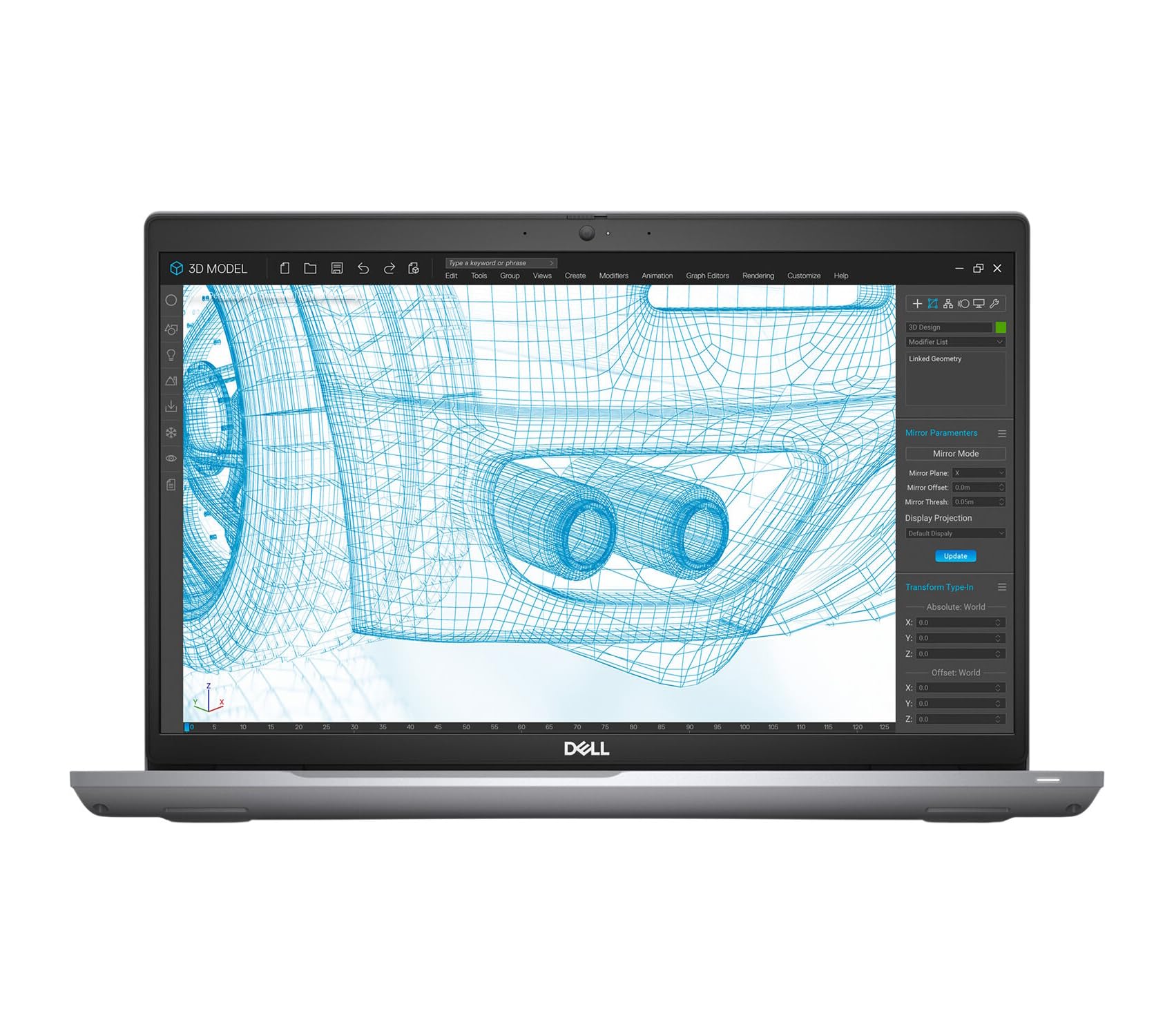
The Dell Precision 3561 is a mobile workstation designed for demanding tasks, featuring an Intel Core i5-11500H processor, 16GB RAM, a 512GB Solid State Drive, and NVIDIA T600 4GB graphics, running on Windows 11 Pro 64-bit.
設定
1. 開梱と初期検査
Carefully remove the laptop and its accessories from the packaging. Verify that all components are present:
- Dell Precision 3561 ノートパソコン
- ACアダプターと電源コード
ノートパソコンに物理的な損傷がないか点検してください。損傷が見つかった場合は、直ちに販売店にご連絡ください。
2。 電源への接続
ACアダプターをノートパソコンの電源コネクタに接続し、電源コードを壁のコンセントに差し込みます。バッテリーの充電が自動的に開始されます。
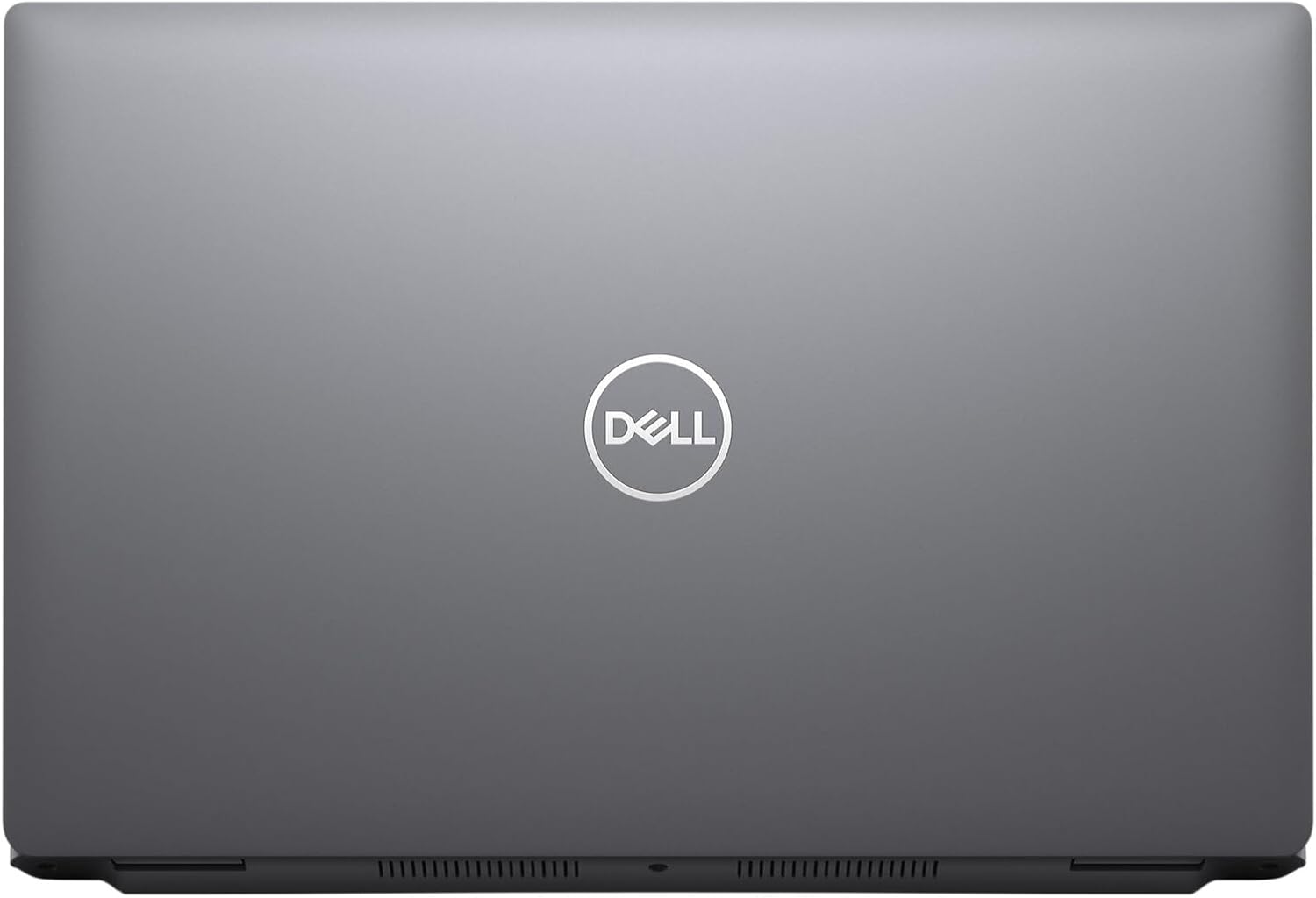
画像: 上 view of the Dell Precision 3561 laptop, showcasing the Dell logo on the lid.
3. Initial Boot-Up and Windows Setup
Press the power button to turn on the laptop. Follow the on-screen instructions to complete the initial setup of Windows 11 Pro. This includes setting up your region, language, network connection, and user account.
ノートパソコンの操作
1. Basic Input Devices
- キーボード: The laptop features a backlit QWERTY keyboard. Use it for typing and system commands.
- タッチパッド: カーソル制御とマルチタッチ ジェスチャには、統合タッチパッドを使用します。
2. Connecting Peripherals and Ports
The Dell Precision 3561 offers various ports for connecting external devices:
画像: 左側 view of the Dell Precision 3561, displaying two USB 4.0 Type-C ports (with DisplayPort/Power Delivery/Thunderbolt) and ventilation grilles.
- USB 4.0 タイプC (x2): These ports support DisplayPort, Power Delivery, and Thunderbolt, allowing for high-speed data transfer, video output, and charging.
- SDカードリーダー: SD メモリーカードの読み取りと書き込み用。

画像: 右側 view of the Dell Precision 3561, showing the USB 3.2 Gen1 port, HDMI port, RJ45 Ethernet port, and an audio combo jack.
- USB 3.2 Gen1(x1): Supports PowerShare for charging devices even when the laptop is off or in sleep mode.
- HDMI: Connect to external displays such as monitors or projectors.
- RJ45(イーサネット): 有線ネットワーク接続用。
- オーディオコンボジャック: ヘッドフォンまたはマイク付きヘッドセットを接続します。
3.ワイヤレス接続
The laptop supports Wi-Fi (802.11ac) for wireless internet access. To connect, navigate to the network settings in Windows 11 Pro and select your desired Wi-Fi network.
4. Webカムの使用法
The integrated front-facing webcam allows for video conferencing and capturing images. Access it through applications like Camera, Microsoft Teams, or Zoom.
メンテナンス
1. ノートパソコンの掃除
- 画面: 柔らかく糸くずの出ない布を軽く拭いてください。amp水またはスクリーンクリーナーで拭いてください。刺激の強い化学薬品は使用しないでください。
- キーボードとシャーシ: 表面を拭く際は柔らかい布を使用してください。キー間の埃を取り除くには、圧縮空気を吹き付けると効果的です。
- 通気口: Periodically check and clean the ventilation grilles to ensure proper airflow and prevent overheating.
2. バッテリーのお手入れ
- バッテリーを頻繁に完全に放電することは避けてください。
- 長期間使用しない場合は、ノートパソコンを涼しく乾燥した場所に保管してください。
- Use only the original Dell AC adapter provided with your laptop.
3. ソフトウェアの更新
Regularly update your Windows 11 Pro operating system and device drivers to ensure optimal performance, security, and compatibility. You can check for updates via Windows Update in the Settings menu.
トラブルシューティング
This section addresses common issues you might encounter with your Dell Precision 3561 laptop.
1. 電力の問題
- ノートパソコンが起動しない: ACアダプターがノートパソコンと電源コンセントの両方にしっかりと接続されていることを確認してください。電源インジケーターランプが点灯しているかどうかを確認してください。
- バッテリーが充電されない: ACアダプターの接続を確認してください。別のコンセントを試してください。
2. 表示の問題
- 画面に画像が表示されない: HDMIポートに外付けモニターを接続して、ノートパソコンの内蔵ディスプレイに問題があるかどうかを確認してください。ノートパソコンを再起動してください。
- 画像のちらつきや歪み: グラフィックドライバーを更新してください。Windowsの設定でディスプレイ解像度を調整してください。
3. 接続の問題
- Wi-Fi が接続されない: Windowsの設定でWi-Fiが有効になっていることを確認してください。ルーターとノートパソコンを再起動してください。ワイヤレスドライバーが更新されているか確認してください。
- USBデバイスが認識されません: デバイスを別のUSBポートに接続してみてください。USBドライバーを更新してください。
4.システムパフォーマンス
- パフォーマンスが遅い: 不要なアプリケーションを閉じてください。タスクマネージャーでCPUやRAMを大量に消費しているプロセスがないか確認してください。SSDに十分な空き容量があることを確認してください。
For more complex issues, refer to Dell's official support webサイトを参照するか、テクニカル サポートにお問い合わせください。
仕様
| 特徴 | 説明 |
|---|---|
| ブランド | デル |
| モデル名 | デル プレシジョン 3561 |
| 画面サイズ | 15.6インチ |
| ネイティブ解像度 | 1920 x 1080ピクセル(FHD) |
| CPUモデル | インテル Core i5-11500H |
| CPU速度 | 2.9GHz帯 |
| RAMメモリインストールサイズ | 16GB DDR4 |
| ハードディスクサイズ | 512 GB SSD (ソリッド ステート ドライブ) |
| オペレーティング·システム | ウィンドウズ11プロ |
| グラフィックカード | NVIDIA T600 4GB GDDR6(専用) |
| Webcam Capability | Yes (Front Camera) |
| 接続技術 | HDMI, USB, Wi-Fi (802.11ac) |
| USBポート合計 | 3 (1x USB 3.2 Gen1, 2x USB 4.0 Type-C) |
| オーディオ出力タイプ | ヘッドフォン、スピーカー |
| キーボード | Backlit QWERTY |
| アイテム重量 | 5 ポンド |
| 商品の寸法(長さ x 幅 x 厚さ) | 長さ14.09インチ x 幅9.19インチ x 厚さ0.95インチ |
保証情報
This Dell Precision 3561 laptop, being a Certified Refurbished product, comes with a minimum 90-day warranty. The refurbishing process includes functionality testing, basic cleaning, inspection, and repackaging. For specific warranty terms and conditions, please refer to the documentation provided with your purchase or contact your vendor.
サポート
For technical assistance, driver downloads, or further information regarding your Dell Precision 3561, please visit the official Dell Support website. You can typically find support resources by searching for your product model (Precision 3561) on their site.
デルサポート Webサイト: www.dell.com/support