
導入
This manual provides detailed instructions for the proper use and maintenance of your Micool T18 Invisible Sleep Wireless Earphones. Please read this manual thoroughly before using the product to ensure optimal performance and longevity.
箱の中身
- Micool T18 Invisible Sleep Wireless Earphones
- 充電ケーブル
- ユーザーマニュアル
製品終了view
The Micool T18 earphones are designed for comfort during sleep and extended wear. They feature a unique elephant-shaped, non-in-ear design, ensuring a lightweight and unobtrusive fit. Equipped with Bluetooth 5.4, they offer stable connectivity and intuitive touch controls.
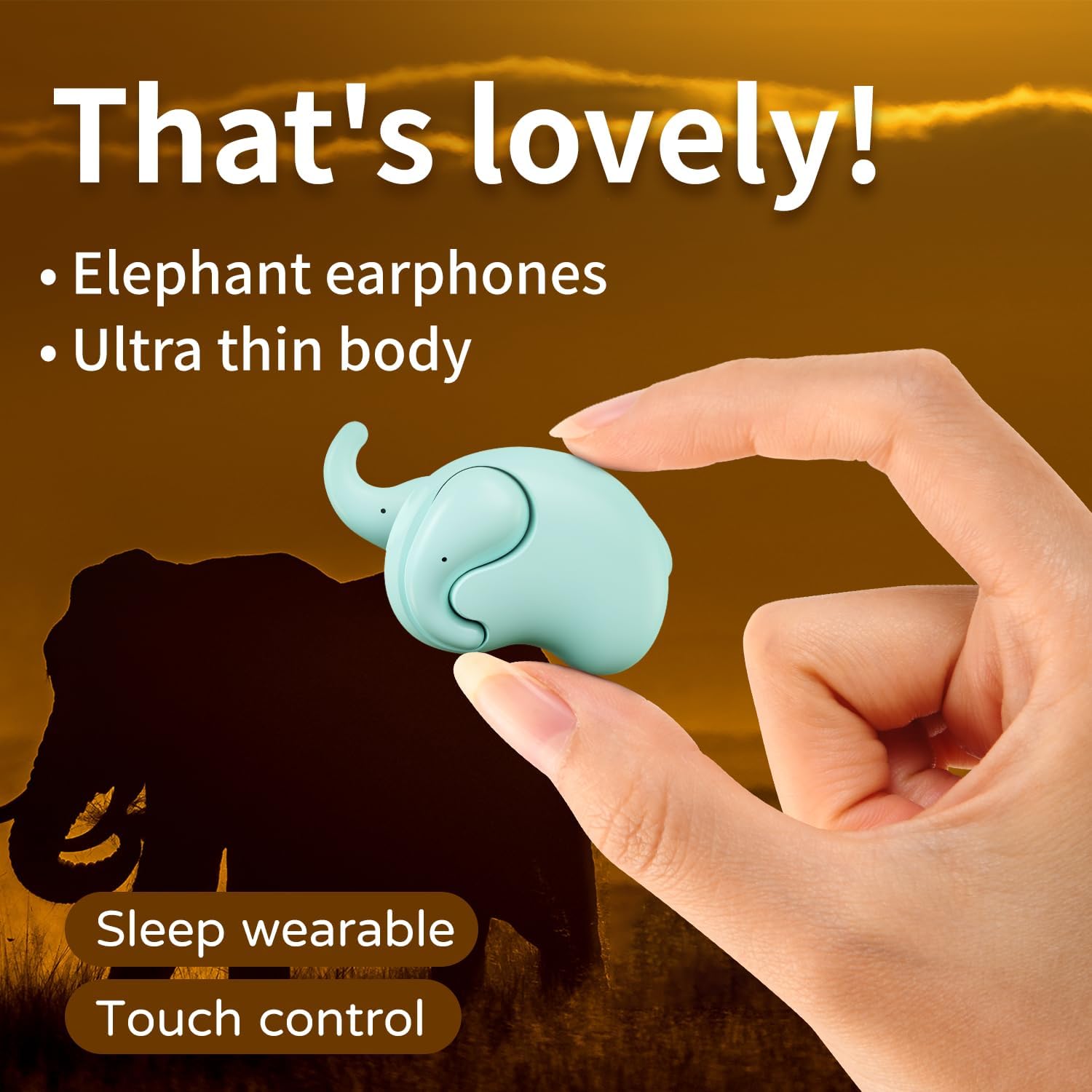
Image: The Micool T18 earphone, showcasing its compact, elephant-shaped design, held between two fingers. This image highlights its ultra-thin body and suitability for sleep wear.

画像: クローズアップ view of the Micool T18 earphone comfortably placed in an ear, demonstrating its mini comfort and ergonomic fit for sleeping.
設定
1. イヤホンの充電
Before first use, fully charge the earphones. Connect the provided charging cable to the charging port on the earphones and to a USB power source. The indicator light will show charging status and turn off or change color when fully charged.
2.Bluetoothペアリング
- イヤホンが充電され、電源がオフになっていることを確認してください。
- Press and hold the multi-function button on both earphones until the indicator lights flash red and blue alternately, indicating pairing mode.
- デバイス(スマートフォン、タブレットなど)で Bluetooth を有効にし、利用可能なデバイスを検索します。
- Select "Micool T18" from the list of devices.
- Once connected, the indicator lights will stop flashing and remain solid blue or turn off, depending on the model.
- パスワードの入力を求められた場合は、「0000」と入力してください。
操作手順
The Micool T18 earphones feature intuitive touch controls for various functions.
電源オン/オフ
- 電源オン: Press and hold the touch area for approximately 3 seconds.
- 電源を切る: Press and hold the touch area for approximately 5 seconds.
音楽再生に
- 再生/一時停止: どちらかのイヤホンを 1 回タップします。
- 次のトラック: 右のイヤホンをダブルタップします。
- 前のトラック: 左のイヤホンをダブルタップします。
通話管理
- 通話の応答/終了: どちらかのイヤホンを 1 回タップします。
- 通話を拒否: タッチ領域を2秒間押し続けます。
ボリュームコントロール
- ボリュームアップ: 右のイヤホンをトリプルタップします。
- ボリュームダウン: 左のイヤホンをトリプルタップします。
メンテナンス
クリーニング
Gently wipe the earphones with a soft, dry, lint-free cloth. Do not use abrasive cleaners, alcohol, or chemical solvents. Avoid getting moisture into any openings.
ストレージ
Store the earphones in a cool, dry place away from direct sunlight and extreme temperatures. When not in use for extended periods, ensure they are fully charged to preserve battery life.
耐水性
The Micool T18 earphones are IPX5 waterproof, meaning they are resistant to splashes and sweat. They are not designed for submersion in water. Avoid using them during swimming or showering.
トラブルシューティング
| 問題 | 解決 |
|---|---|
| イヤホンの電源が入りません。 | イヤホンが完全に充電されていることを確認してください。 |
| デバイスとペアリングできません。 | 1. デバイスで Bluetooth が有効になっていることを確認します。 2. Make sure earphones are in pairing mode (flashing red/blue). 3. Forget "Micool T18" from your device's Bluetooth list and try pairing again. 4. Move earphones closer to your device. |
| 音が出ない、または断続的に音が出る。 | 1. Check device volume and earphone volume. 2. Ensure earphones are within Bluetooth range of your device. 3. Re-pair the earphones with your device. |
| イヤホンが充電されません。 | 1. Check if the charging cable is securely connected. 2. Try a different USB power source or cable. 3. Ensure charging contacts on earphones are clean. |
仕様
| 特徴 | 詳細 |
|---|---|
| ブランド | ミクール |
| モデル番号 | T18 |
| 接続技術 | ワイヤレス(Bluetooth) |
| Bluetoothバージョン | 5.4 |
| 耳の位置 | In Ear (Non-in-ear design) |
| フォームファクター | 真のワイヤレス |
| 耐水性 | IPX5 |
| 材料 | プラスチック |
| 対応デバイス | 携帯電話 |
| 具体的な用途 | Sleeping, Music |
保証とサポート
保証情報
This product comes with a 1-year limited warranty from the date of purchase. This warranty covers manufacturing defects. Please retain your proof of purchase for warranty claims.
カスタマーサポート
For further assistance, technical support, or warranty inquiries, please visit the official Micool Store on Amazon: