
導入
Thank you for choosing the padom GS03 UF-08 Smart Glasses. These innovative open-ear audio Bluetooth glasses combine stylish design with advanced technology, offering features such as blue light filtering, integrated speakers and microphone, voice assistant compatibility, and intuitive touch controls. This manual provides detailed instructions to help you set up, operate, and maintain your new smart glasses for optimal performance and an enhanced audio experience.
箱の中身
- padom GS03 UF-08 Smart Glasses
- Eyeglasses Storage Bag
- 磁気充電ケーブル
- クリーニングクロス
- ユーザーマニュアル(このドキュメント)

Image: Packaging contents of the padom GS03 UF-08 Smart Glasses, showing the glasses, storage bag, magnetic charging cable, cleaning cloth, and user manual.
製品終了view
The padom GS03 UF-08 Smart Glasses are designed for comfort and functionality. They feature an open-ear audio design, allowing you to hear your surroundings while enjoying audio. The frames are lightweight and equipped with blue light filtering lenses to reduce eye strain.
主な特徴:
- オープンイヤーオーディオ: Enjoy music and calls without blocking ambient sounds.
- ブルーライトカットレンズ: Protect your eyes from harmful blue light emitted by screens.
- Bluetooth 5.3接続: Ensures a stable and fast connection to your devices.
- タッチコントロール: 簡単なタップ操作で音楽、通話、音声アシスタントを管理します。
- 音声アシスタントの統合: Access Siri, Google Assistant, or Alexa hands-free.
- IPX5防水: 汗や軽い水しぶきにも強い。
- 軽量設計: Weighing approximately 27 grams for all-day comfort.
- 磁気充電: 便利で安全な充電。

画像: サイド view of the padom GS03 UF-08 Smart Glasses, highlighting the design of the temples where the audio components are housed.

Image: Diagram illustrating how the blue light shield lenses filter harmful blue light, enhancing comfort for digital eyes.
設定
1. メガネの充電
Before first use, fully charge your smart glasses. Use the provided magnetic charging cable. Align the magnetic connector with the charging points on the inside of the glasses' temples. The indicator light will show charging status.
- Full charge time: Approximately 90 minutes.
- Battery life: 4-6 hours of music time, 7-day standby.

Image: Magnetic charging cable attaching to the temple of the smart glasses for power replenishment.
2.Bluetoothペアリング
- メガネが充電され、電源がオフになっていることを確認します。
- Press and hold the power button (usually on the temple) for 5 seconds until the indicator light flashes blue and red, indicating pairing mode.
- On your smartphone or device, go to Bluetooth settings and search for "padom GS03 UF-08" or similar.
- Select the device to pair. Once connected, the indicator light will turn solid blue or off, depending on the model.

Image: Representation of Bluetooth 5.3 technology, ensuring a fast and stable wireless connection for your smart glasses.
操作手順
The padom GS03 UF-08 Smart Glasses feature intuitive touch controls located on the temples. Refer to the diagram below for specific functions.

Image: Detailed diagram of touch control functions on the smart glasses, including actions for power, music playback, call management, voice assistant activation, and remote camera control.
基本的なコントロール:
- 電源オン: Long press (3 seconds) on the touch area.
- 電源を切る: Long press (5 seconds) on the touch area.
- 音楽の再生/一時停止: タッチ領域をダブルクリックします。
- 通話の応答/終了: Two clicks on the touch area.
- 通話を拒否: Long press (3 seconds) on the touch area.
- 音声アシスタントを有効にする: Three clicks on the touch area.
- リモートカメラコントロール: Three clicks on the touch area to trigger your phone's camera shutter.
- ボリュームアップ: Long press on the right temple.
- ボリュームダウン: Long press on the left temple.
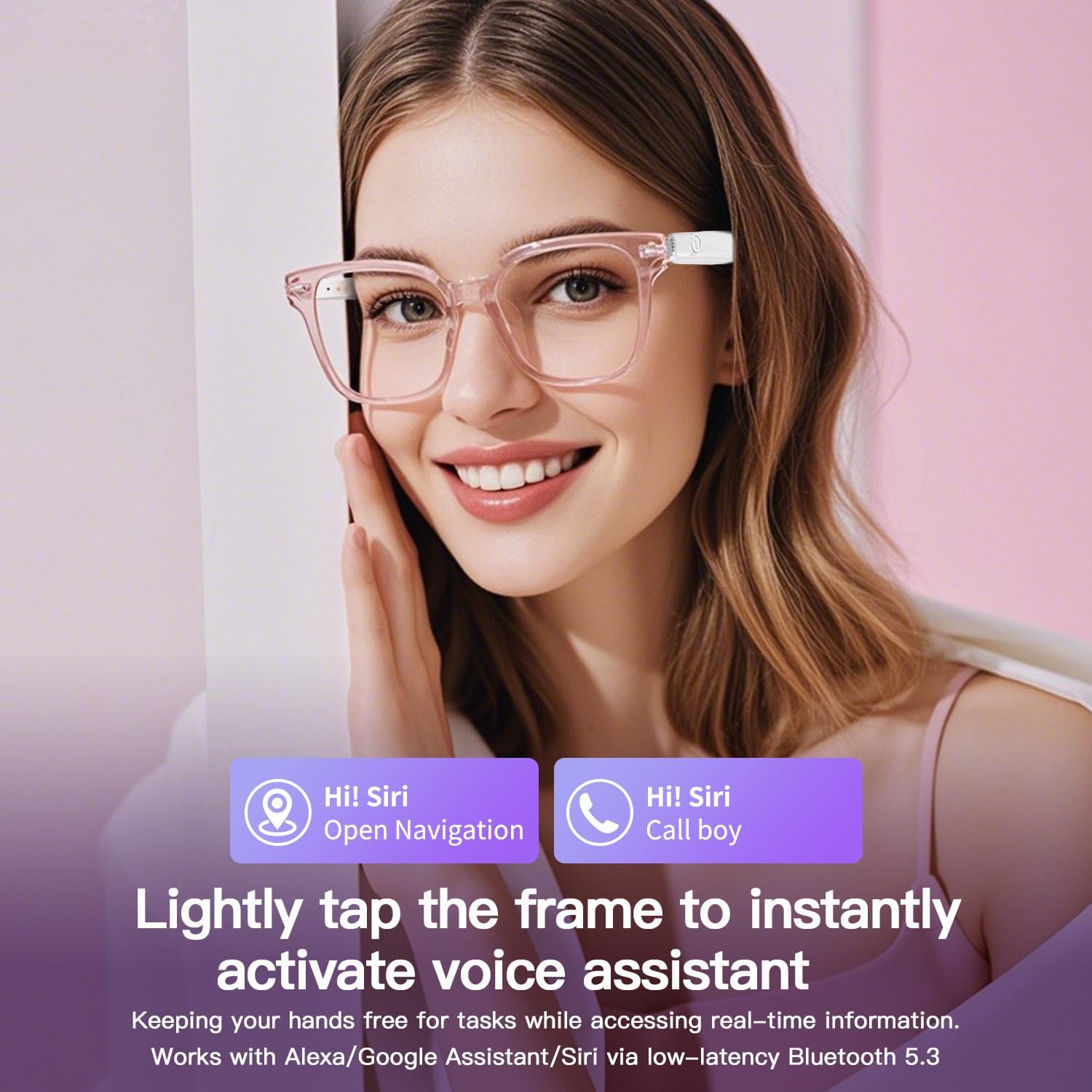
Image: A user activating the voice assistant on the smart glasses, demonstrating hands-free control for navigation and calls.

Image: A user demonstrating the remote camera control feature of the smart glasses, allowing hands-free photography.
Video: Official product video demonstrating the features and usage of the GS03 Smart Glasses, including audio and control functions.
ブルーライトカットレンズ
The GS03 UF-08 Smart Glasses are equipped with anti-blue light lenses designed to filter harmful blue light. This feature is particularly beneficial for individuals who spend extended periods in front of digital screens, helping to reduce digital eye strain, minimize glare, and enhance visual clarity.
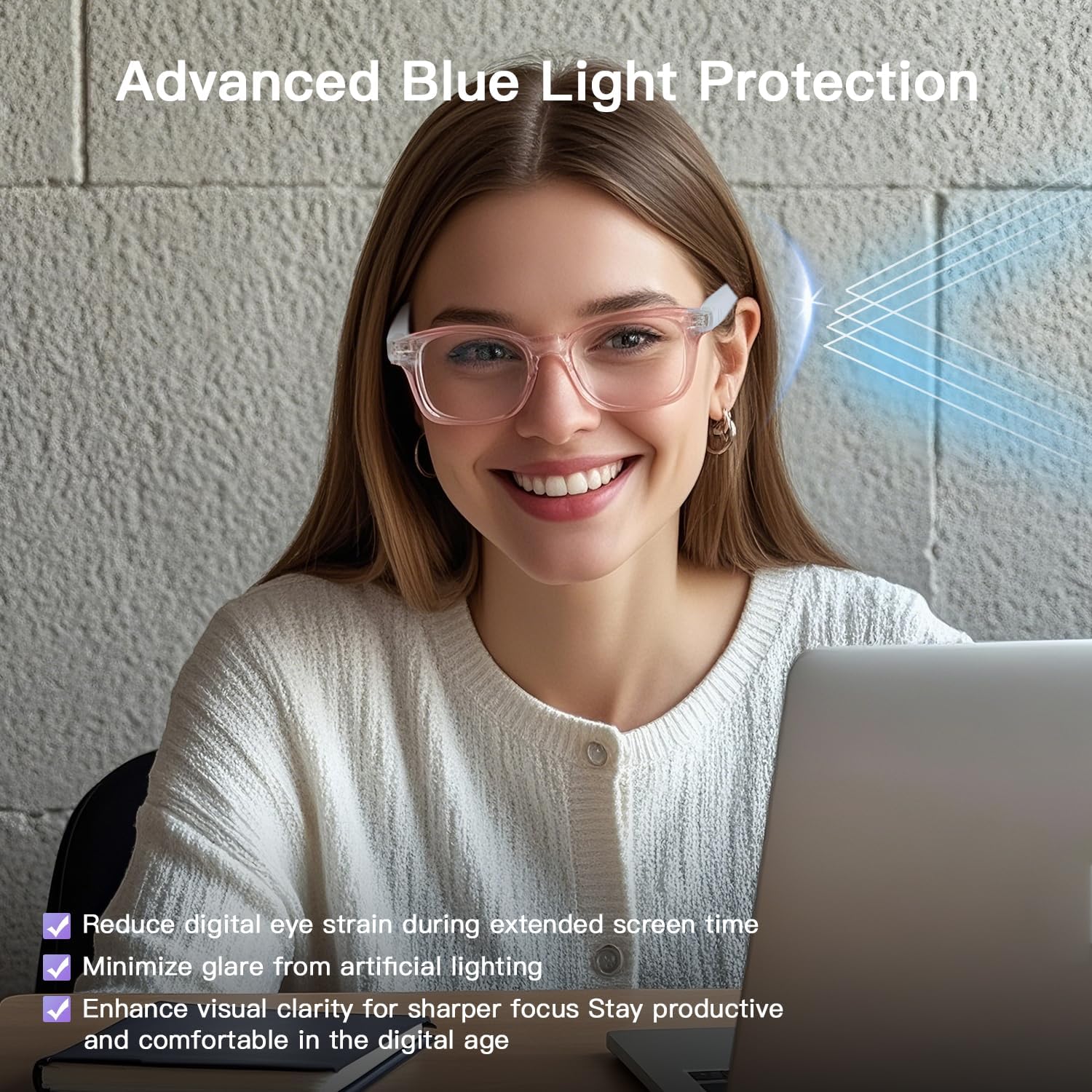
Image: A user wearing the smart glasses with blue light filtering lenses, demonstrating their use during screen time to protect eyes.
お手入れとメンテナンス
- クリーニング: Use the provided cleaning cloth to gently wipe the lenses and frames. Avoid harsh chemicals or abrasive materials.
- ストレージ: When not in use, store the glasses in the eyeglasses storage bag to protect them from scratches and dust.
- 耐水性: The glasses are IPX5 water-resistant, meaning they can withstand sweat and light splashes. Do not submerge them in water or expose them to heavy rain.
- 温度: バッテリーの寿命や電子部品に影響を及ぼす可能性があるため、メガネを極端な温度(高温または低温)にさらさないでください。
トラブルシューティング
| 問題 | 考えられる原因 | 解決 |
|---|---|---|
| 電源が入らない | バッテリー残量が少ない。電源投入手順が正しくありません。 | Charge the glasses fully. Ensure you long-press the touch area for 3 seconds. |
| Bluetoothでペアリングできない | Glasses not in pairing mode; Bluetooth off on device; Device too far. | Ensure glasses are in pairing mode (flashing blue/red). Turn on Bluetooth on your device. Keep devices within 10 meters. |
| 音声が出ない、または音量が低い | Volume too low; Not connected; Audio source issue. | Increase volume on glasses and connected device. Re-pair Bluetooth. Check audio source. |
| タッチコントロールが反応しない | 一時的なソフトウェアの不具合、タッチエリアの汚れ。 | Restart the glasses. Clean the touch area with a soft cloth. |
仕様
| 特徴 | 詳細 |
|---|---|
| モデル番号 | UF-08 |
| スタイル | GS03 Normal version smart glasses |
| 接続技術 | ブルートゥース5.3 |
| 特集 | ブルーライトカット |
| 耐水性 | IPX5 |
| 電池のタイプ | Lithium Polymer (2 Nonstandard Battery batteries included) |
| アイテム重量 | 27グラム(約0.95オンス) |
| パッケージ寸法 | 6.73 x 2.4 x 2.24インチ |

Image: Dimensional specifications of the smart glasses, including frame height, lens width, nose bridge width, frame length, temple length, and overall weight.
保証とサポート
For warranty information and customer support, please refer to the contact details provided on the product packaging or visit the official padom webサイト。 保証請求に備えて購入時のレシートを保管しておいてください。