
導入
This manual provides detailed instructions for the installation, operation, and maintenance of your Geeni Hawk 2 Outdoor Security Camera. The Hawk 2 is a 2K weatherproof Wi-Fi camera designed for outdoor surveillance, offering features such as night vision, motion detection, and two-way audio. Please read this manual thoroughly before using the product to ensure proper setup and functionality.
製品終了view
主な特徴
- 2KウルトラHDビデオ: Provides sharp and detailed live video and recordings.
- 耐候性設計: IP65 certified for reliable performance in various weather conditions.
- Motion Detection & Real-Time Alerts: 動きを検知するとすぐにスマートフォンに通知を送信します。
- 強化されたナイトビジョン: クリアなフードを捉えるtage in total darkness for 24/7 monitoring.
- 双方向オーディオ: Built-in microphone and speakerphone for clear communication.
- 音声コントロール: Amazon AlexaおよびGoogle Assistantと互換性があり、ハンズフリー操作が可能です。
- リモート アクセス: コントロールと view live streams from anywhere using the Geeni app.
- microSDスロット: Supports local storage for recorded footage.

Image: Key features of the Geeni Hawk 2 camera, including 2K resolution, motion detection, two-way audio, and night vision.
箱の中身
The product package typically includes the Geeni Hawk 2 Outdoor Security Camera, a power adapter, mounting screws, and a quick start guide. Please check your packaging for a complete list of contents.
設定
1. Geeniアプリをダウンロードする
検索する and download the 'Geeni' app from the Apple App Store or Google Play Store. Create an account or log in if you already have one.
2. カメラの電源を入れます
Connect the camera to a power source using the provided power adapter. Wait for the camera's indicator light to flash, indicating it is ready for pairing.
3. Add Device in Geeni App
Open the Geeni app, tap '+' to add a new device, and select 'Security Camera'. Follow the on-screen instructions to connect the camera to your 2.4GHz Wi-Fi network. Ensure your Wi-Fi network is 2.4GHz, as 5GHz networks are not supported.
4.カメラの取り付け
カメラを設置するには、屋外で十分な視界がある場所を選びます。 view and is within Wi-Fi range. Use the provided mounting screws to securely attach the camera to a wall or ceiling. Adjust the camera angle as needed for optimal surveillance coverage.
操作手順
ライブ View
Once connected, open the Geeni app and select your Hawk 2 camera to view the live feed. The app provides a 2K resolution live stream for sharp and detailed monitoring.

Image: A smartphone screen showing a 2K live stream from the camera.
動きの検出とアラート
The camera features advanced motion detection. To enable or adjust settings, navigate to the camera settings within the Geeni app. You will receive instant notifications on your phone when motion is detected.

Image: A smartphone showing a motion detection alert from the Geeni Hawk 2 camera.
双方向オーディオ
双方向音声機能を使用して、訪問者と会話したり、侵入者を阻止したりできます。ライブチャット画面でマイクアイコンをタップしてください。 view within the Geeni app to speak, and listen through the camera's speaker.
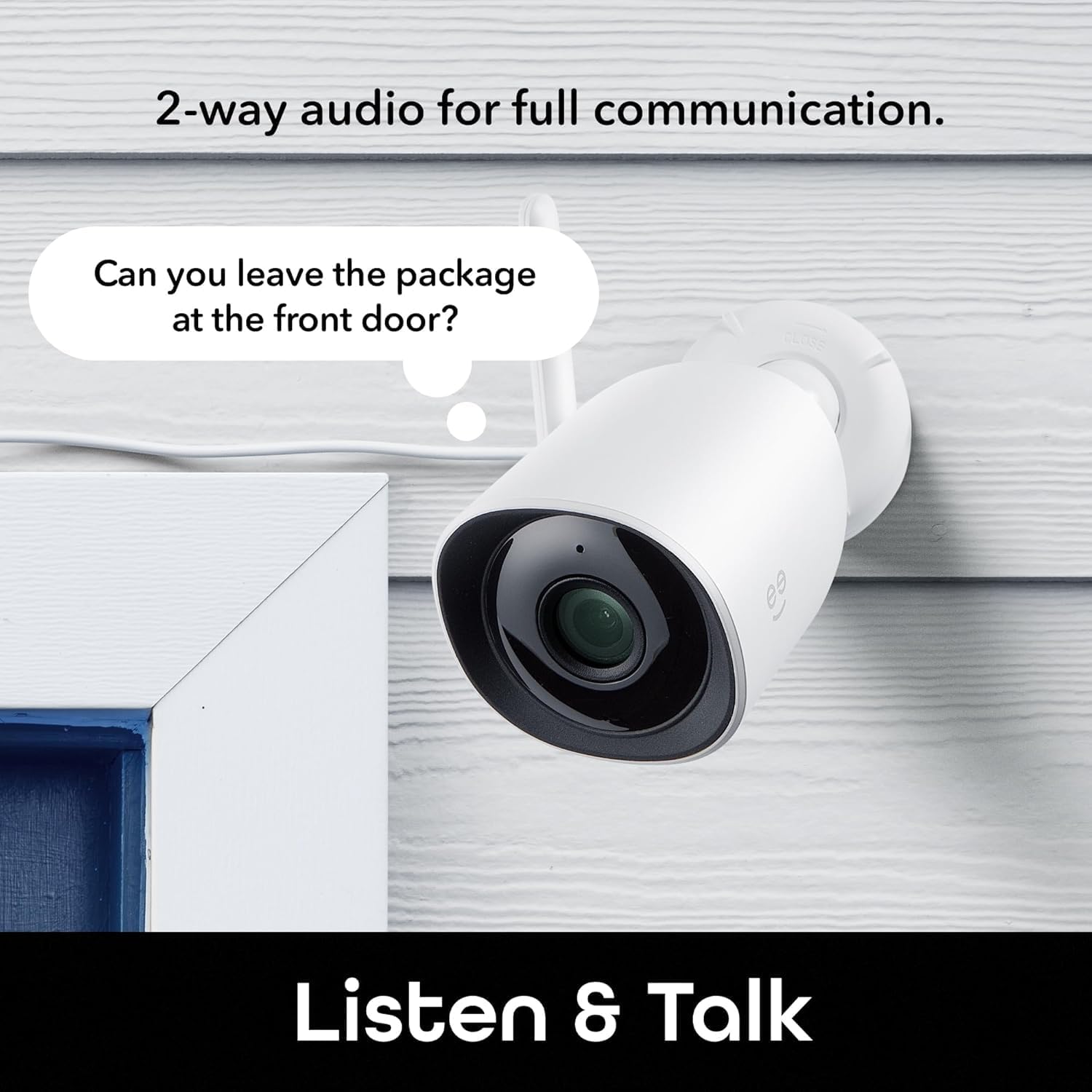
Image: The Geeni Hawk 2 camera demonstrating its two-way audio capability.
ナイトビジョン
カメラは暗い場所では自動的に暗視モードに切り替わり、鮮明な白黒映像を提供します。tage. No manual adjustment is typically required.

Image: The Geeni Hawk 2 camera providing crisp night vision surveillance.
音声コントロール
Integrate your Geeni Hawk 2 camera with Amazon Alexa or Google Assistant for voice commands. Follow the instructions in the Geeni app to link your accounts. You can then use commands like "Alexa, show me the outdoor camera."

Image: A tablet showing the camera feed, demonstrating voice control compatibility with Alexa and Google Assistant.
リモートアクセス
Access your camera's live feed and settings from any smartphone, desktop, or tablet browser using the Geeni app, providing total control and peace of mind from anywhere.

Image: A laptop screen showing multiple camera views accessible through the Geeni app.
記録と保存
The camera supports local storage via a microSD card (not included). Insert a microSD card into the designated slot to record footage. Cloud storage options may also be available through the Geeni app, requiring a subscription.
メンテナンス
- クリーニング: Regularly wipe the camera lens with a soft, dry cloth to ensure clear image quality. Avoid using harsh chemicals.
- ファームウェアの更新: Keep your camera's firmware updated through the Geeni app to ensure optimal performance and access to new features.
- 接続チェック: Periodically check all cable connections and ensure the camera is securely mounted.
トラブルシューティング
| 問題 | 考えられる解決策 |
|---|---|
| カメラがWi-Fiに接続できない | Wi-Fiが2.4GHzであることを確認してください。カメラの設置場所のWi-Fi信号強度を確認してください。ルーターとカメラを再起動してください。 |
| ライブビデオフィードなし | Verify the camera is powered on and connected to Wi-Fi. Check your internet connection. Restart the Geeni app. |
| モーション検出が機能しない | Check motion detection settings in the Geeni app. Ensure the camera's view is not obstructed. Adjust sensitivity if needed. |
| 夜間視界が不明瞭 | Clean the camera lens. Ensure there are no obstructions directly in front of the camera that could reflect infrared light. |
| 双方向オーディオの問題 | Check volume settings on your phone and in the app. Ensure there is no excessive background noise. |
仕様
- モデル番号: GNC-CW069-199
- ビデオ解像度: 2KウルトラHD
- 接続性: Wi-Fi(2.4GHzのみ)
- 耐候性: IP65認定
- ナイトビジョン: はい
- オーディオ: 双方向オーディオ(内蔵マイクとスピーカー)
- ストレージ: microSD Card Slot (up to 128GB, card not included), Cloud Storage (subscription required)
- 音声アシスタントの互換性: Amazon Alexa、Google アシスタント
- 寸法: 6.7 x 6 x 12.8 センチメートル
- 重さ: 200グラム
- 色: 白
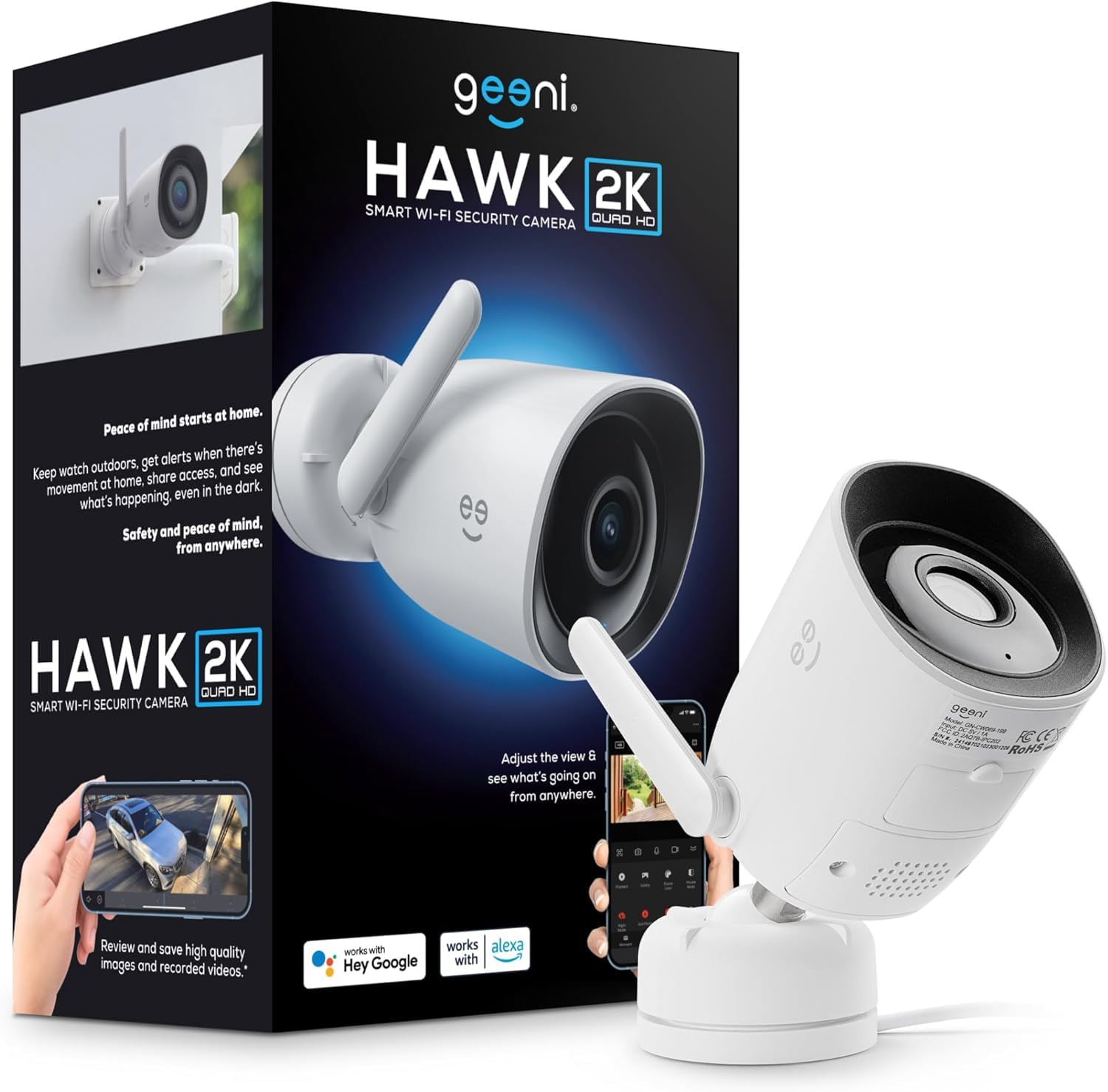
Image: The Geeni Hawk 2 Outdoor Security Camera.
保証とサポート
For warranty information and technical support, please refer to the documentation included with your product or visit the official Geeni website. You can also contact Geeni customer service through the Geeni app or their support channels for assistance with any issues or questions.


