

導入
This manual provides essential information for the safe and efficient operation of your Philips PLD2030P7 DVD Player. Please read these instructions thoroughly before using the device and retain them for future reference.
1. セットアップ
1.1 開梱
すべての部品をパッケージから慎重に取り出してください。以下のすべての部品が揃っていることを確認してください。
- Philips PLD2030P7 DVD Player
- リモートコントロール
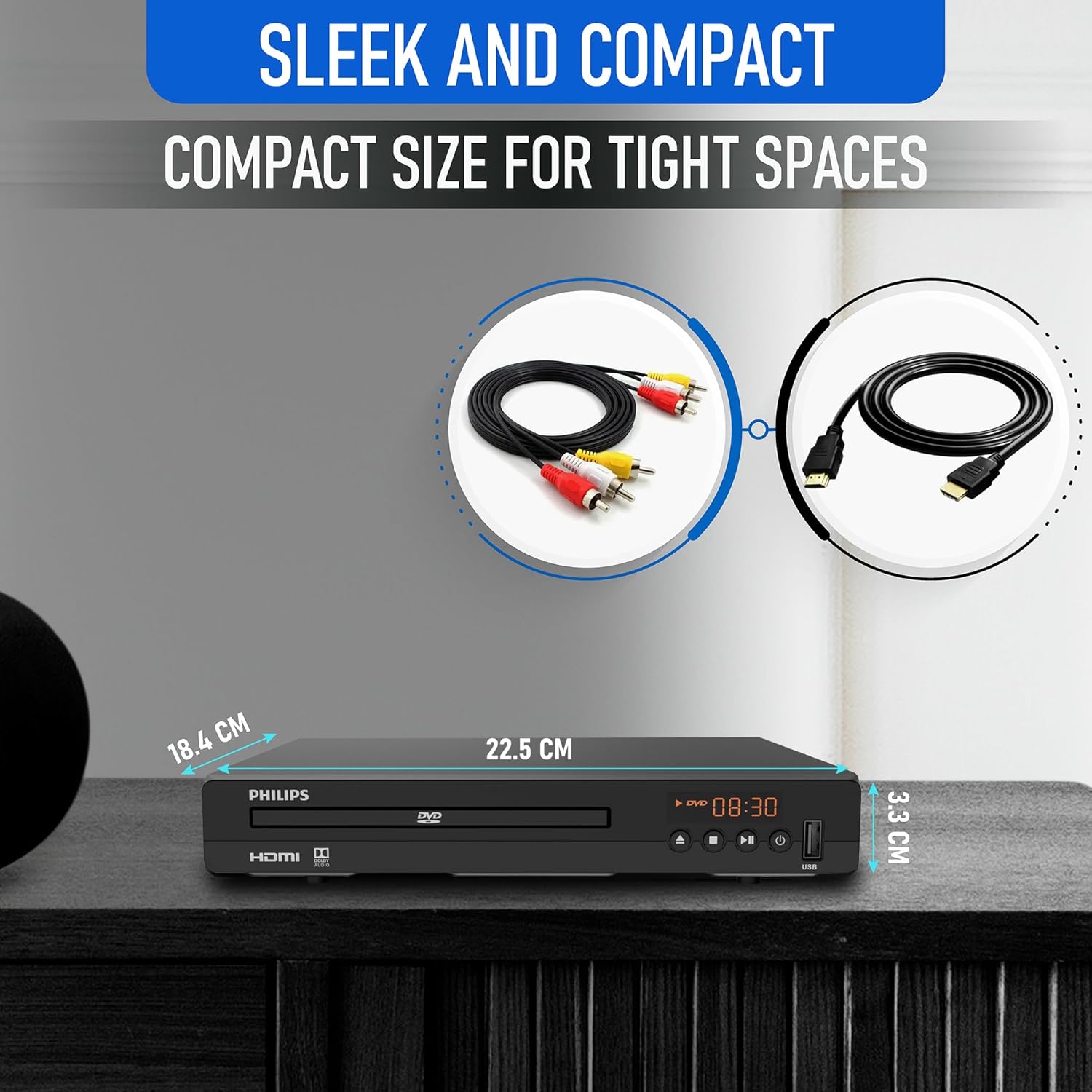
- HDMIケーブル
- RCAケーブル
1.2 テレビへの接続
The Philips PLD2030P7 DVD Player offers both HDMI and RCA connections for video and audio output.
HDMI Connection (Recommended for HD TVs)
- HDMI ケーブルの一方の端を DVD プレーヤーの HDMI OUT ポートに接続します。
- HDMI ケーブルのもう一方の端をテレビの使用可能な HDMI IN ポートに接続します。
- リモコンを使用して、テレビの対応する HDMI 入力を選択します。
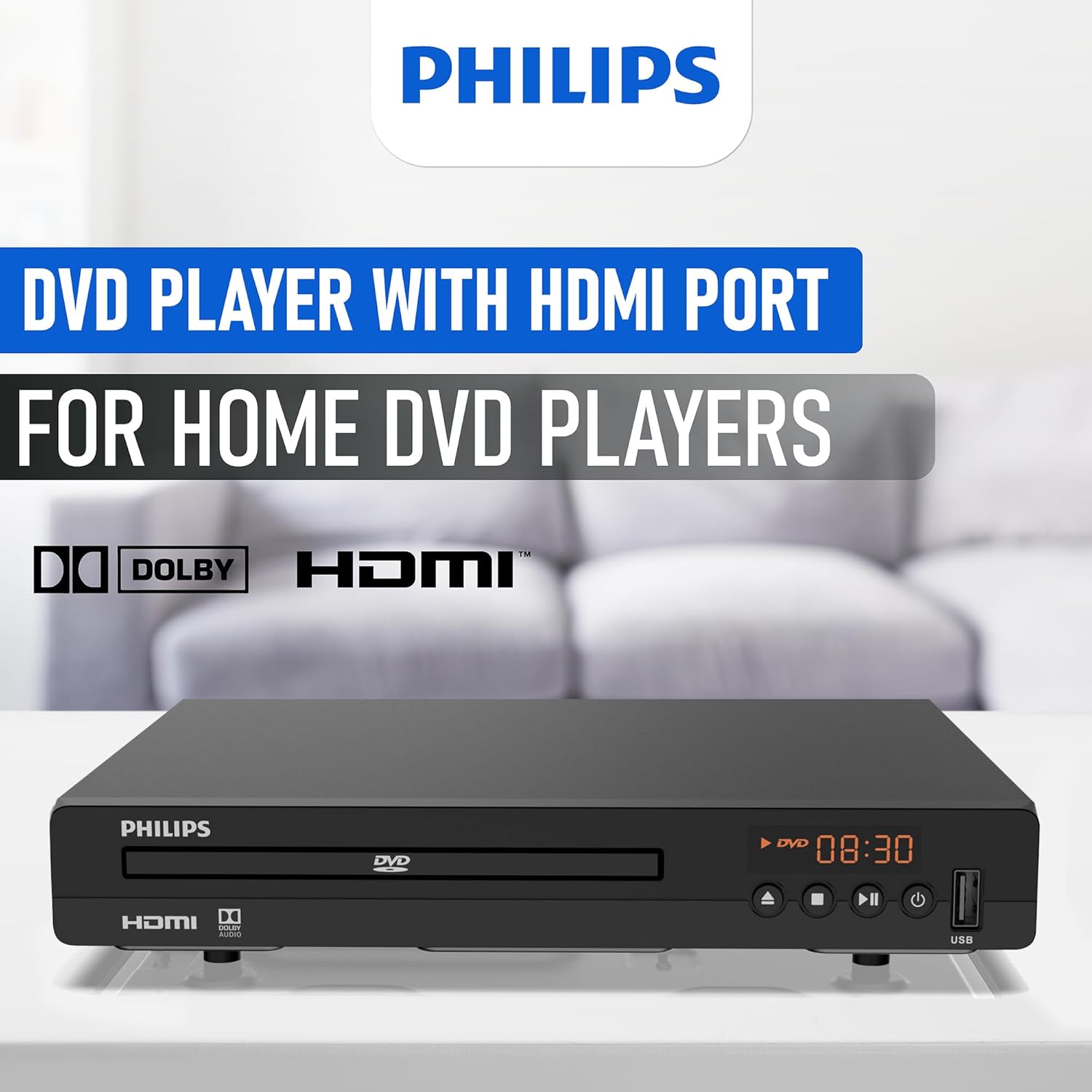
Illustration of the HDMI connection process, highlighting the 1080P upconversion capability from 480P resolution.
RCA Connection (For older TVs or alternative audio)
- Connect the red, white, and yellow RCA plugs from the RCA cable to the corresponding color-coded AV OUT jacks on the DVD player.
- Connect the other end of the RCA cable to the matching color-coded AV IN jacks on your television or home stereo system.
- Select the corresponding AV input on your television or stereo system.

Visual guide to various connection types, including HDMI for Smart TVs, projectors, and monitors, and RCA for older TVs, speakers, soundbars, amplifiers, and tuners.
1.3電源オン
After connecting the player to your TV, plug the power cord into an electrical outlet. Press the Power button on the front panel or the remote control to turn on the DVD player.
1.4 Region Free Setup Guide
This DVD player supports multiple regions (1,2,3,4,5,6). To adjust region settings:
- Connect your DVD player to a TV.
- Ensure no disc is in the compartment, or press the 開く/閉じる button to eject the disc tray. The TV screen should display 'NO DISC'.
- Using the remote control, input the number "5168" to access the Super Setup Mode.
- を押す UP button to highlight "REGION". Press the 右 button to highlight the region code. Press the UP button to highlight "TEST 0". Press the 入力 確認するにはボタンを押してください。
- プレス 設定 終了します。
Visual instructions detailing the process to configure the DVD player for region-free playback, including remote control input and screen prompts.
2. 操作手順
2.1 ディスクの再生
The Philips PLD2030P7 is compatible with CD, (S),VCD,DVD,DVD+R/RW,DVD-R/RW, or MP3 discs.
- を押す 開く/閉じる ボタンをクリックしてディスクトレイを開きます。
- ラベル面を上にしてディスクをトレイに静かに置きます。
- を押す 開く/閉じる button again to close the tray. The player will automatically begin playback or display a disc menu.
- Use the remote control to navigate menus and control playback (Play, Pause, Stop, Skip, Fast Forward/Rewind).
2.2 USBメディア再生
The player supports media playback from USB devices for JPEG, MP3, and MP4 files.
- Insert your USB device into the USB port on the front of the DVD player.
- The player should automatically detect the USB device and display a media browser. If not, press the USB リモコンのボタン。
- ナビゲートする fileリモコンを使用して、 遊ぶ or 入力 再生を開始します。

Demonstration of the USB input functionality, illustrating how to connect a USB device and the supported media formats including video (AVI, DIVX, MPG, MPEG, VOB), images (JPG), and music.
2.3 Screen Fit Feature
To optimize the picture to fill your screen, press the 画面フィット button on the remote control during playback. This feature adjusts the aspect ratio to match your display.
2.4 Audio and Video Quality
The player features a 10-bit/108 MHz video DAC for superior picture quality and a built-in Dolby decoder chip for immersive audio.

Visual representation emphasizing the DAC/Dolby audio technology, which provides an immersive audio experience.

Description of the 10-bit/108 MHz video processing, ensuring sharp and natural images.
3. メンテナンス
3.1 ユニットのクリーニング
To clean the exterior of the DVD player, use a soft, dry cloth. Do not use liquid or aerosol cleaners, as they may damage the finish. Ensure the unit is unplugged before cleaning.
3.2 ディスクケア
Handle discs by their edges to avoid fingerprints. Store discs in their cases when not in use to prevent scratches and dust accumulation. Clean discs with a soft, lint-free cloth, wiping from the center outwards.
4。 トラブルシューティング
DVD プレーヤーで問題が発生した場合は、次の一般的な問題と解決策を参照してください。
| 問題 | 考えられる原因 | 解決 |
|---|---|---|
| 電源なし | 電源コードが接続されていません。電源コンセントがアクティブではありません。 | 電源コードがしっかりと差し込まれていることを確認してください。別のデバイスでコンセントをテストしてください。 |
| テレビに映像が映らない | Incorrect input selected on TV; Loose video cable connection | Select correct HDMI/AV input on TV; Check HDMI/RCA cable connections |
| 音が出ない | TV/receiver volume too low; Loose audio cable connection | Increase volume; Check HDMI/RCA audio cable connections |
| ディスクが再生されない | Disc is dirty or scratched; Incorrect disc type; Region code mismatch | Clean disc; Ensure disc is compatible (DVD, CD, VCD); Verify region settings (refer to 1.4) |
| リモコンが動作しない | 電池が切れているか、正しく挿入されていない。リモコンとプレーヤーの間に障害物がある。 | Replace batteries; Ensure correct polarity; Remove obstructions; Point remote directly at player |
5. 仕様
Below are the technical specifications for the Philips PLD2030P7 DVD Player:
| 特徴 | 詳細 |
|---|---|
| ブランド | フィリップス |
| モデル名 | PLD2030P7 |
| メディアタイプ | CD、DVD、VCD |
| 特集 | Compact, Progressive Scan |
| 解決 | 1280x800 (Internal processing), Video Output: 1080p |
| コネクタタイプ | HDMI |
| 接続技術 | HDMI |
| 色 | 黒 |
| アイテム重量 | 2.3 ポンド |
| オーディオ出力モード | 囲む |
| サポートされているオーディオ形式 | ドルビーデジタル |
| サラウンドサウンドチャンネル構成 | 5.1 |
| HDMIポートの総数 | 1 |
| ビデオエンコーディング | MPEG-2 |
| 対応デバイス | AV Receiver, Home Stereo System, Television |
| File フォーマット(USB) | JPEG, MP3, MP4 |
| 内蔵メディア | DVD Player, HDMI Cable, RCA Cable, Remote Control |
| 欧州連合 | 850041387796 |
| ASIN | B0F4F53JSS |
| GTIN | 850041387796 |

Diagram illustrating the compact dimensions of the DVD player: 22.5 cm (width), 18.4 cm (depth), and 3.3 cm (height).
6. 保証情報
For detailed warranty information, please refer to the warranty card included in your product packaging or contact Philips customer support. The manufacturer's warranty covers defects in materials and workmanship under normal use.
7. カスタマーサポート
If you require further assistance or have questions not covered in this manual, please contact Philips customer support through their official webサイトまたは製品ドキュメントに記載されている連絡先情報を参照してください。


