
1. はじめに
Thank you for choosing the Cuifati MP3 Player. This device is designed to provide a versatile portable audio experience, featuring Bluetooth connectivity, HiFi sound quality, a voice recorder, FM radio, and e-book functionality. This manual will guide you through the setup, operation, and maintenance of your new MP3 player.
2. パッケージ内容
以下の項目のボックスにチェックを入れてください。
- Cuifati MP3 Player
- USBケーブル(タイプC)
- ユーザーマニュアル
- Optional: Small Memory Card (16G/32G/64G, depending on purchase)
3.製品オーバーview
デバイスのレイアウトとコントロールをよく理解してください。

Image: Cuifati MP3 Player displaying its main menu interface with various function icons.

画像: 正面 view of the Cuifati MP3 Player, highlighting its screen and control buttons.
The device features a 2.01-inch screen and intuitive navigation buttons for easy access to its functions.
4. セットアップ
4.1初期電源オン
To turn on the device for the first time, press and hold the power button located on the side or top of the player until the screen illuminates.
4.2デバイスの充電
Before first use, fully charge the MP3 player. Connect the provided USB Type-C cable to the charging port on the device and the other end to a USB power adapter (not included) or a computer's USB port. A full charge typically takes approximately 2 hours and provides up to 48 hours of battery life.

Image: MP3 Player with its USB Type-C charging cable.
4.3 ストレージの拡張
The MP3 player supports memory card expansion up to 128GB. Insert a compatible microSD card into the designated slot to store more music, videos, and other files.
5. 操作手順
5.1 基本的なナビゲーション
Use the circular navigation buttons to move through menus and select options. The central button typically acts as 'Enter' or 'Play/Pause', while the surrounding buttons control direction (Up, Down, Left, Right). A dedicated 'M' button often accesses menu options, and a 'Return' button navigates back.
5.2音楽の再生
The player supports various music formats including MP3, WMA, WAV, APE, FLAC, AAC-LC, M4A, and OGG. Navigate to the 'Music' icon on the main menu to browse and play your audio files. The device features HiFi lossless sound quality for an enhanced listening experience.
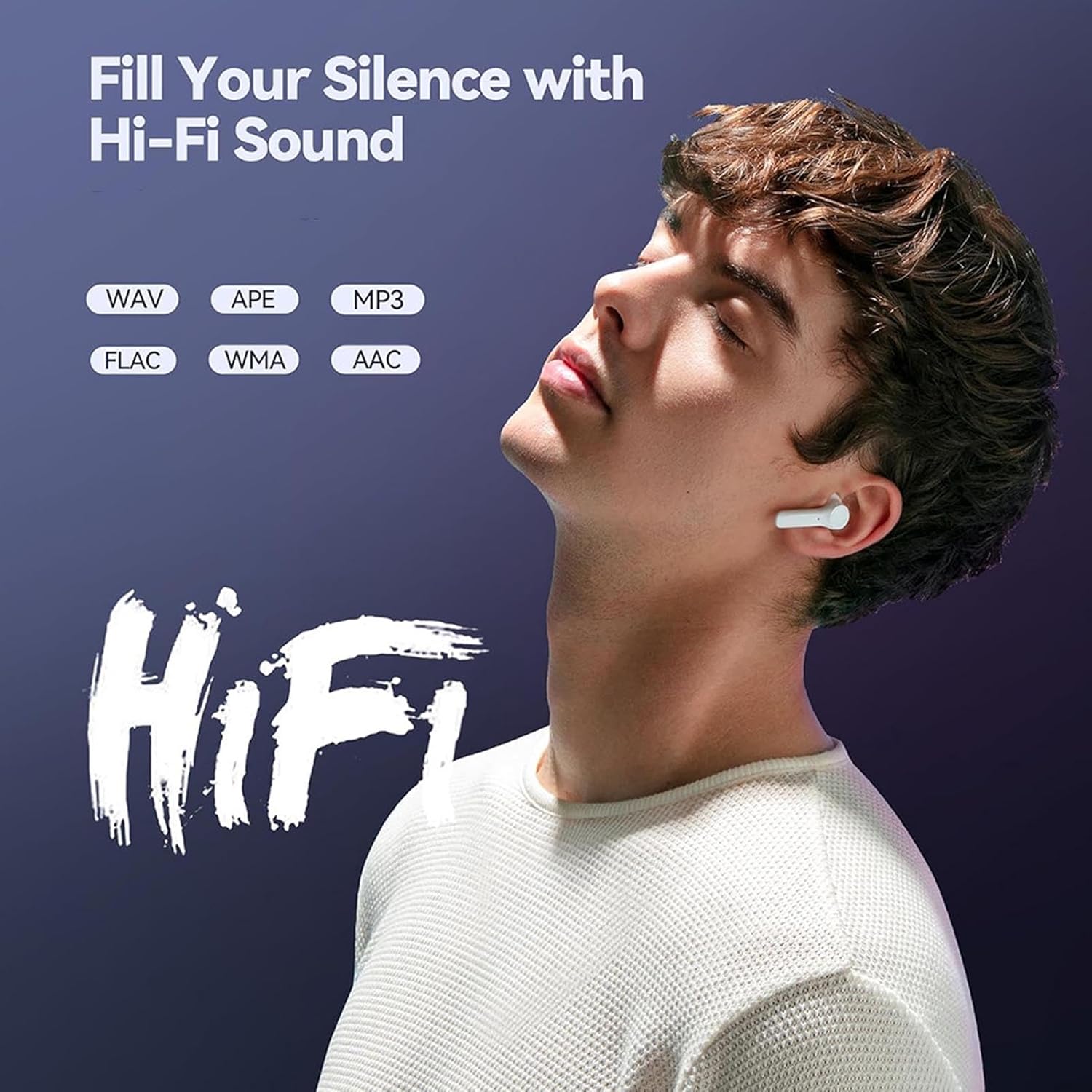
Image: Illustrates the HiFi sound quality feature of the MP3 player.
5.3 Bluetooth接続
The MP3 player is equipped with Bluetooth 5.4 for stable wireless audio transmission. To connect to Bluetooth headphones or speakers:
- プレーヤーの「Bluetooth」メニューに移動します。
- Bluetooth ヘッドフォンまたはスピーカーがペアリング モードになっていることを確認します。
- 'を選択検索する devices' on the MP3 player.
- リストからペアリングするデバイスを選択します。
Note: The Bluetooth function only supports connection to Bluetooth headphones and Bluetooth speakers. It does not support file transfer or connection to smartphones.
5.4FMラジオ
To use the FM radio function, connect wired headphones to the 3.5mm headphone jack. The wired headphones act as an antenna. Navigate to the 'FM' icon on the main menu to access radio functions, scan for stations, and listen.

Image: Demonstrates listening to FM radio with wired headphones.
5.5 ボイスレコーダー
The device includes a voice recording function with lossless sound quality. Select the 'Record' icon to start, pause, and save audio recordings. This feature is useful for meetings, interviewまたは個人的なメモ。
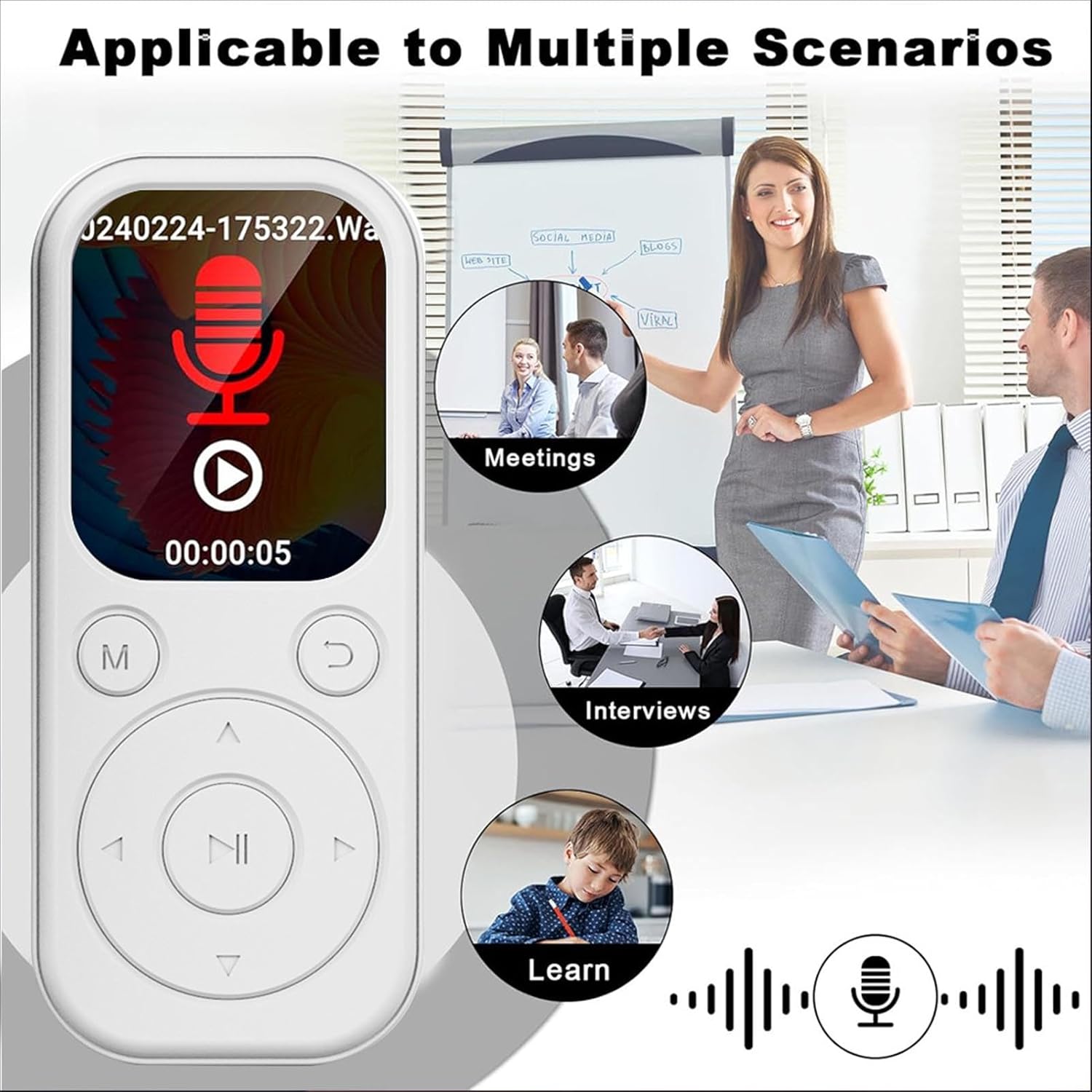
Image: MP3 Player showing its recording function, suitable for various scenarios.
5.6 電子書籍リーダー
The MP3 player supports TXT format e-books. Transfer your TXT files to the device's storage and select the 'Ebook' icon to read them on the 2.01-inch screen.
5.7 Video and Picture Viewer
The device can play videos with a resolution of 240x288 in AVI format and display pictures. Use the 'Video' and 'Picture' icons to access these functions.
6. メンテナンス
- デバイスを乾燥した状態に保ってください。湿気や液体にさらさないでください。
- 画面と本体は柔らかく乾いた布で拭いてください。研磨剤入りの洗剤は使用しないでください。
- 極端な温度を避けてください。デバイスを直射日光や極寒の環境にさらさないでください。
- 丁寧に取り扱ってください。落としたり、強い衝撃を与えたりしないでください。
- 使用しないときは安全な場所に保管してください。
7。 トラブルシューティング
7.1 デバイスが起動しない
- バッテリーが充電されていることを確認してください。デバイスを電源に接続し、少なくとも15分間充電してから、再度電源を入れてください。
- If the device is unresponsive, try performing a soft reset (refer to the device's specific reset procedure if available, or hold the power button for an extended period).
7.2 Bluetoothデバイスに接続できない
- Ensure both the MP3 player and the Bluetooth audio device are in pairing mode.
- Verify that the Bluetooth audio device is within range (typically 10 meters or 33 feet).
- Confirm that the Bluetooth function on the MP3 player is enabled.
- Remember that the MP3 player's Bluetooth only connects to headphones and speakers, not other devices like phones.
7.3 No Sound from Headphones
- 音量が上がっているかどうか確認してください。
- ヘッドフォンが 3.5mm ジャックに正しく差し込まれていることを確認します。
- Test with another pair of headphones to rule out a faulty headphone issue.
8. 仕様
| アイテムタイプ | MP3プレーヤー |
| モデル番号 | CUIFATIu1wiqvc6xd-13 |
| 材料 | アブソリュート |
| 寸法(長さx幅x高さ) | 92 x 39.8 x 8mm / 3.62 x 1.57 x 0.31in |
| 重さ | 26g / 0.9 oz (approx.) |
| 色 | 白 |
| バッテリー | 500mAhリチウムイオンバッテリー内蔵 |
| 画面 | 2.01インチ |
| Bluetoothバージョン | 5.4 |
| 充電ポート | タイプC |
| ヘッドホンジャック | 3.5mm |
| ビデオ解像度 | 240x288 |
| ビデオフォーマット | 動画 |
| 電子書籍形式 | TXT |
| サポートされているオペレーティングシステム | Vista、OS X 10、12以上 |
| ソフトウェア言語 | 英語、フランス語、ドイツ語、ロシア語、スペイン語、韓国語 |
9. 保証とサポート
For warranty information and customer support, please refer to the documentation provided with your purchase or contact the retailer. Specific warranty terms may vary by region and seller.