
1. はじめに
This manual provides essential information for setting up, operating, and maintaining your TCL 98Q7K 98-inch QLED 4K Google TV. This television features a stunning QLED 4K display with a 144 Hz panel for smooth motion, integrated Google TV for smart functionality, and advanced audio with Dolby Atmos. It also includes Google Assistant and Alexa compatibility for hands-free voice control, VisionHDR10+, and AiPQ™ processing for optimized picture quality.

2. セットアップ
2.1 開梱と初期検査
Carefully remove the television from its packaging. Inspect the TV and all included accessories for any signs of damage. Keep the packaging materials for future transport or service needs.
2.2 スタンドの取り付け
If you plan to use the TV with its included stand, follow these steps:
- 傷がつかないように、テレビ画面を下にして柔らかく平らな面に置いてください。
- スタンドのコンポーネントをテレビの下部にある指定されたスロットに合わせます。
- Secure the stand using the screws provided in the accessory kit. Ensure all screws are tightened firmly.

2.3 壁掛け(オプション)
For wall mounting, a compatible VESA wall mount (not included) is required. Due to the size and weight of the 98-inch television, professional installation is highly recommended to ensure safety and proper mounting. Refer to the wall mount manufacturer's instructions for specific installation details.
2.4 周辺機器の接続
Connect your external devices such as Blu-ray players, gaming consoles, sound systems, and cable/satellite boxes to the appropriate ports on the TV. The TCL 98Q7K features 4 HDMI ports and 2 USB ports for versatile connectivity.
3. 操作手順
3.1 電源オン/オフ
Connect the power cord to the TV and a power outlet. Press the power button on the remote control or on the TV itself to turn the television on or off.
3.2 Initial Setup with Google TV
Upon first power-on, the TV will guide you through the initial setup process for Google TV. This includes selecting your language, connecting to a Wi-Fi network, signing in with your Google account, and configuring basic settings. Follow the on-screen prompts.

3.3リモコン機能
The included remote control allows you to navigate the TV's interface, adjust volume, change channels, and access smart features. It supports voice control via Google Assistant and Alexa. Insert the provided batteries into the remote control before use.
3.4 スマート機能と音声制御
- Google TV: Access a wide range of streaming apps, movies, and shows.
- Google Assistant & Alexa: Use voice commands for hands-free control of your TV, search for content, get information, and control smart home devices.
- Chromecastビルトイン: 互換性のあるモバイル デバイスからテレビに直接コンテンツをキャストします。
3.5 ゲーム機能
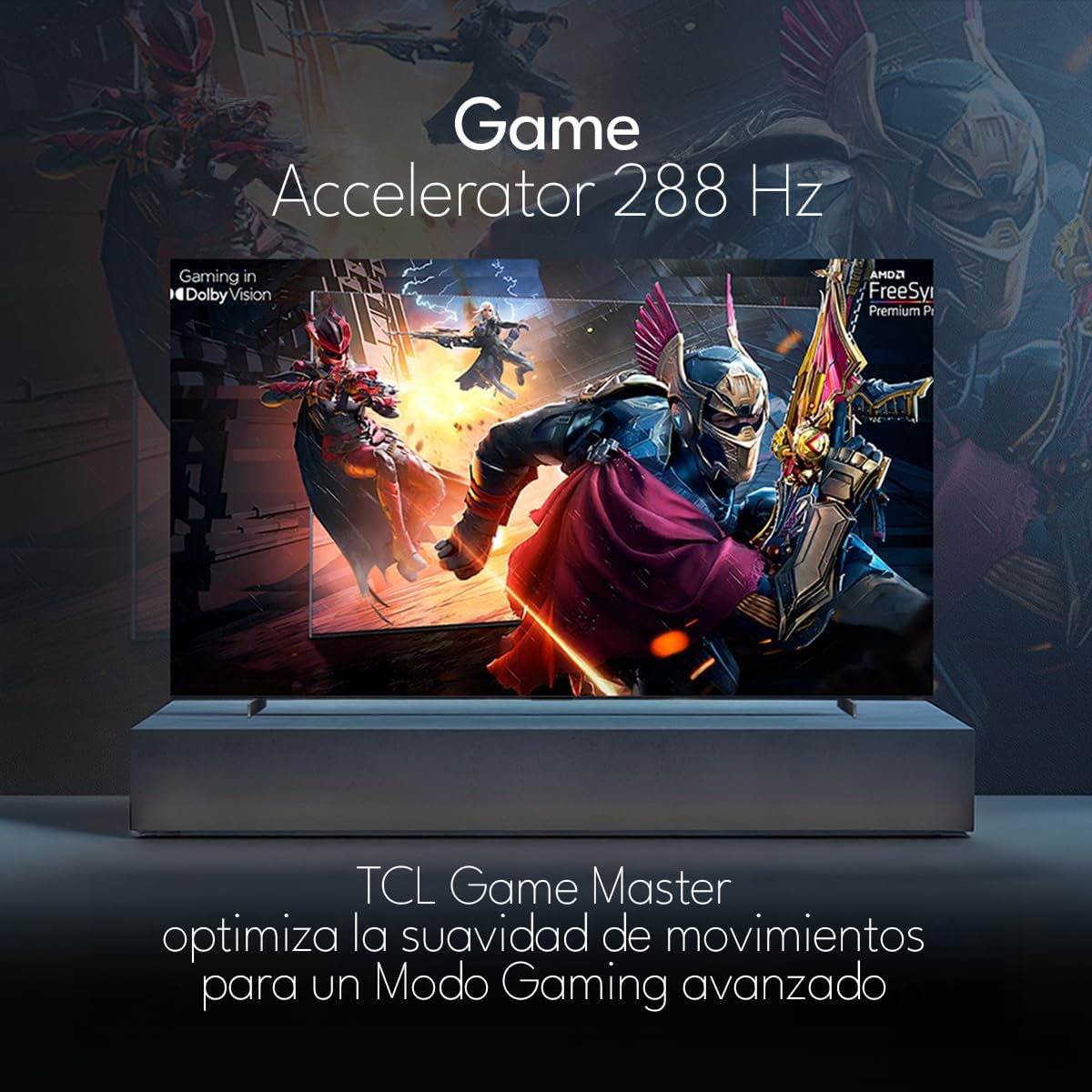
The TCL 98Q7K features a 144 Hz panel and Game Accelerator technology for an enhanced gaming experience with reduced latency and smoother motion.

3.6 オーディオ機能
Experience immersive sound with Dolby Atmos and the integrated ONKYO Hi-Fi System 2.1 Channels, providing clear vocals and deep bass.

3.7 製品終了view ビデオ
4. メンテナンス
4.1 画面のクリーニング
画面をきれいにするには、柔らかく糸くずの出ない布で優しく拭いてください。頑固な汚れには、軽くamp布を水または専用のスクリーンクリーナーで拭いてください。刺激の強い化学薬品や研磨剤の使用、また画面への液体の直接吹き付けは避けてください。
4.2 テレビ本体の掃除
Wipe the TV body with a soft, dry cloth. Do not use liquid cleaners directly on the TV body.
4.3ソフトウェアアップデート
Your TCL Google TV may receive automatic software updates. To manually check for updates, navigate to the settings menu, then select System > About > System update. Ensure your TV is connected to the internet for updates.
5。 トラブルシューティング
テレビで問題が発生した場合は、次の一般的な解決策を参照してください。
- 電源なし:
電源コードがテレビとコンセントの両方にしっかりと差し込まれていることを確認してください。別の機器を同じコンセントに差し込んで、電源が入っていることを確認してください。 - 画像または音声なし:
Verify that the correct input source is selected (e.g., HDMI 1, AV). Check all cable connections between the TV and external devices. Ensure the volume is not muted or set to minimum. - リモコンが動作しない:
リモコンの電池を交換してください。リモコンとテレビの赤外線センサーの間に障害物がないことを確認してください。 - ネットワーク接続の問題:
Check your Wi-Fi router and ensure it is powered on and functioning correctly. Restart the TV and your router. In the TV settings, verify the Wi-Fi connection status. - 画質の問題(例:ぼやけている、歪んでいる):
Check the resolution settings of your input source. Ensure the cables are not damaged. Adjust picture settings (brightness, contrast, sharpness) in the TV menu.
For persistent issues, consult the full electronic manual available through the TV's help menu or contact TCL customer support.
6. 仕様
| 特徴 | 仕様 |
|---|---|
| 画面サイズ | 98インチ |
| ディスプレイ技術 | クォリティLED |
| 解決 | 4K (3840 x 2160) |
| リフレッシュレート | 144Hz |
| HDRフォーマットのサポート | ドルビービジョン、HDR10、HDR10+、HLG |
| ピーク輝度 | 450 ニット |
| サウンドシステム | Dolby Atmos, Dolby Digital, ONKYO Hi-Fi System 2.1 Channels |
| オペレーティング·システム | Google TV |
| 音声コントロール | Googleアシスタント、Alexa |
| 接続性 | Wi-Fi, Ethernet, 4x HDMI, 2x USB |
| 寸法(スタンド付き) | 217.8 x 128.5 x 42 cm |
| 寸法(スタンドなし) | 0.06prof. x 2.18an. x 1.25alt. Meters (approx. 6 cm depth) |
| モデル年 | 2025 |
| 含まれるコンポーネント | マニュアル、リモコン、電池 |
7. 保証とサポート
7.1製品保証
The TCL 98Q7K television comes with a 2年間の限定保証 ご購入日から1年間有効です。本保証は、通常の使用における製造上の欠陥および故障を対象としています。保証請求の際は、購入証明書を保管してください。
7.2 カスタマーサポート
For technical assistance, troubleshooting beyond this manual, or warranty inquiries, please contact TCL customer support. Refer to the contact information provided in the separate warranty card or visit the official TCL webあなたの地域のサイト。