
1. はじめに
The Amazon Basics 3-Axis Smartphone Gimbal Stabilizer (AB-M01) is designed to provide smooth, stable footage for smartphone videography. This manual provides essential information for setting up, operating, and maintaining your gimbal to achieve professional-quality videos and photos.
2. 箱の中身
パッケージにすべてのコンポーネントが含まれていることを確認します。
- ジンバルスタビライザー
- 三脚
- USB-C充電ケーブル
- ユーザーマニュアル
- 収納バッグ

Image: All items included in the Amazon Basics 3-Axis Smartphone Gimbal Stabilizer package.
3.製品オーバーview およびコントロール
Familiarize yourself with the main parts and control buttons of your gimbal:

Image: Labeled diagram of the gimbal's controls and components.
- Button/Power Button: Used to switch gimbal modes, toggle horizontal/vertical shooting, and display remaining power.
- ロッカー: Controls the gimbal's movement for precise adjustments.
- トリガーキー: Activates features like lock follow, gimbal return, inception mode, lock mode, and mad dog mode.
- フィルライト電源ボタン: Controls the integrated fill light's brightness and modes.
- カメラボタン: Initiates photo capture or video recording, and switches between front and rear cameras.
4. セットアップと初回使用
4.1 ジンバルの展開
The gimbal features a foldable design for portability. Gently unfold the gimbal until it locks into its operational position.

Image: The gimbal in its folded and unfolded states, highlighting its compact design.
4.2 スマートフォンの取り付けとバランス調整
- 電話のclを延長するamp スマートフォンを中央にしっかりと置きます。
- 携帯電話のバランスを確認してください。携帯電話が片側に傾いている場合は、cl内での位置を調整してください。amp until it remains level when the gimbal is off. Proper balancing is crucial for optimal performance and battery life.
4.3 電源のオン/オフ
Press and hold the Power Button for a few seconds to turn the gimbal on or off. The indicator lights will illuminate or extinguish accordingly.
4.4 アプリのインストール
For full functionality, download and install the "Gimbal Show" app on your smartphone. Scan the QR code provided in the product packaging or search for it in your device's app store. Connect the gimbal to the app via Bluetooth.

Image: QR code for downloading the Gimbal Show App and a preview アプリの機能。
5。 動作モード
The gimbal offers multiple operational modes to suit various shooting scenarios:

Image: Visual representation of the gimbal's 3-axis operational modes.
- Semi-Follow Mode (Pan Follow): ジンバルは、チルト軸とロール軸をロックしたまま、パンの動きに追従します。
- All-Follow Mode (Pan + Tilt Follow): ジンバルはパンとチルトの両方の動きに追従し、動的なトラッキングを提供します。
- Full Lock Mode (Three-Axis Lock Mode): All three axes are locked, keeping the camera fixed on a single point regardless of gimbal movement.
- POV Mode (Three-Axis Following/FPV Mode): The gimbal follows all three axes, allowing for immersive first-person view ショット。
5.1 水平および垂直スイッチング
Double-press the M Key (Mode Button) to quickly switch between horizontal and vertical shooting orientations, ideal for different social media platforms.
5.2 クリエイティブモード
Utilize the "Gimbal Show" app to unlock creative shooting modes such as slow motion, hyper-lapse, panorama, and Inception Mode for dynamic visual effects.

Image: Multiple shooting modes available through the companion app.
6. AI追跡機能
The gimbal incorporates advanced AI for intelligent subject tracking:

Image: Smart AI Tracking features for face and body focus.
- AI Smart Tracking: Automatically locks onto and follows your chosen subject or face, keeping them centered in the frame.
- ジェスチャーコントロール: Use specific hand gestures to initiate recording or other functions without touching the gimbal or phone.
- Hitchcock Zoom Effect: Create dramatic zoom-in effects while maintaining focus on your subject, available through the app.
7. Adjustable Fill Light
Enhance your shots in various lighting conditions with the built-in adjustable fill light:
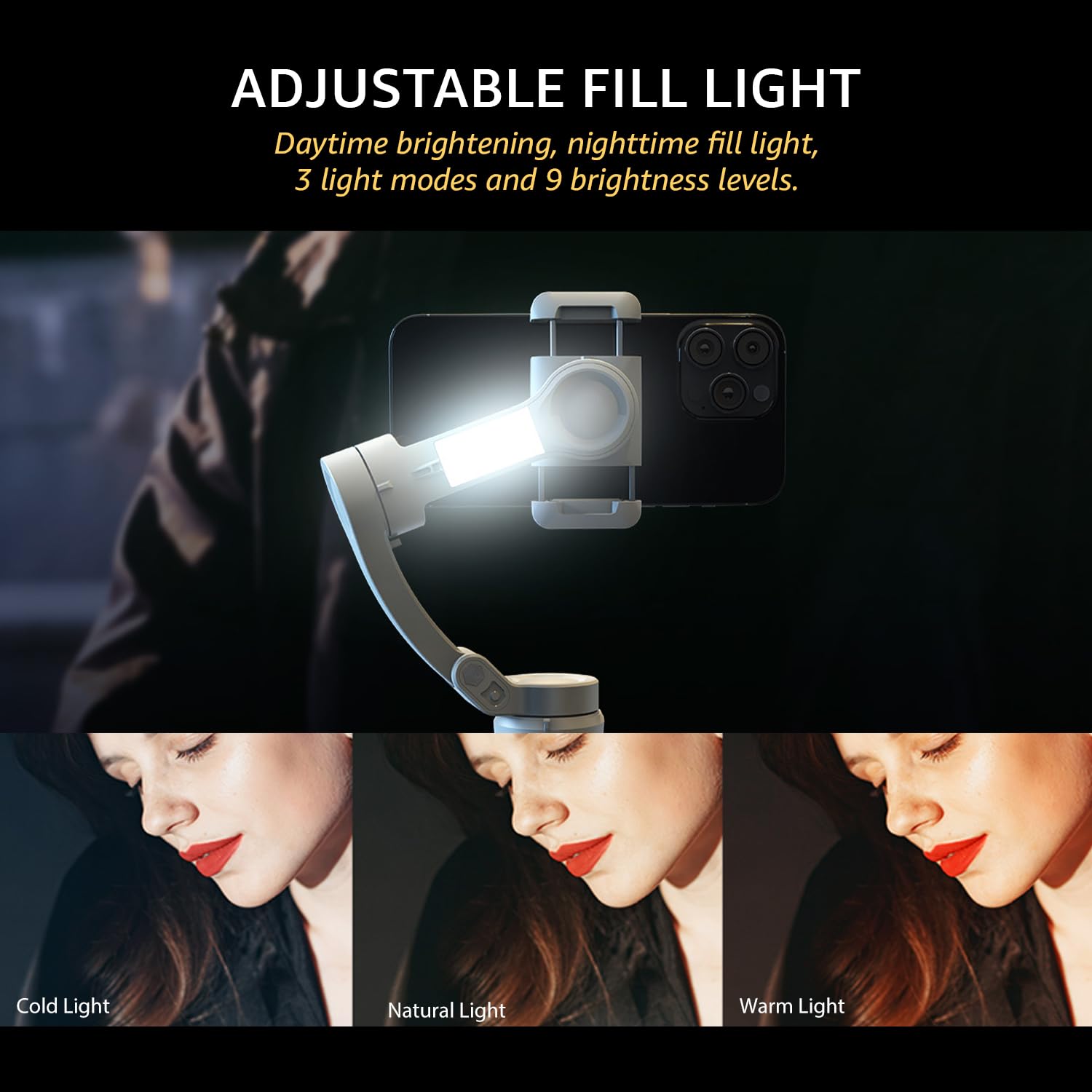
Image: The adjustable fill light with different color temperatures.
- The fill light offers 3 light modes (Cold, Natural, Warm) and 9 brightness levels.
- Press the Fill Light Power Button to cycle through modes and adjust brightness.
8. バッテリーと充電
The gimbal is equipped with a high-capacity battery for extended use:
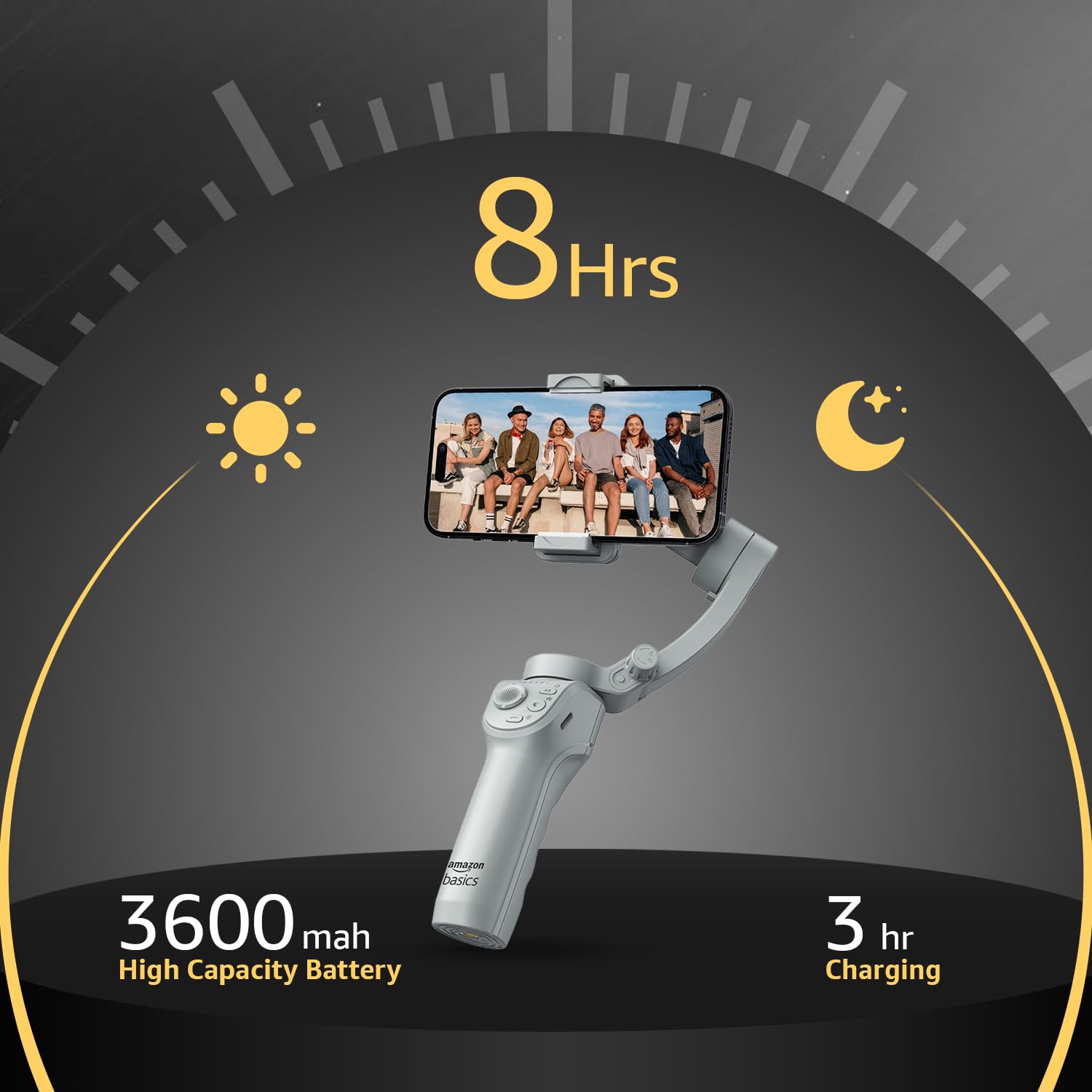
画像: バッテリー寿命と充電の詳細。
- バッテリー寿命: フル充電で最大8時間連続動作します。
- 充電: Use the provided USB-C cable to charge the gimbal. A full charge typically takes approximately 3 hours.
- The battery indicator lights on the gimbal will show the current charge level.
9. メンテナンス
ジンバルの寿命を延ばし、最適なパフォーマンスを確保するには、次のメンテナンス ガイドラインに従ってください。
- クリーニング: ジンバルの清掃には、柔らかく乾いた布をご使用ください。液体クリーナーや溶剤の使用は避けてください。
- ストレージ: 使用しないときは、ジンバルを折りたたんで付属の収納バッグに保管し、ほこりや損傷から保護してください。涼しく乾燥した場所に保管してください。
- バッテリーのケア: 長期保管の場合は、過放電を防ぐために、3 か月ごとにバッテリーを約 50 ~ 60% まで充電してください。
- 衝撃を避ける: モーターや内部コンポーネントを損傷する恐れがあるため、落下や強い衝撃からジンバルを保護してください。
10。 トラブルシューティング
ジンバルに問題が発生した場合は、次の一般的な問題と解決策を参照してください。
| 問題 | 考えられる原因 | 解決 |
|---|---|---|
| ジンバルの電源が入らない | バッテリー残量が少ない; 電源ボタンが正しく押されていない | ジンバルを完全に充電します。電源ボタンを 3 秒間押し続けます。 |
| 不安定なfootage/vibration | Smartphone not balanced; Gimbal not calibrated | スマートフォンをCLで再バランスするamp; Perform a gimbal calibration via the "Gimbal Show" app. |
| App not connecting to gimbal | Bluetooth off; App permissions; Gimbal not discoverable | Ensure Bluetooth is enabled on your phone; Grant necessary permissions to the app; Restart both gimbal and phone. |
| AIトラッキングが機能しない | 照明が悪い、被写体が遠すぎる/近すぎる、アプリに問題がある | Ensure adequate lighting; Maintain optimal distance from subject; Restart the app and gimbal. |
11. 仕様
| 特徴 | 詳細 |
|---|---|
| モデル番号 | AB-M01 |
| 製品寸法(折りたたみ時) | 166mm x 105.2mm x 45.9mm |
| Tripod Dimensions (folded) | 94.7mm x 32.3mm x 32.3mm |
| アイテム重量 | 388グラム |
| バッテリー寿命 | 最大8時間 |
| 充電時間 | 約3時間(USB-C経由) |
| 特集 | AI Face & Body Tracking, Adjustable Fill Light |
| 対応デバイス | スマートフォン(iPhone、Android) |
| 材料 | アルミニウム |
12. 公式製品ビデオ
ビデオ: オーバーview of the Amazon Basics 3-Axis Smartphone Gimbal Stabilizer, demonstrating its folding design, 3-axis stability, multiple shooting modes, AI intelligent tracking for faces and objects, inception auto shooting, and the beauty fill light feature. This video highlights the gimbal's ease of use and advanced capabilities for mobile photography and videography.
13. 保証とサポート
For warranty information and customer support, please refer to the warranty card included in your product packaging or visit the official Amazon Basics support page. Keep your purchase receipt for warranty claims.